since yesterday and 1.9 update I cant print anymore with the 0,2 noozle . I have this message .
i watch the settingd and its is notice 0,2 in extruder profil . i need to install the 1.8 to be able to print . can someone tell me if I have miss a setting please ? with 1.8 I have no problems.
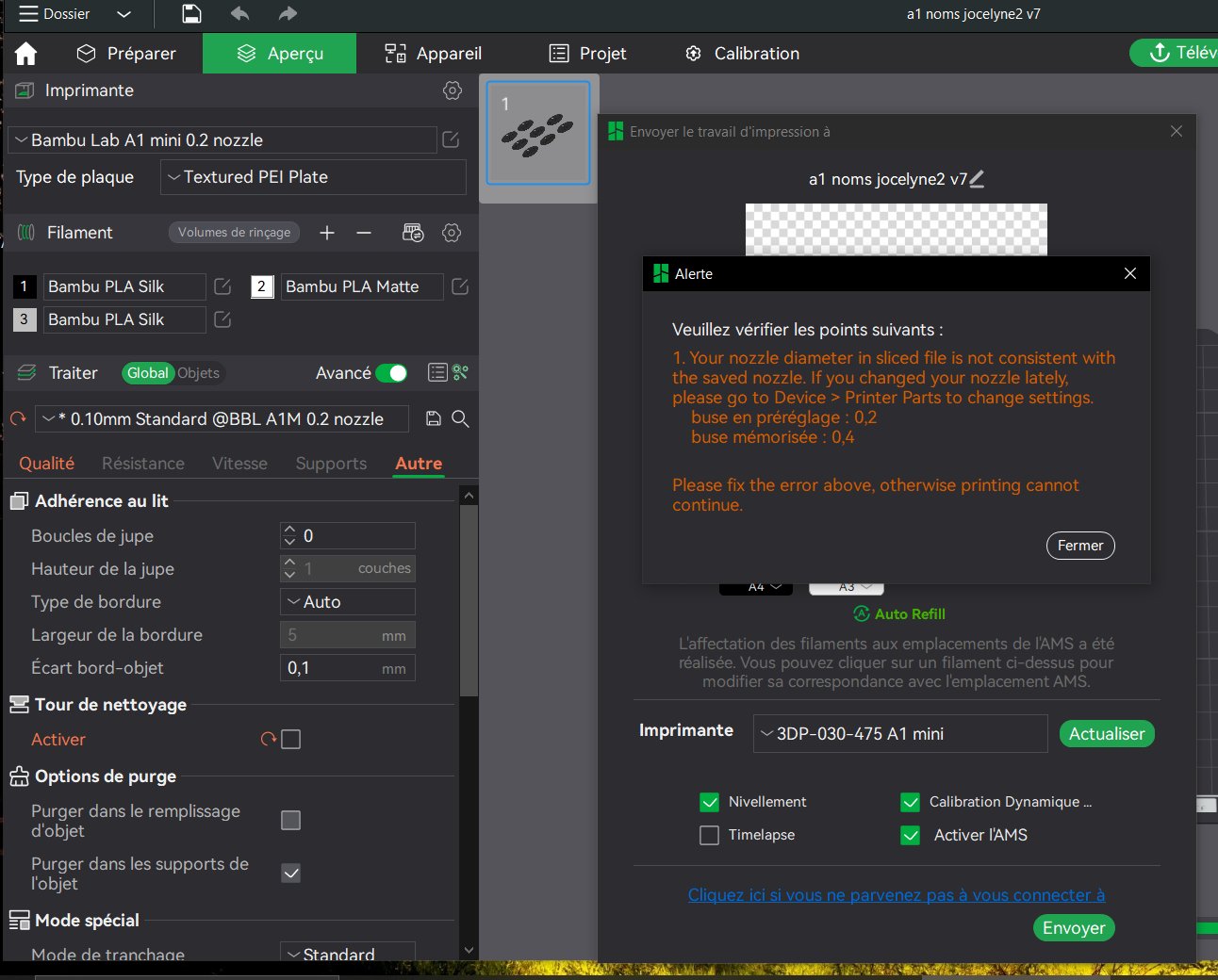
I believe the problem is that the printer think it has a 0.4 nozzle installed, and therefore warns you that you are trying to print with a 0.2 nozzle.
On your printer go to the maintenance menu (if I recall correctly) and set the right nozzle.
Bizarre en effet.
Indeed before you could just hit ok when this warning showing and you were good to go.
Apparently now you have to select the correct nozzle size on the printer itself or maybe you can do it on the device tab on Bambustudio, I’m not sure, that’s not super clear.
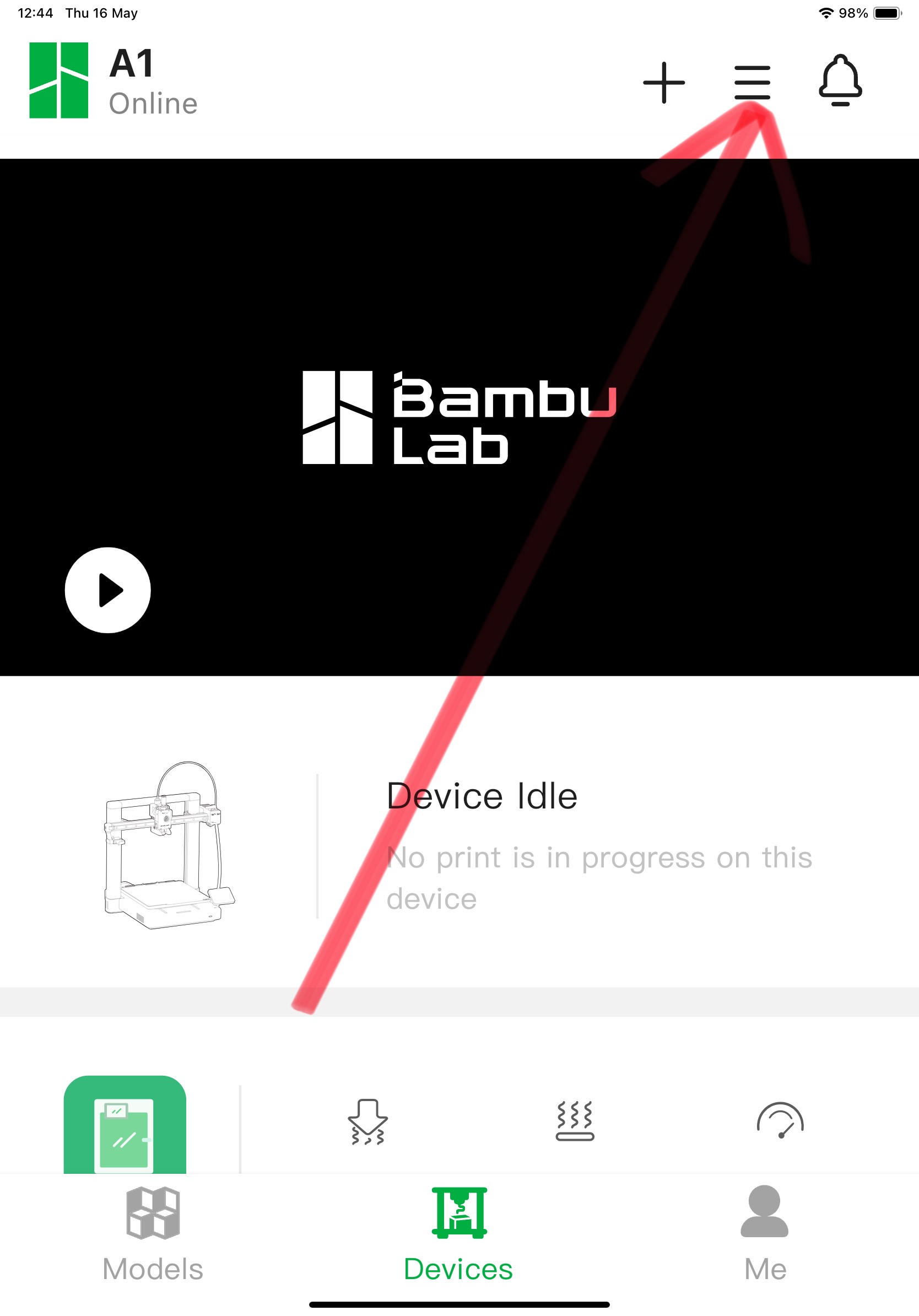
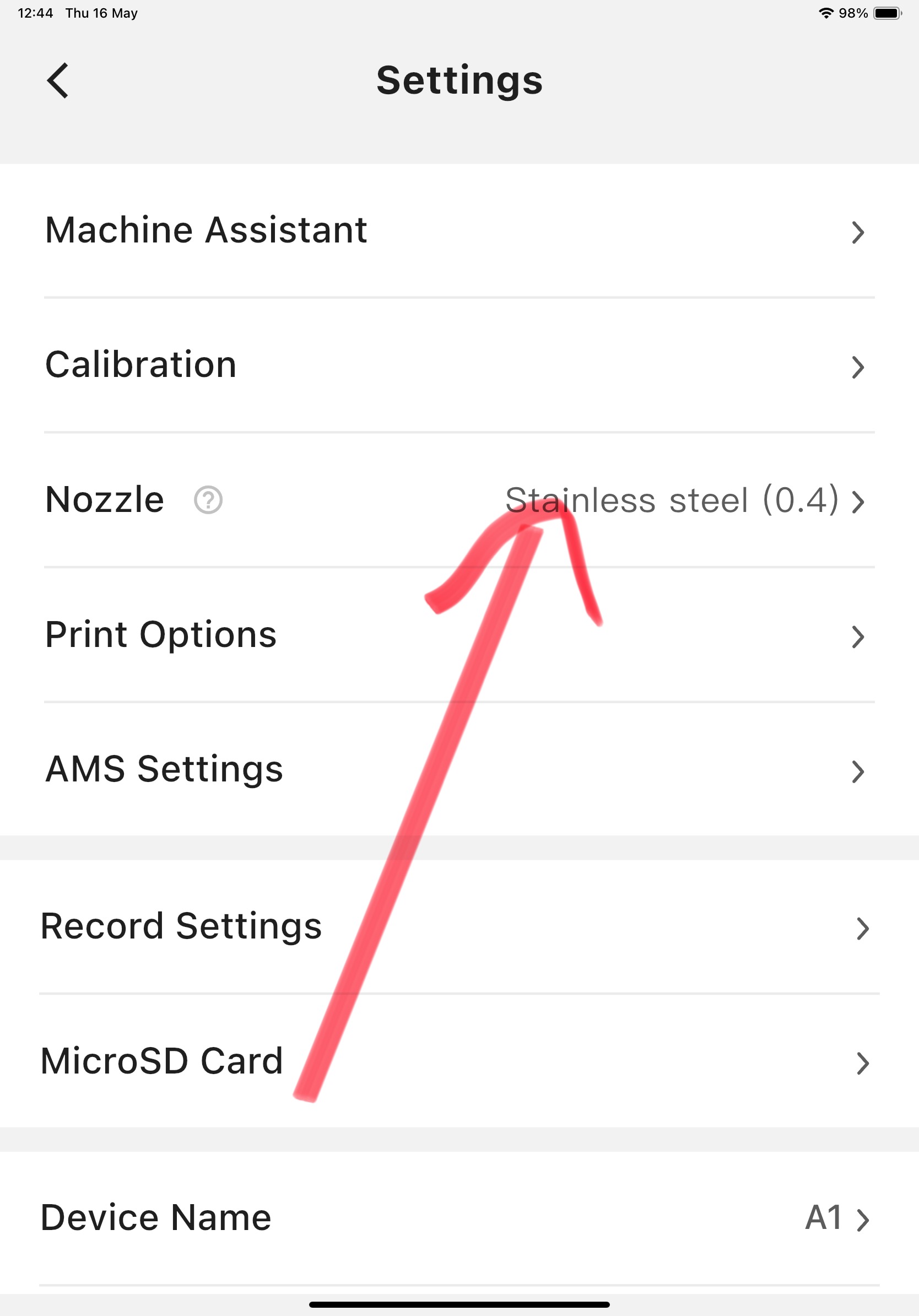
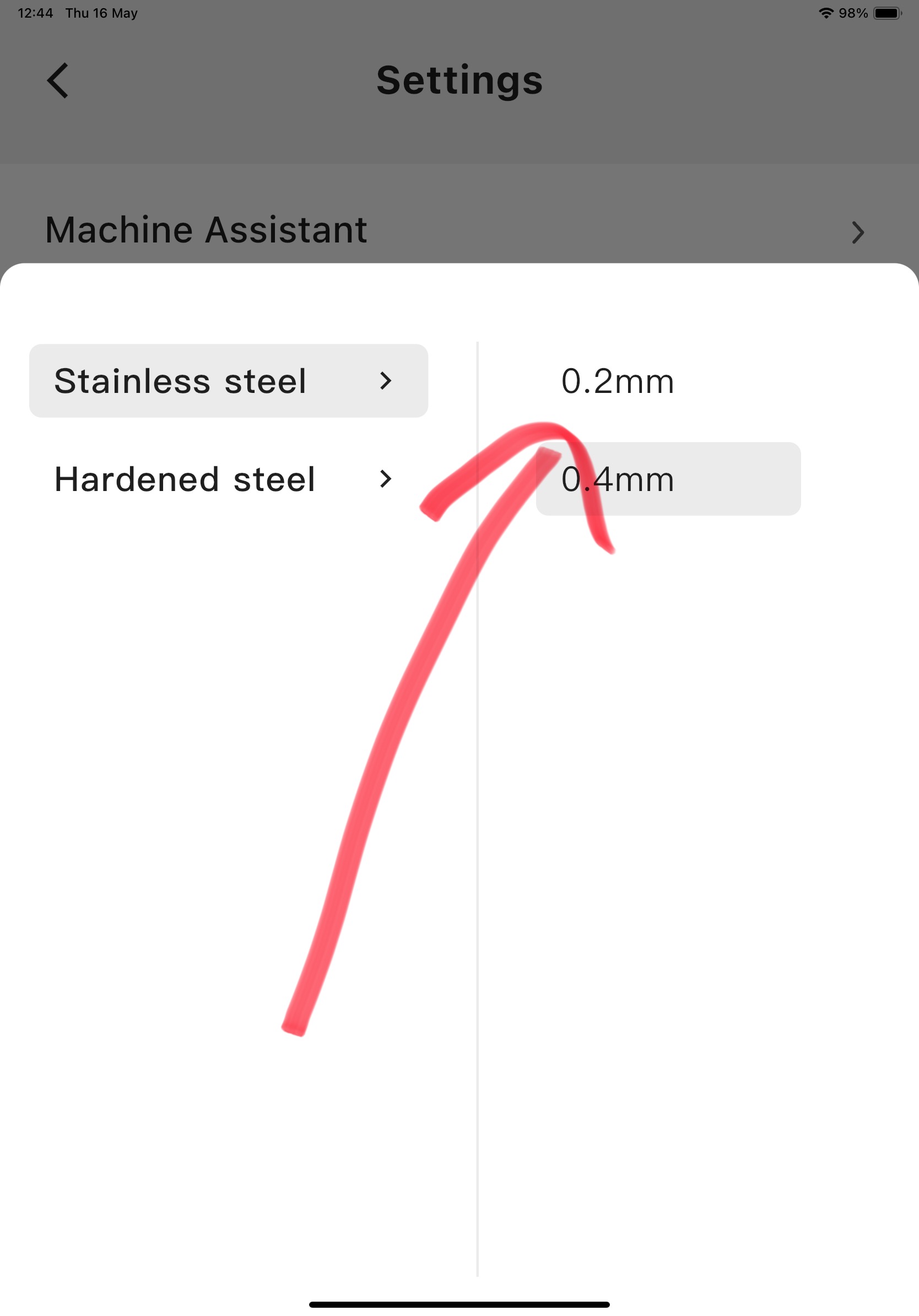
Thank’you i’will try this
Thank you all its work . But it could be better to have the alert like before that we are set a new noozle size . And not have to go on the phone to change it when we are in studio at office.
I tend to make going to Settings > Maintenance on the printer (still not sure why it’s under that heading) part of the routine when changing the nozzle, it saves a lot of headaches