During some prints, my printer moves the nozzle to the upper-right corner, then returns to the model. While it’s away, filament oozes from the hot nozzle and leaves a string that sticks to the print when printing resumes.
Has anyone seen this? My timelapse is set to Instant.
Printer model: A1 Filament type and brand: Any Bambu Filament Nozzle temperature: 220 Bambu Studio version: 2.9
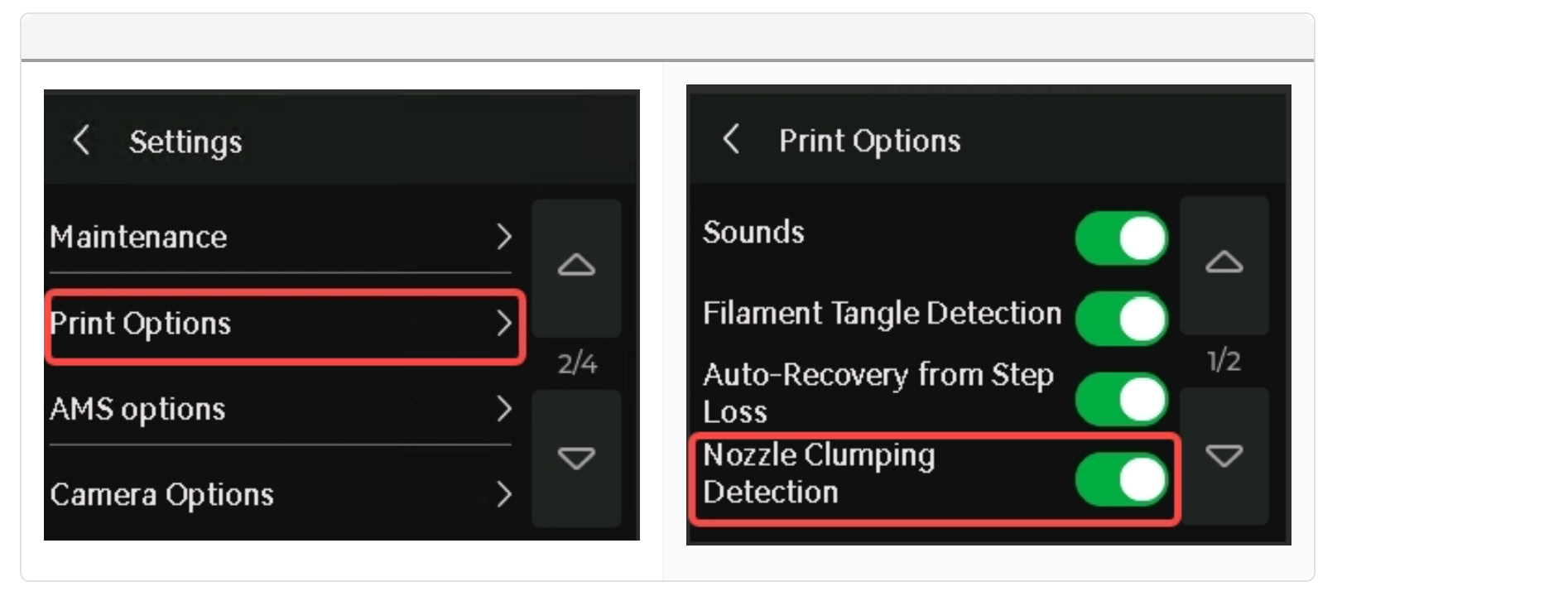
If I’m interpreting your description correctly, that’s the A1 Series Nozzle Clumping Detection. To do this, it moves to the side and tries to detect whether there’s a blob stuck to the nozzle.
That’s right. That the exactly movement it does.. And then it continues the printing. But during this movement, specialy when it comes from a high Z position, the filament continues to “exit” the nozzle, creating a string.
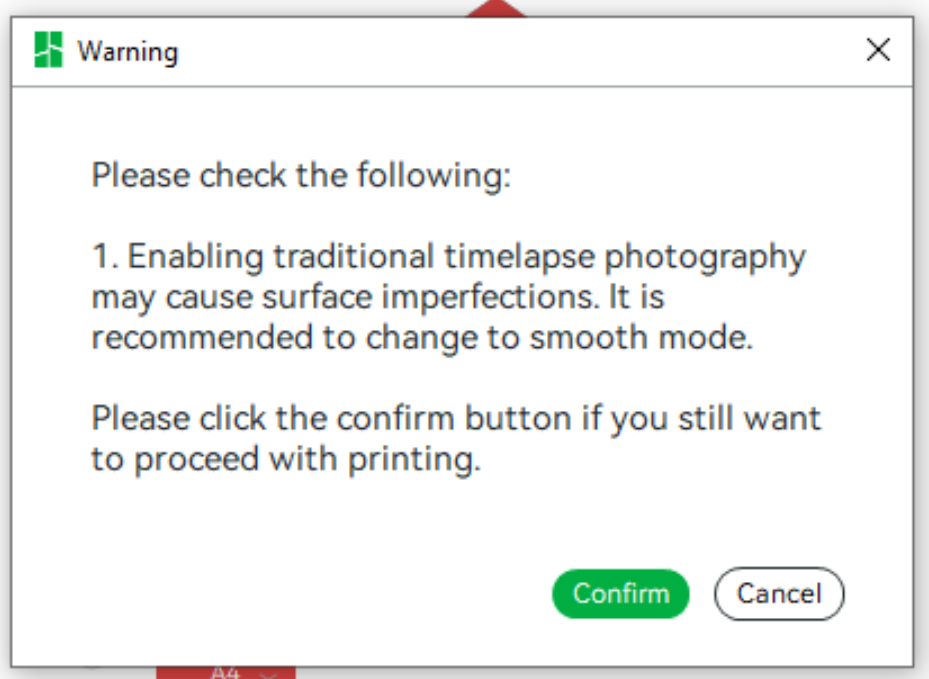
It’s also possible that your time-lapse are a contributing factor, depending on the mode. I’m not familiar with an “instant” mode… There should only be two modes: Traditional Mode and Smooth Mode.
Otherwise, if you have a fundamental problem with ozzing, please describe it in more detail; I’ve only addressed the topic of your original post. In that case, I would strongly recommend that you edit the title of the thread as well as the post itself. Maybe even add some photos.
And, above all, a lot more information, such as which filament you use and what settings.