I am struggling with custom filaments and adding filaments
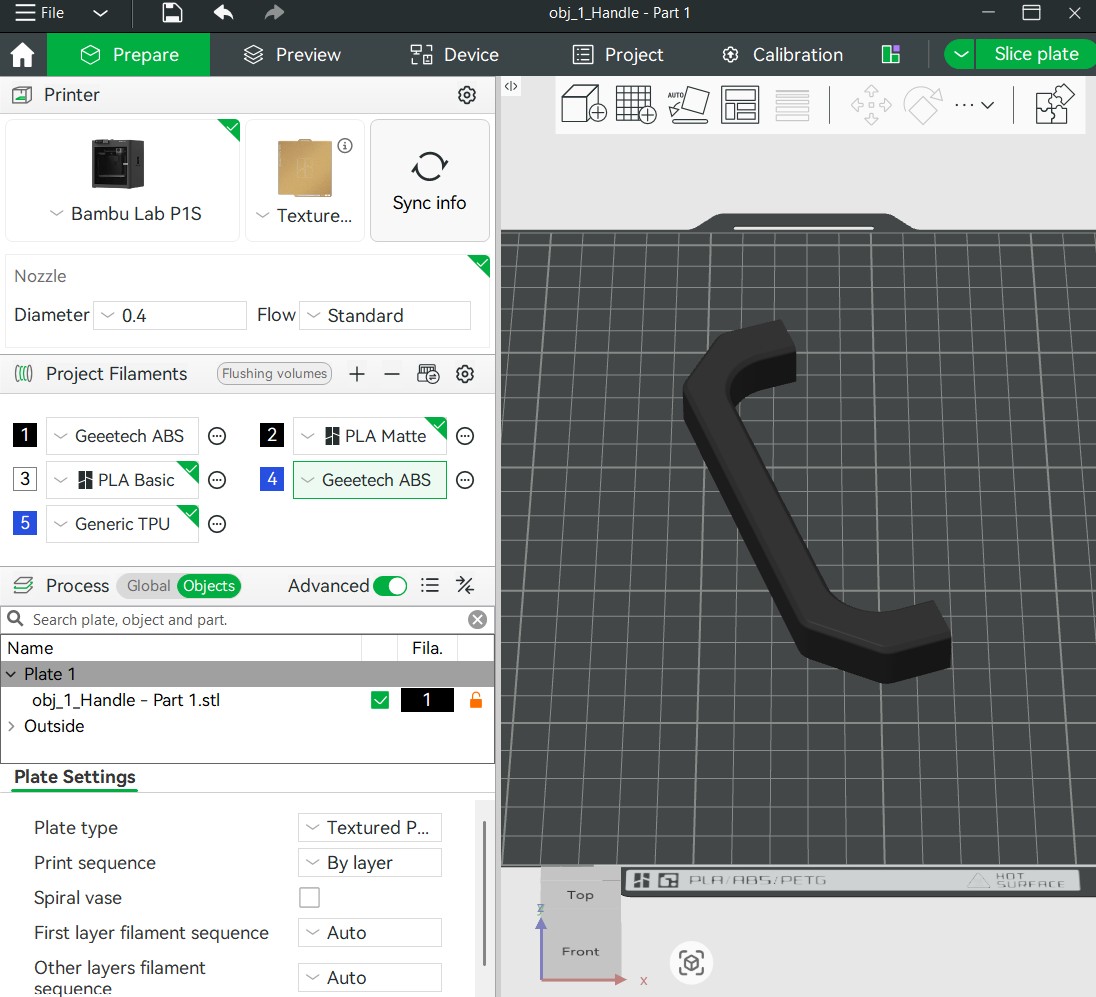
A friend helped me create a custom filament for my Geeetech ABS. I have successfully printed with it after editing the settings. I want to add a different color Geeetech ABS (blue). Now I am stuck and cannot select any other filament but 1.
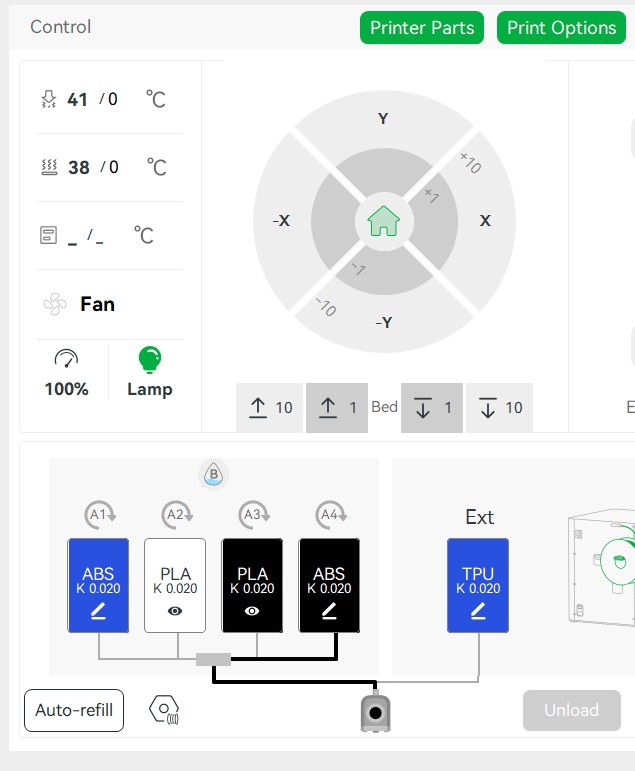
I have done the sync with the AMS but cannot set the custom Geeetech filament.
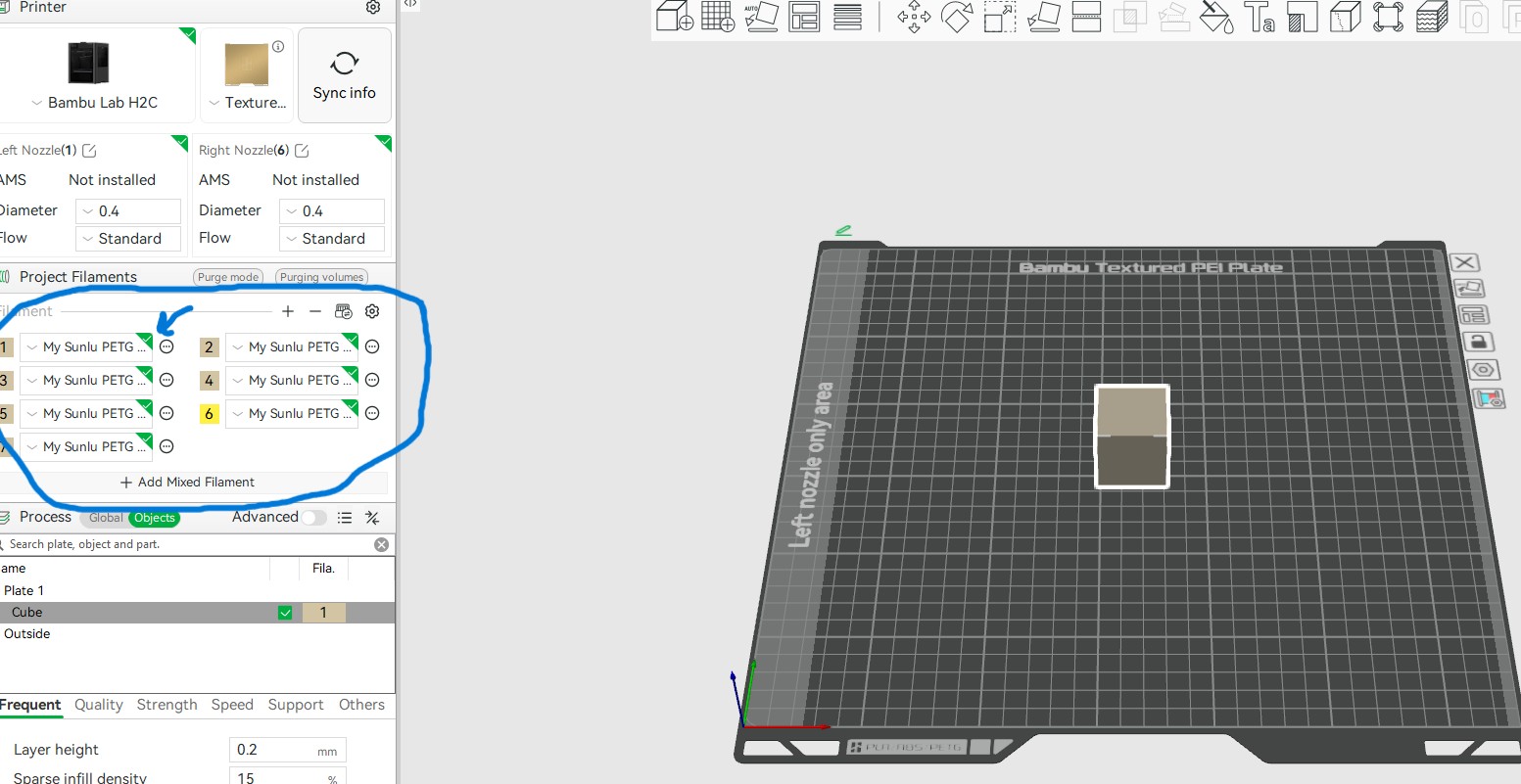
Under Plate it just shows slot 1. If I select 4 it turns green but it does not change color in the object image.
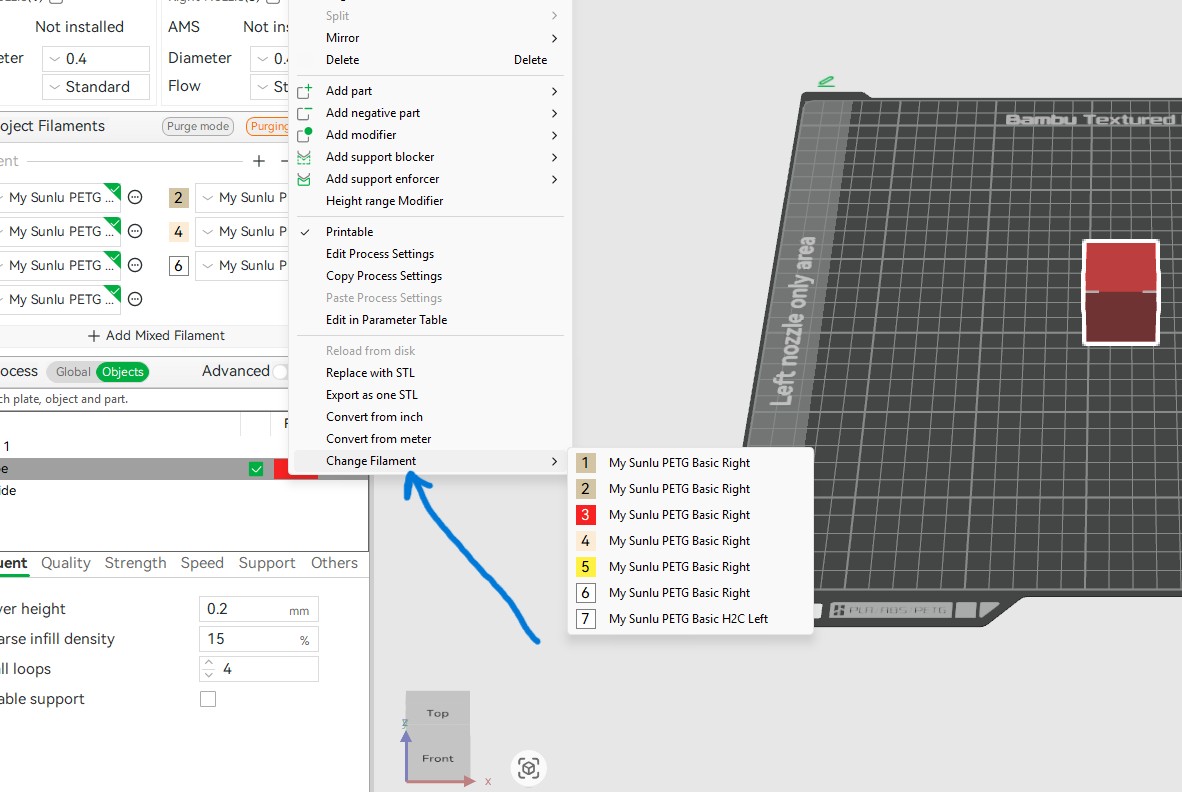
Have you selected the object that you want in a different filament? You can select filaments for each object individually, so if none is selected it will just switch the selection in the toolbar without effect on your parts.
Ah, you try to select the filament for the object by clicking it with the mouse? That doesn’t work, only allows you to change the filament in that slot. But it doesn’t assign the filament to the selected object(s).
For assigning, In addition to @Rusty35 's suggestion , you can press a number on the keyboard, e.g. press “2” on the keyboard to assign the filament in the second slot to the currently selected part.