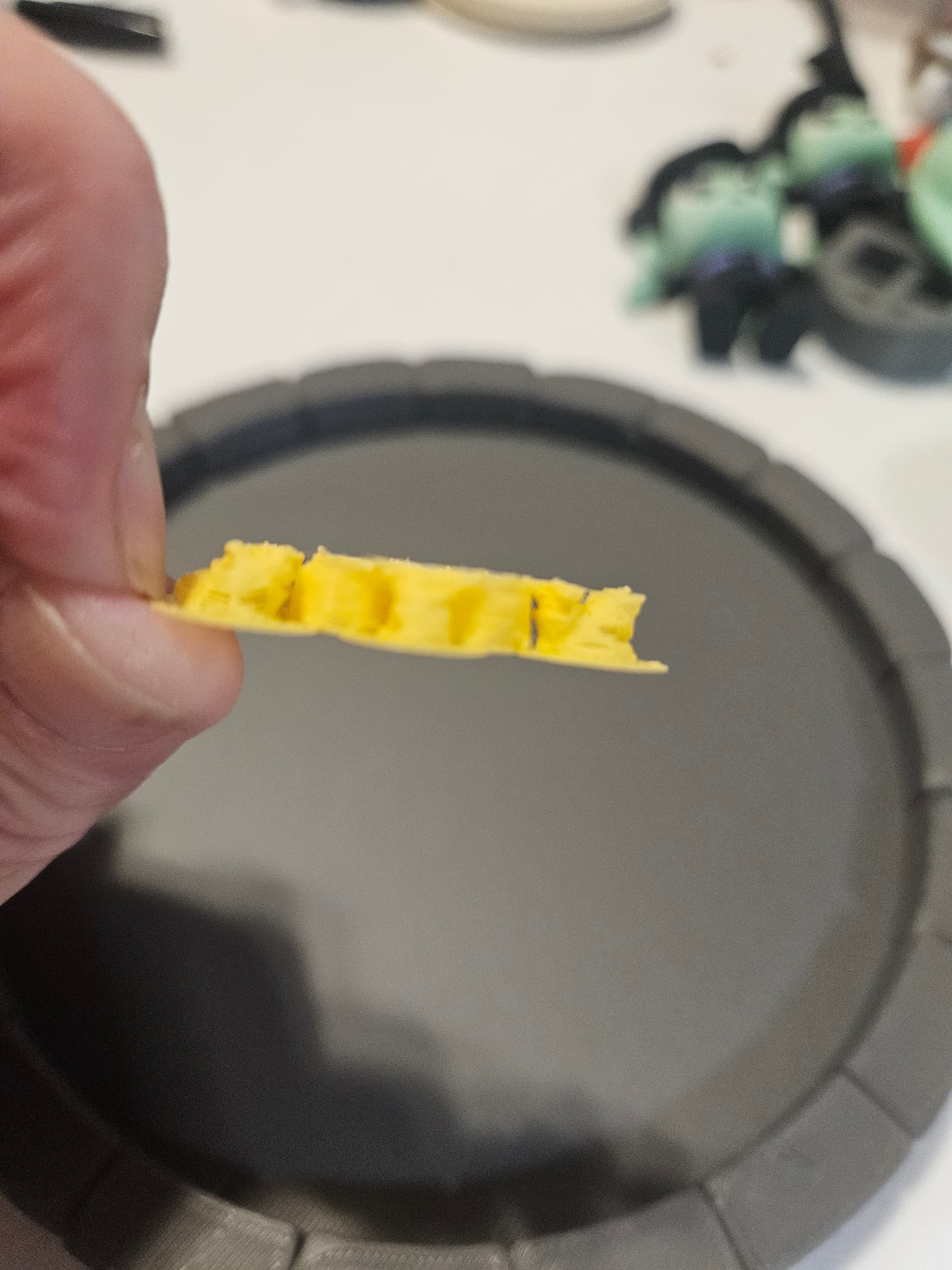
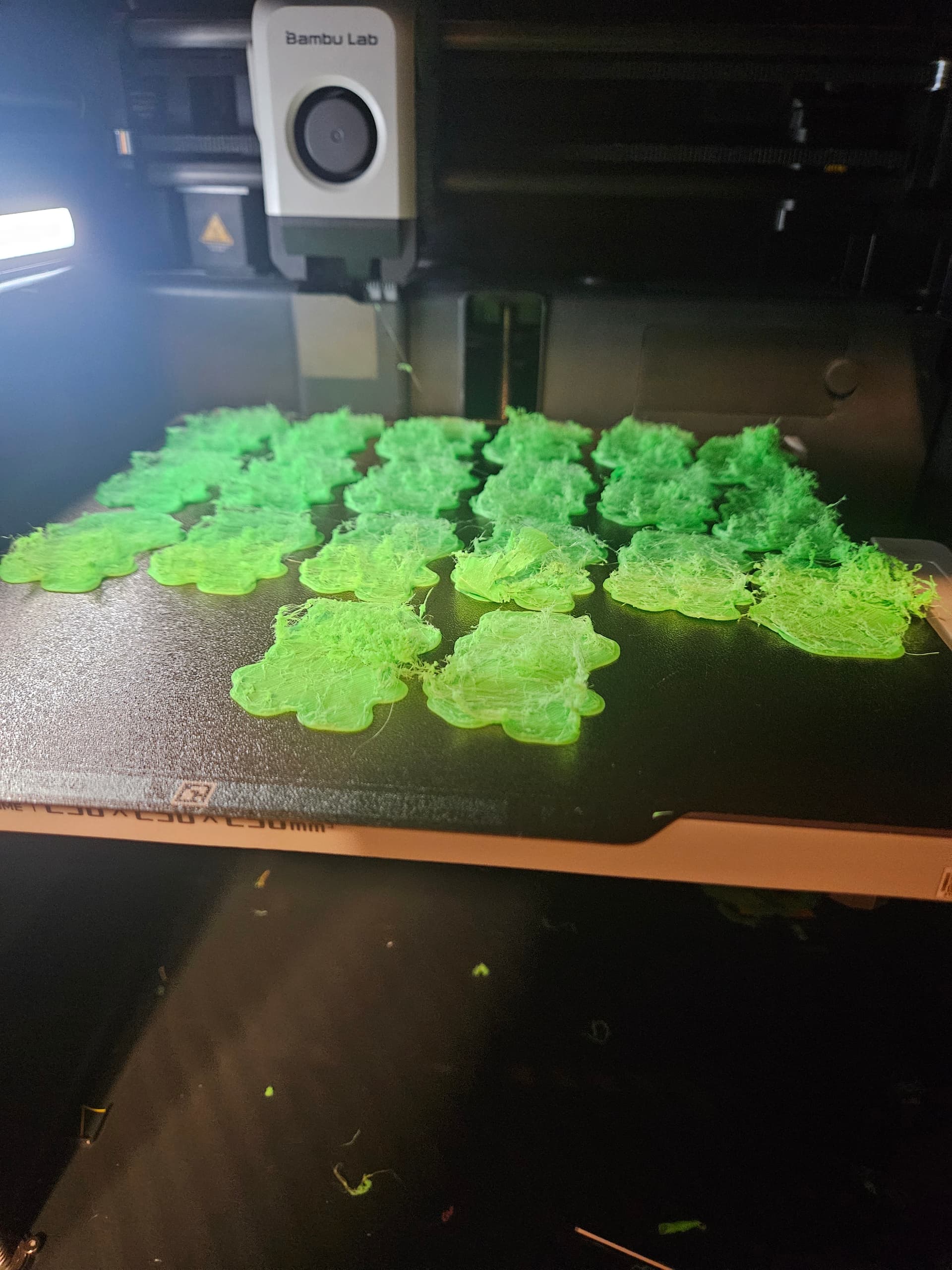
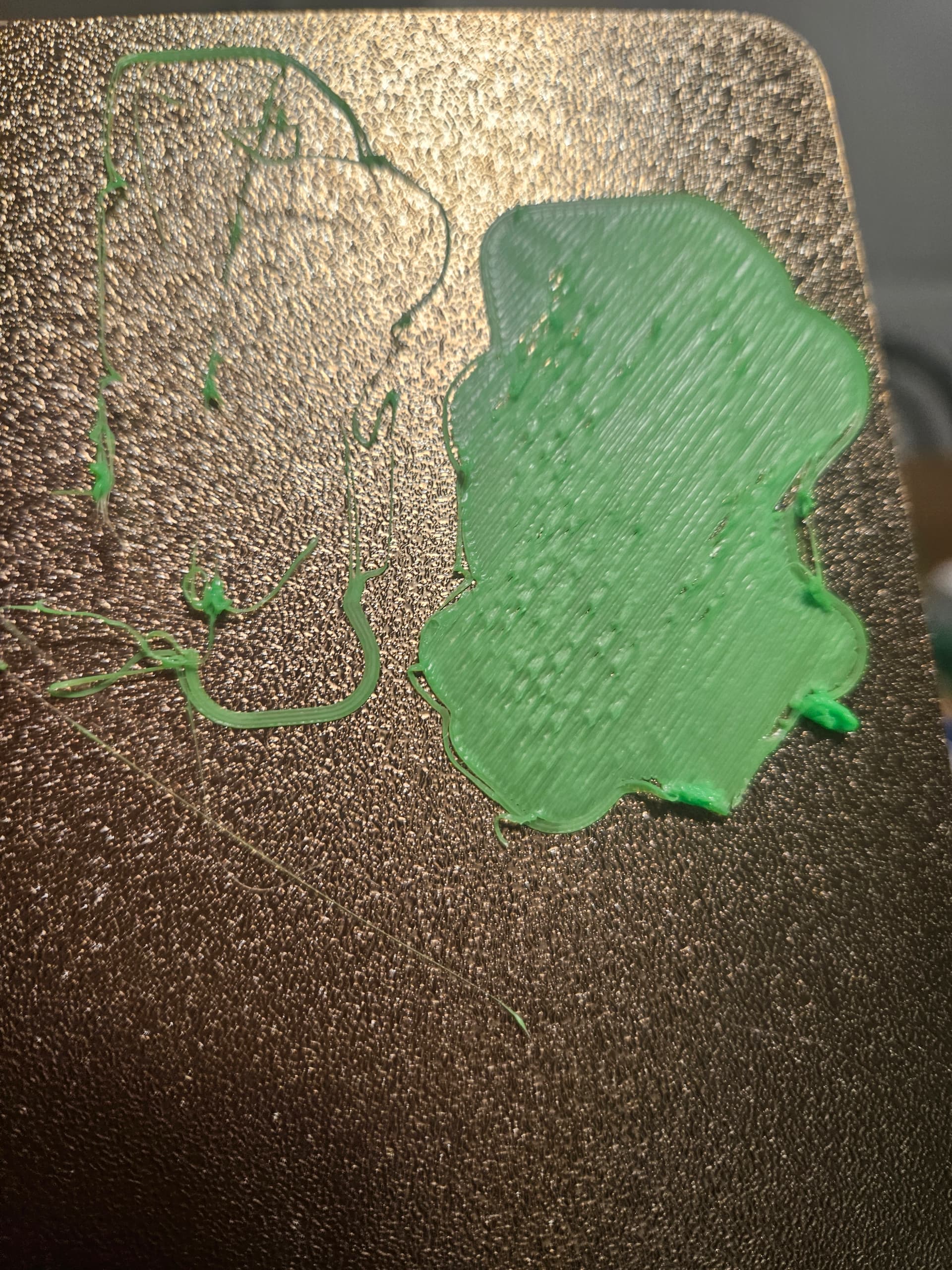
P1S blobs and spaghetti

One of my P1S machines started printing really strangely. It started off with what seemed to be an adhesion issue, even though i was using a cold plate.

Things progressovely got worse. The filament would either blob at the end and air print or it would start to print and then it all turned to spaghetti. Or the nozle would string out the filament and have intermittent blobs.

The trays have been repeatedly cleaned and work perfectly fine in my other machines.

I took apart the extruder and nozzle and cleaned it. I have done multiple cold pulls.

I don’t dry my filament because I live in a desert and it is extremely dry here. Plus, i tested the filaments on my other machjnes and they worked perfectly (using Bambu Lab and Elegoo PLA).

I put in a new nozzle and it didn’t make a difference.

It’s not the files because they print fine on my other printers.

I did a factory reset. I have done all the calibrations. Nothing seems to work.

Please help!
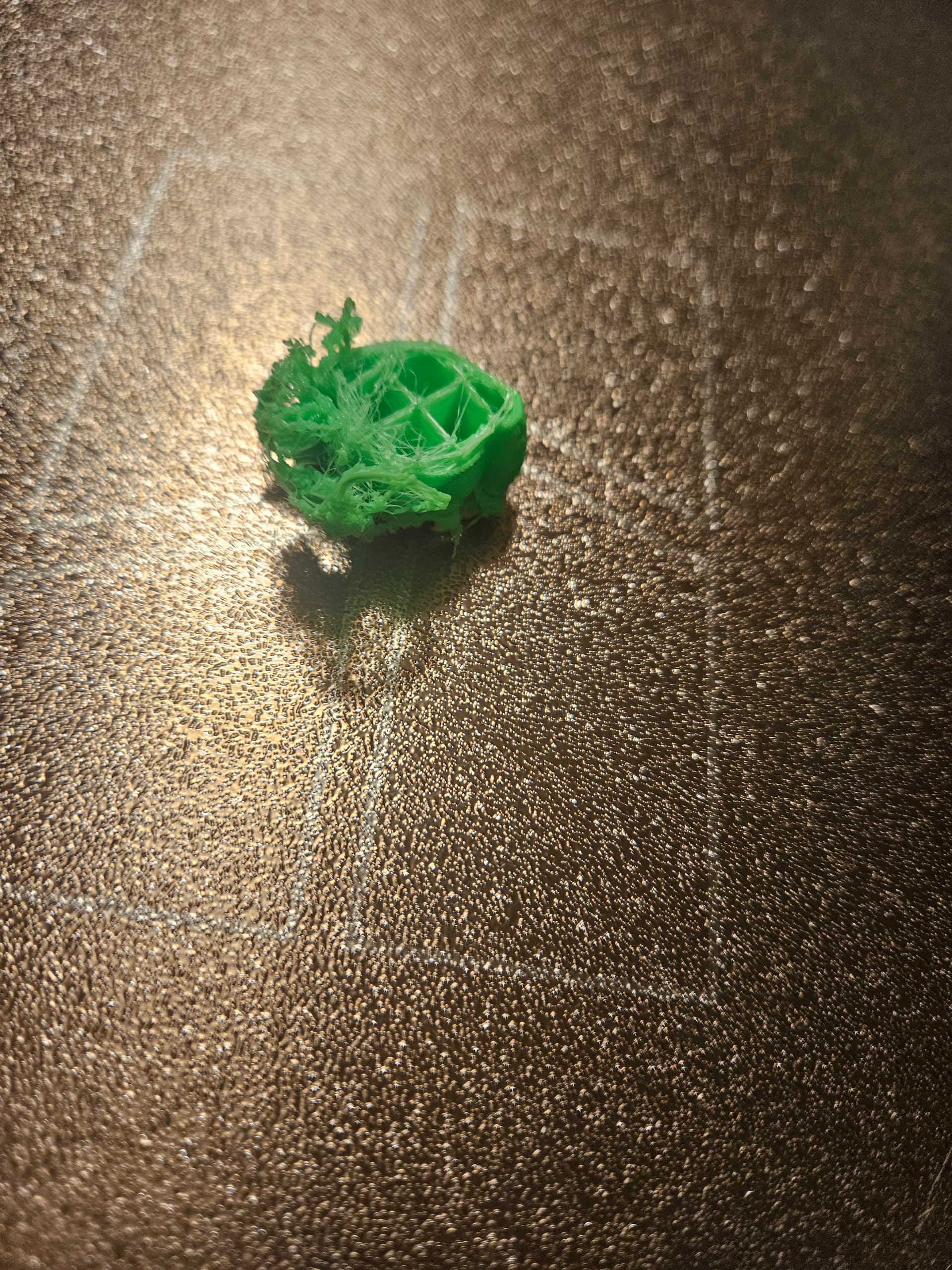

Adding another photo -

Are the models still sliced for a cold plate? Trying the print them on PEI will cause problems as the bed won’t heat.

Is this a .2mm nozzle? What is the nozzle temperature?

I made sure to change it back to textures because I hoped that was the problem. It wasn’t.

The new and the old nozzles are both hardemed 0.4. Temperature has been between 220 and 240.

Are you printing in Bambu PETG filament?

No, PLA only. And I don’t put through anything harsh like wood or glitter.

Another brand new nozzle, another calibration, and it is still printing poorly.

In my opinion, it’s not the hot end but incorrect slicer settings. Is the filament calibrated? Is the temperature correct in relation to the speed? If you print with a full plate, the layer times are longer and the printer can print faster. However, this also means that the temperature must match the speed.

Make sure you good print setting with flow rate, ironing, etc. check all of your PTEF tubes, and maybe try looking at the PTEF tubes in your AMS system. It’s most likely a clog, or your nozzle could be worn out.

1 Like

this to me looks like a huge clog and that levels are not right. Its looks like the nozzle its ripping it off as its too close.

Desert may be dry but the filament doesn’t have to be. Just sayin

Roughtly how many hours have you been printin on this noozle and what exactly since that can contribute to wear that can chip pieces off and make the extrusion uneven you should change the nozle prepetualy every 2000-5000K hours when printing pla.