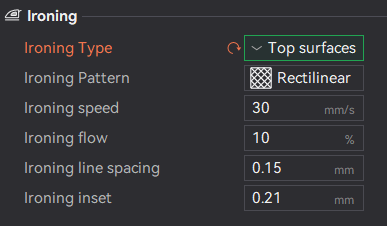
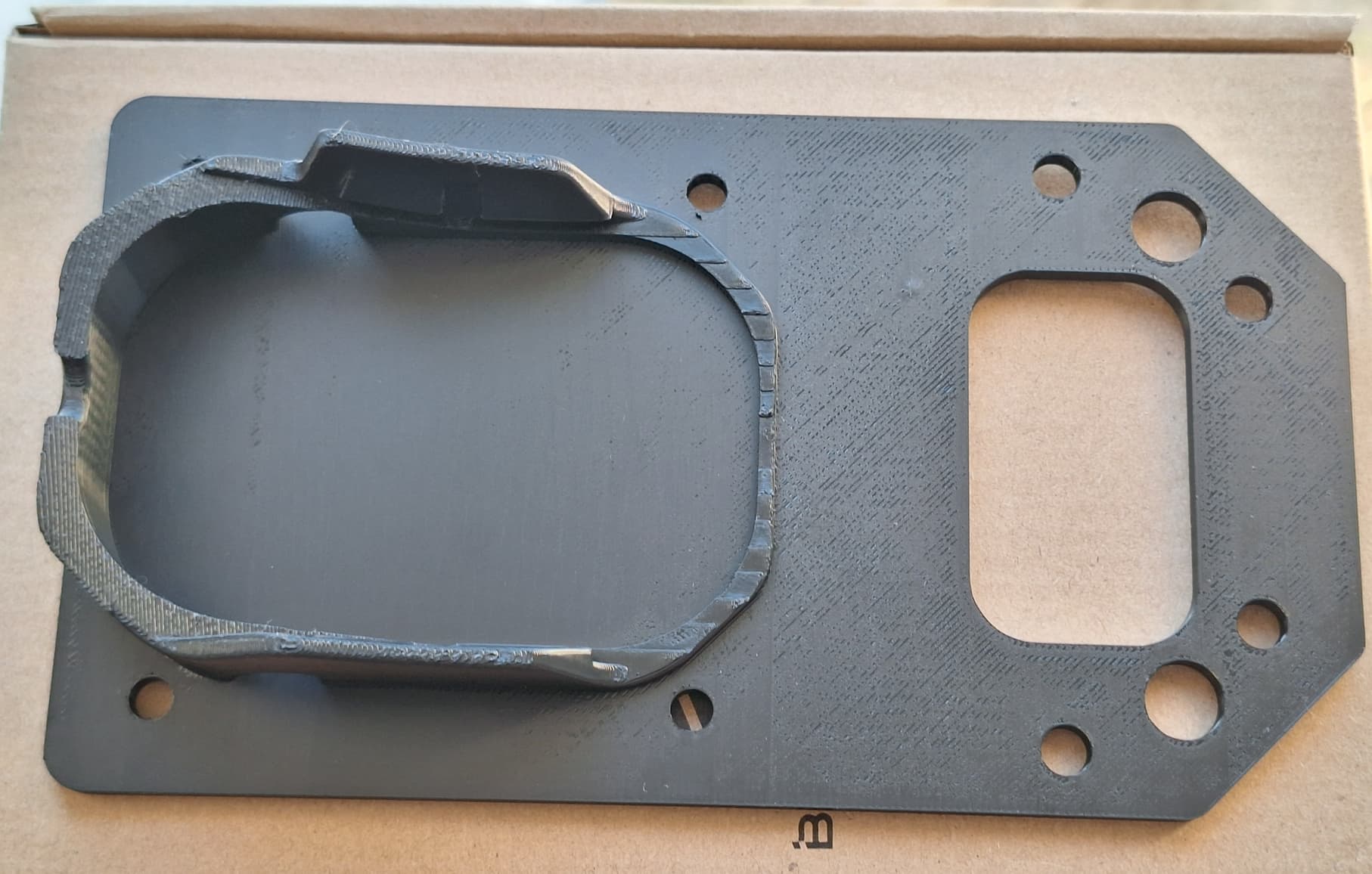
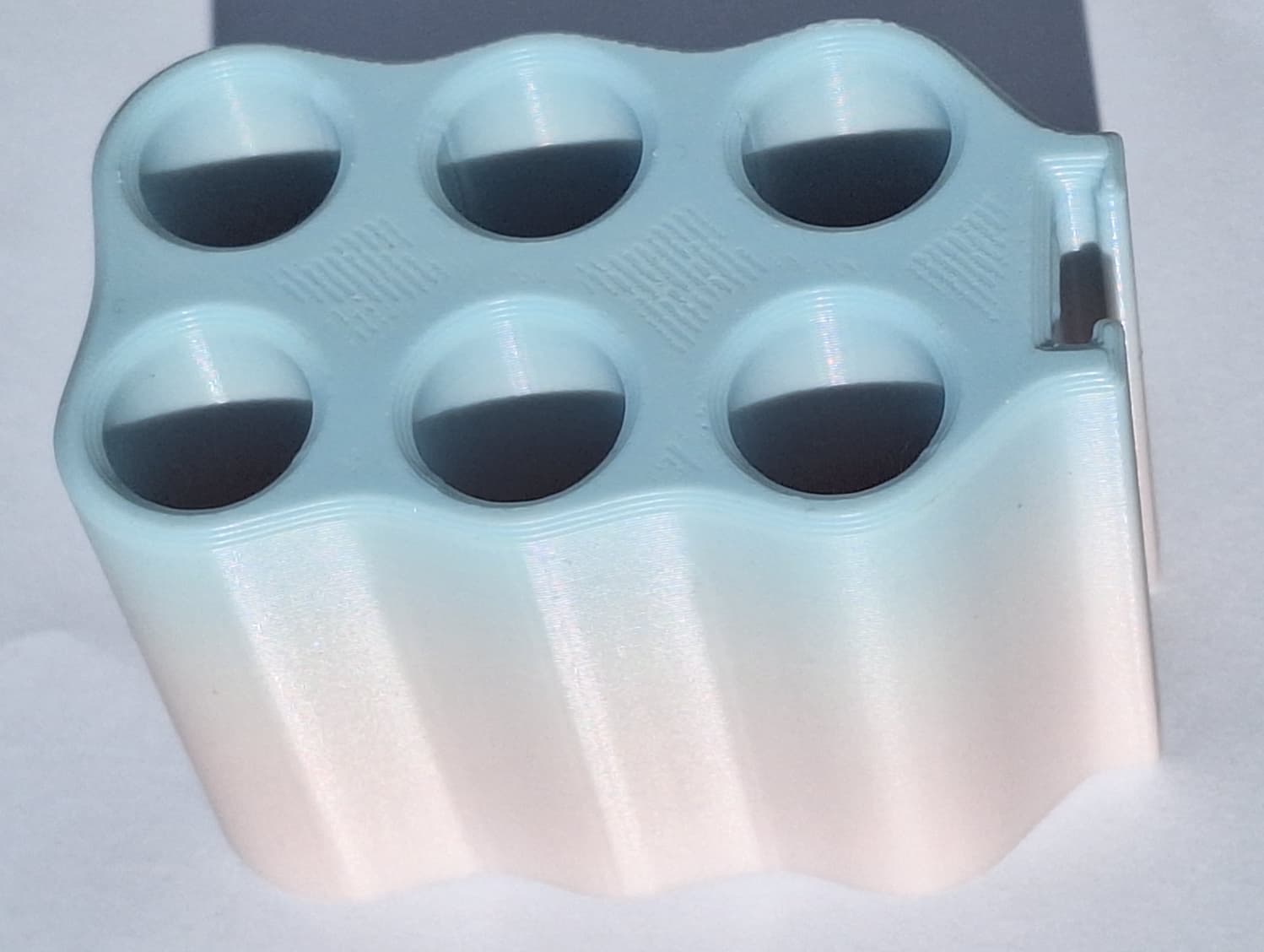
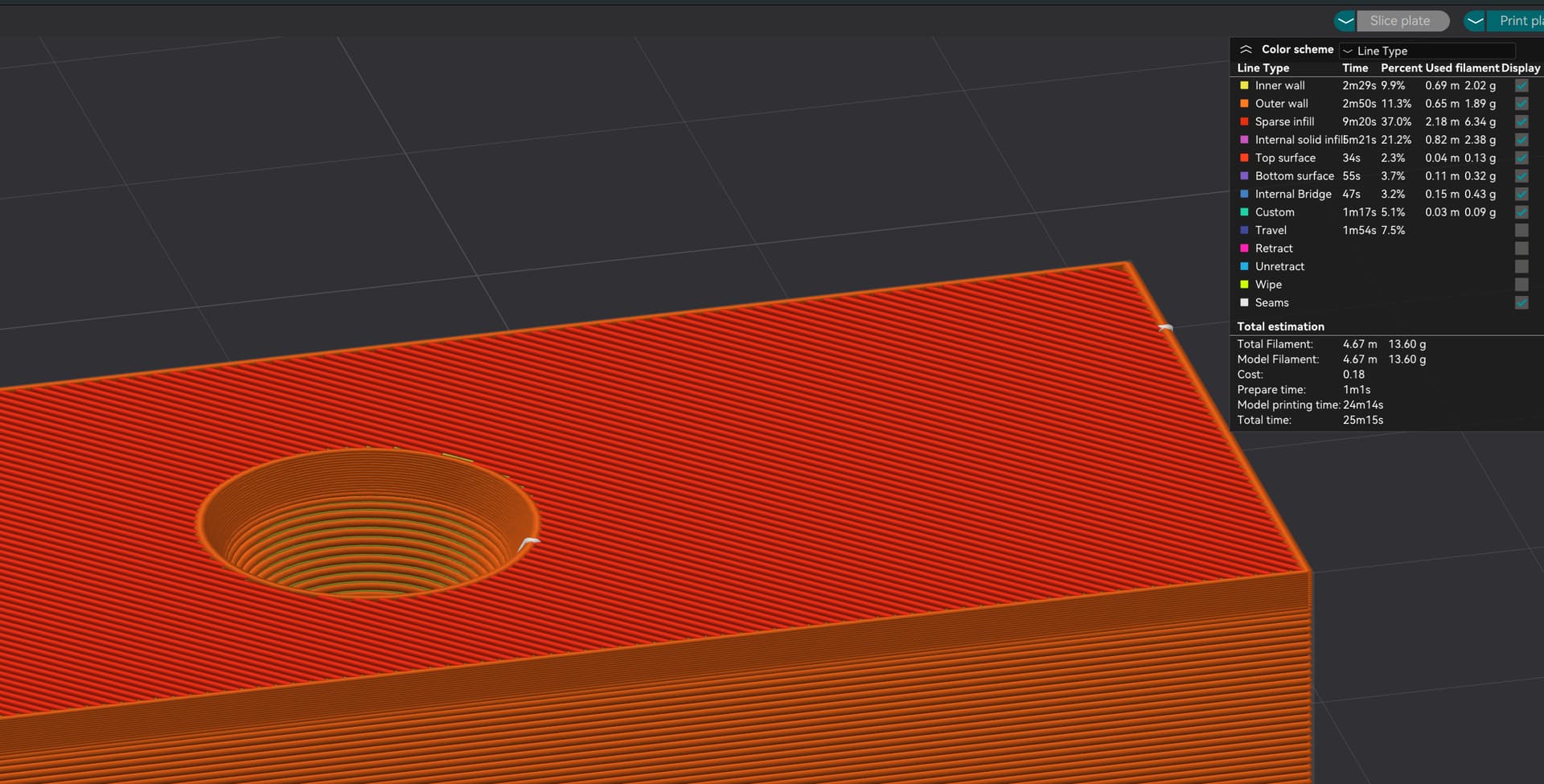
I have problem with ironing on P1S. I tried various materials like PLA and ABS both from Bambu on Bambu filament settings, various models and still I have the same issue. I noticed some scratches, or underextrusions on some regions of the models. What could cause this issue? I am using default ironing options.
I guess the real question not yet asked: What are your expectations?
I ask because ironing only gets you so far. If you’re trying to iron out an filament that is not completely flow-rate calibrated, you are fighting the machine. Yes, you could increase the percentage and and modify the stroke pattern but I’d first start off with getting the top as smooth as possible.
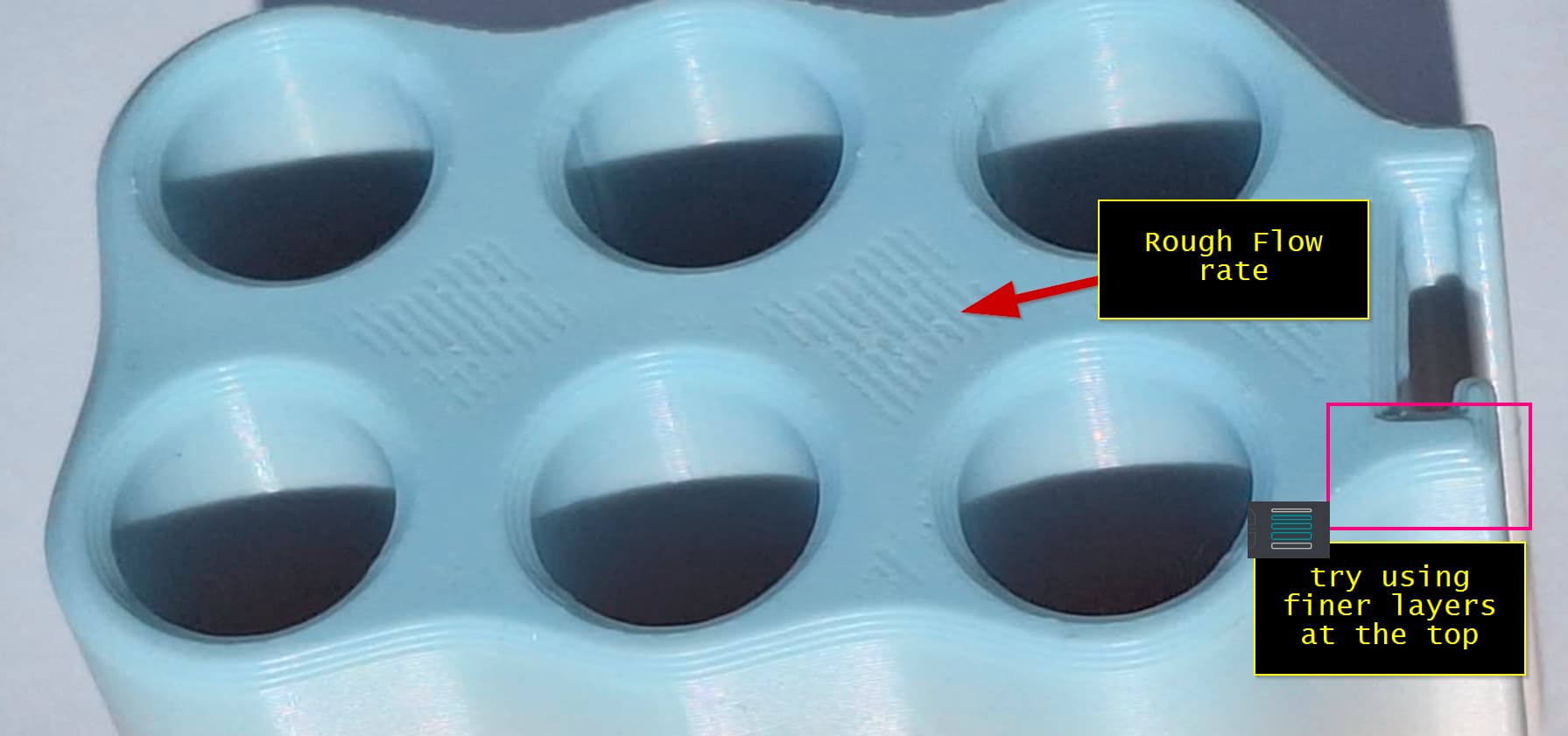
Here’s what I mean. I see that the base flow rate is pretty rough. Have you tried to manually calibrate this?
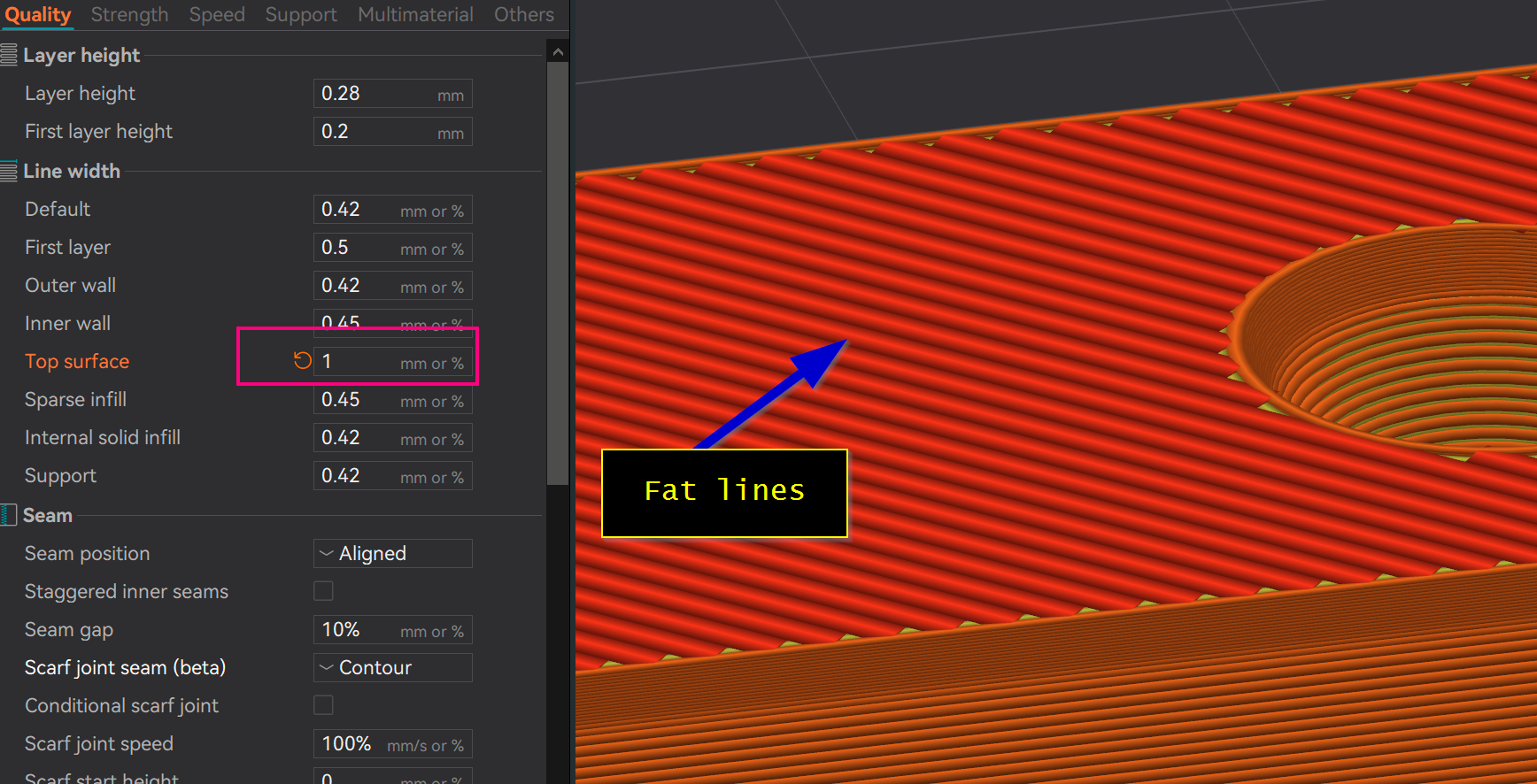
One option that I’ve found can help is to increase the line width at the top layers before ironing. This looks ugly so you will have to play around with the right settings but it will produce “fat” lines at the top layer.
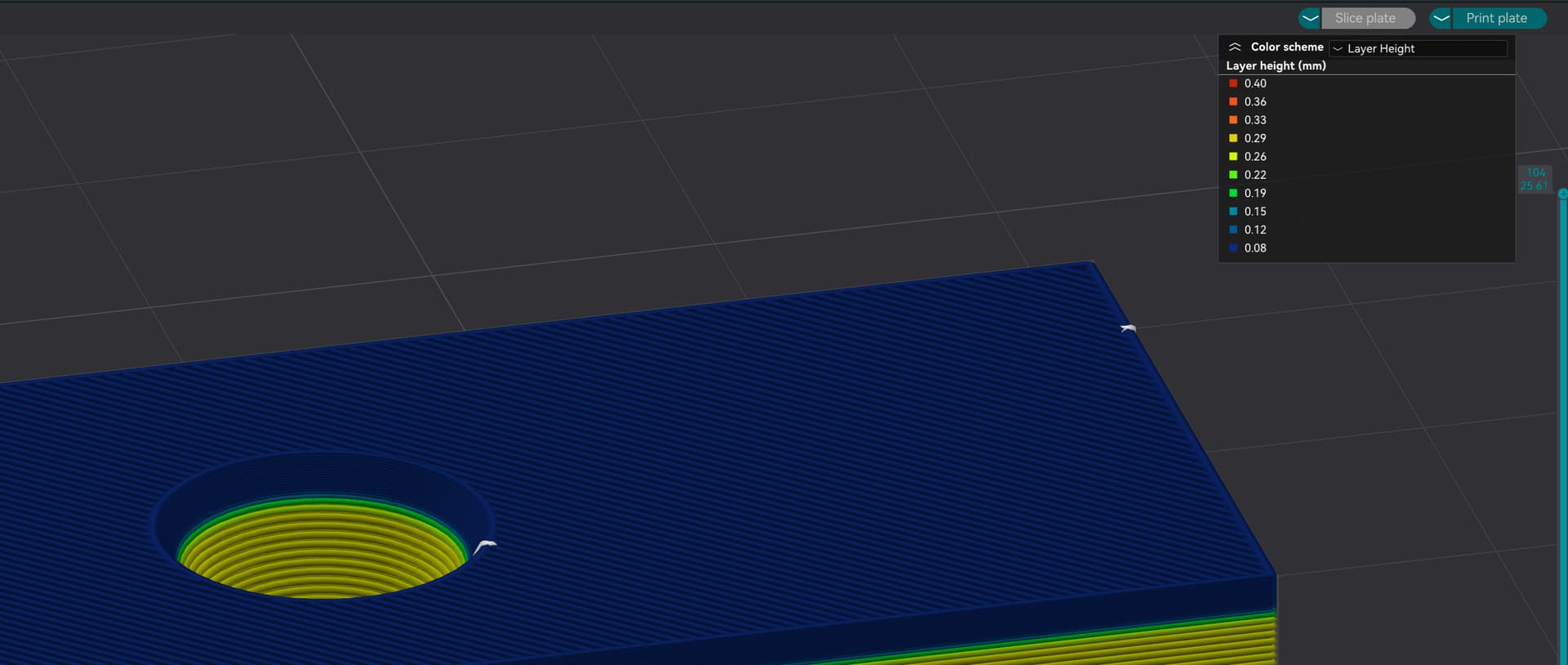
The second option is to try to increase the final layer count by decreasing the layer height using the variable height tool. This will squish the layers together.