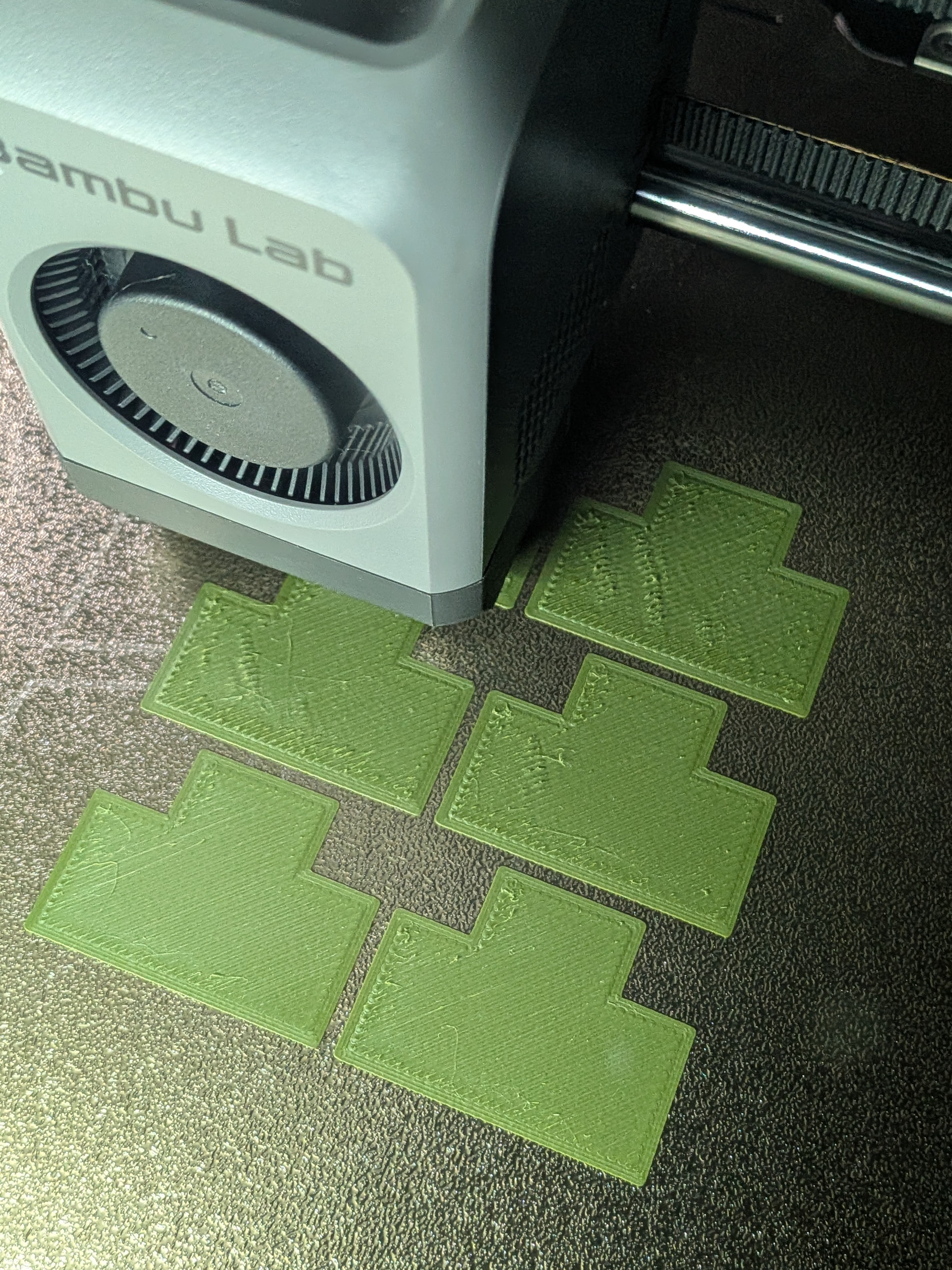
P2S brim quality and fusing

Hi,

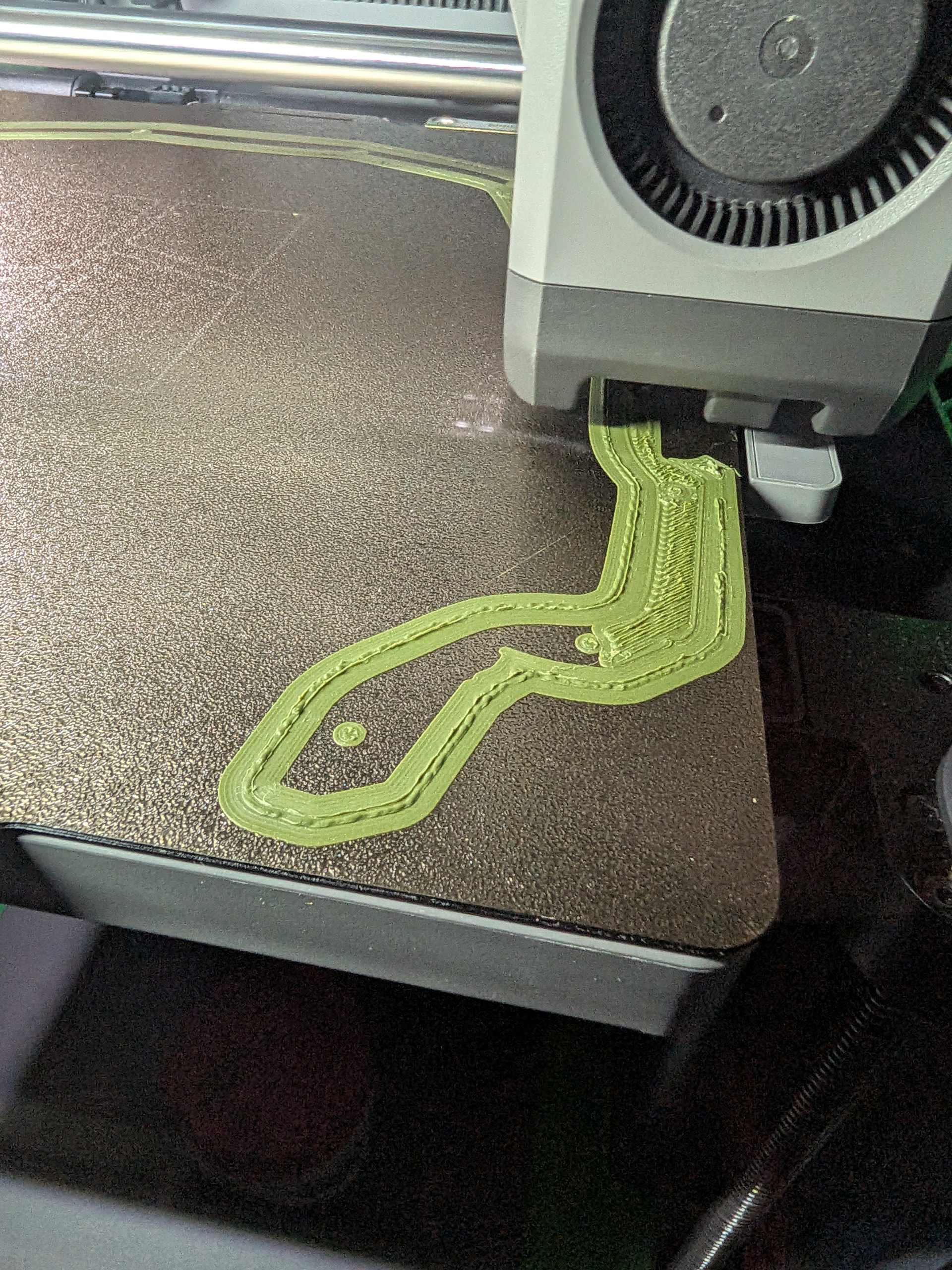
I’ve recently started to see really poor brim quality/thickness and wall distance, yet I have made no changes to my printer settings. It seems on every print the brim and first layer look really rough, and the brim ultimately fuses to the outer wall of the first layer. This is proving to be a pain when the print finishes, as the brim no longer comes away from the model cleanly and I have to cut it off instead.

I’ve seen possible causes to be Z offset and the layer getting to much pressure on the plate, but I’m not sure why this would only now be a problem? I leave auto bed levelling and flow calibration on for every print, so should the printer not be able to detect and account for this kind of issue?

I had suspected a damaged nozzle after a failed print caused it to grind on some very roughly extruded filament for some time, but this is happening on a brand new plate and nozzle too.

Can anyone offer some suggestions on possible causes of this issue and how to rectify?
Thanks for any guidance!
From your picture it looks like you have a massive over extrusion on the first layer. This is what is causing the brim to be difficult to remove. The extra filament is squishing out and bonding to the brim. Since the brim doesn’t seem to be over extruding I would suspect you have a multiplier applied to the first layer of you print?

I don’t think I do, but honestly not sure where that would be set. Certainly not something I ever recall changing. I’ve had a look at developer settings for first layer flow ratio, but it’s set to 1. I believe my filament settings are all still using standard BL profiles.

What’s odd is that it is also happening to models/print profiles I have used before, that did not have the issue.

I have bed auto levelling on, but is it worth doing a standalone bed level calibration from the printer in case there is a Z axis issue?

It’s not a z axis problem if the brim prints correctly.

How do I check for a first layer multiplier and I can check that?

Hi Eds89,

Something I do when things get wonky is to go to the hexagon and run a calibration. After running a calibration, at least you are assured that is proper.

The only thing I have ever changed in my brims setting was to (in Bambu Studio) change from Auto to manual, and change to a 10mm brim. (Which to me, appears what you are running.)

One other suggestion would be to change your extruder to a newer one to eliminate the hot end being sketchy.

Thanks for the suggestions.

I certainly agree it feels worth trying a calibration on the printer. It may change nothing, but like you say, at least then I know the printer thinks itself happy.

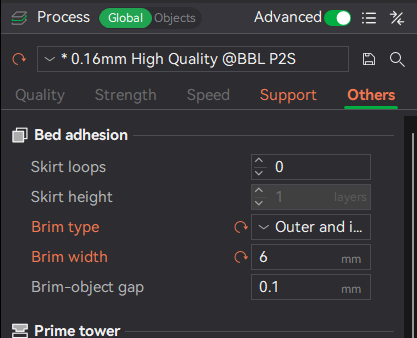
I would completely understand the brim settings themselves being at fault, but I am just using other people’s profiles with no adjustments of my own. The model/profile for the previously attached image is using these brim settings:

For a model that did not previously have an issue, but now does, these are the settings in use:

I don’t think I’ve ever manually changed brim settings for any prints.

I do have a print in my queue that is a reprint of something with a brim (that did have the same kind of issue, but nowhere near as bad (it was printed on a fairly thin edge, so may have reduced the impact of the brim fusing)), so can try tweaking the brim settings manually to see if it makes any difference.

As for extruder replacement, the printer is only a few months old. Would it be reasonable to think that it may be at fault given its relatively new age?

My P2S defaults to Auto and 5mm brim.

So I typically will chose manual and type in 10mm for brim width.

And currently, I only have been using other files. But I have found irregularities in other files offered up on MakerWorld or other places. If a file tends to break free of my plate, I’ll try brims. If it still messes up I’ll abandon it and try to find a variation I can print.

I don’t dabble in settings per sey because I’m too new at this and afraid I’ll totally mess things up. It took me a while to find “Brims” because I’m not familure with the terminology of this sport. I had an idea of what I wanted, and finally stumbled onto Brims (which I likened to a hat brim).

But after finding Brims, I’ve had much better luck with my prints.

I doubt I will ever get adventurous enough to make files.

Sorry for the delay in replying, but I’ve been away for a week.

I have tried a calibration on the printer, but it has not solved my issue.

For the following elaboration on my testing, I am using a MakerWorld published model/profile from here. I have attached the 3MF file below as well.

Master+Chief+Helm+Split_rework.3mf (6.3 MB)

I am printing plate 4, which is just a number of small connectors with a brim, using the publishers default settings. I have not touched the brim settings or anything else.

The below shows what the connectors look like when I remove them from the brim after the print has completed:

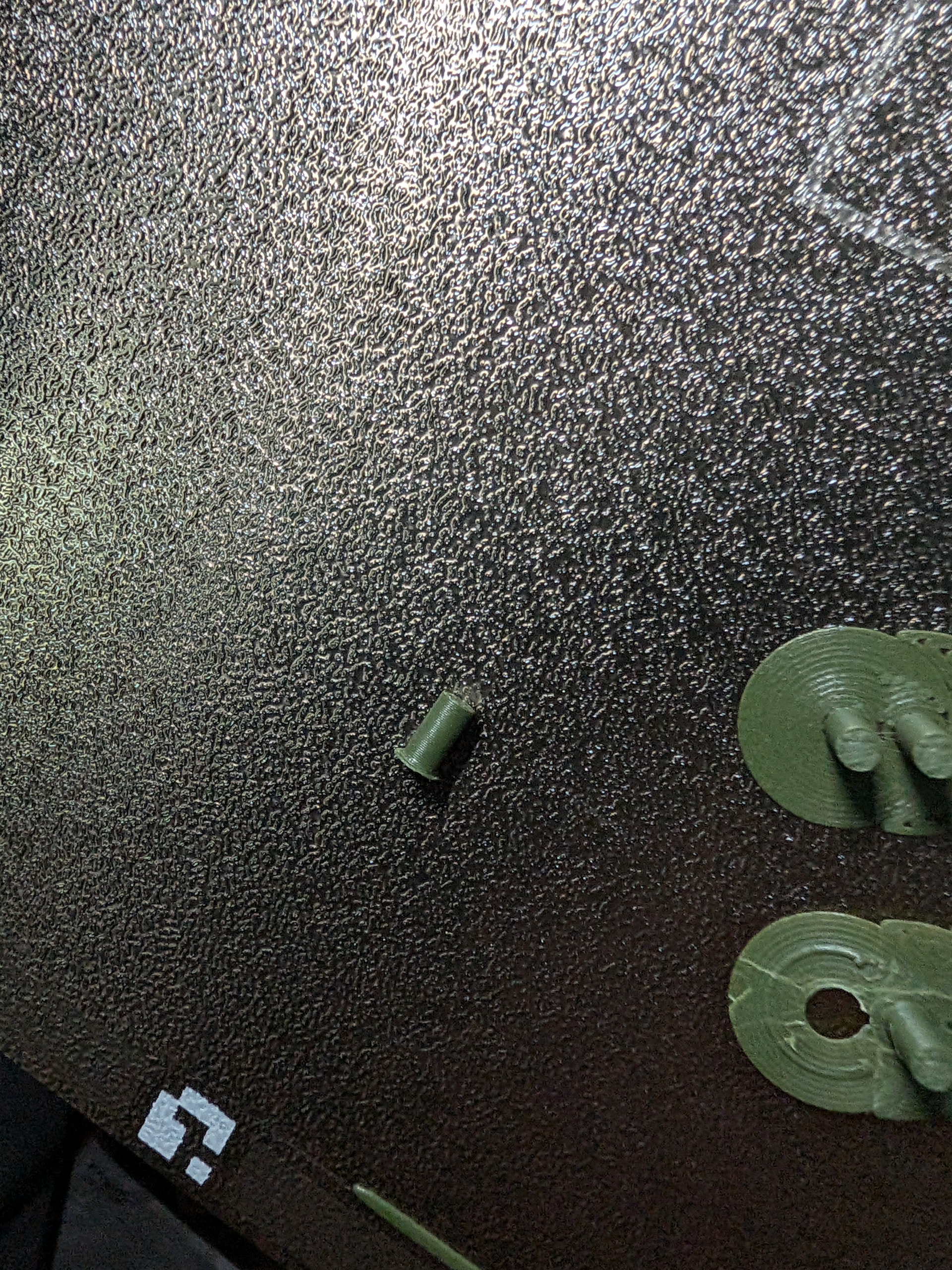
As you can see, the connector fused with the brim, so when removing the connector there is a lip on the bottom edge that I need to manually cut away.

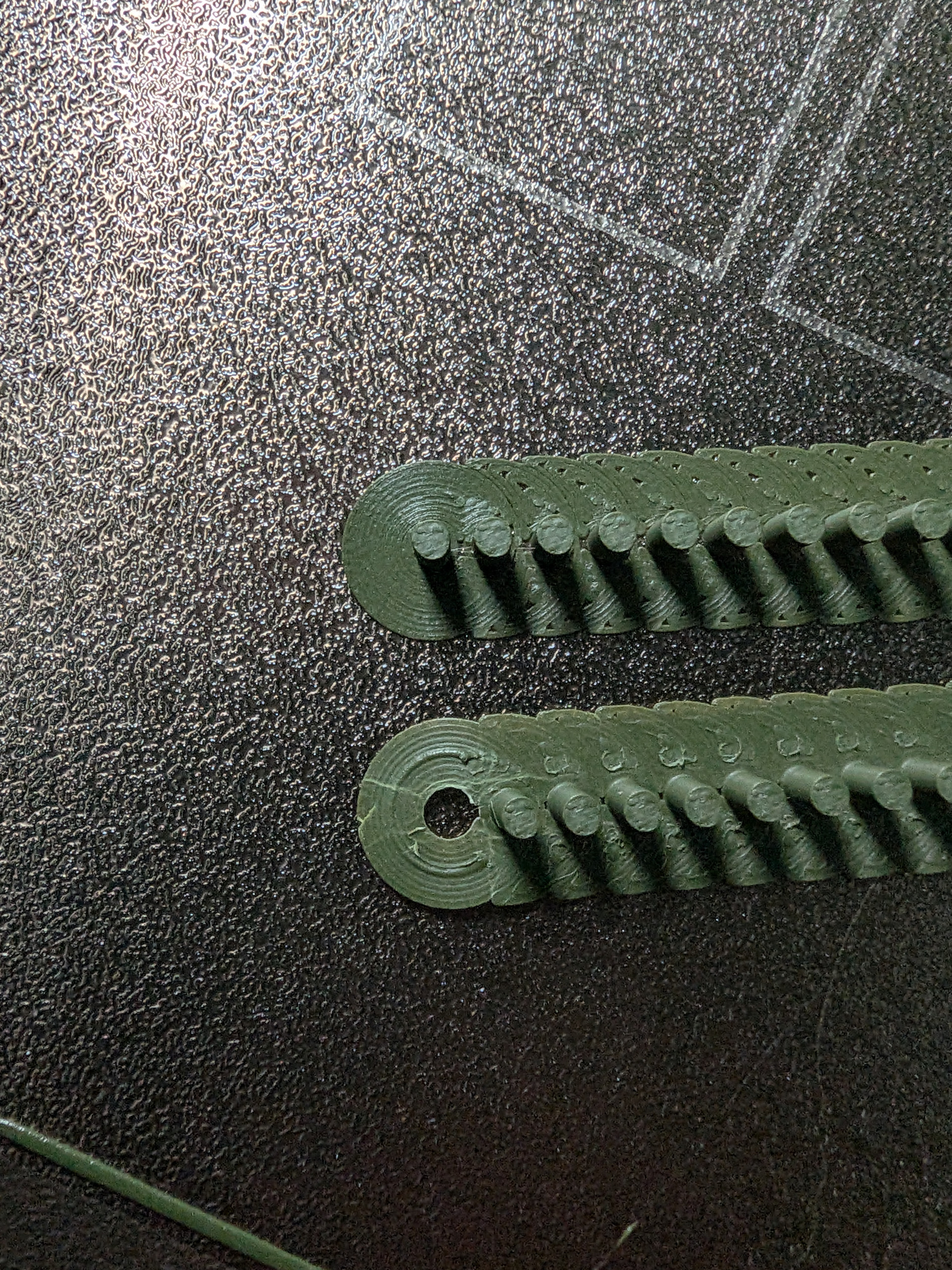
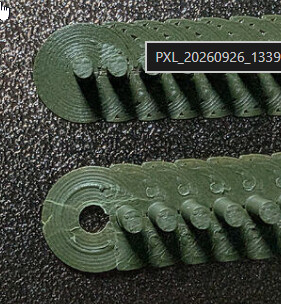
What I have then done, is gone into the manual first layer calibration on the printer, and moved the slider to the max setting of 0.05. This results in a better brim, shown below comparing the previous print (bottom) with the new print (top):

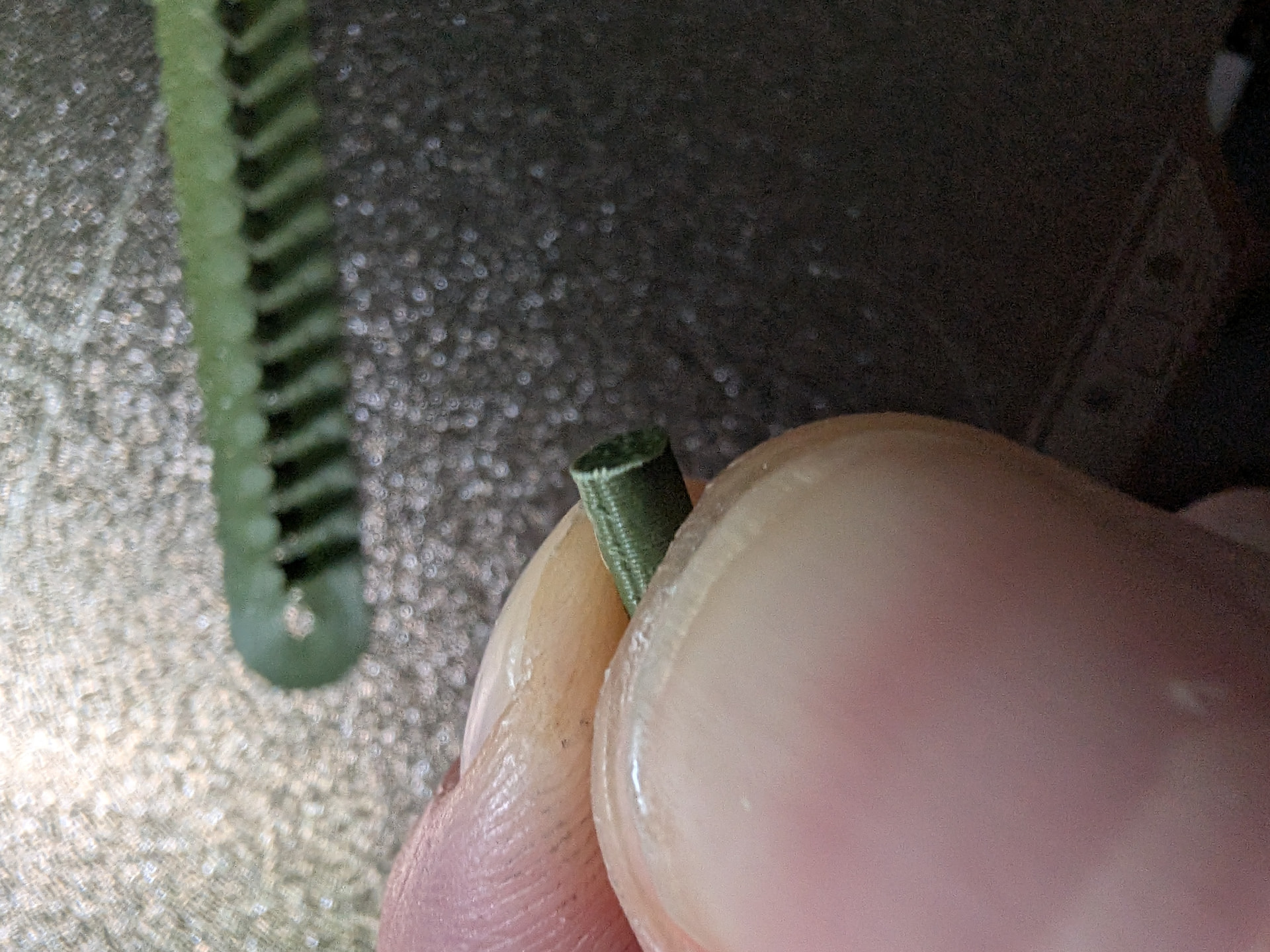
This is not quite perfect, nor as good as my brims have historically printed, but certainly a lot better. Below shows that the connector removes more easily with essentially no lip from the fused brim:

I can leave my manual calibration like this for now and see how future prints fair, but I am still confused why this has only now started happening with both existing models that were fine, and new models that I have not adjusted.

Could it be a physical issue with the printer rather than a specific setting?

Is it worth trying to contact BambuLab for more involved support?

I would first recalibrate the overall flow rate and pressure advance for that filament. The bottom strip is over-extruded.

If the brim still adheres too strongly, leave the initial layer flow at 1, but increase Others→Bed Adhesion→Brim-object gap so the brim squishes less firmly into the part.

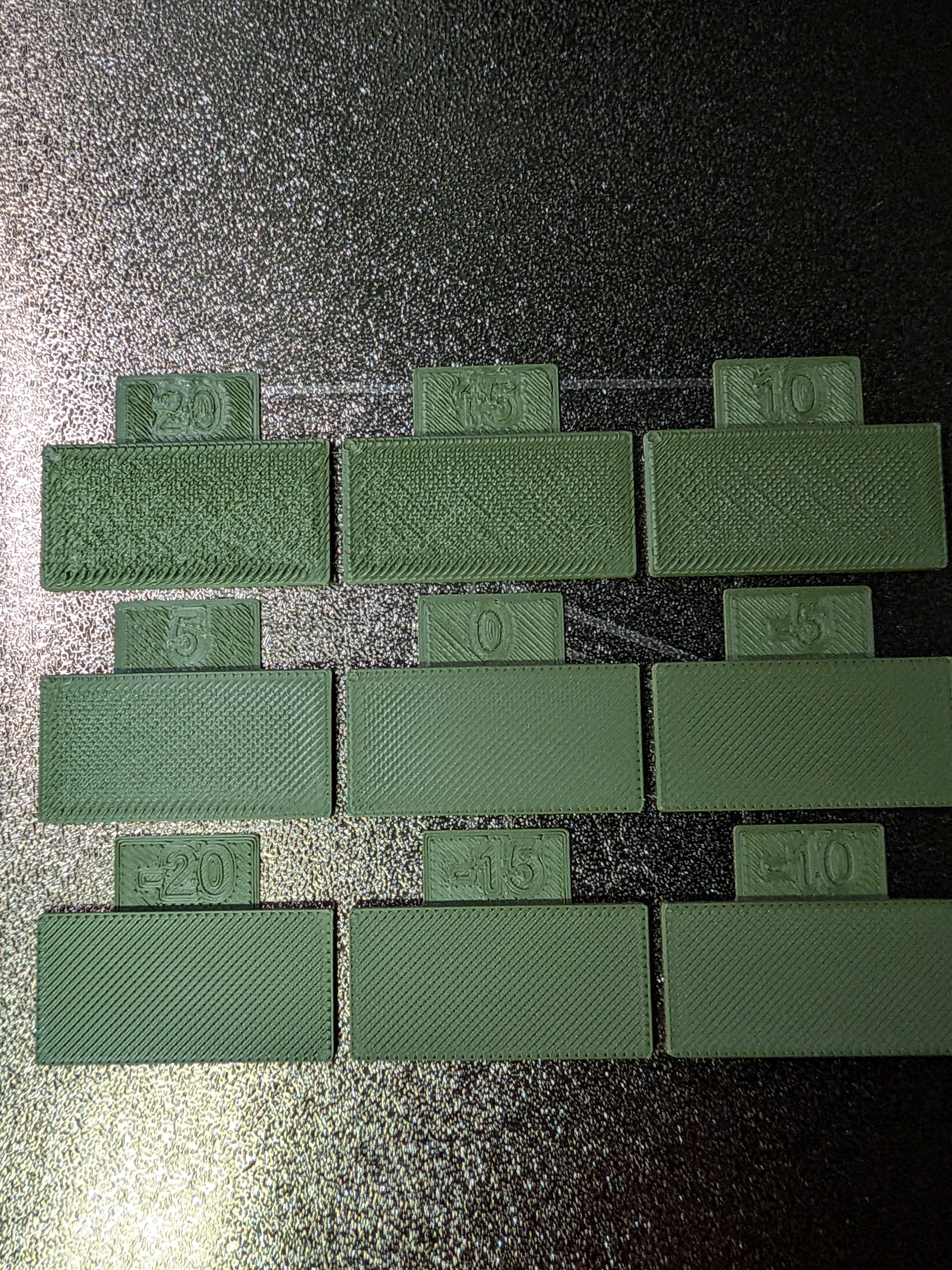
Running the manual flow ratio calibration, the first layer on all 9 blocks looks poor, but then the block 0 seems like the best quality top layer.

I wondered, as I have been using PLA matte for my recent prints, whether somehow my default BL profile has changed. Can anyone tell me what the filament profile flow ratio should be for BL PLA Matte? Looking at mine, it is 1.01 and I think PLA basic is 0.98, so wonder if it is worth testing in PLA basic to compare and reverting my matte profile if this is not the default value?