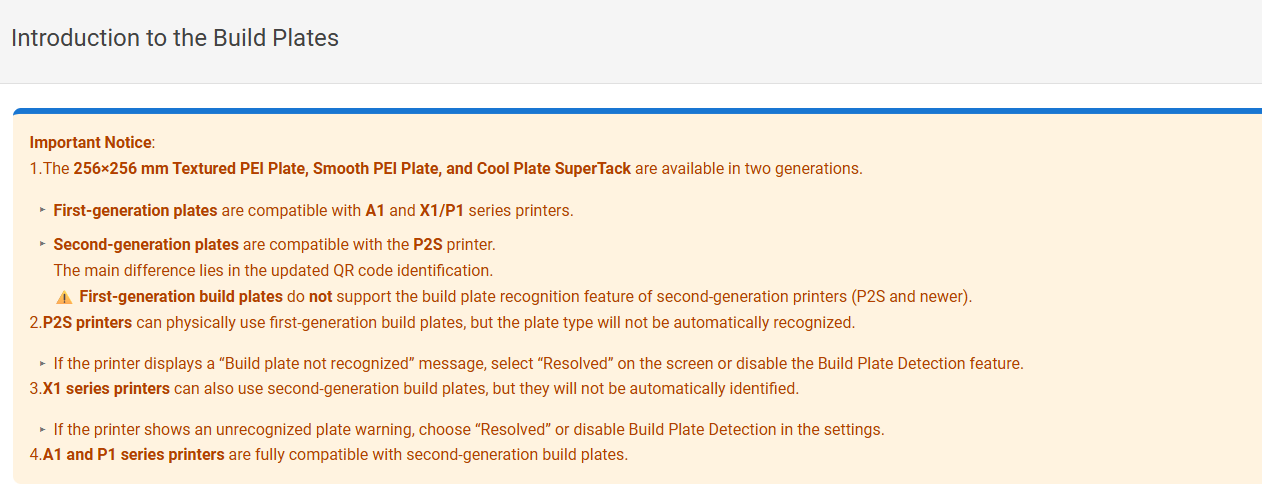
Using only recently acquired Bambu Lab build plates, the P2S only identifies the Textured PEI plate. It doesn’t identify the Supertack plate and with the Galaxy 3D-plate it insists that there is a foreign object on the (empty) build plate, before not succesfully recognising it.
I can ‘push through’ the error messages and it will print fine, or disable the plate scanning in the settings, but that is a bit besides the point. Only recognizing one type of stock build plate seems a bit useless to me…
The Cool Plate Supertack is first generation, to my knowledge there is no other one for sale. The Smooth PEI Plate / Hot Temp Plate has the new bright white ID code.
Bought the smooth PEI plate during boxing day and it does not get recognised. So far, it’s only worked with the stock plate. Disappointing. Is there any plate it works with aside from the stock one?
Not unless you tell it the plate is supertack or a textured plate. All that’s being done is checking that the plate you entered in the slicer is indeed the plate on the printer. It’s just a check, nothing else.