I have had a persistent X axis layer shift problem. P2S. It’s got about 400 hrs on it. Material doesn’t matter, using Bambu slicer with default settings. I have tried loosening belts, moving X,Y and Z axis and re tightening. Everything is lubed and oiled. The print head isn’t making contact with anything in the printer and the layer shift always happens around 93mm. It happens on vertical, round “tube” objects, vertical rectangle objects, infill, no infill. What am I missing here? The layers above 93mm always shift toward the rear of the printer slightly and then print in that position all the way up.
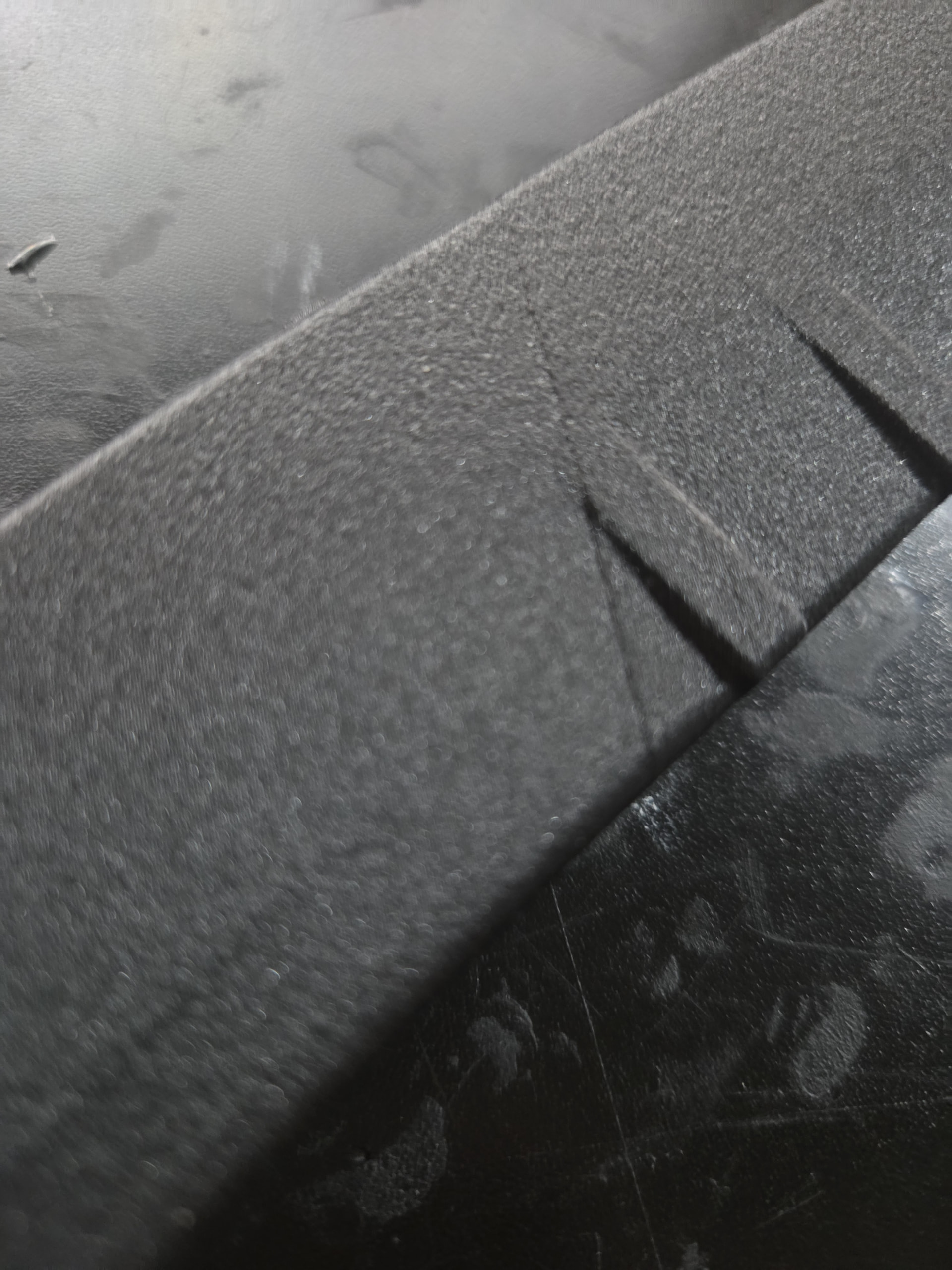
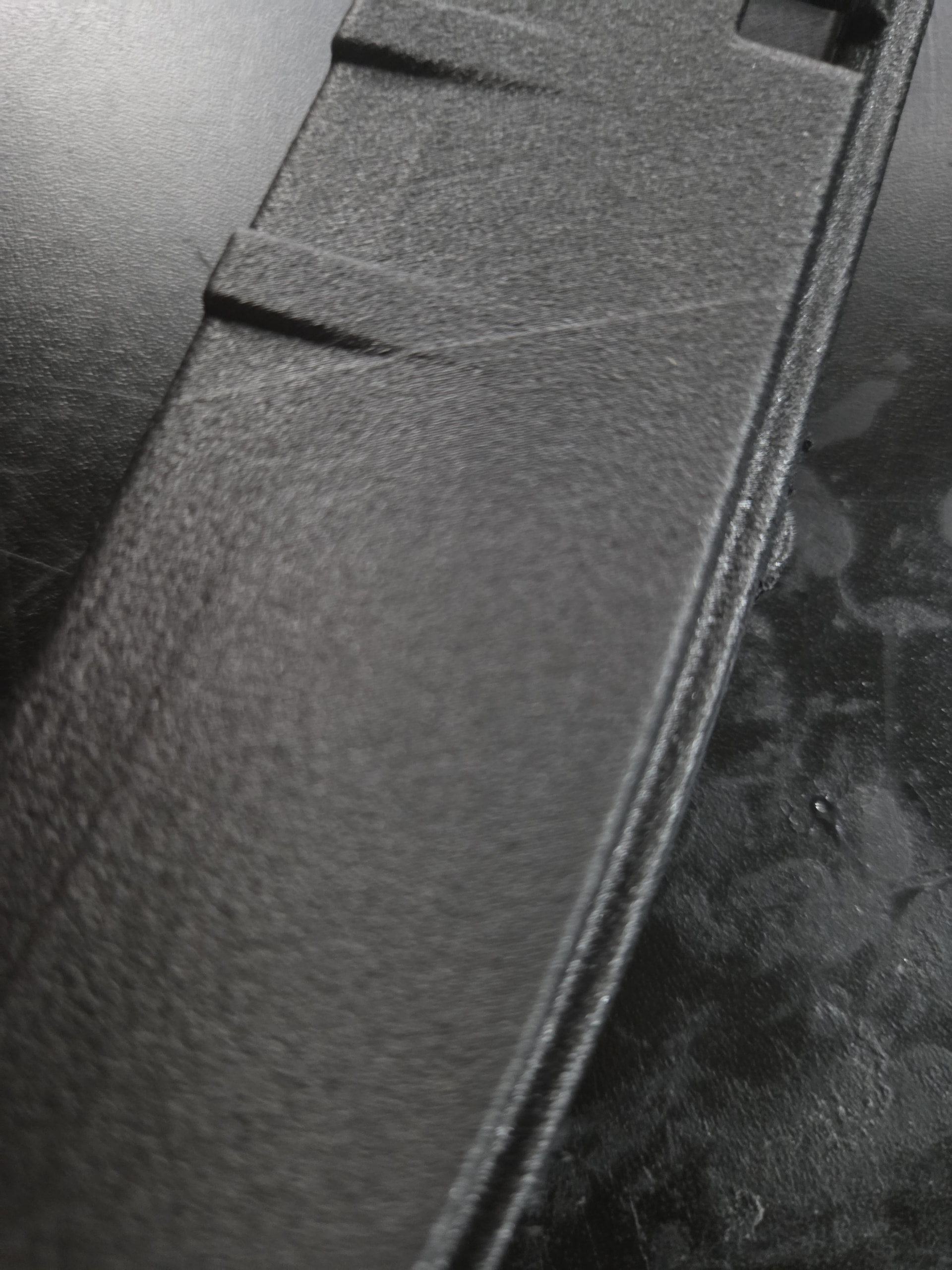
Your part appears to have a nasty warp to it. What filament is this?
How are you drying your filament, how are you determining it’s dry enough, and how are you keeping it dry?
Also, are you printing with the door open or closed?
This particular filament is dried for 24hrs at 90deg C prior to printing (pa6CF) and stored in an air tight container with desiccant. It is extremely dry. But this happens on each filament I use. The part is perfect straight without any warping if you ignore the layer shift at 93mm. The lower section is perfectly straight as well as the section above the layer shift.
Door closed, PA6CF, very very dry
Please uploaded the .3mf file that you’re having issue with.
It’s every file I attempt to print that is over 90mm tall, round objects, flat vertical objects, rectangle shaped objects, square etc.