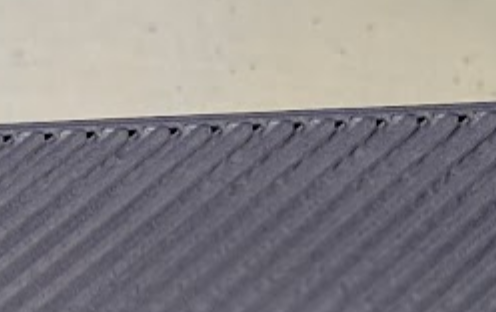
There are many times when flow ratio is perfect as it is. There just happens to be pinholes on the top layer, and any further increase to flow ratio will result in nozzle scars and scratches on the top layer instead of a great top layer.
The fix for this situation can be increasing the overlap between the top layer infill and the wall of the top layer. Superslicer calls this "“infill/perimeter overlap” (PS) or "“infill/perimeters encroachment” (SS).
My request is this feature be simplified to “Infill/Perimeter Overlap” and be put into the strength section with top/bottom shells and be a percentage adjustment. I believe Orca/Bambu’s internal default for this as is, is 25%
I do understand there is the infill/wall overlap feature, set to 15%, in Orca and Bambu, but that is not for the top layer.
Here is the effect, courtesy of Ellis’ print tuning guide.