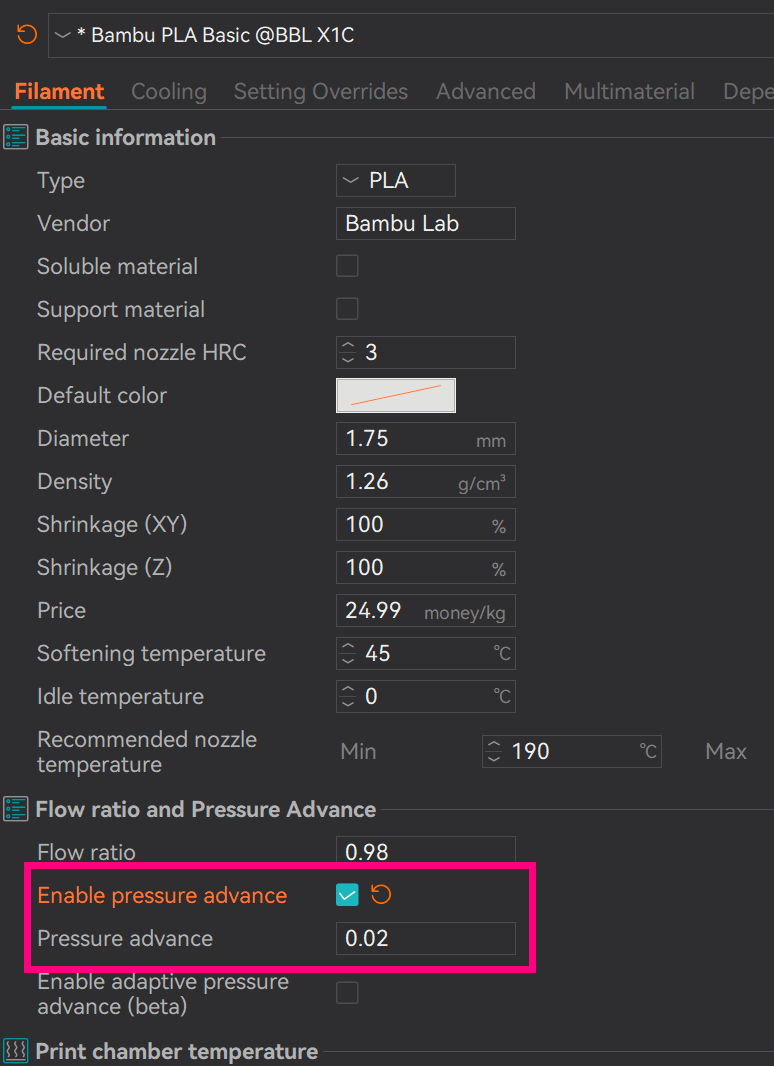
I have done a calibration with Orca and I want to enter the pressure advance results I got as the K value, but it seems that cannot be done.
Is there a way to enter a custom K value yet?
Any idea if Bambu will add a way?
I have done a calibration with Orca and I want to enter the pressure advance results I got as the K value, but it seems that cannot be done.
Is there a way to enter a custom K value yet?
Any idea if Bambu will add a way?
Go to calibration, flow dynamics, click on manage result. chosse a nozzle and create your filament
On 0.2 nozzles printer can’t auto calibrate PA. I tried to do it for 4 spools of hs petg matte and she said no/error/something wrong.
So for what I know about the whole argument and after looooong session of observing the printer and the ugly lines (missing 5 mm at the beginning of every line and then ripping 2 mm before the good line) i did choose 0.05 and it was good.