Wen asking for help, please provide as much information as possible about your inquiry.
This will help everyone to better understand your problem, and provide you with the best solution.
Detailed description of the problem
Printer model used
Slicer settings used
Type of filament used
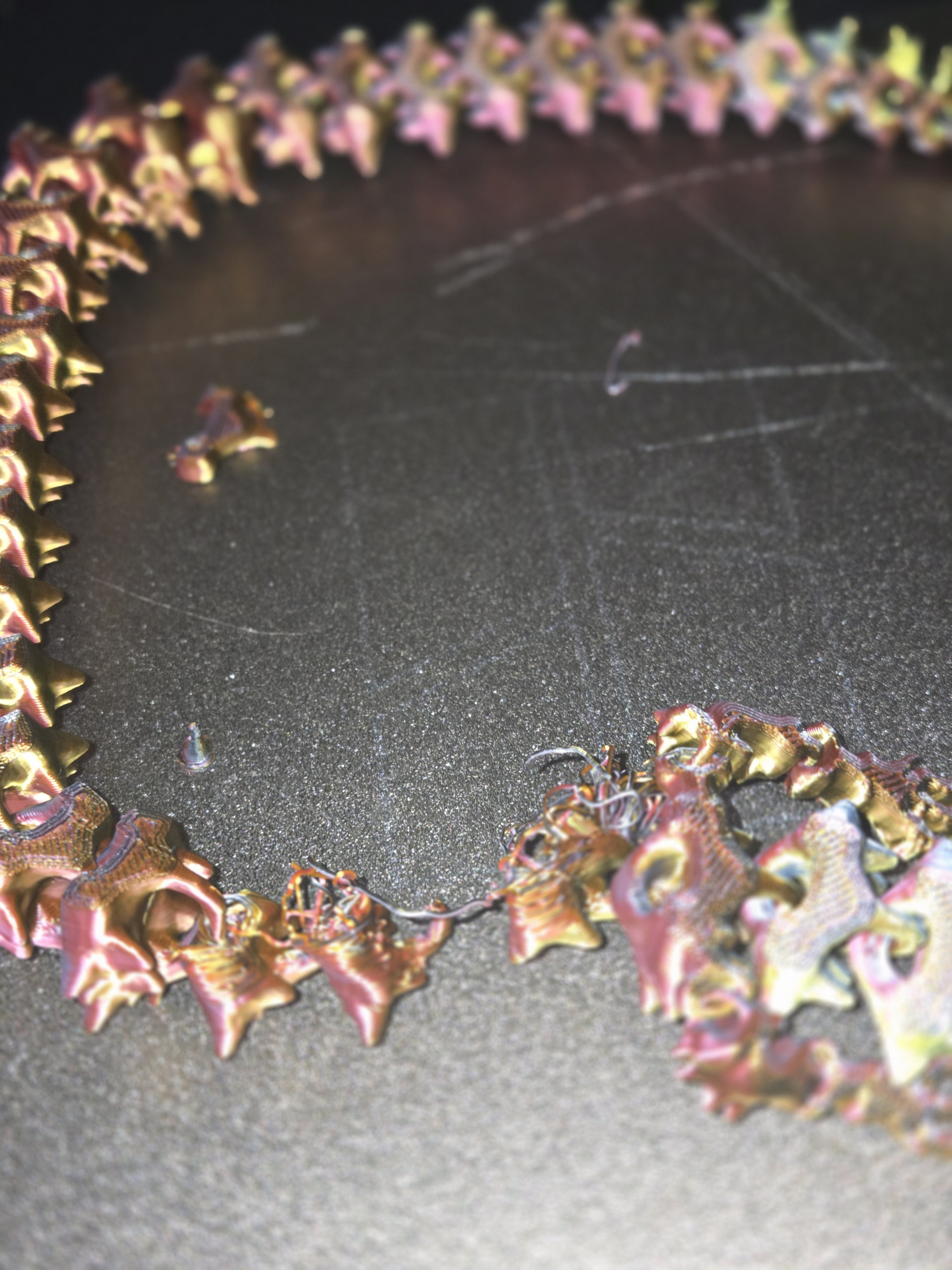
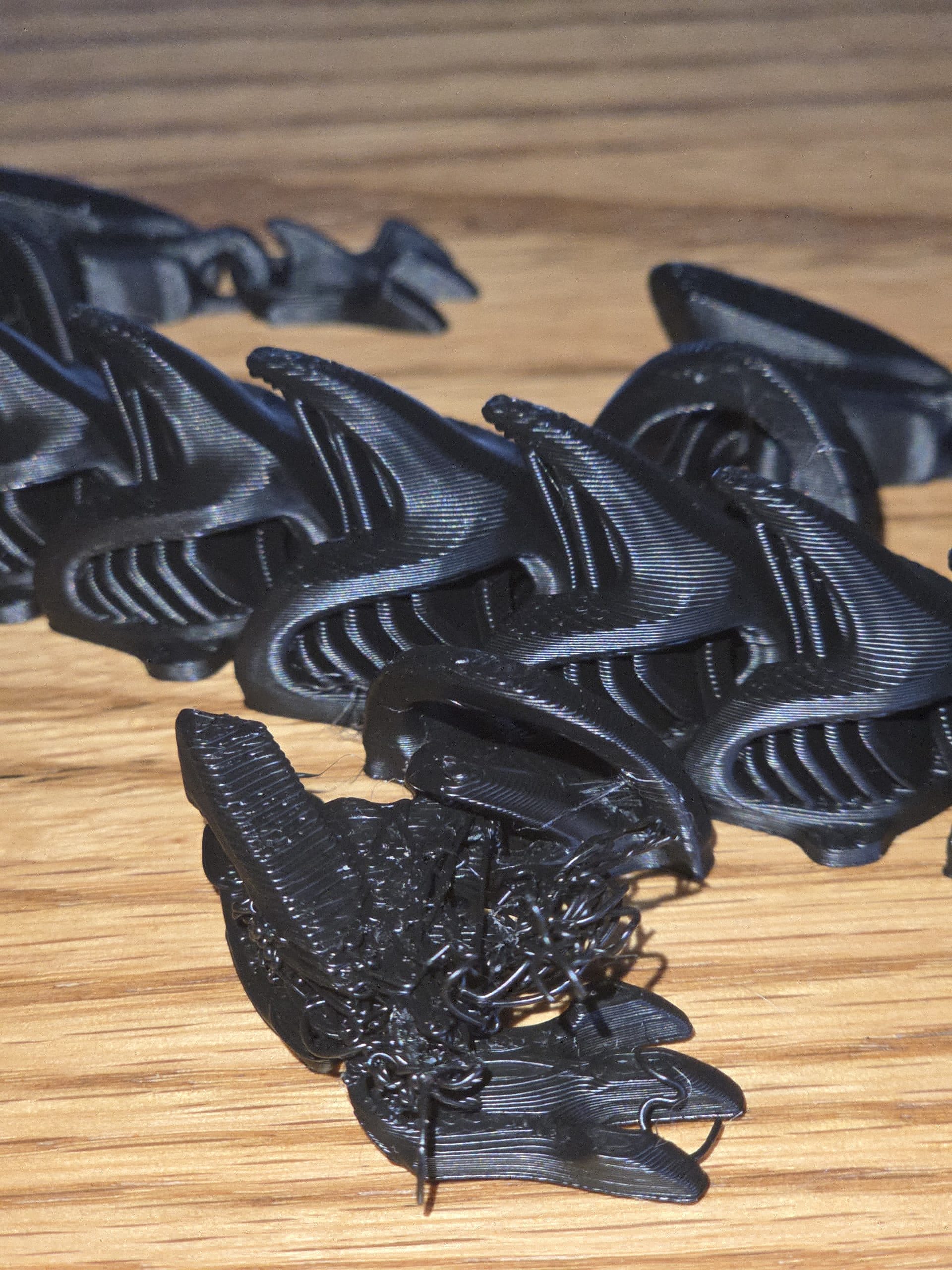
Photos that clearly show the problem
.3mf file (if the file can be shared)
Any potentially useful information that is related to the problem
I moved my P1S printer to a new table (mayb not related) and now my prints fail with a small area of stringyness.They were new files downloaded off of makerworld. I cleaned t h e plate, and had success of 2 small objects. Most of the failed prints were excellent. Chatgpt says it’s due to either too much fan or not enough.
Reposition your model on the plate and re-slice. Does the issue track the model or stay at the same position?
Looks like there may be a feed problem in one area. Move the print head to that position, and check that the filament feed tube isn’t pinched or kinked.
Examine the spool. Sometimes:
Filament gets wound over itself
Sides of the spool get spread, and filament gets pulled down between lower layers of filament and wedged
Spool rim is broken or cracked, and filament catches on it
(Mostly for TPU, but…) filament is sticky or stuck together, and the extruder has trouble pulling it off the spool