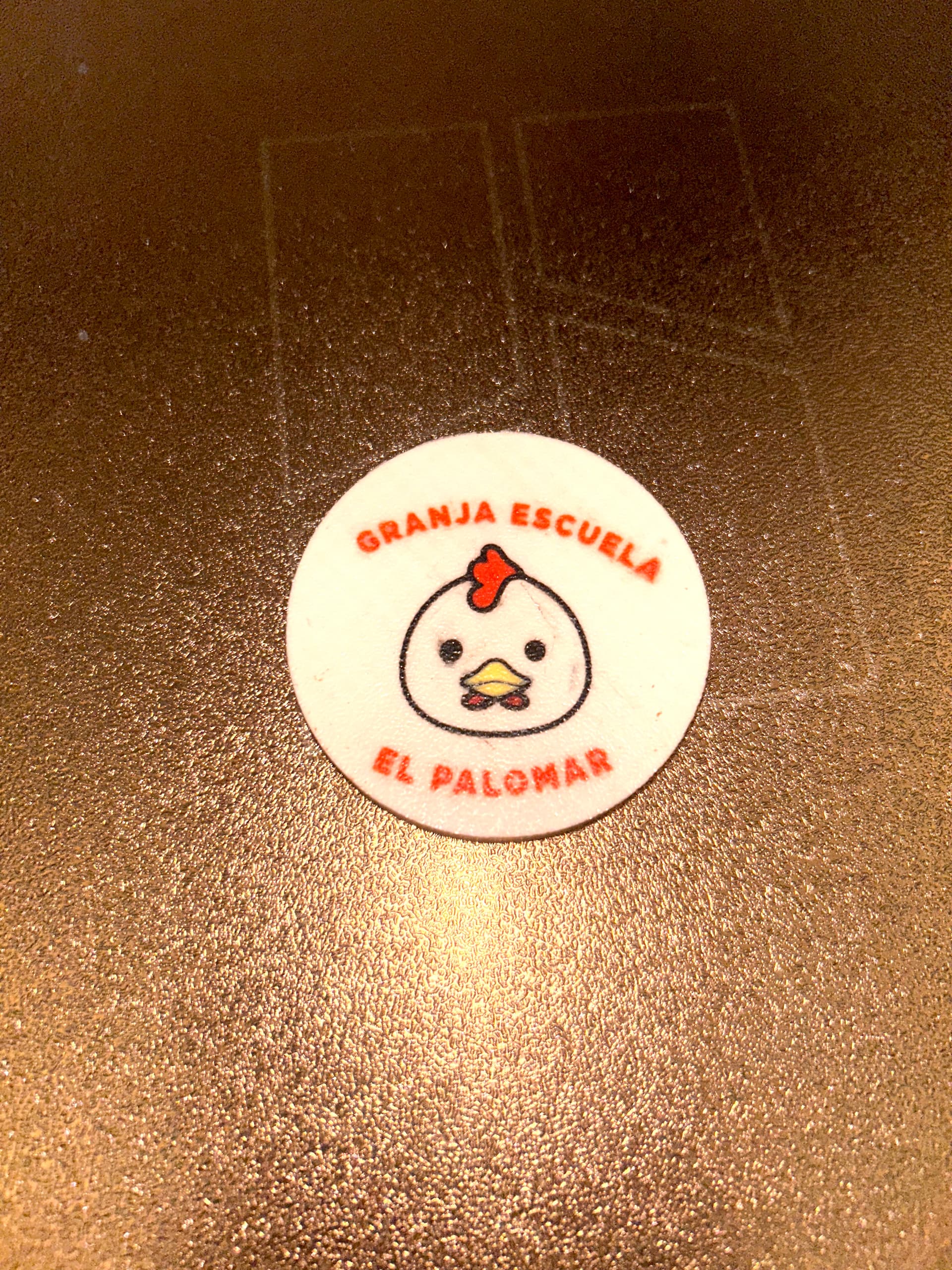
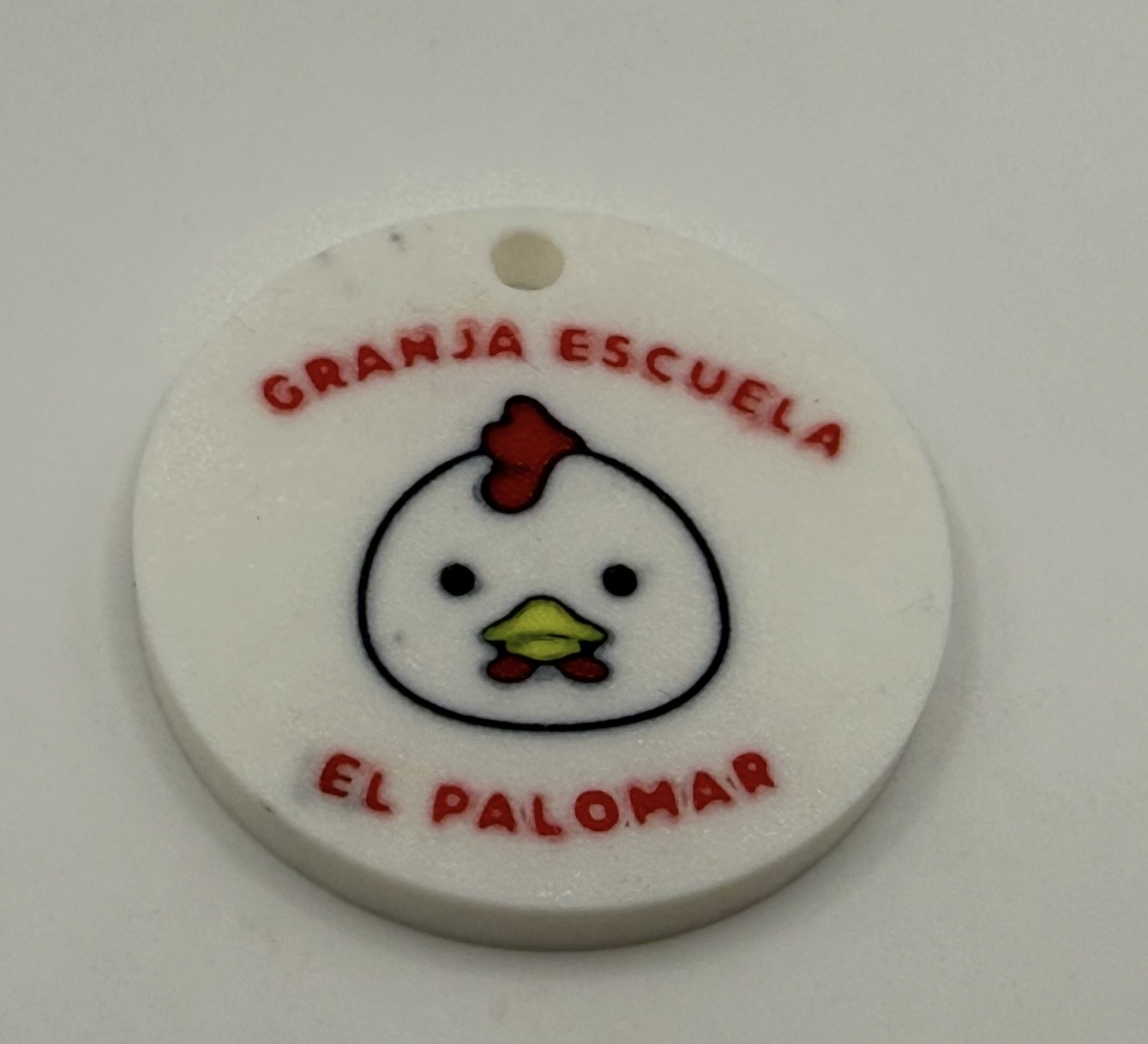
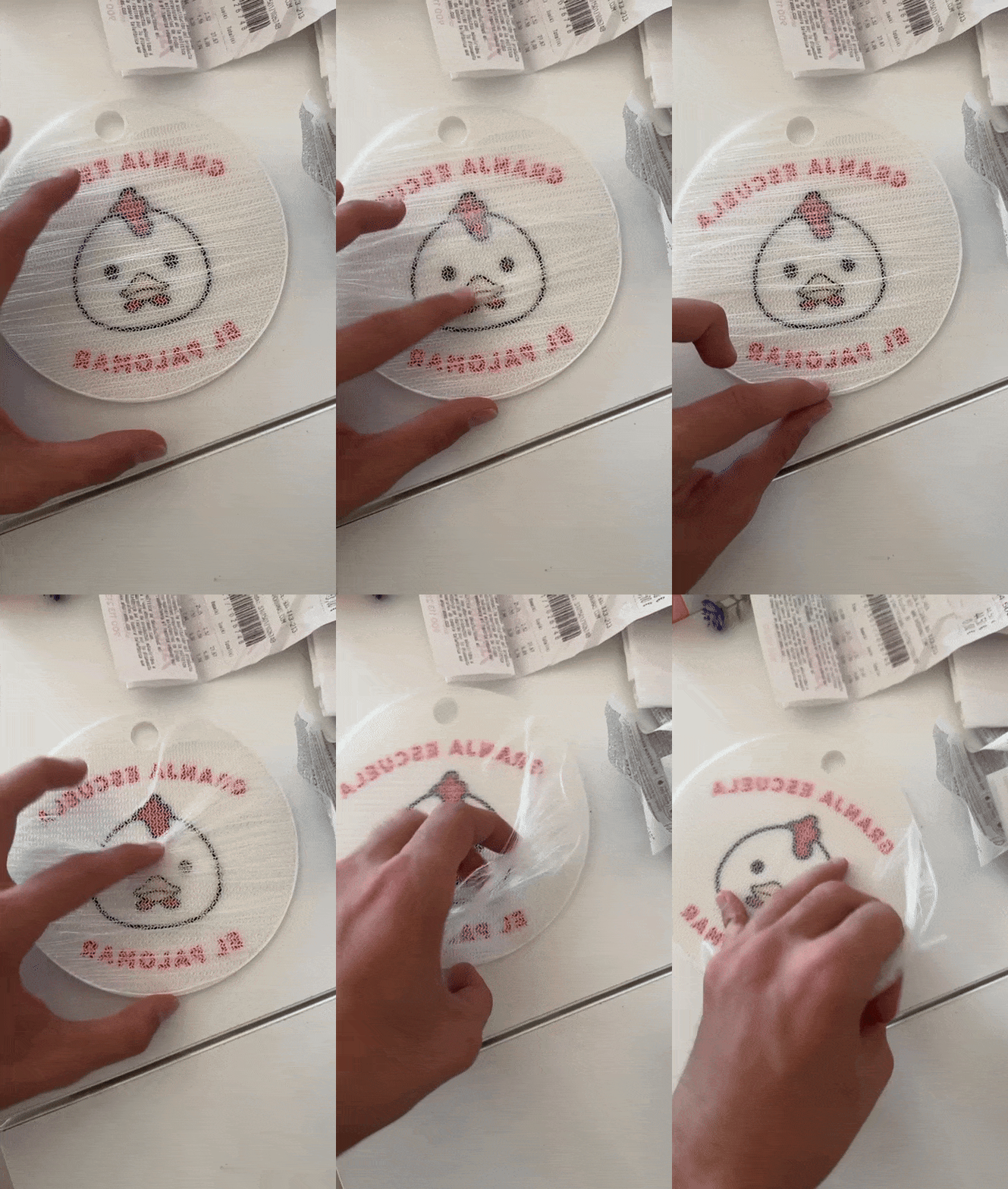
So im printing a coin with NFC tag inside i already printed one but, I feel that the piece is to small for printing, because the letter that are color red dont look like really detailed… I want to know if this piece is printable in this size.
There is like some black line in the inside of the chicken, If anyone can try to print the piece to see how does it look I would appreciate it. Coin NFC Tag.3mf (199,3 KB)
Should I do the piece in big size and then shrink it in bambu?
I also recommend you use an infill style other than grid. I use Gyroid most of the time. The reason is the grid (and some others) cross over the same point in the grid, which causes a potential of twice the amount of filament in those spots. Which can lead to problems with stability when printing large models and defects on surfaces.
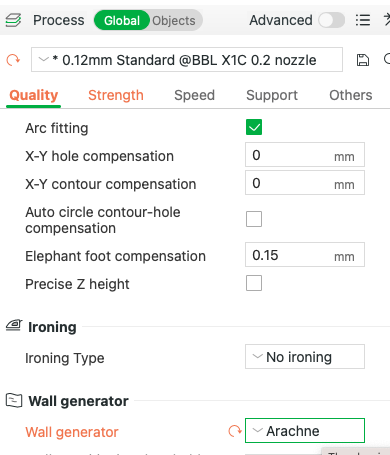
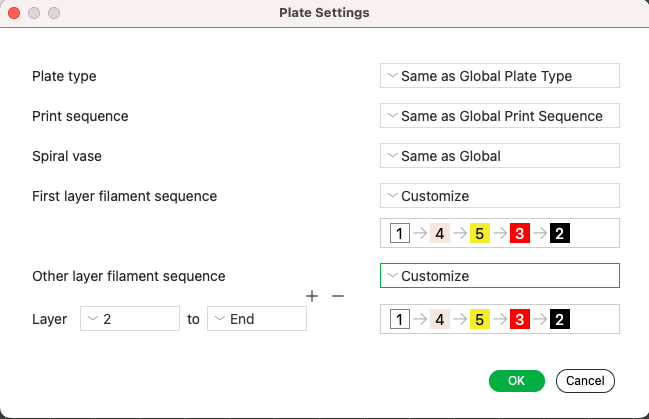
I was checking the color I dont know why the color Beige is inside I think is not used in the print you can delete it… sorry. I alreday put the configuration you send me im going to try. Thanks Great Oracle.
Ok, Thanks man you are helping me a lot to understand how Bambu works because im going to print pieces that have different colors and this has been really helpful for the future.
I am wondering its okay the size that i am trying to print, like do I need to put some configuration to my A1 to get this in the best quality possible or I am demanding to much to print something this size…? .
And I tried to print the same coin but bigger (as a sign can be used xD) like 150 mm but I had a problem, everything worked perfectly until it started to fill with aracne, the extruder started to make a sound “tac tac tac tac” I tried to clean it without success and finally it beeped and gave the jam warning, like this several times, I cleaned everything completely, removing the nozzle etc. The jam returned quickly.
The last layers of the coins show a clear lack of adhesion.
An i forgot to mention I dont know if the quality of plastic has something to do with the adhesion because, the printer is of a friend that had already the plastic and everything but he didnt use it for one year and I saw that there could be moisture in the filament and I don’t know if I should get a filament dryer maybe…?
Are those layers the ones that touch the build plate or are they above the design?
That is a strange thing to happen.
Filaments need to be dry, but that outcome didn’t appear to affect the bottom layers, assuming the ones you are manipulating with your hand were printed higher up.
Just to clarify, the infill I suggested was gyroid and the wall generator was Arachne, two different things. Neither would have caused noise, the gyroid would have made things a little quieter as it longer crosses over already printed material.
It is possible the noise was related to the filament not sticking.
The size you are printing at for the keychain is fine. It looked reasonable using a 0.4 nozzle, it will look great with a 0.2 nozzle, albeit taking much longer to print.