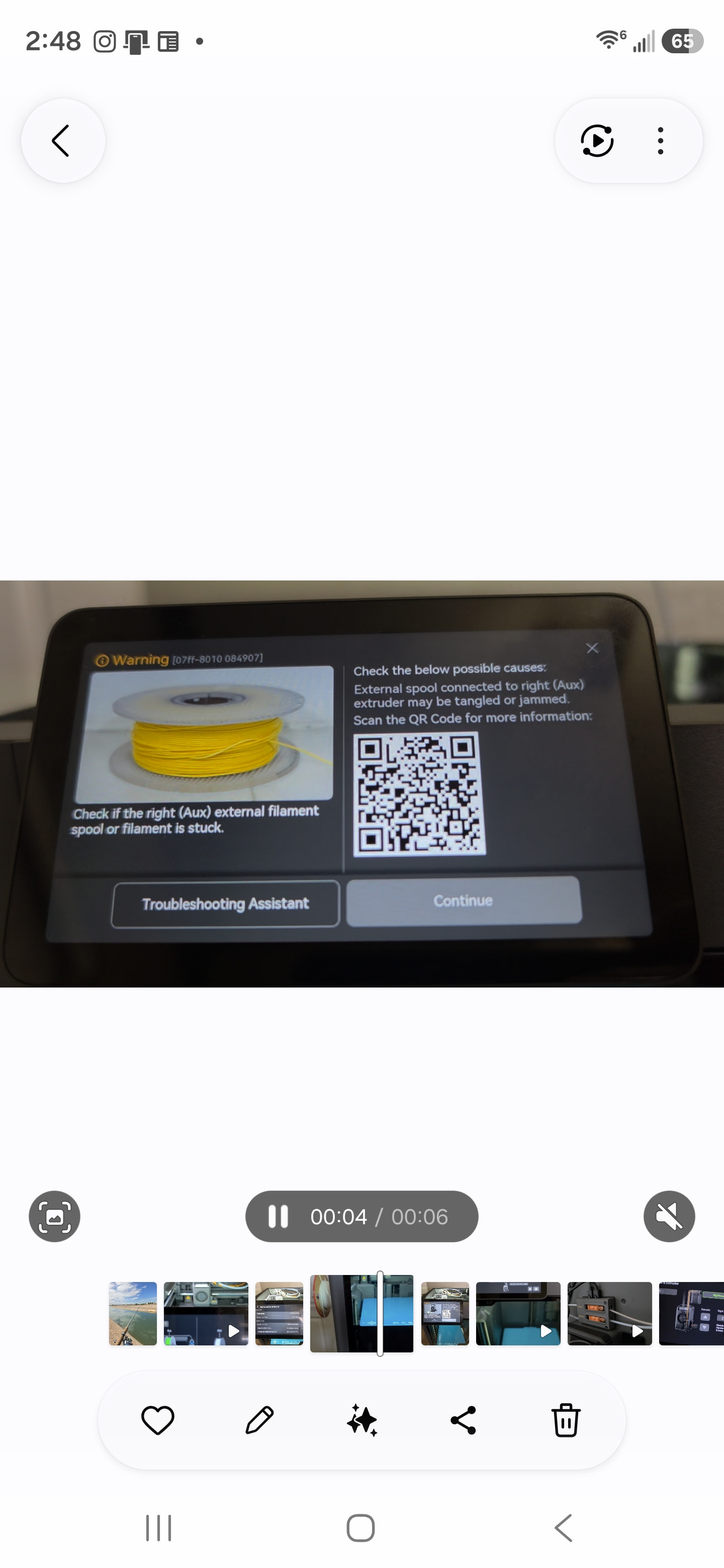
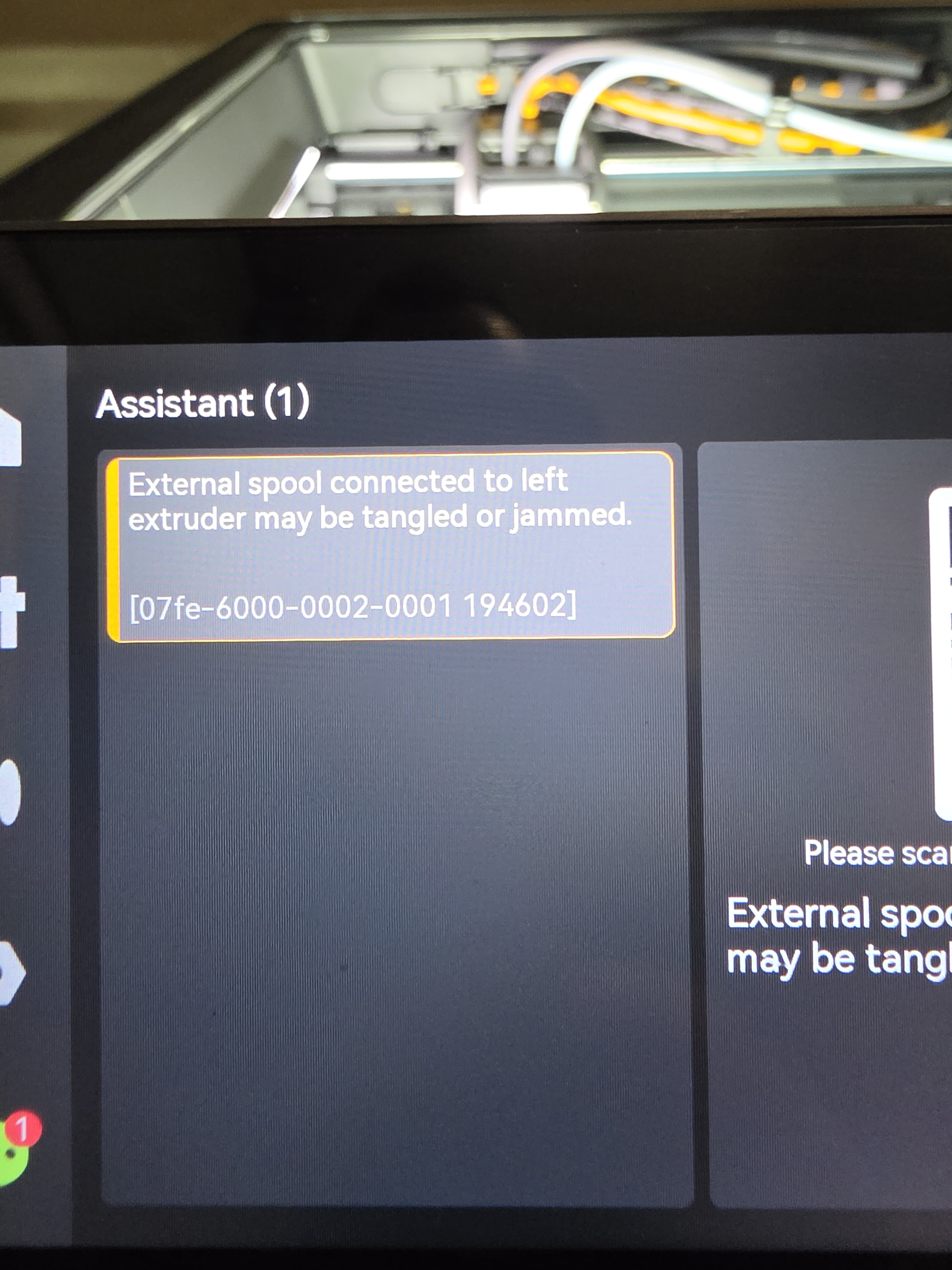
Hey guys! I have the x2d its been down now for 2 weeks. I have checked and removed both nozzles for stuck filament. All the ptfe tubes are clear. I have no tangled filament anywhere. I checked the sensors and we are looking good. But i can’t print anything using ams 2 pro or manually loading the filament. I keep getting external spool tangled or jammed. Anyone have this problem before? what are the odds that both my nozzles wont feed and dont print at the same time??? I have
I believe it’s lying to you. My guess, Foreign contaminant or ground up filament is built up the the tool head. You might need to disassemble and clean it out. Something similar happened on my P1S and it was really just so full of crumbly bits it was dragging on the filament enough to cause other things to error out. My only concern is that for both nozzles to flake out at the same time would be a stretch. No harm in checking, it’s been down a long time already.
I was thinking that to. Thats a big job cleaning that out so many small screws =/
Do you mean strip it down to the gears? Do you have a video what you recomend?
Trace the PTFE tube from the external entry to the print head.
You can disconnect it and make sure nothing is broken in it,
If once assembled, the problem persists, look in the toolhead.
This video is a good example of going what is needed. Start with this or after the PTFE info above.
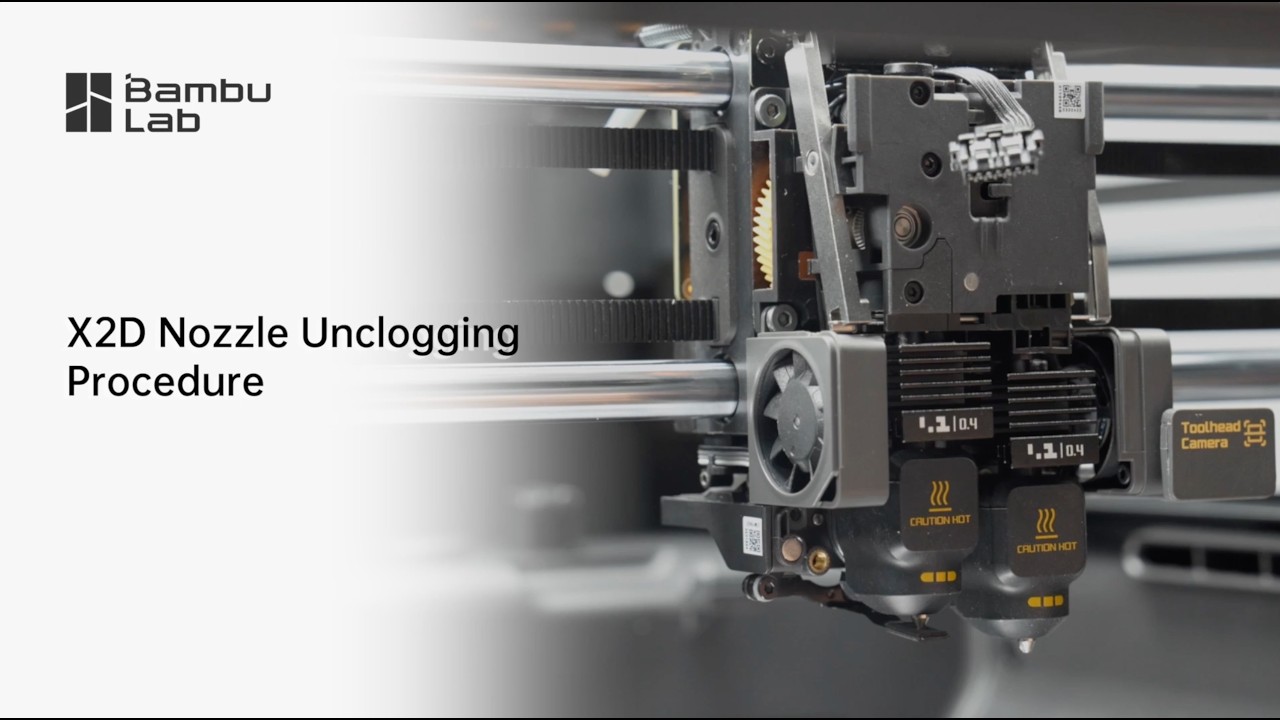
nvm i figured it out. I put everything back together lets see how it goes
I took apart all the way down to the gear. Cleaned everything did cold pull still wont work.
I have been having a similar issue for 3 weeks. The printer started intermittent stopping with that same error.. It then got to the point of not printing at all. I tried with a straight spool to the extruder and it sort of worked, but would slowly begin stopping until the print was just so badly layered it fell apart. I got suggestions from Bambu to try various things with no luck. AMS loads, immediate retract when it gets to the Filament Sensor. Replace that, no luck. Removed the Buffer and took it apart. Nothing inside, but it printed once and then same error on second print. They are sending a new buffer in case the current one is the defect? I don’t have high hopes, but willing to try anything.