Hi everyone,
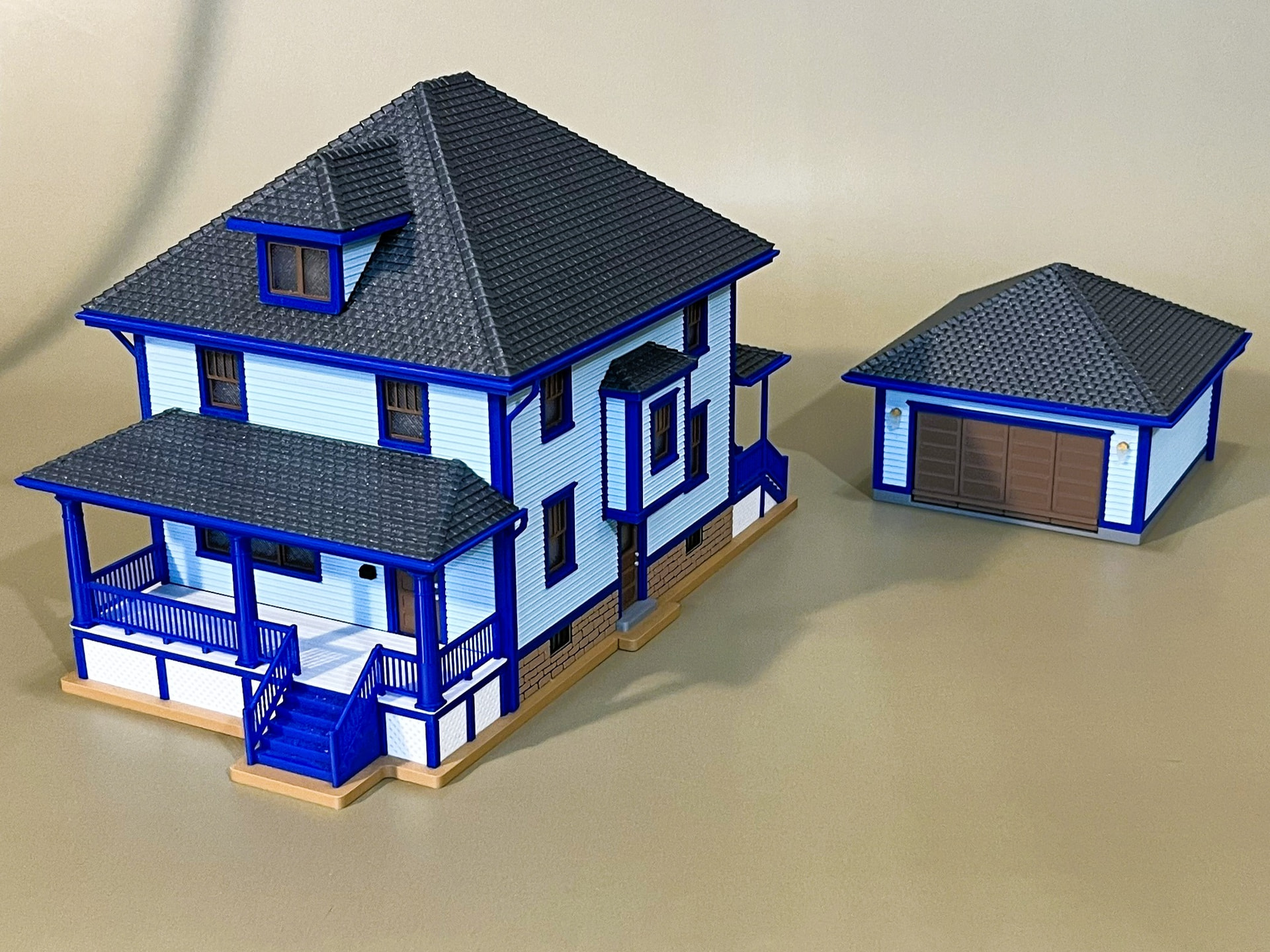
I would like to introduce PrintHaus – a browser app I am developing that lets you click together the building you want for 3D printing. For model railways, dioramas, the tabletop gaming table, or as a single model to put on display.
I am posting this from my cforms account. PrintHaus is a separate new project of mine, so I have set up its own profile for it: PrintHaus.app, where I have uploaded a few test models: PrintHaus.app | Published - MakerWorld
The principle: you choose and click – PrintHaus takes care of the construction. Pick a floor plan, set the number of floors, click a roof shape, and decide where windows and doors go. The app calculates the building from that and shows you every change directly in the preview. You do not need any CAD or modelling skills. Behind the scenes, PrintHaus applies more than 2,000 logical construction rules.
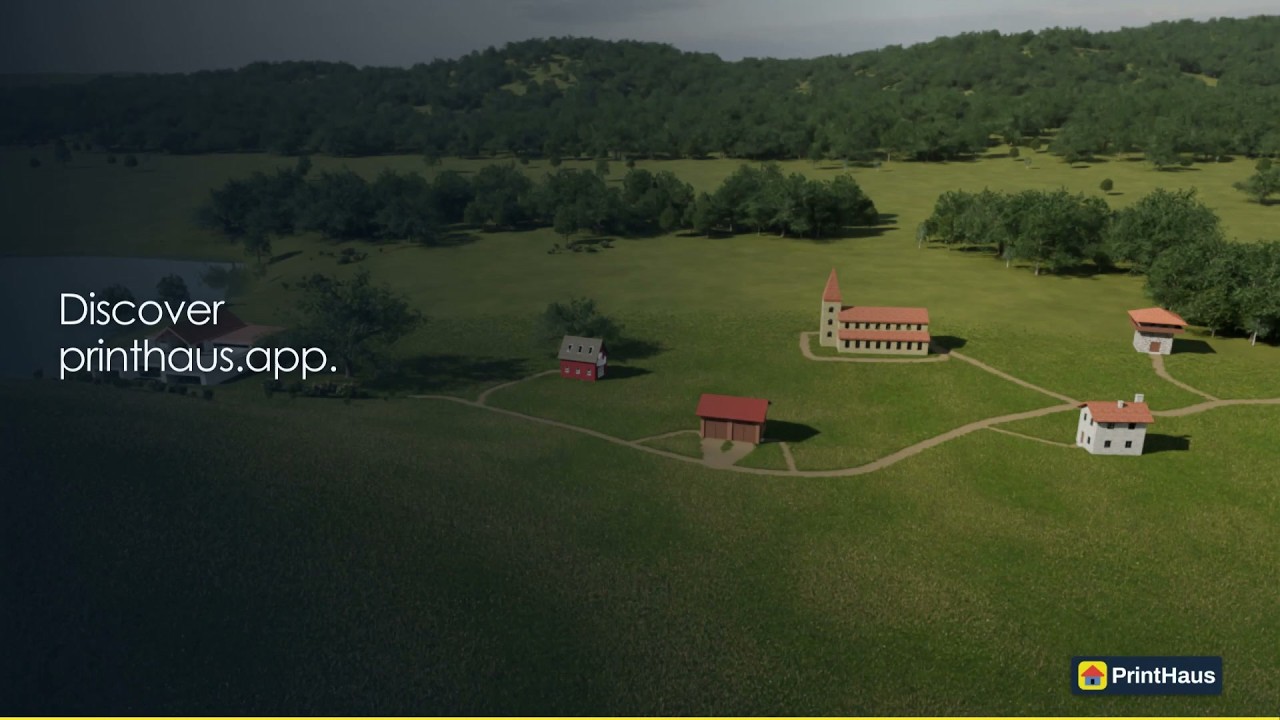
A quick look at the app (promo video):
This is how you get to your building:
- Choose floor plan and floors: use a template or set the corner points of a free floor plan by clicking. Then pick the number of floors – up to 10 floors are possible.
- Choose a roof: click a roof shape, set pitch and overhangs, and add dormers if you like. PrintHaus calculates the matching roof geometry.
- Choose windows, doors, interior walls, stairs and railings and say where they go. The app generates the parts.
- Click a texture: more than 50 textures are available for facades and roofs.
The right scale for your hobby:
PrintHaus offers scales from 1:10 to 1:300. Examples:
- Model railways: 1:87 for H0, 1:120 for TT, 1:160 for N and 1:220 for Z. For larger layouts there are also 1:45 for O gauge (NEM), 1:32 for gauge 1 and 1:22.5 for garden railways (IIm).
- Tabletop: 1:56, for example for Bolt Action with 28 mm miniatures, or 1:100 for Flames of War.
- Dioramas and military modelling: 1:35, 1:48 and 1:72, matching common figure and vehicle kits.
- Architectural models: for example 1:50, 1:100 and 1:200.
- Small dollhouses: 1:24, also known as half scale.
Preparing for the print is part of it too: PrintHaus knows 600 printer models and can split the parts to fit the chosen build volume and arrange them on the build plates. Export formats are 3MF, STL and STEP, plus GLB for use in digital scenes.
Now I am looking for people who try PrintHaus with their own ideas – and, where possible, actually print their buildings.
I am especially interested in whether you get along without extra explanation, where settings are missing or unclear, and how the generated parts behave when printing and assembling. Feedback from beginners is just as helpful as feedback from experienced modellers.
Your feedback is the reason for this beta test. The best way to send it is the feedback button in the app.
How the free beta test works:
The beta test runs through September 27, 2026. You can sign up until then.
On the beta page you request a personal access code with your email address. With it you register in the app and get 7 days of full access. Included are 10 different model downloads in total, at most 3 per day. Downloading an unchanged model again does not use up any quota. If you need more downloads for your tests, you can ask for a higher quota at any time via the feedback button in the app.
You can save your current state as a local file and load it again while your access is active, to continue where you left off.
Models created in the beta test are for private use only; selling and redistributing them is not allowed. PrintHaus is planned as a paid app – taking part in this beta is free.
Beta sign-up: PrintHaus — Buildings in a few clicks. No CAD skills needed.
If you join, feel free to tell me which hobby you want to try PrintHaus for and which building you would like to print. Your experience helps me see what already works well and where the app still needs to get better.
Best regards
Sebastian