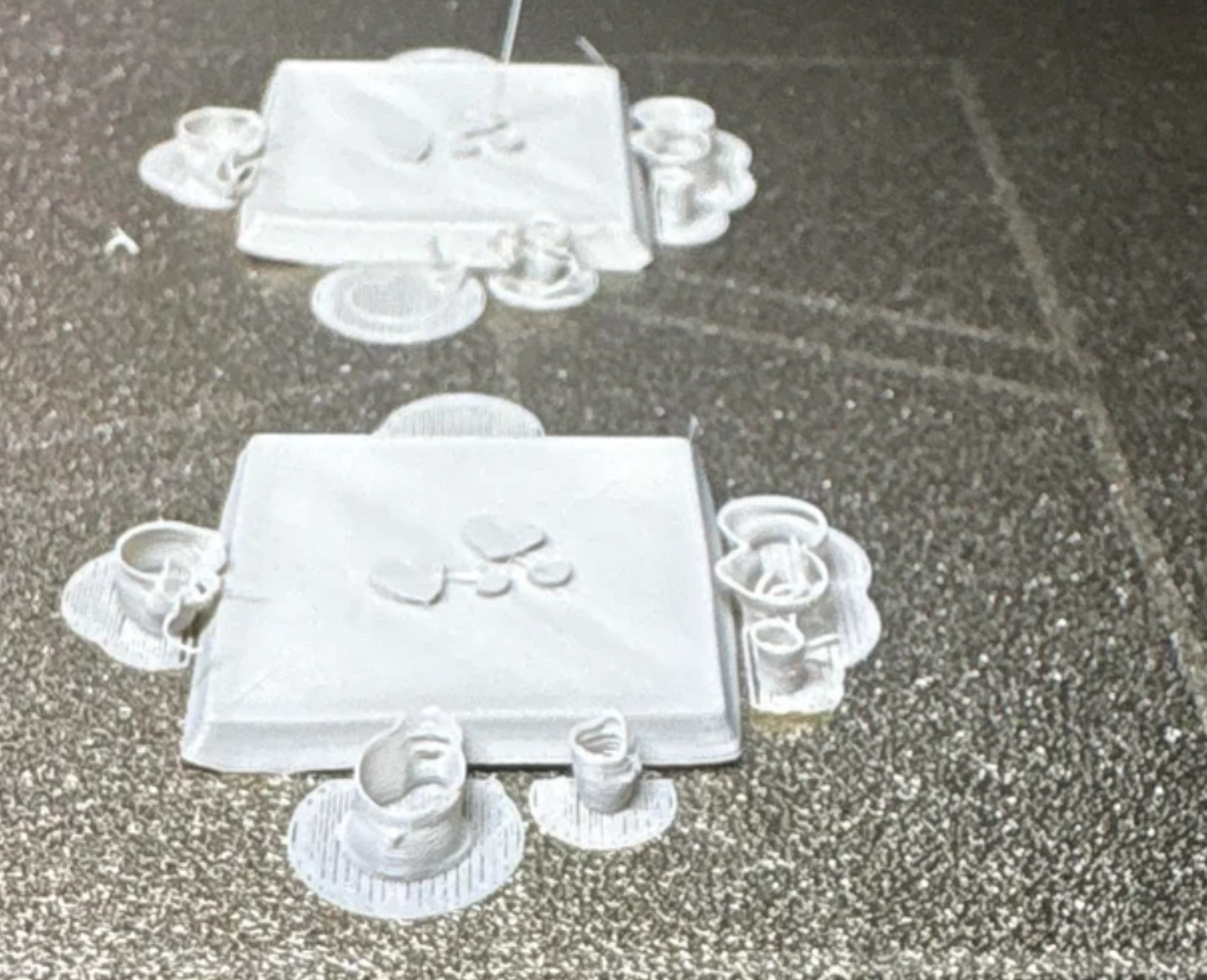
Multiple Prints keep failing about a quarter of the way through, some the supports would be getting knocked by the printer and some just resulted in spaghetti for no clear reason to me, I’ve done mostly everything I can think of and messed around with all my settings that I thought would help it including lowering the temp to 190, lowering the speeds, making the supports stronger, washing the plate, drying my filament.
Model: Bambu P2S
Filament: PLA Basic Gray
Slicer: Bambu Studio
Settings: Can Post them as needed, I didn’t really know if how to export them as a text file or anything besides just a bunch of screenshots.
Mini1.3mf (4.3 MB)
For example, you can drag the 3mf file into the forum, into the post you want to write. Other people will then be able to see the settings. I guess it’s all just a matter of settings. Perhaps an infill setting that causes the nozzle to constantly ram into the support and infill, just to give one example.
Never mind my comment - I just noticed that the 3mf file is attached; I’ll take a look at it. 
2 Likes
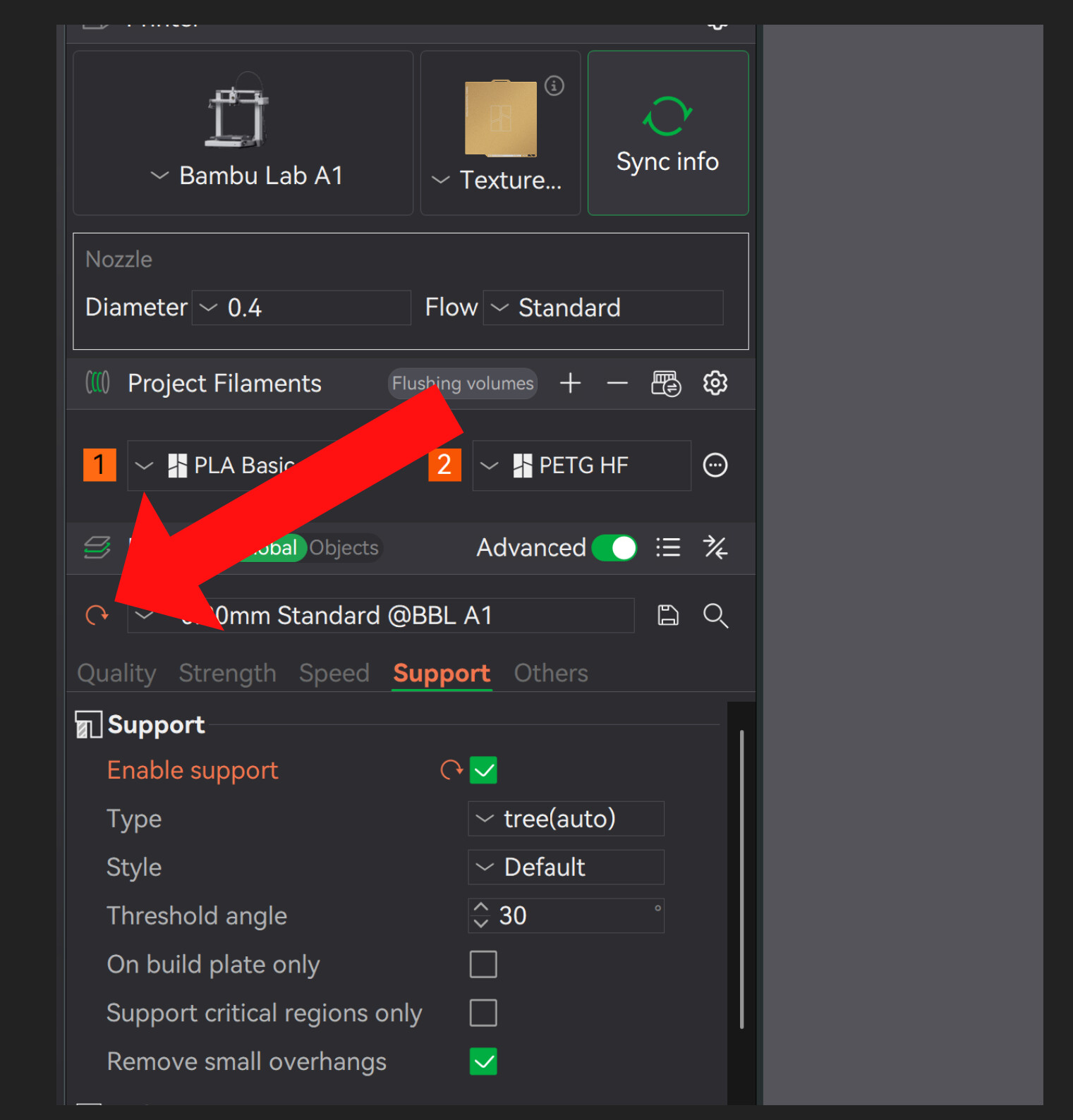
Okay, I can tell you straight away what the problem is. We actually came across a similar issue earlier this week. You’ve changed every single adjustable setting - and I mean every single one.
You probably downloaded the profile from another source or imported someone else’s settings, right? Probably someone who creates miniatures?
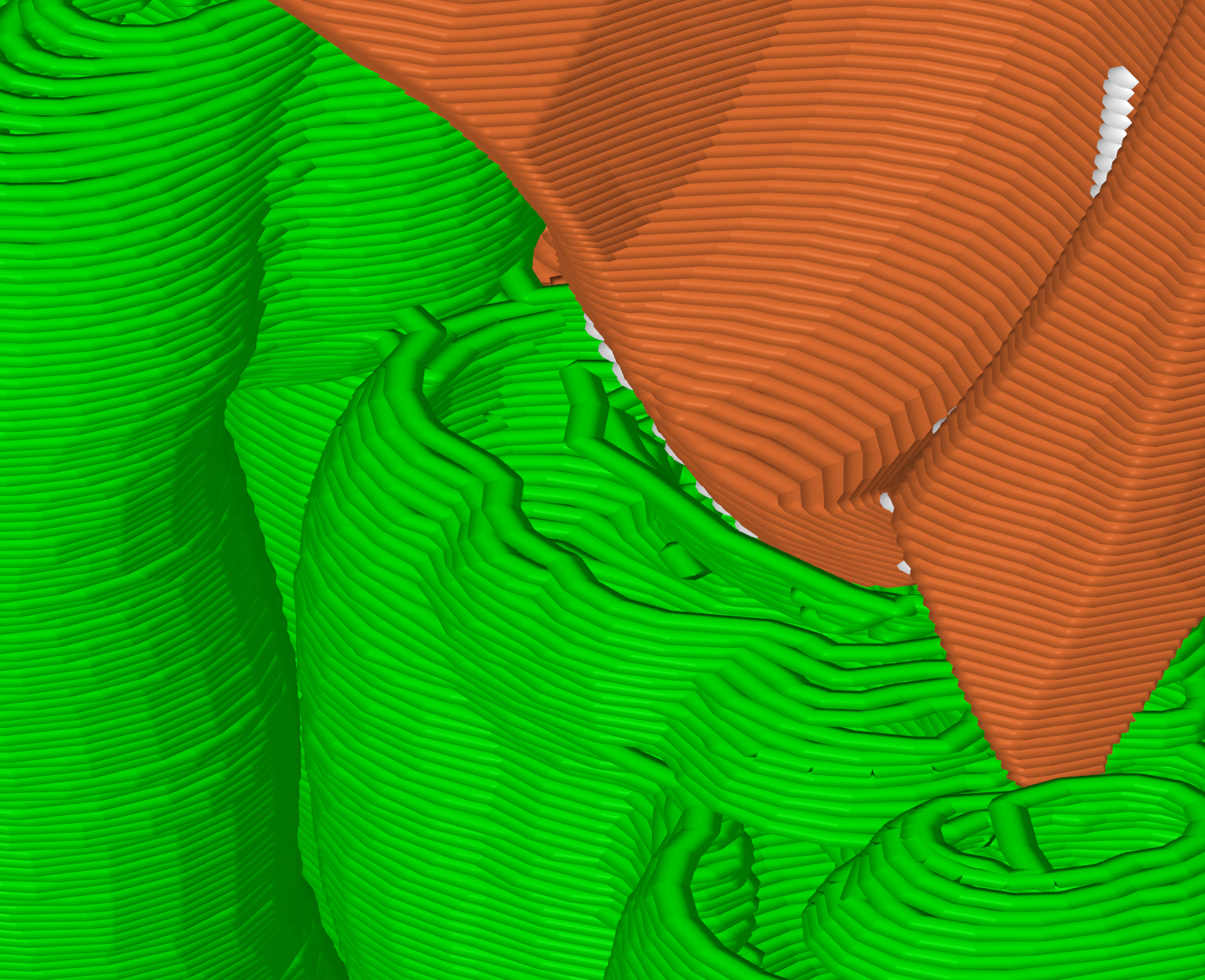
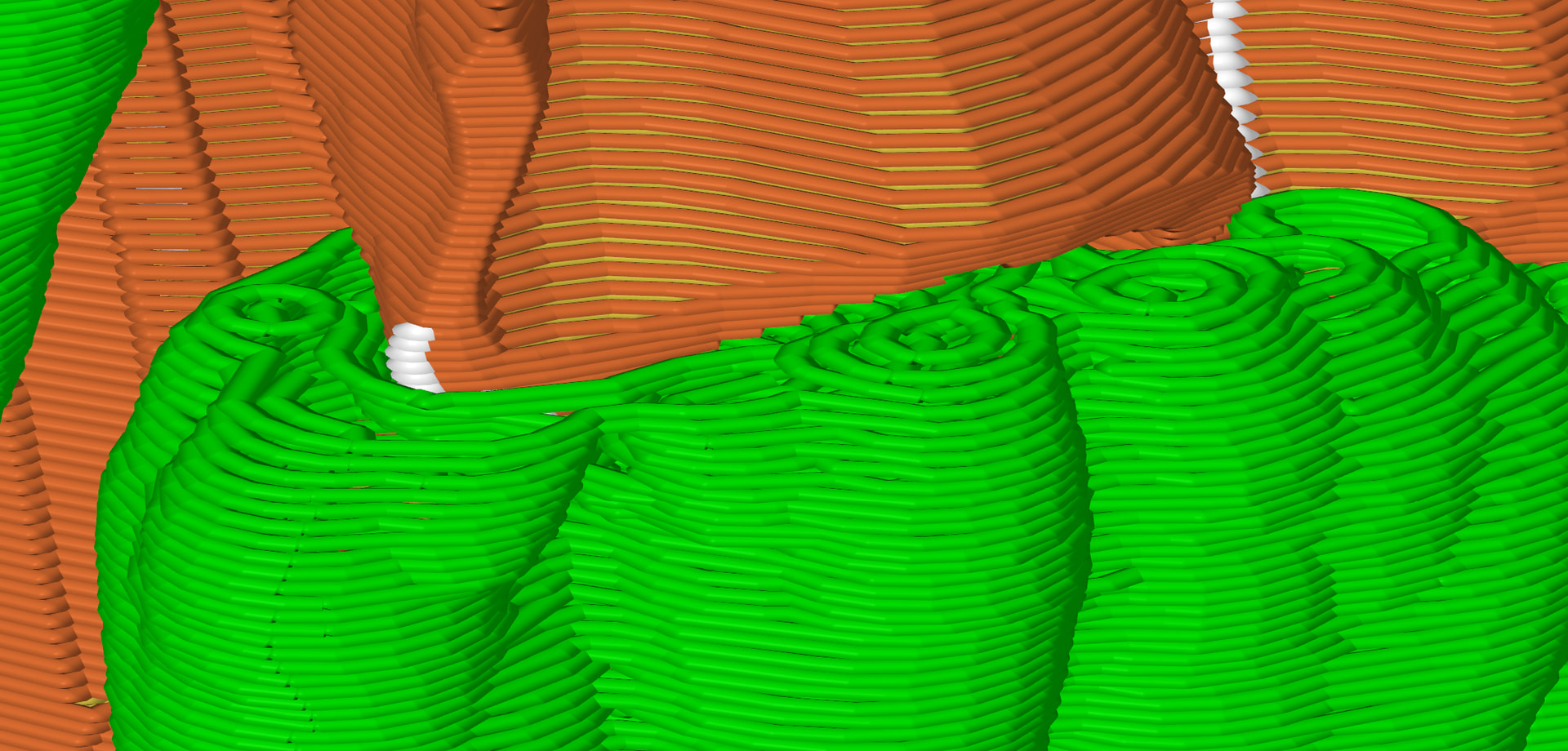
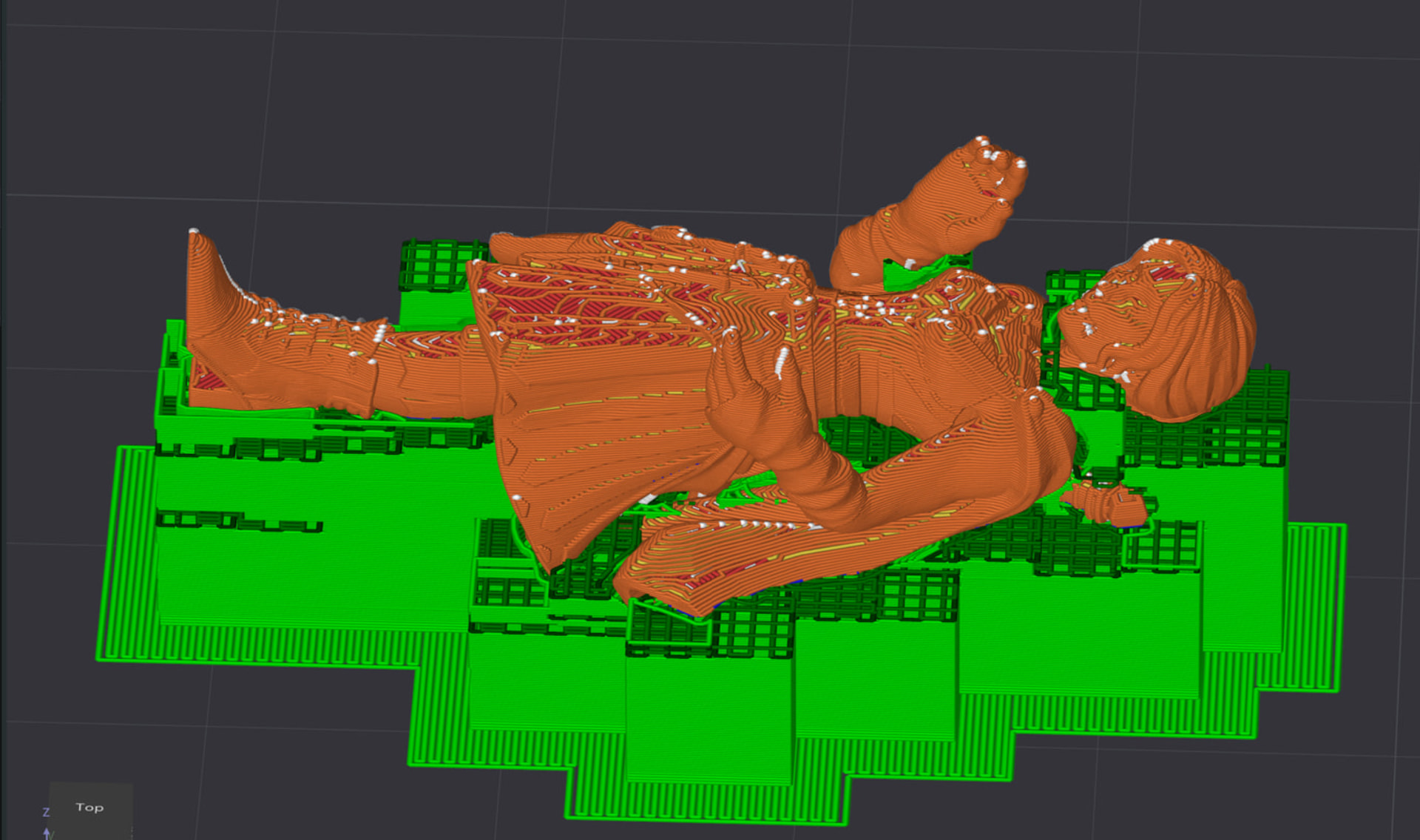
You’ve changed so many settings that the support isn’t being generated correctly anymore; look, the support here doesn’t serve any purpose and just goes nowhere.
Same here - the support stretches out into nothingness and doesn’t make contact.
Your main problem is that you’ve adjusted every single slider and setting. To the point where the slicer doesn’t even know what to do anymore.
Another rather odd choice of setting: Why is the wall thickness 6 for such a tiny miniature? A 3 would easily suffice and would still be extremely sturdy. With a wall thickness of 6, your infill has no space at all, yet you have set it to cross-hatch. You chose so many confusing settings.
This isn’t a criticism - don’t get me wrong - but it’s the cause of your problem.
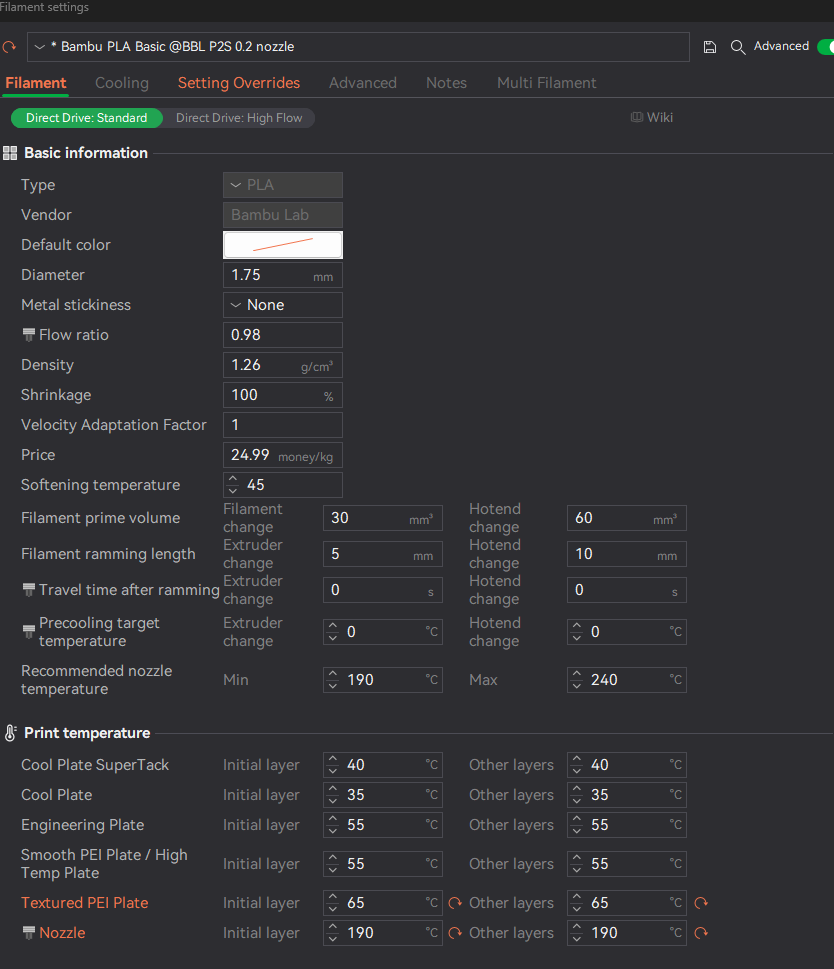
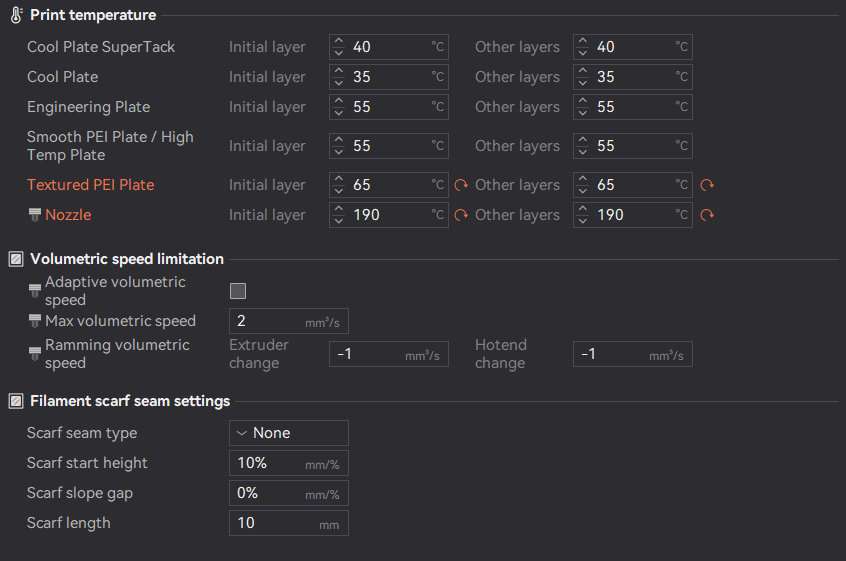
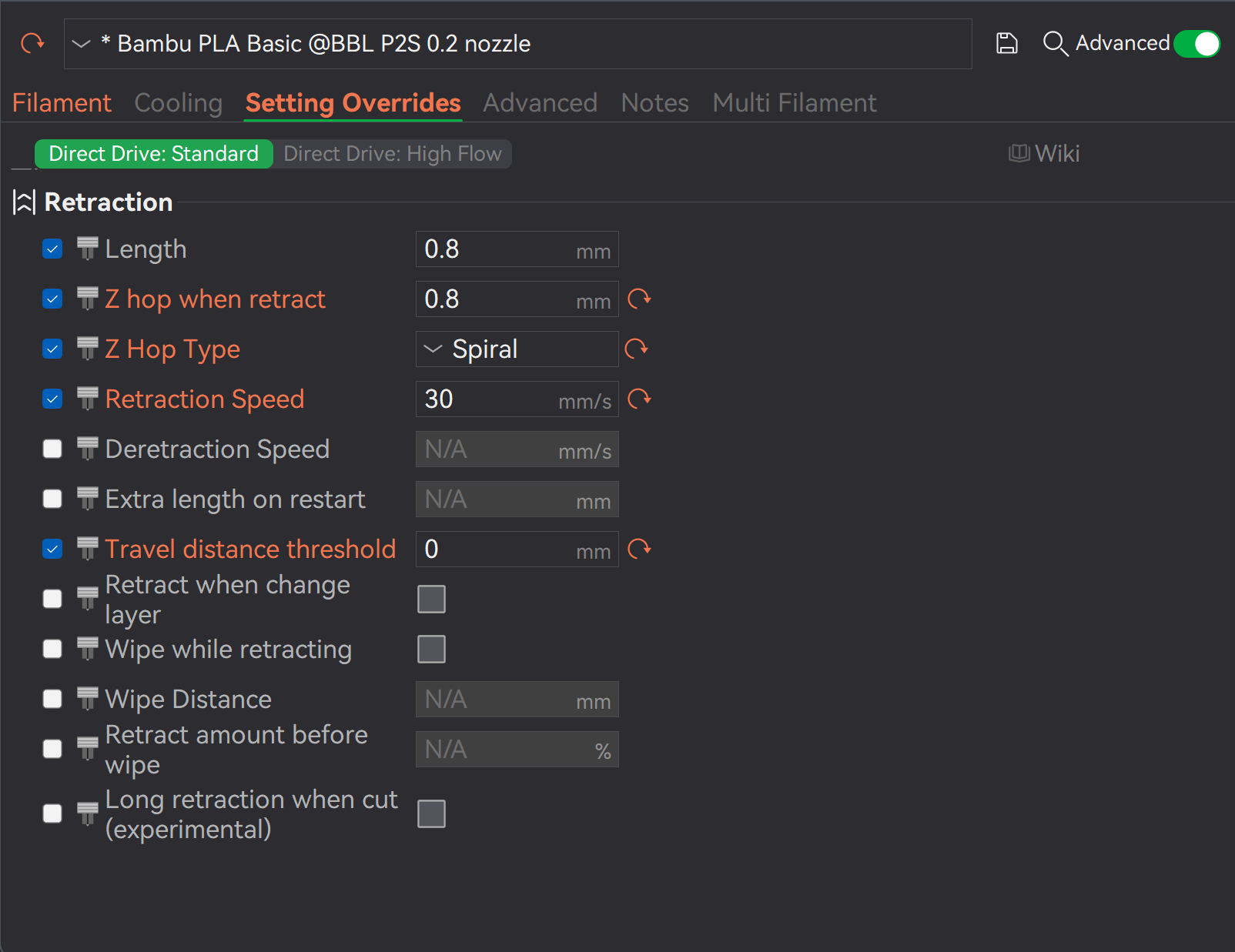
Almost every single setting in your filament profile has been changed, too.
First, reset your profile and familiarise yourself with the settings before changing everything. How did you determine the value of every single variable - and I mean every single one? I’ve never seen so much red in a profile before. Red = modified variable.
2 Likes
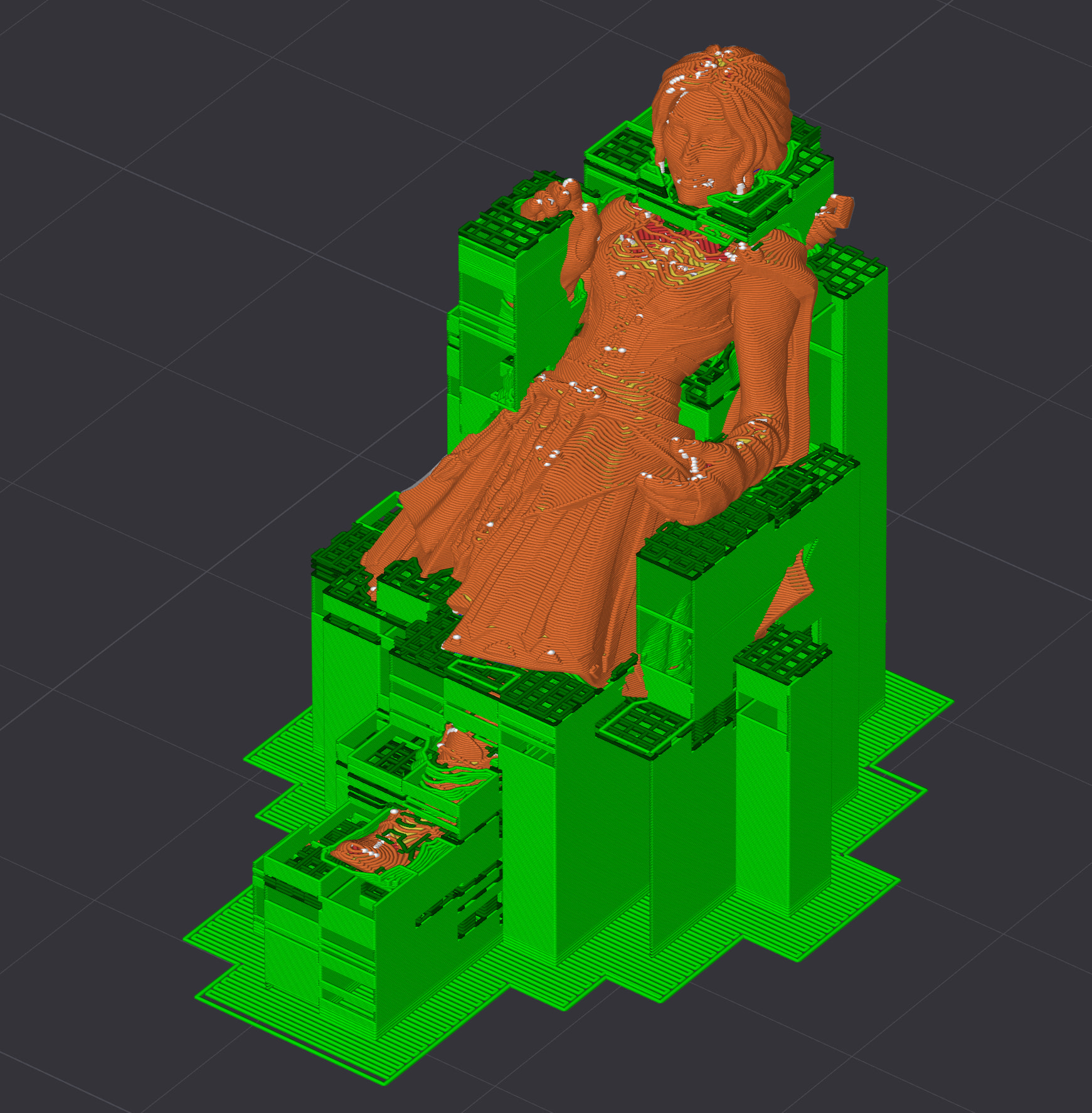
Here’s a little bonus photo: Check out how the support re-establishes contact with the 3D object when I reset the settings and the slicer.
My suggestion would be to print it this way: Rotate the figure 90°. That way, all the ugly parts will be on the back, and the figure will look good from the front.
Once you’re comfortable with the settings and want to further improve the quality, I recommend trying a 45° angle. As a result, the overall look of the front end appears even smoother.
2 Likes
A lot of these settings have been getting changed over these course of the past two days just to see if that would help, at first I was at default settings and ran into a problem, some of these were never meant to be to as extreme as they were and I can explain some of the changes, but you’re right in that I might have been going overboard. I’ll see what happens if I run it on default again.
1 Like
I noticed something else - basically, you’re really trying to push your printer to its limits with such small objects. That also requires hardware solutions, so to speak:
Your 3D object has extreme warping. You need a brim, and probably a smooth build plate with better adhesion. Printing two such extreme objects side by side isn’t ideal either, because the nozzle has to constantly jump back and forth.
Take a close look at your photo - see how the corners are really bent up. The textured plate isn’t really suitable for that, and you should definitely set brim if you want to print an additional base.
1 Like