Hi everyone, I have a P1S and for a few days now I haven’t been able to print from Bambú Handy because when I select the filament, they appear grayed out (shown in the images). However, I can print without issue from my PC with Bambú Studio. I’ve tried uninstalling and reinstalling the app, and the problem persists. What could be the problem and what’s the solution? Thank you.

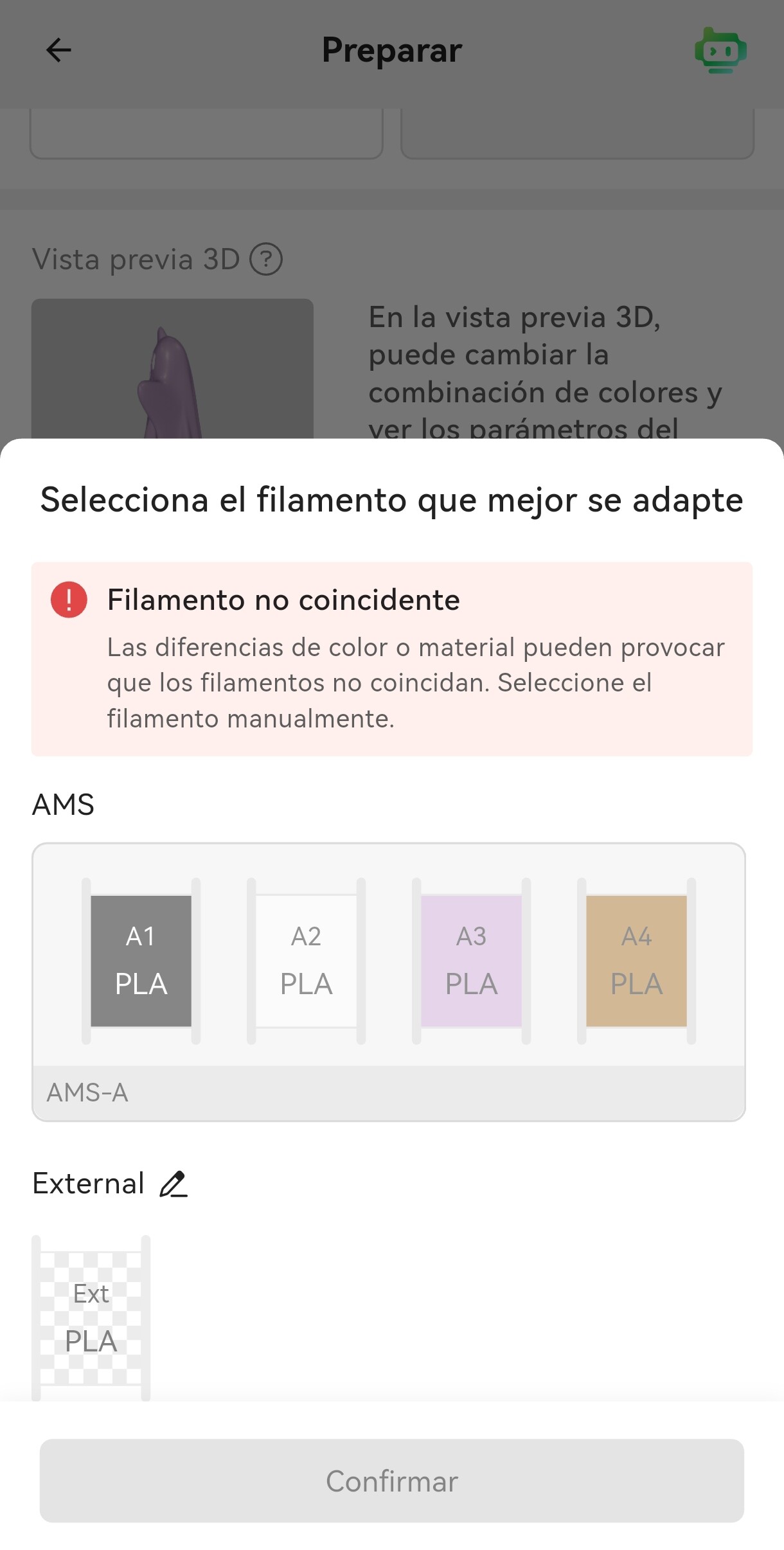

The error your getting is caused by a difference in the filament that the model is sliced for and what is loaded in the printer. Ie if the model is sliced using PETG and you have PLA loaded then the printer won’t let you print the model.
Thank you very much, but that’s not the problem. Pla is loaded, just like in the app. I can also print from Bambú Studio.
Are you trying to reprint and previous print from Handy or are you trying to print something from Makerworld?
Hi friend, this happens to me with any Makerword printout.
Entra en la vista previa y echa un vistazo a ver qué tipo de filamento sugiere y si puedes seleccionar ahí PLA.
En la vista previa no veo que se pueda elegir material, solo color, y cambie lo que cambie ahí, el problema persiste.
Sorry for type in Spanish, reading the screen shots in Spanish changed automatically my mind.
Are you trying to use PLA CF? That warning about the not compatible nozzel suggests something like that.
Hola, soy Español jaja. Nada no intento usar nada, de pronto Bambú Handy apareció así y no lo puedo usar, sin embargo desde el pc con Bambú Studio si.
I am getting the same problem Handy is now unusable. Is there a solution to this probglem
Hi friend, I’ve solved the problem. It was so simple! Just select “Generic Pla” in the selector inside the Bamboo Handy filaments. It solved the problem for me.