I am printing a part of an RC model, the holes results always slightly smaller so I set the X-Y Hole Compensation to 0.1mm.
As soon i use this setting a part of the model disappeared, I am using a P1S with the last version of Orca.Without compensation
With 0.1mm compensation
Any ideas ?
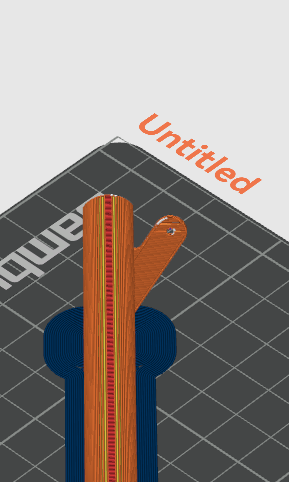
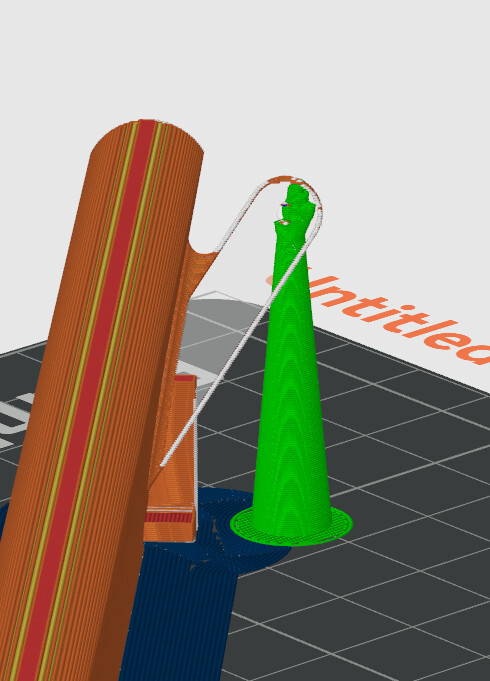
That looks really strange. Maybe you can upload the 3mf so that we can have a look into all settings?
GASB1_V7_ail.3mf (92,7 KB)
This part has no X-Y holes.
X-Y holes are vertical shafts.
if you enable arachne it slices properly
(Quality → Wall Generator → change classic to Arachne)

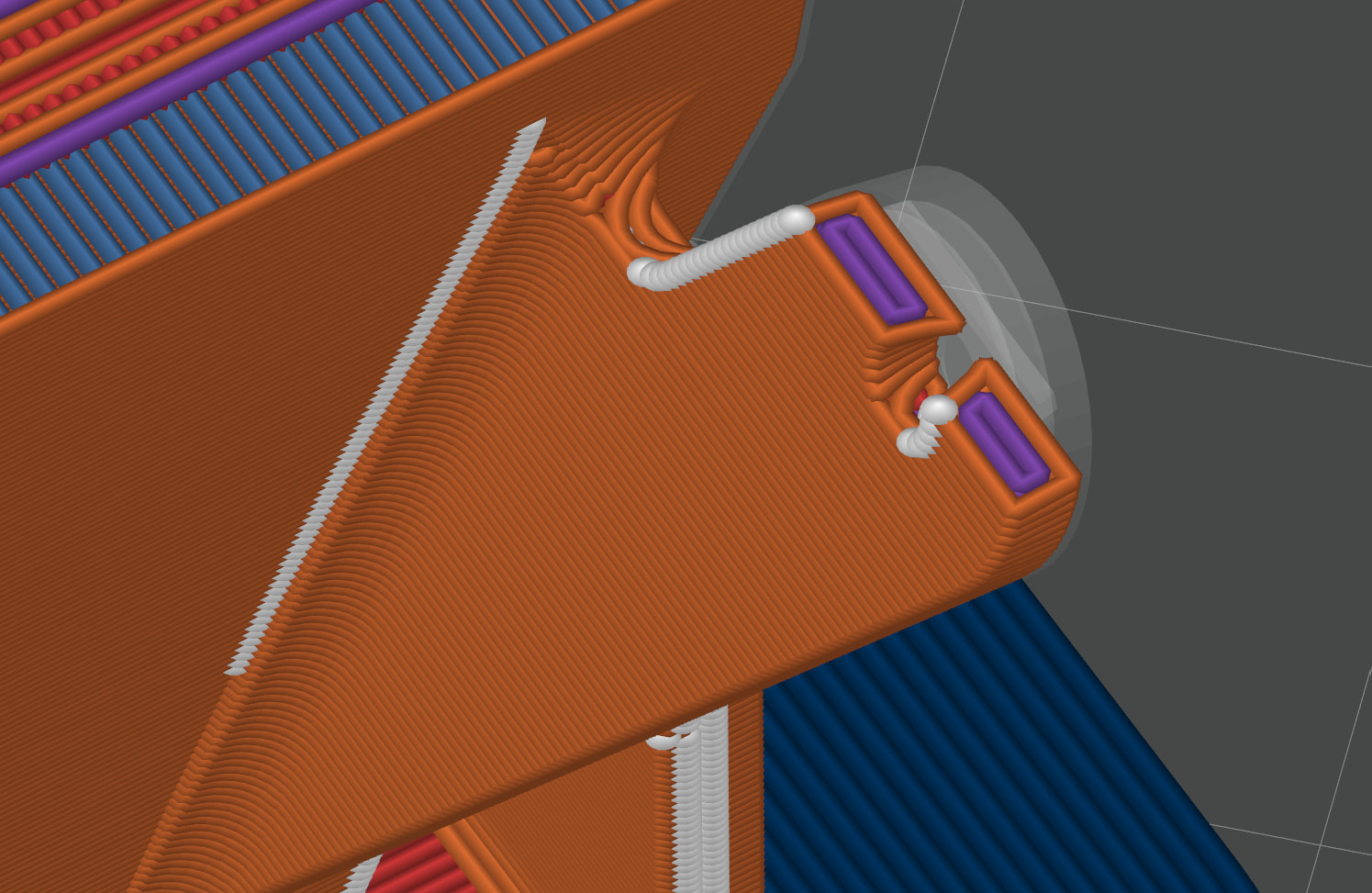
Thank you so much guys… Super fast answers