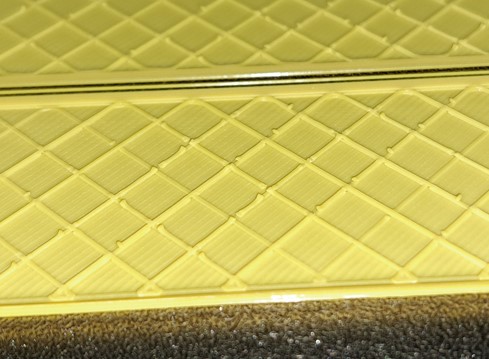
Just to establish a baseline, change the filament to “generic PETG” in Bambu Studio, then re-slice and do a test print of your part.
If it’s still happening, the next step will be to use a fully default print profile and re-slice again, with the generic filament profile still in place, and try the print again.
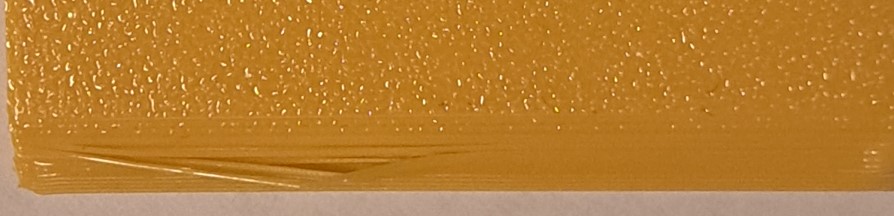
I have done both of the suggestions (only generic PETG and than generic petg + default print profile). Still the same problems. I also made a picture of the problem with the slope. I went with the fingernail across the slope to make it visible. At the end of the print the strings don’t bend away but they are lose.
Different printer here (I print PETG on a P2S), but the single strings on the slopes look like classic PETG stringing, and the first thing I’d rule out is moisture. PETG picks up water faster than PLA. A spool that sat open for a week prints audibly crackly, with more strings and a rougher surface.
Dry it first (filament dryer, or the AMS 2 Pro / AMS HT if you have one), then fine-tune: lower the nozzle temperature by 5–10 °C, increase retraction slightly and make travel moves faster. A few hairs will remain with PETG no matter what, a couple of seconds with a heat gun takes care of them.
For the bumps at the end of the infill lines I don’t have a clear answer. I’d dry first and see what is left.