Not sure if this is a setting I’ve messed up or something?
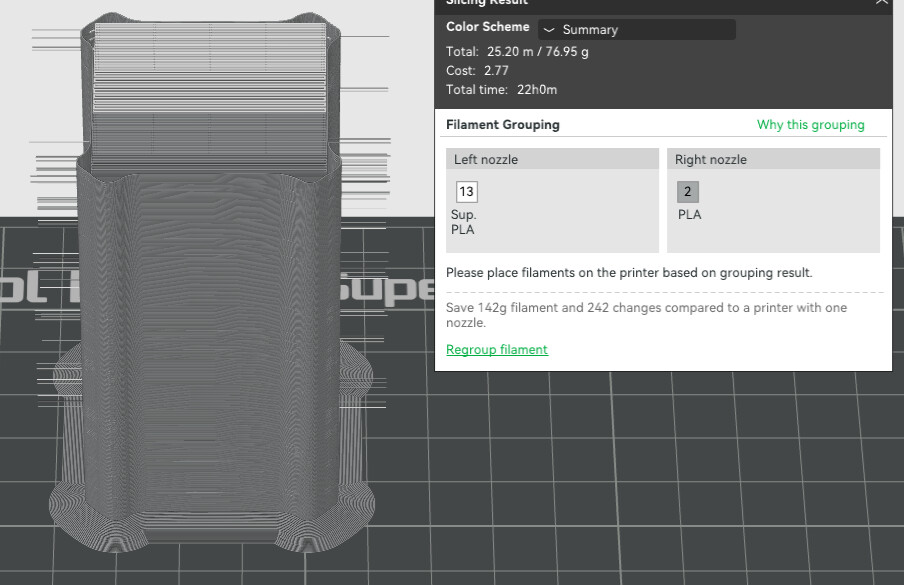
This is the result of a slice on my H2D, left nozzle has Support for PLA, right nozzle has PLA. Used the suggested settings when I switched support interface to the Support material.
I believe this may be related to the Filament Track Switch. I never experienced this behavior before installing the Track Switch and the required firmware/software update. It only started afterwards.
Since then, I have seen the printer extrude/purge filament beside the Prime Tower, exactly as shown here. Sometimes it also leaves a small amount of the previous color/material in or around the tower.
So I suspect this is related to the changes introduced with Filament Track Switch support rather than a mechanical issue.
Bambu Lab, could you please confirm whether this is known behavior and if a firmware/Bambu Studio fix is planned?
As far as I can tell, it is tied to the “Adhesiveness category” in the filament settings.
If two filaments have (very?) different categories, the slicer assumes the need for good anchoring at the tower walls. To achieve this, it ensures an already in-process extrusion as the nozzle crosses the wall.
It adds to my clean up, as these unanchored strands are occasionally being knocked loose, becoming stuck to the nozzle, making their way onto my models… I’m sure on a really bad day, it could ruin a print.
I suppose I’ll reach out to BL support and ask if its deliberate.
This was as a result of a relatively recent software update earlier in the year IIRC. Not sure why, but the strands were originally reaaaaally long and I think one of the reasons @NothingHam had a printer toolhead crash if my memory serves me right.
It only occurs if you use 2 different materials. It also increases the nozzle temperature to make a better bonding with the other material.
So multiple colors of the same material should not have this behavior.
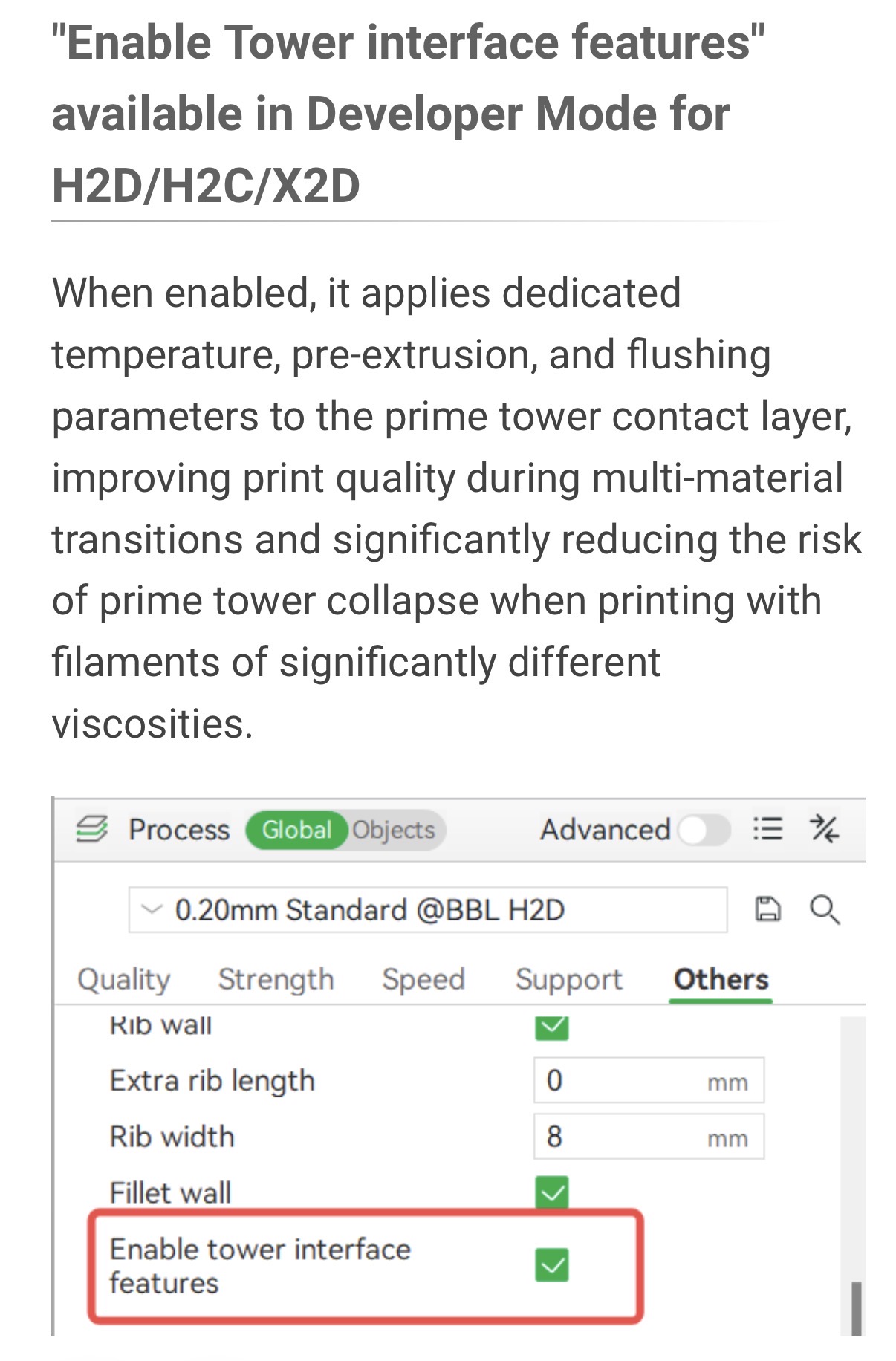
There was a nice image of the before and after situation in the what’s new notes of Bambu Studio but somehow Bambu has removed it, or I am just getting blind. As. Soon as I find the link, I will share it.
 &
&