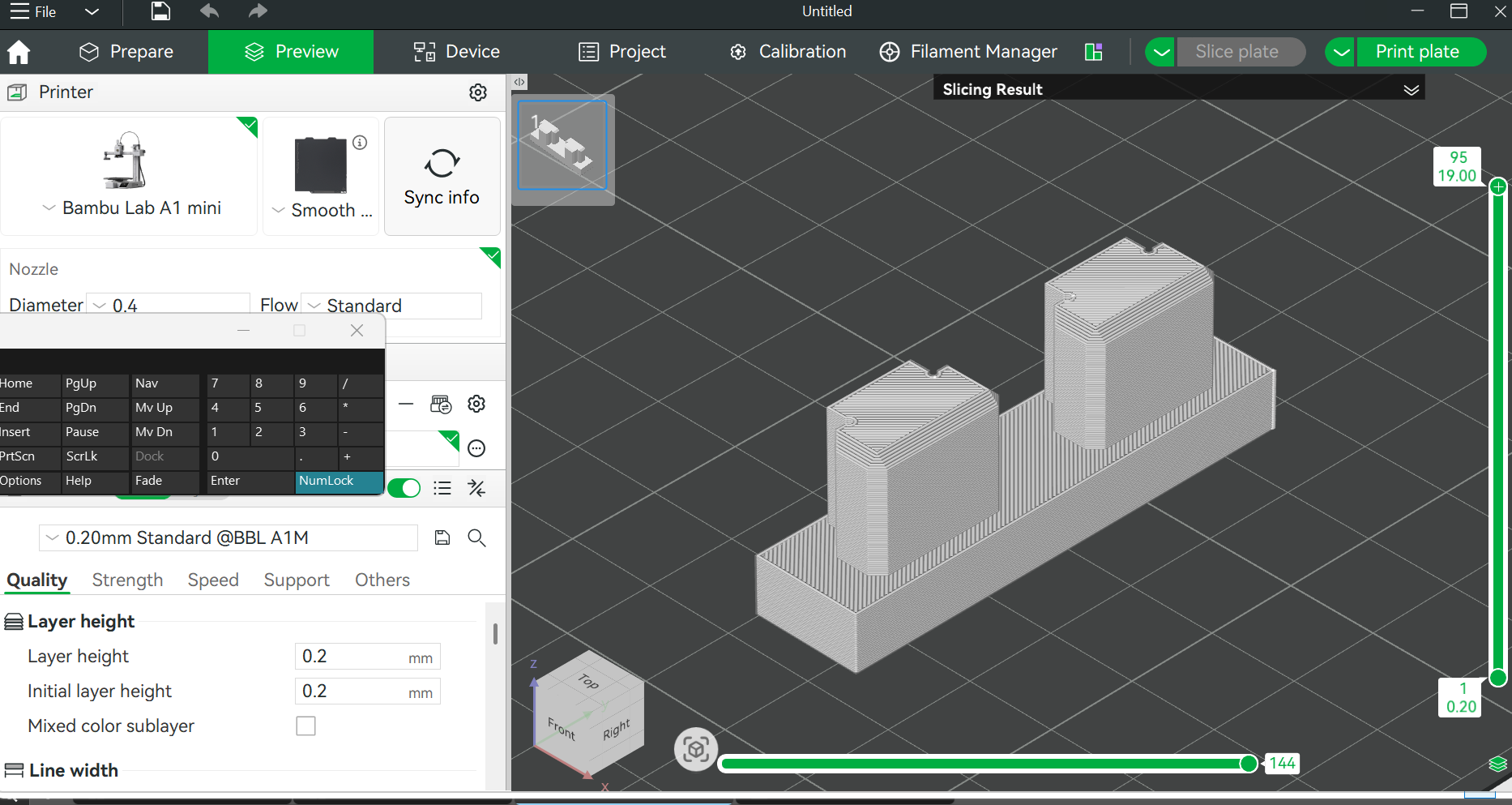
When I get to “PREVIEW” I am seeing layer lines (see image), which I haven’t seen on projects I’ve downloaded from MakerWorld. This is a model that I created myself, exported stl and opened…is it my Bambu Studio settings? [ignore my onscreen keyboard]
Thats normal.
You can toggle your view using the drop down in the top right.
Might be a good idea to do the Bambu Academy on Studio.
You aren’t seeing layer lines on prints or in the 3d render after slicing? They should be there on both.
But… there is a variable layer thickness setting as well as just setting the layer thickness more fine.
The default thickness is 0.2mm (at least for my printer) and you can see that. But thinner than that and they get less noticeable. Prints take longer though (more layers) and if you have color changes going on you’ll get lots more of those too - again from more layers.
And other settings will also influence how prominent layer lines are.
Don’t know what other models you are referring to, but some show photos of filled and sanded final products, chemically-smoothed models, etc. And some are unfortunately renders and the people who post them forgot to tell the AI to also render layer lines.