I have 2 P1S printers each with their own AMS. Recently one of them has been leaving these single layer line gaps in my models. I think it started happening around the latest firmware update, but it’s weird that only one of them has been affected.
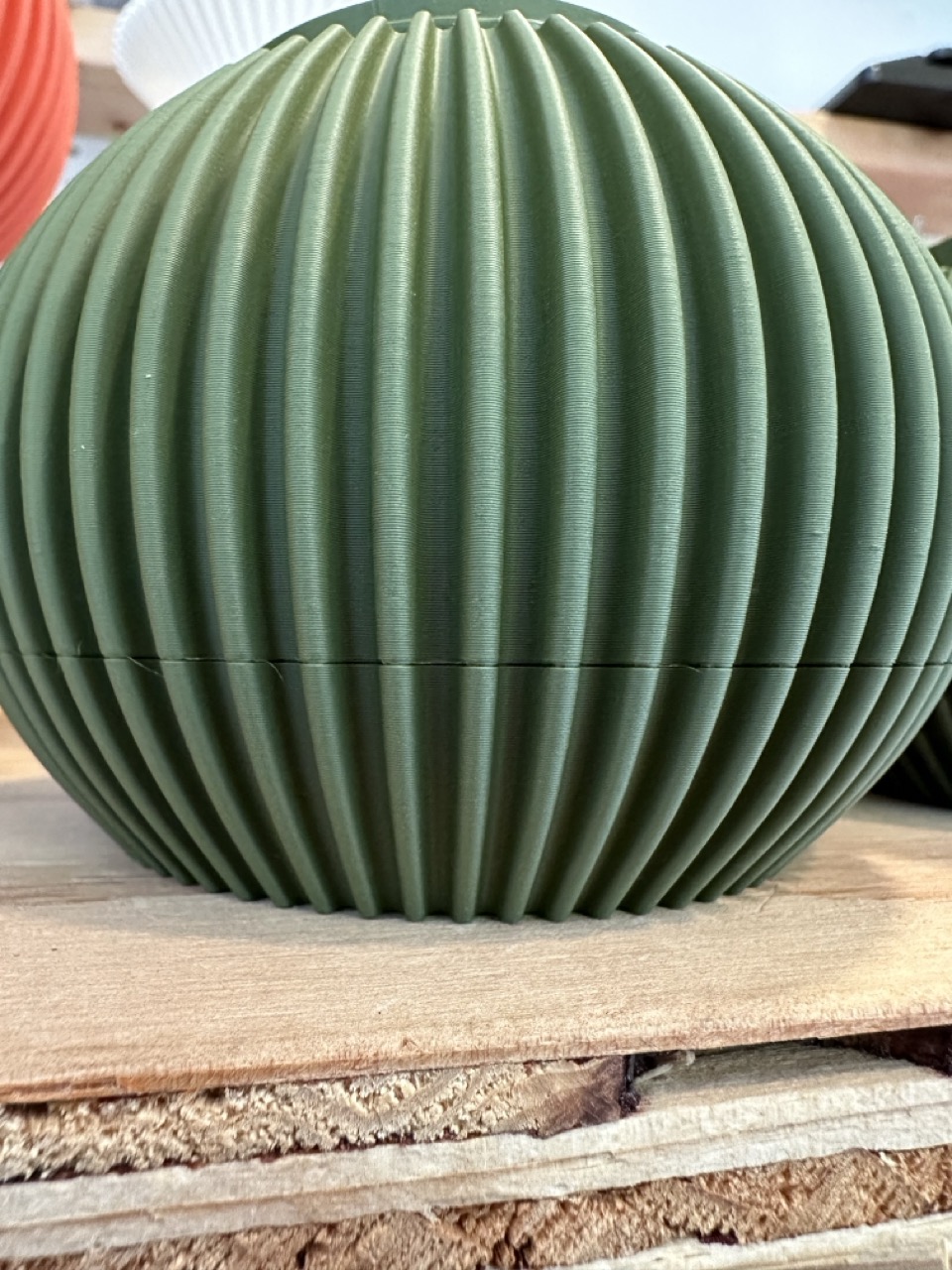

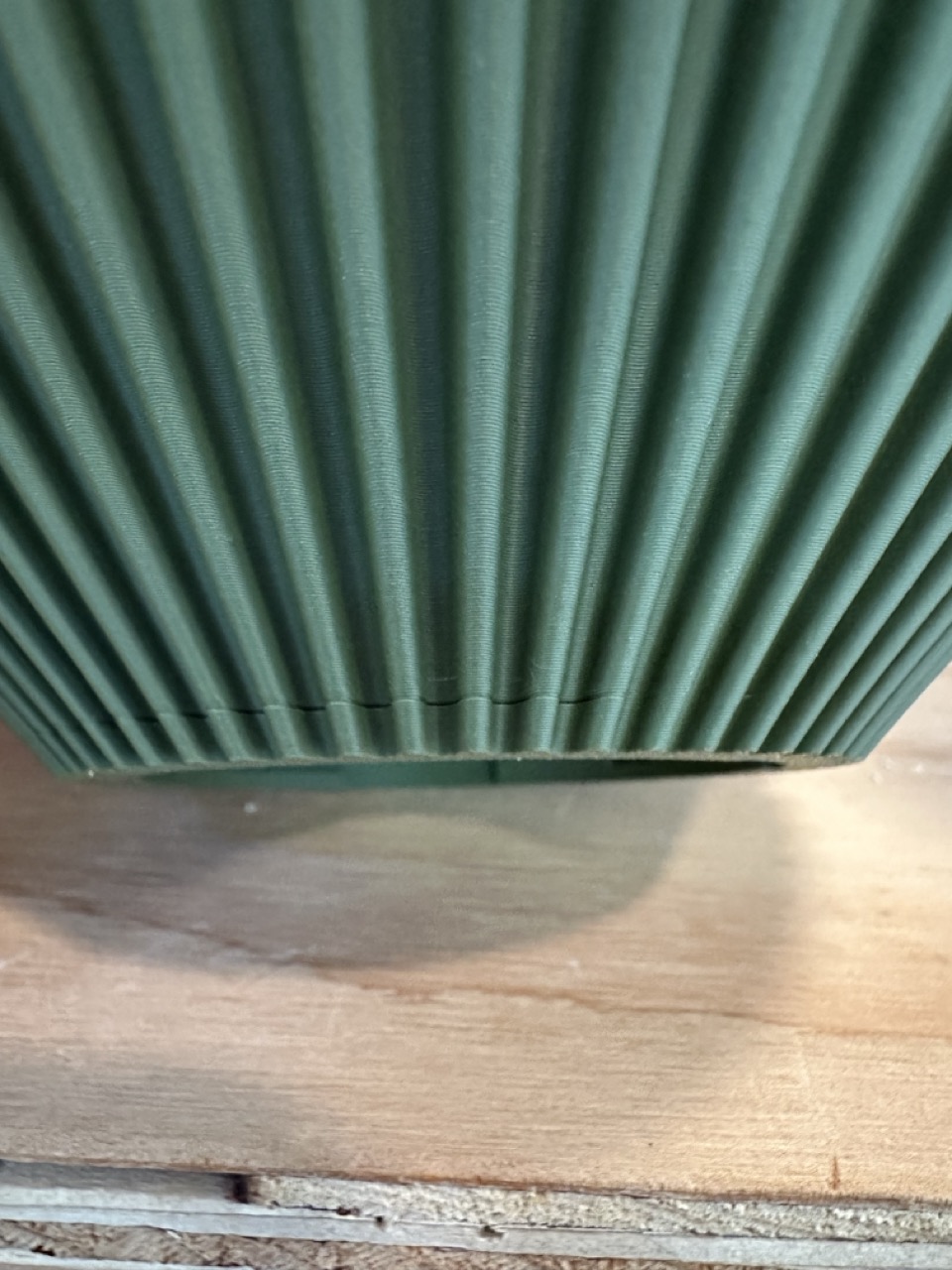
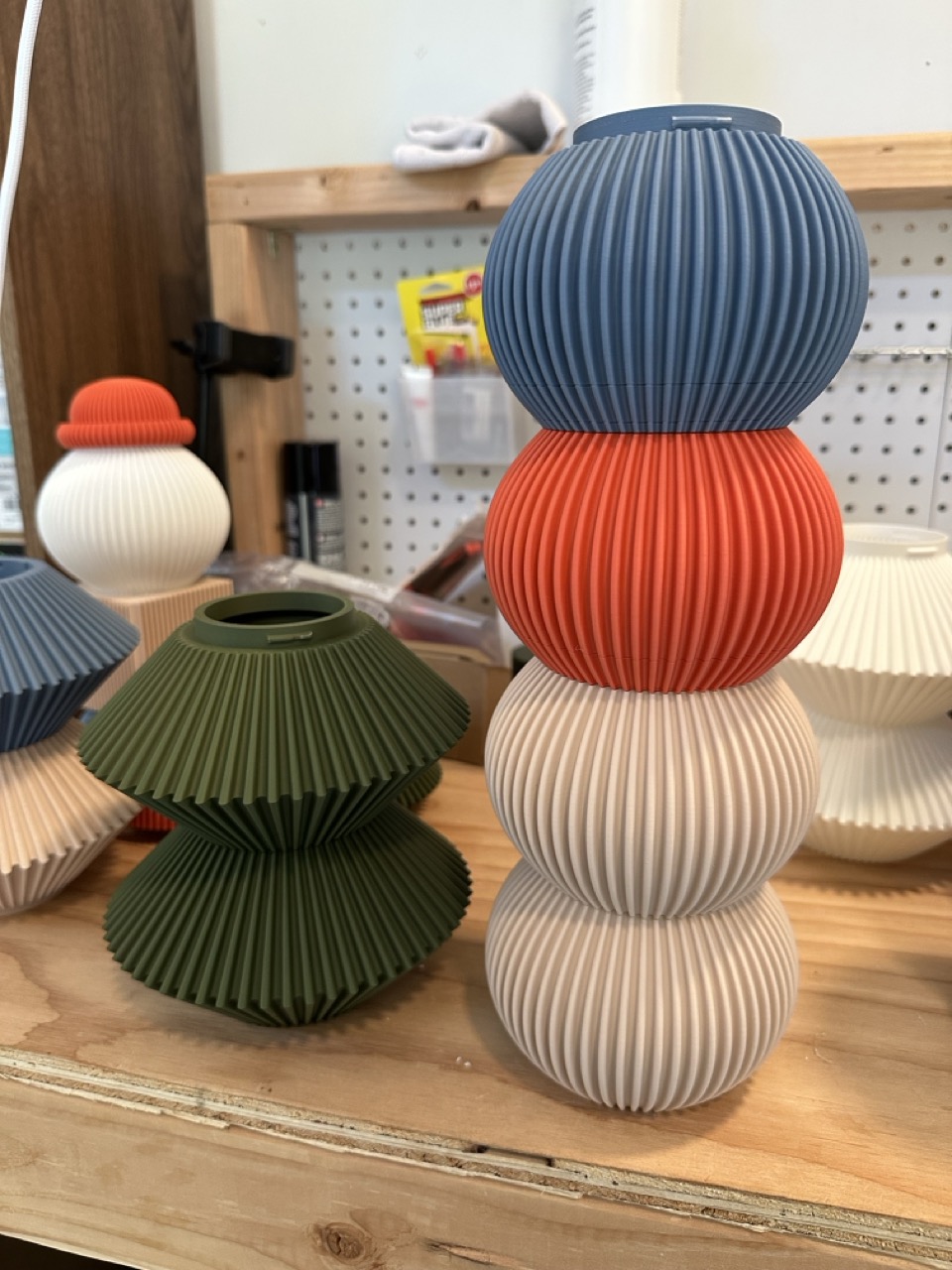
The models are circular ridged shapes with overhangs up to 45 degrees. I’m using Polyterra Matte PLA and have been printing these same models and same filament for months without issue. Here’s what I’ve noticed:
- The layer gap usually only appears once on the finished model, but a few prints have shown 2 close together. The rest of the model prints perfectly.
- The gap is at a different height each time (sometimes at 3-5mm, others at 8-10mm, etc.) but only appears on overhanging areas.
- If I have 3 models on the plate, the gap may show up on 1-2 of them, but not all of them.
- The gap usually goes around 1/2-3/4 of the model circumference.
I’ve tried the following:
- Tweaking the fan and cooling settings to trigger at different overhangs
- Adjusting the speed ramp of overhangs so it’s more gradual
- Changing to a new nozzle
- Swapping the AMS units between printers to rule out AMS drag issue
I’ve printed hundreds of these models before without these gaps. I may try downgrading my firmware to see if that helps. What else could this be?