I have a model (emblem basically) that has text in it. It’s not small text either - like 35mm tall. it has a black body and colored text. It looks totally fine in my 3d model, and looks totally fine in the slicer, but when I print it, it prints the first layer fine, but on the second layer, it puts the black body color in several places - it’s not a one off, but happens every print. It then prints normally. The result is that the text looks smuged. What could cause this?
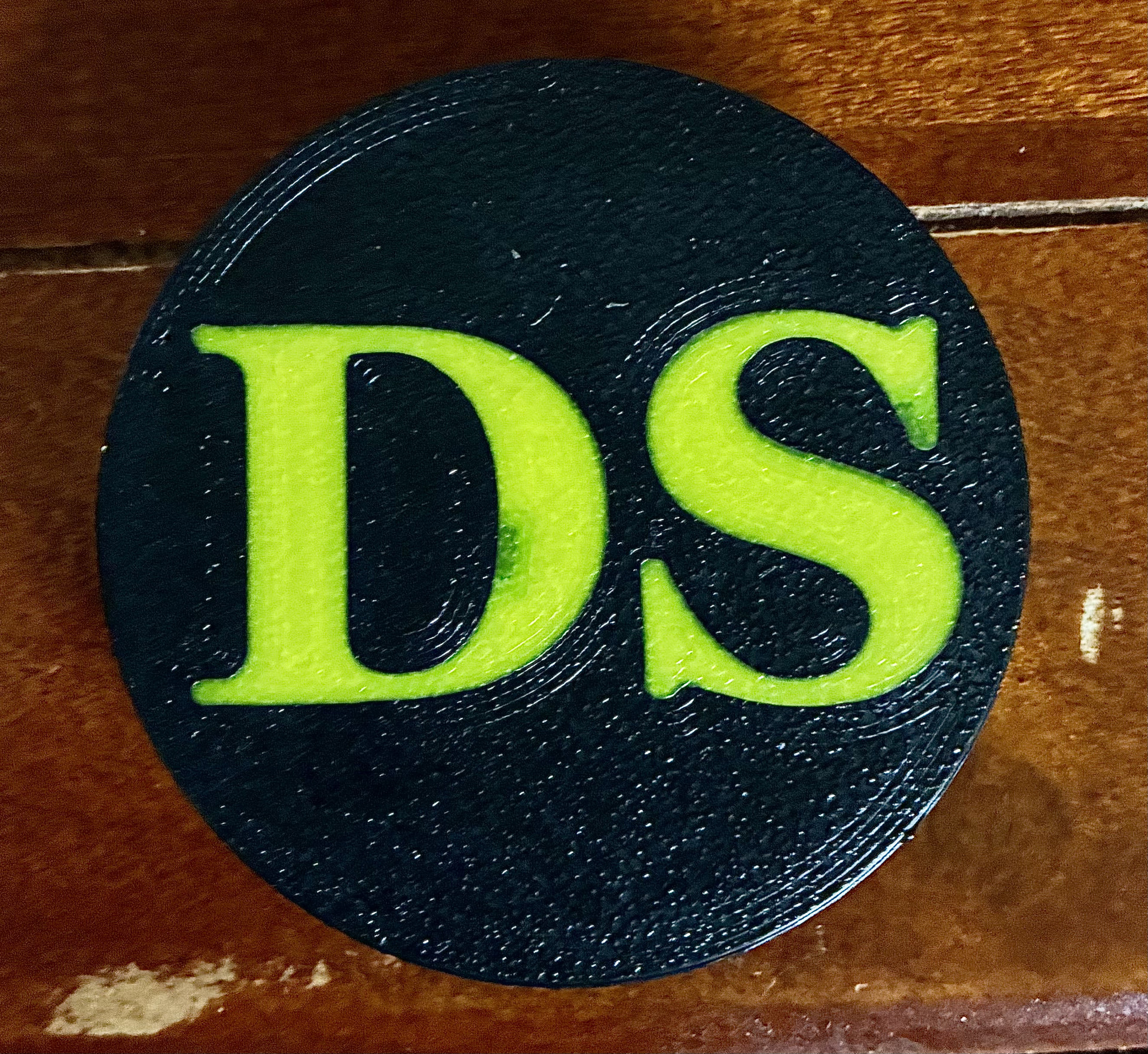
Sure about that?
In the slicer’s preview panel, you can walk up and down the layers using the controls on the right of your screen. Walk up from the bottom. It’s likely filling in areas to fit infill, but as black. You can make this behave better if you use text objects as “modifiers” , select a different filament for that modifier, and use a specific depth.
Can you attach the project here so folks can take a look?
Could be several issues, either with the slice or simply more purge volume being needed between colors. What printer, filament? Easier to see it all in a project.
Also when scrolling through each layer? In that case it’s something in the print process itself… needs more purge or there’s blobs sticking to nozzle or similar… somehow filaments are getting mixed a bit when they shouldn’t.
-Max
Ah, sure enough. its layer 2 and 3 that are printing wrong. The error is not infil, its treating it as the model itself, so looks like the geometry is being interpreted incorrectly. It does this regardless of which letters I use and I’ve tried several. I’ve attached the file. Thanks.
Badge.3mf (91.8 KB)
Thanks.. Turns out its a slicer error in layer 2 and 3. No purge issues. Printer is H2S with AMS pro2, dried filament. All my other color stuff has been printing correctly. CAD is Solid works output is .3MF File attached in the other comment.
You have 3 objects, the body, and one for each letter.
The coloring was done with paint
I changed it to be via object-material (and also changed them from 0.500mm in height to 1.000, IMO you should too, but isnt the root cause)
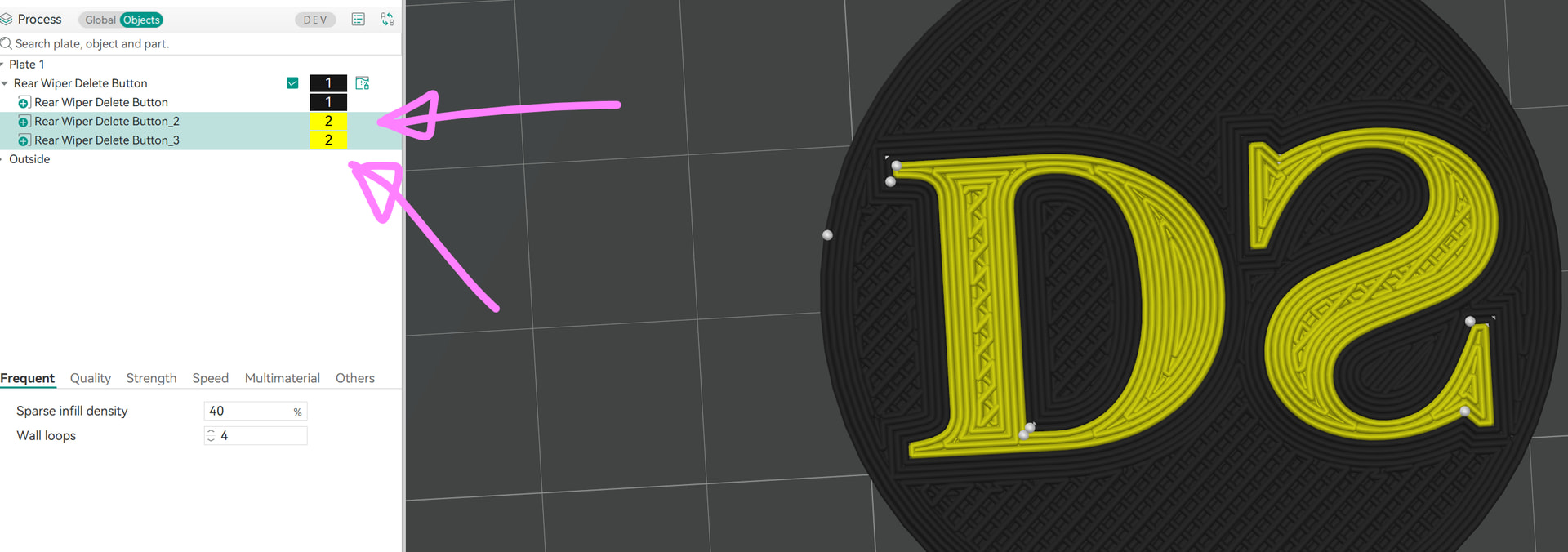
Badge_fixed.3mf (100.4 KB)
Definitely assign filaments by object part when possible vs. painting. Will always come out cleaner, or at least more predictable. I’d even remove all painting from the parent object entirely, to avoid any issues (though in this case doesn’t seem to make a difference). Studio likes to assign colors as painted surfaces during 3MF or OBJ import, which can be unhelpful / not optimal.
-Max
Thanks for the feedback folks. Certainly fixed it, and I learned something new, but looks like root cause an issue with the paint function? Regardless, I’ll use the body method for similar parts in the future. FWIW, I didn’t have the bodies colored on import - it was all black.
Thanks,