It appears to be making a single line width prime tower in the test area for the support material, but it does it too fast and causes these awful strings!
How do I disable this? I’ve tried fiddling with all of the options that seemed like they may help but no luck. Can’t find an option to disable this.
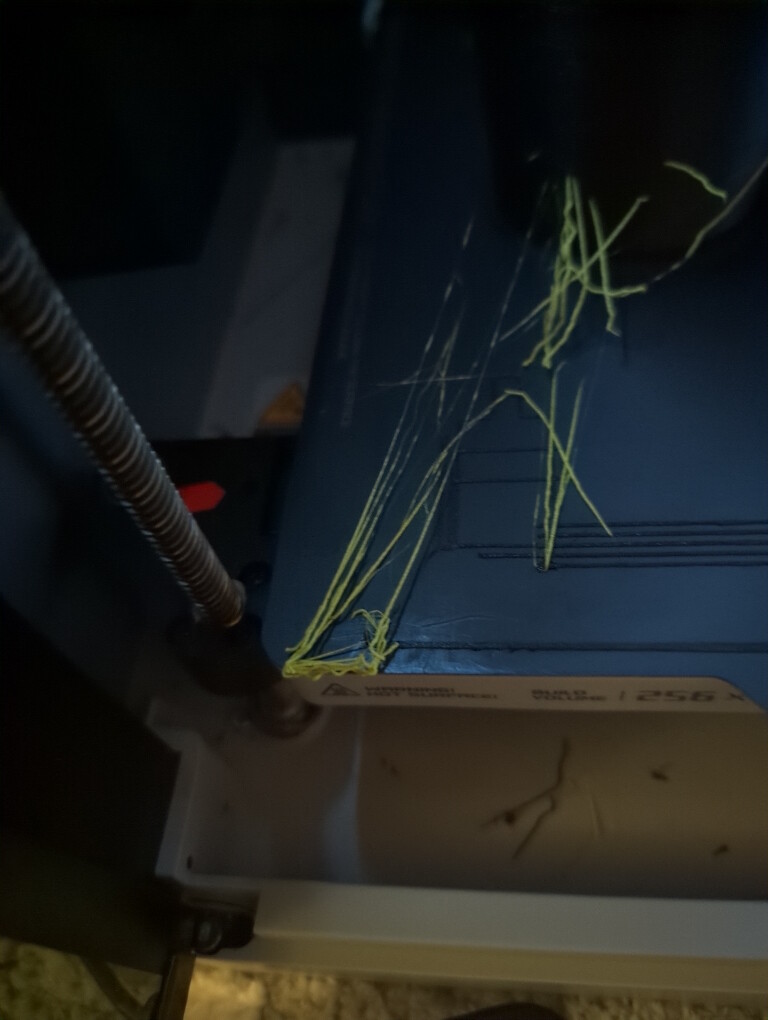
This never happened for the first entire half of the support-G roll, I suspect it was after a software/firmware update. Look at the slicer movements for this too:
