Printer: H2C
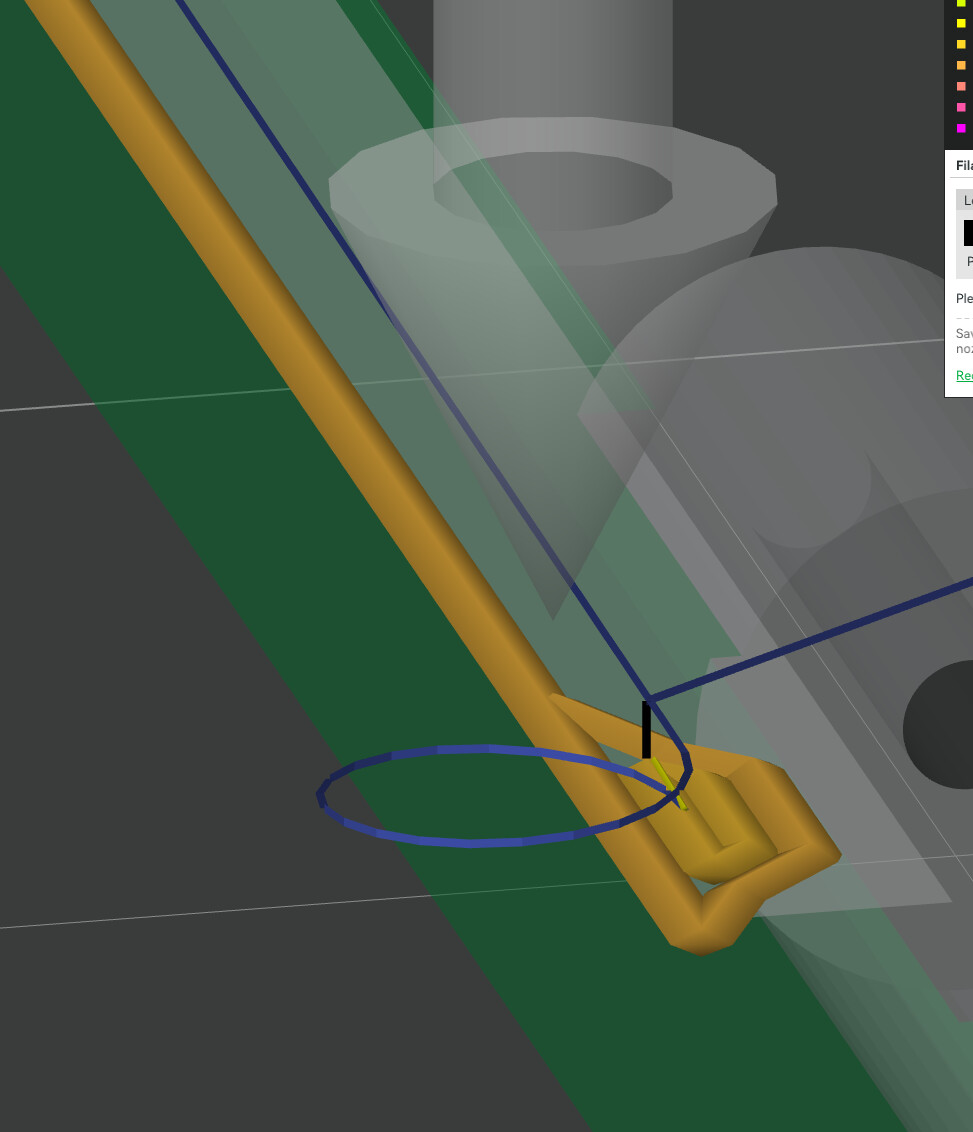
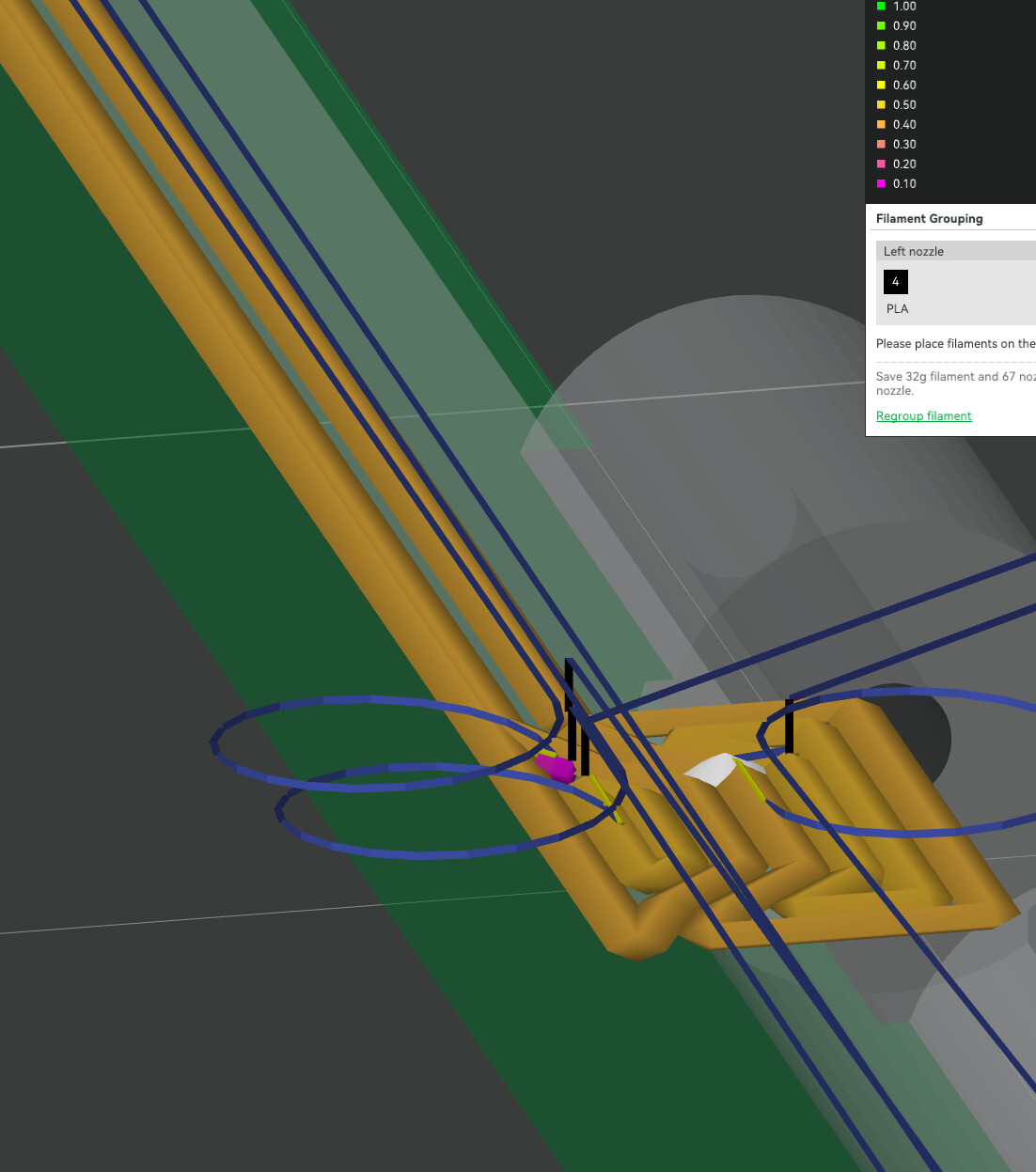
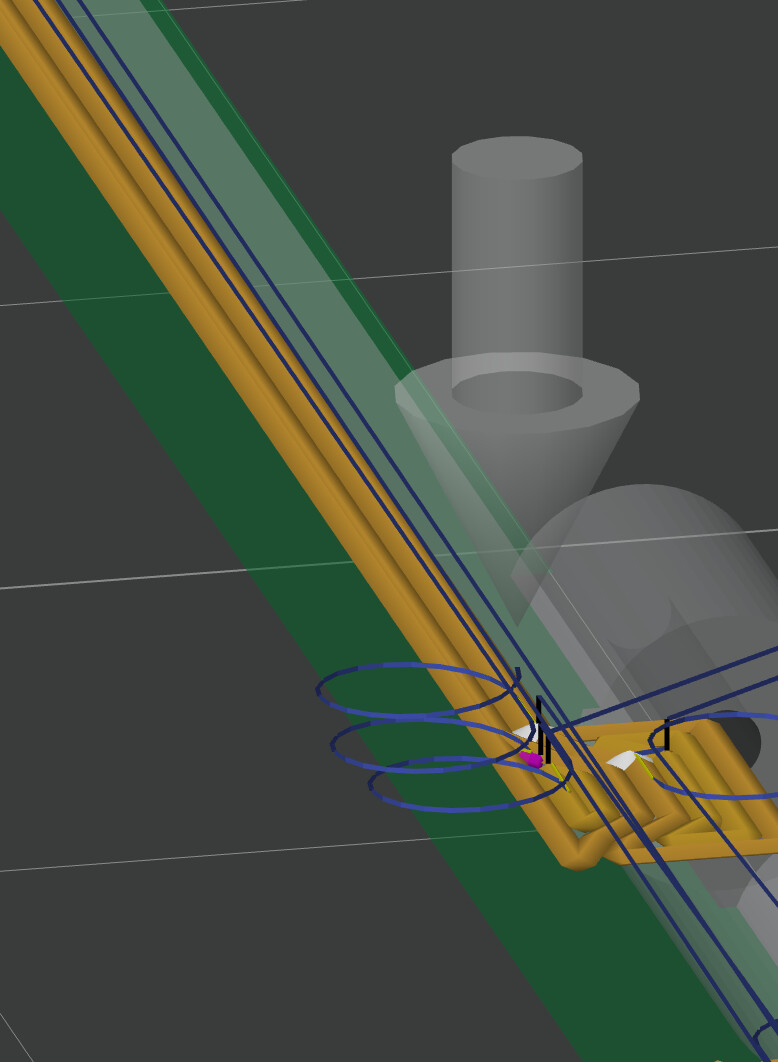
This print started to go downhill after about 4 hours, and a strange artifact started showing up. As you can see, the spiral Z-hops during retraction started printing.
The geometry transitions to thin sections with 1-2 walls per color, but I am not sure that is the cause of the issue.
I am trying to figure out whether these printed Spiral Z-hops are a symptom of what went wrong or just caused by the print going bad. Looking at the print, the spirals start 2-3 layers after the print gets ugly.
Both colors are printing on the right extruder with different nozzles.
I have just kicked off a print of the model from where the failure happened to see if it recreates itself.
Has anyone seen this kind of issue? Is there a known failure mode that causes this? Are there any recommendations to fix it?
Looks like the filament is still extruding when it shouldn’t be. A common cause for this is wet filament. I don’t know why it would start in particular section/place on a model. Would be curious how further testing plays out. Could be the issue manifests more readily due to geometry in that area. One possibility is the filament was dry on the outside of the roll and still wet on the inner layers, though seems like quite a coincidence for that to happen to both colors at the same spot (but not impossible if dried the same way and using similar amounts of each).
Post the project 3MF if you can, folks may see something relevant in there.
So this ended up being a problem that was 100% reproducible and isolatable.
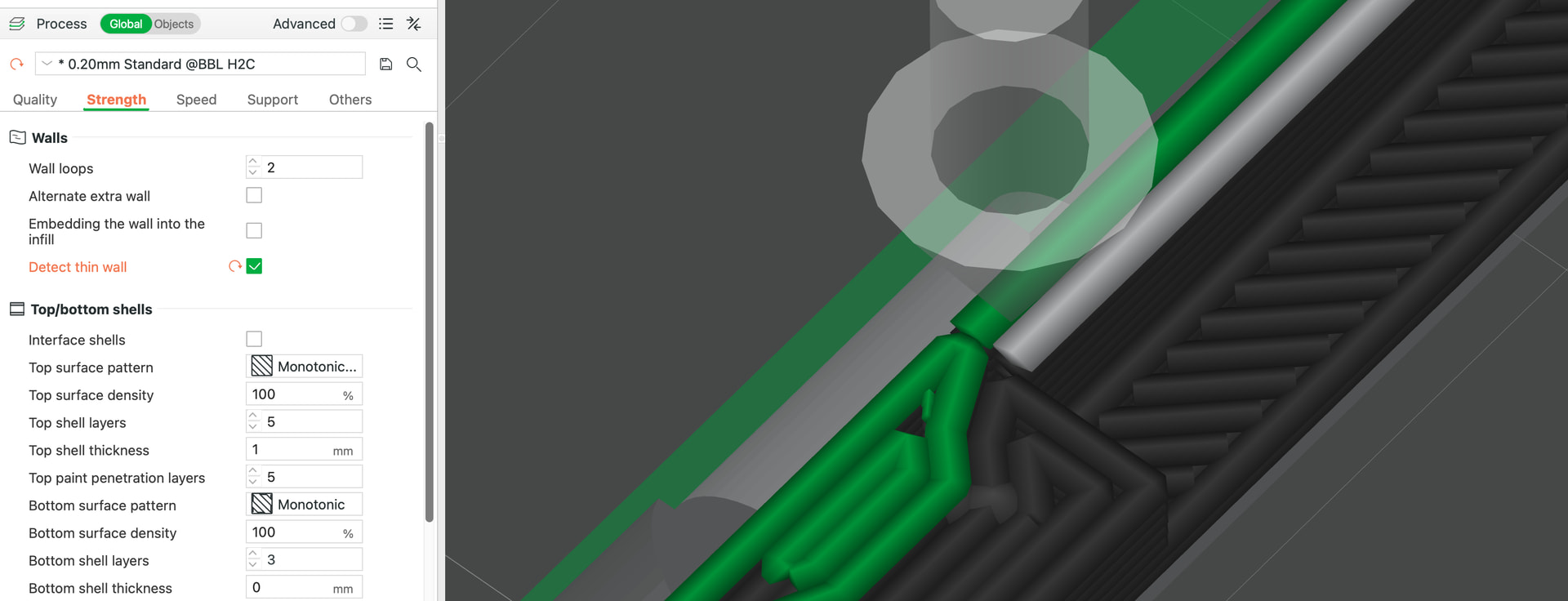
It was due to the the model having a 1mm thick wall, that was green (base color) and grey (surface painting). Using the classic slicer and a a 0.4mm nozzle, the current BS beta 2.8.4.57 would try to shove 4 full-width walls into that space. It was the last of the 4 walls that would cause the spiral in every location it happened.
Ultimately this was fixed by adjusting the model to make the wall 1.6mm thick, but I also found that the archane slicer did not cause this bug. It also didn’t happen when using onlly one color.
Below are pictures of the an example of the problem area. @Bambu_support I am fairly sure this is a bug of some sort but I don’t know if it is the machine or slicer side. if you would like me to upload the example 3mf I can.
Interesting that it caused the spirals to print… Do you think it was just extra built-up material on the nozzle, collected from plowing through the extra lines, “oozing off” to so speak, during the lift?
The overlapping lines as seen in the preview is certainly a slicer “anomaly” but it would likely be hard to replicate, so certainly an example would be useful. It’s also possible the slicer is being asked to do something “impossible” (or unreasonable) for whatever reason (like painting, which can do odd things to a model).
The Classic wall generator is locked to the wall line widths you specify in the process settings. Arachne can vary the widths to accommodate “odd” size walls or areas. So, Classic is much more constrained in terms of what it can fit onto a layer. Though granted at least a prominent warning of some sort could help. (In my experience, a careful review of a slice is never a waste of time.)
Slicer issues are best reported via GitHub Issues, which is also a good place to check for anything similar already filed.
But posting an example here would be a good way to get more user eyeballs on it to verify the issue or spot anything else relevant.
Attached is a section of the model that has been isolated to cause the problem. This model will print a few good layers, then hit the problem area. For me, on an H2C, this issue survived multiple reslices and caused the exact same issues in both grey and green at multiple locations.
Detect thin walls is the feature intended to address things like this, and as shown here using your 3mf it’s now just one line while still being Classic generator. I’ve never used it myself tho as single line walls will suffer somewhat in quality.
Overall, yeah, I think it’s not really a bug, classic has to make looped walls. A ‘thin wall detected in model, recommends XXXX’ warning would’ve been helpful for sure.
Practically speaking, features this thin will have dimensional deviations from intended design, because materials didn’t have enough spaces to set. Depending on the intended use that might be a problem (or not), so, tradeoffs may have to be made, in colors or design tweaks.