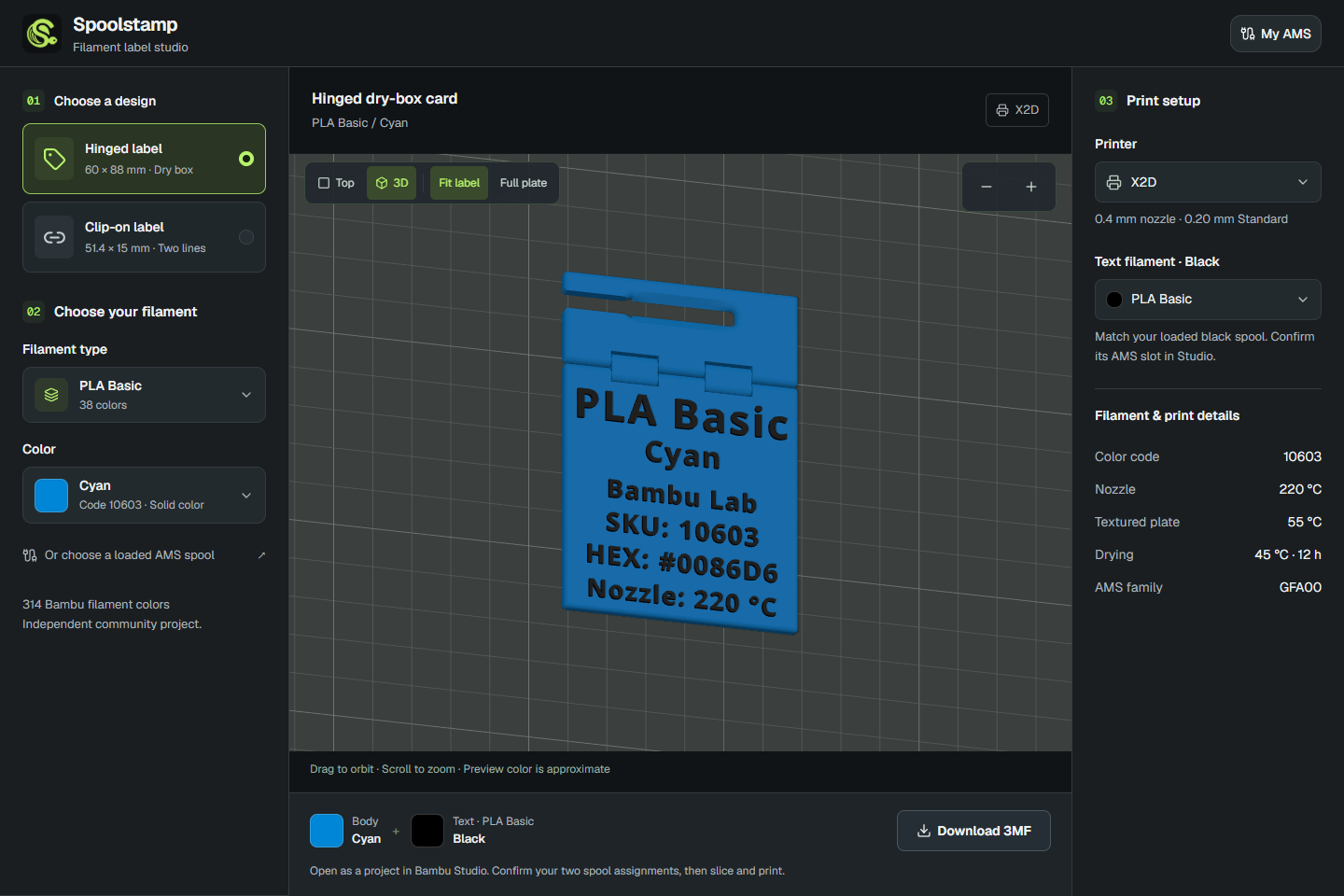
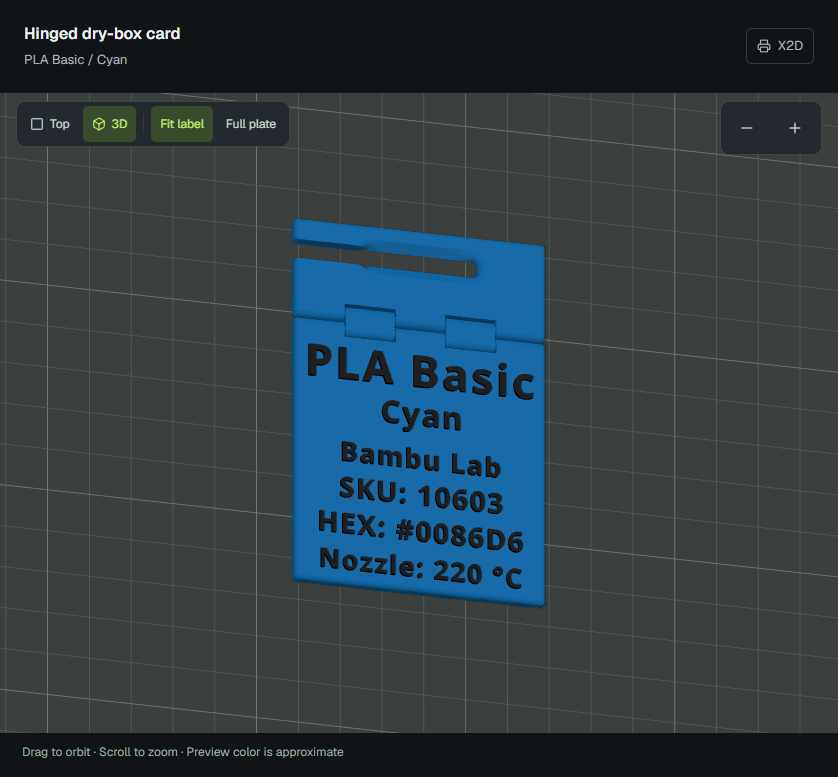
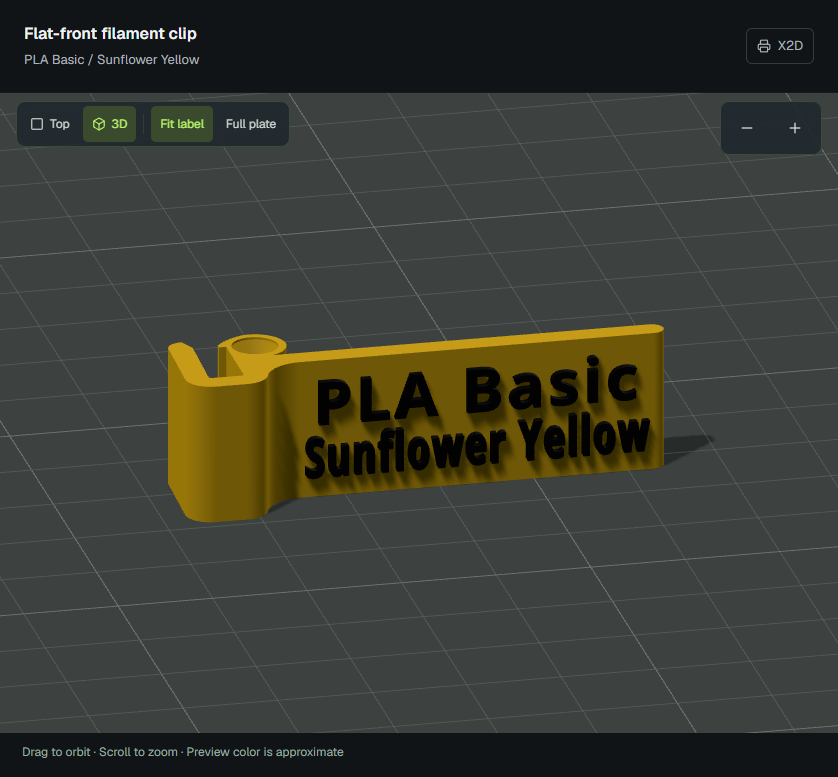
Choose a Bambu filament type and color, pick a label design and printer profile, and preview it in 3D. Spoolstamp fills in the lettering, uses the filament color for the body, and picks contrasting black or white text. Download the color-aware 3MF, open it in Bambu Studio, and slice.
What it does
Searchable Bambu filament catalog with material types, color names, and codes
Two label styles: a hinged dry-box label and a flat-front clip-on label
Live 3D preview with rotation, zoom, and printer-sized build plates
Separate body and text filament profiles in the 3MF export
Local My AMS integration for loaded-spool suggestions, compatible text-spool suggestions, and batch label exports
The website needs no installation for label generation and downloads. Running Spoolstamp locally adds My AMS and one-click opening in Bambu Studio. You still slice and confirm the physical AMS slot assignments in Studio.
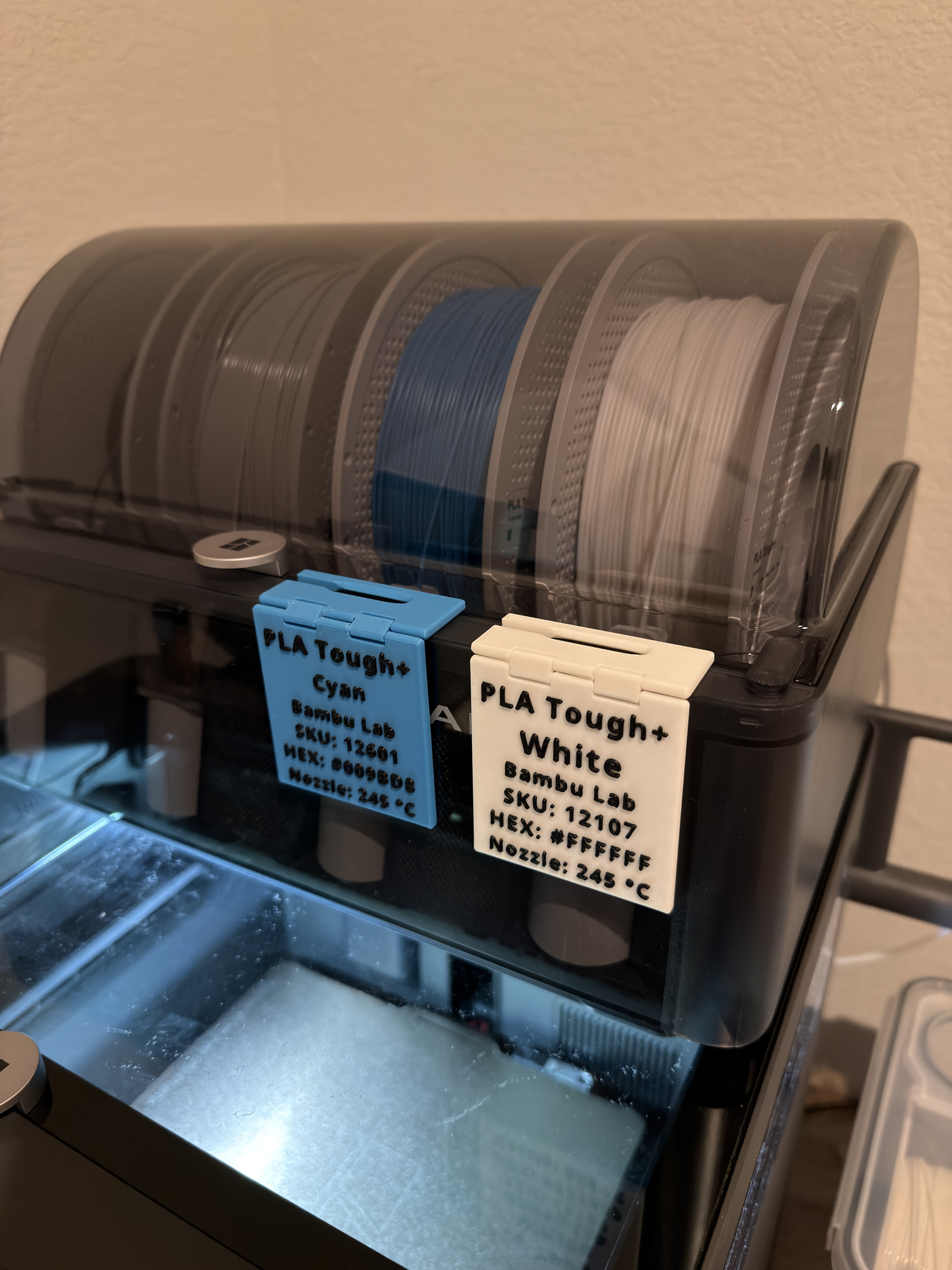
I’ve been testing printed labels on my own setup; the photo below shows the hinged labels in use.
It’s free to use, and the application code is MIT-licensed. Questions, issues, and feature requests are welcome in this thread or on GitHub Issues. I’d love to hear what layouts or improvements would make it more useful for you. Code contributions are welcome too.
Design credits: the hinged and clip-on templates are adapted from work by Genetic Designs and Stag 3D, respectively.
Independent community project, not affiliated with Bambu Lab.
That’s what suits me as well. Thx for sharing. I might get back to you via PM should I have some questions about Spoolman. I’m running only X1Cs and stopped updating the firmware since Bambu’s "security patch " BS (on January 16th 2025)
Thanks for sharing! If you use Spoolstamp in local mode it shoud connect directly to your AMS (you can have it in LAN only mode or not) and read your spool data. The idea is to read from what you have loaded in your AMS so it can find the right label for it and not from you entire inventory. I will have to take a close look at Spoolman to see if it makes sense to read through it vs the AMS directly.
Connects to the printer using encrypted MQTT on port 8883, authenticated with your LAN access code.
Subscribes to device/<printer-serial>/report, where the printer reports AMS slots, filament colors/types, and remaining estimates.
Requests printer information and a full status snapshot when connecting, then refreshes the snapshot every 30 seconds while also listening for updates.
those supermakets make money from such labels, I’d rather not have increased costs and being tied in another way with the printer brand , as I doubt such feature would be open source