Struggling with tuning retraction for thin parts

Been getting bad underextrusion after travel moves between these thin objects. I’ve tried cold pulls, reducing all speeds to the same level, increasing/decreasing detraction speed and distance, manually tuning PA, changing printer, drying filament.
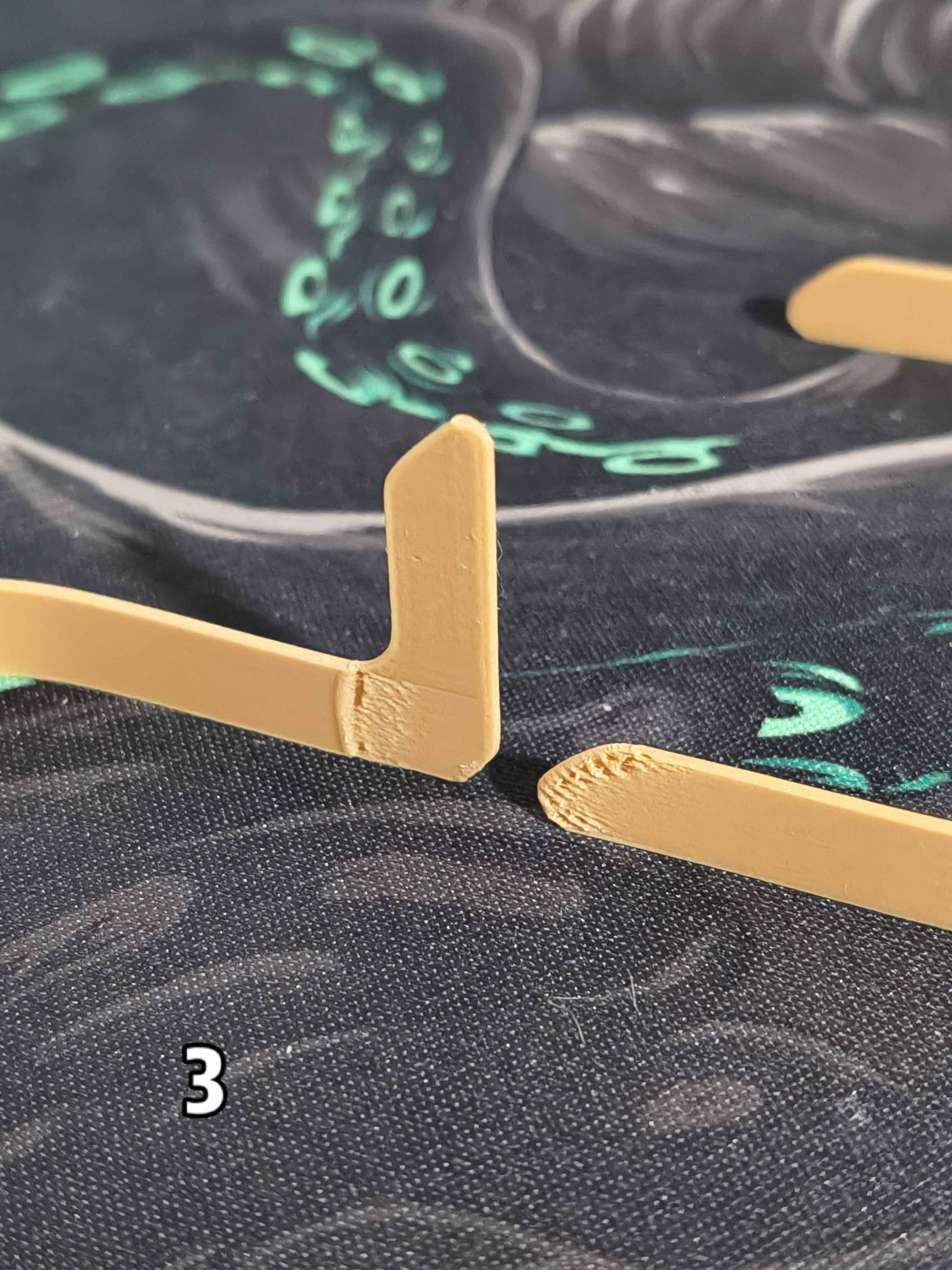
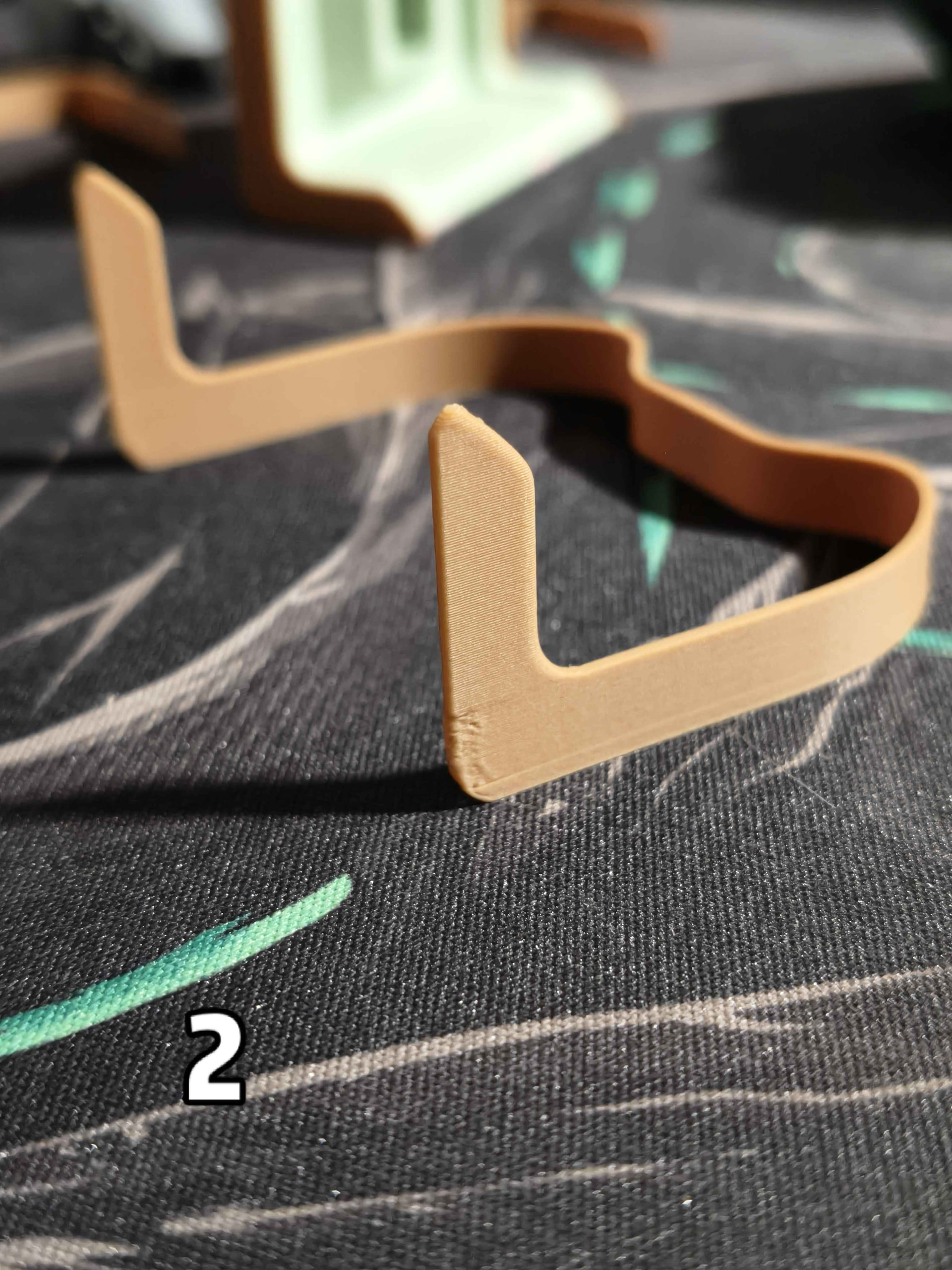
Nothing much changed between print 1 and 2 yet it got progressively worse. Since 3 it’s been around the same. It also only happens on the lower part where it travels between this and another object. The upper two prongs on this part are perfectly fine even though it has to travel even further jumping between them.

I’ve now managed to get the flat part to a usable state by reducing the retraction length to 0.2 and deretraction speed to 20mm/s. But for some reason it made the tall one worse. Now instead of underextrusion it leaves a huge gap a few mm away from the seam

Anyone know what to try at this point?

Not sure what kinda filament, but if pla plain, I would look at the seam and wipe settings and return them to default.

Classic or arachne has a large impact on thin prints as well, especially if the parts thickness is not evenly divisible by the wall line width. I find arachne does better but at the very least they will do different things, to try.

Bambu PLA Matte. Wipe settings are already default, I never touch them. Already tried Arachne but it didn’t help the underextrusion. Last night I tried a print with retraction off and somehow, there is still a gap at the seam on the lower part.

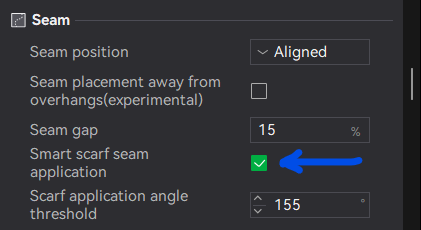
This seems like a seam issue. Have you tried disabling scarf seams?

Yes, its not due to scarf seams.

Anyway I gave up trying to get it perfect and just sacrifice one every batch - since the last one in every batch has all the issues