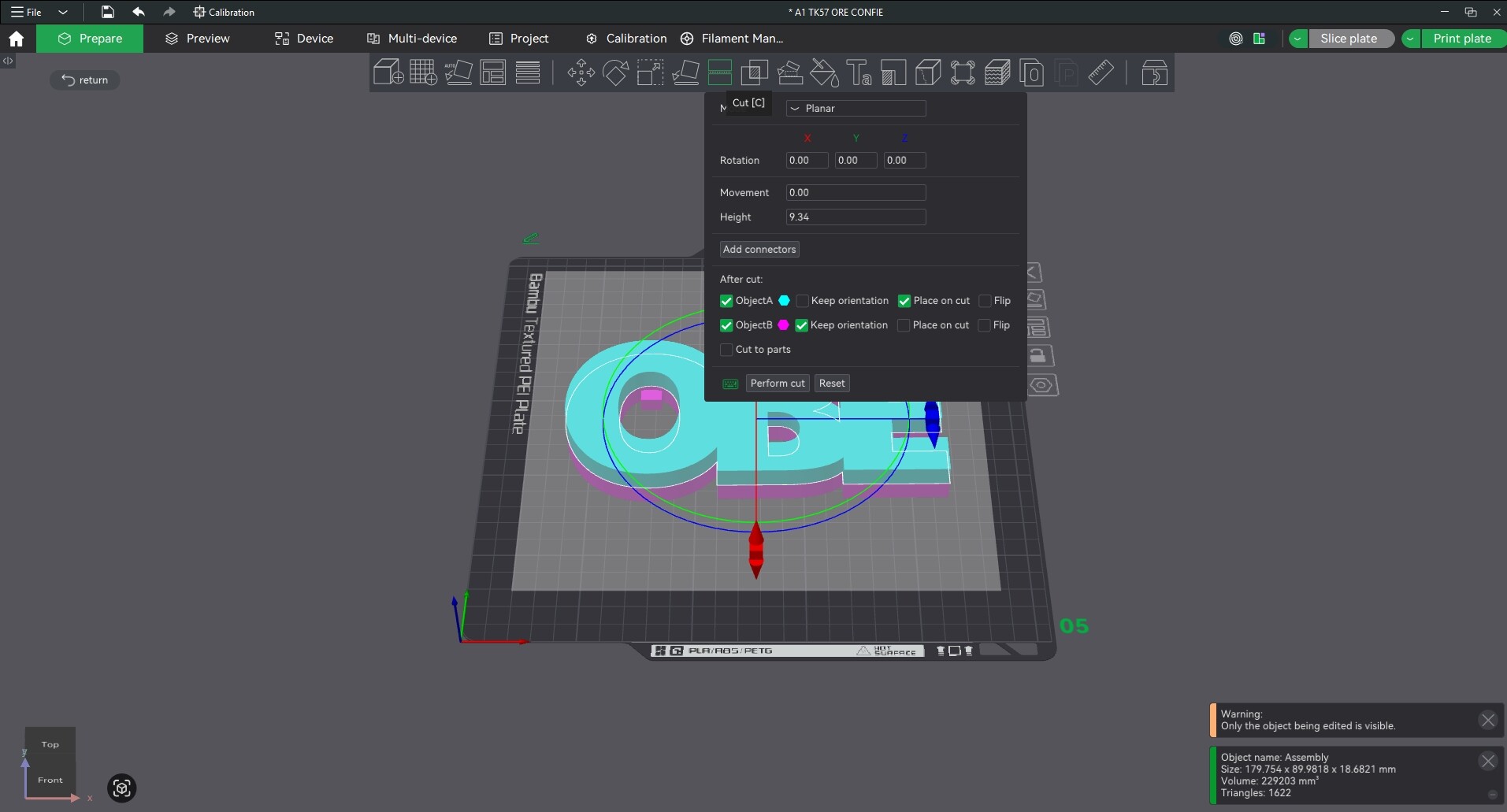
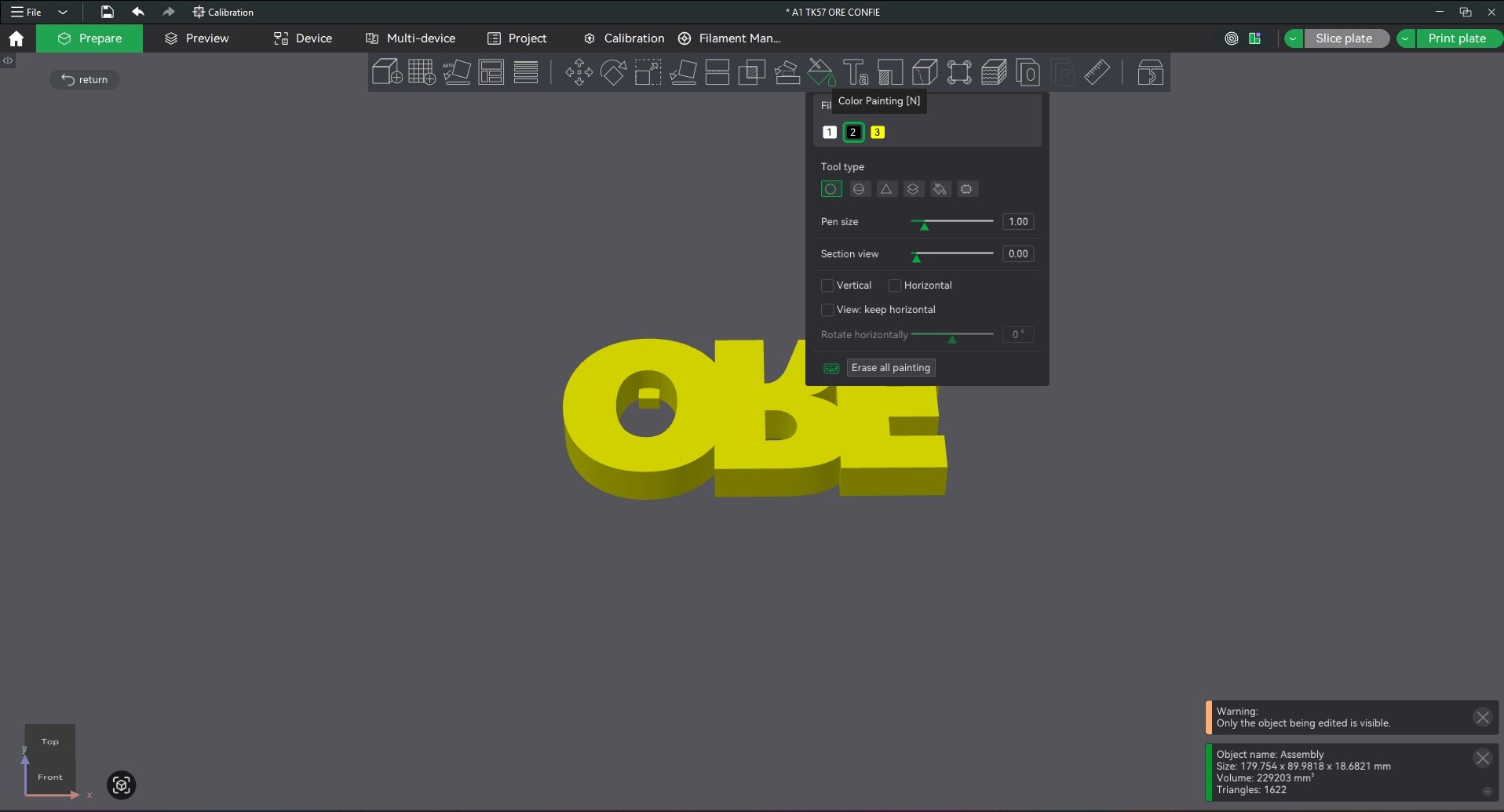
Whenever I need to color, cut, or use any tool from the top bar, the modal stays in the middle of the screen, hindering my work. Could you make it always appear on the right side, as a fixed bar, or a modal placed on the right?
What do you think?
Depends on your screen resolution. I don’t want more on the right on my 1900x1200 screen or I would have to grab it to move it to the left…
That depends largely on your screen resolution; besides, in a way, there’s already a solution: You can move the camera using the middle mouse button, also in paint mode.
Zooming is done with the mouse wheel. When you click the mouse wheel, you’re using the middle mouse button - move the camera. You can move wherever you want, left and right, up and down - and, of course, rotate and zoom.