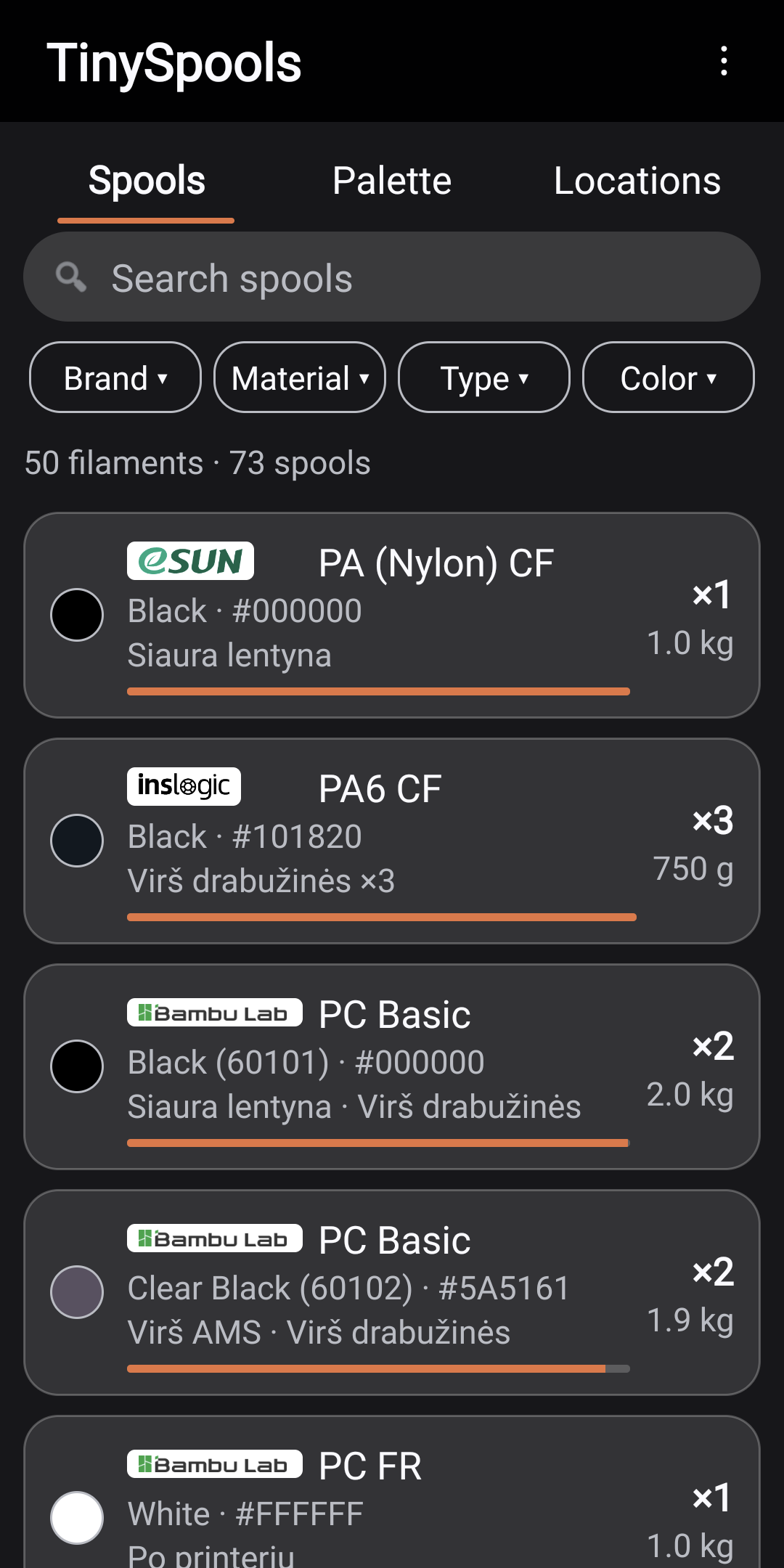
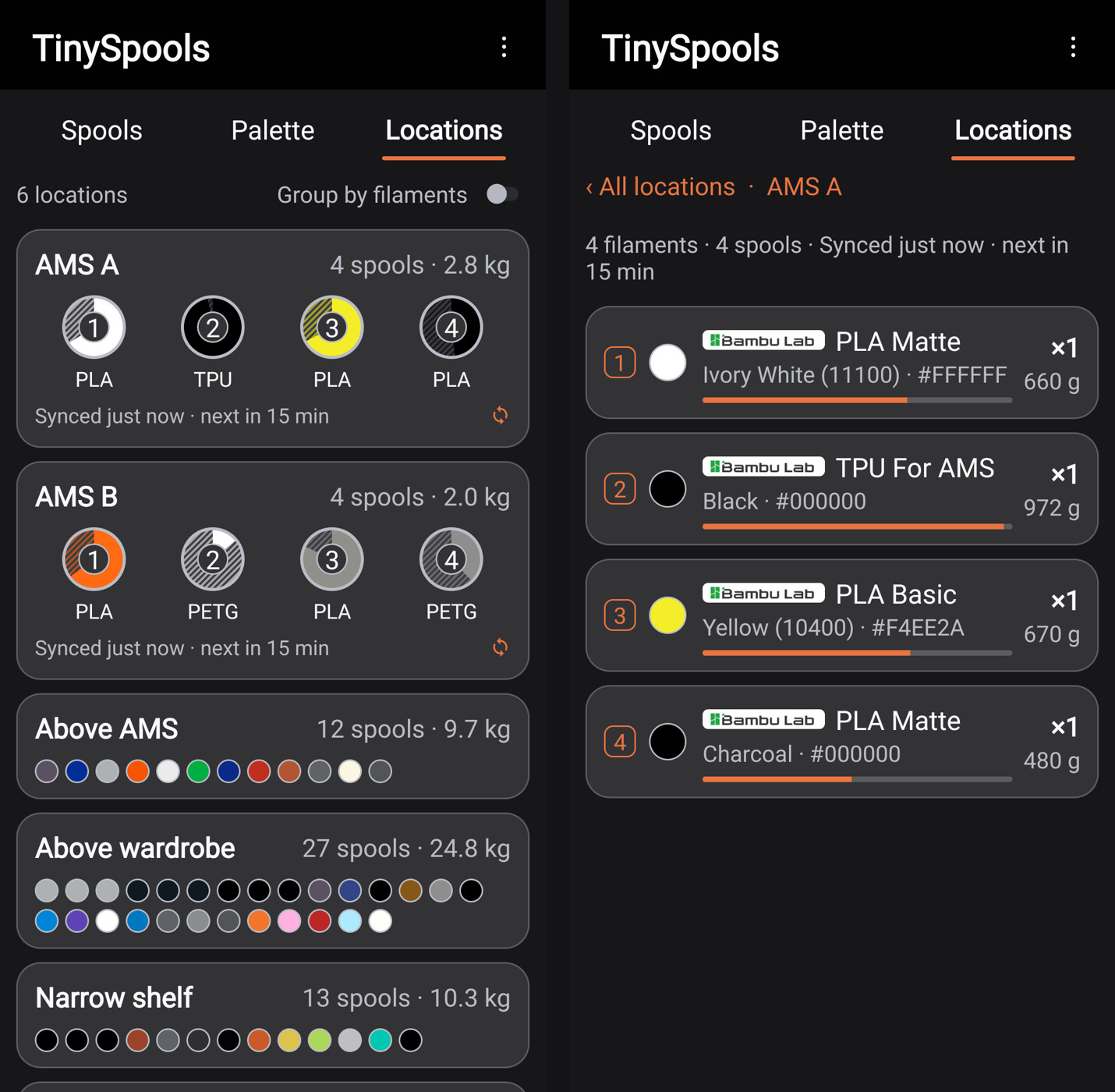
Hi! I made an Android app for keeping track of filament - TinySpools: how many spools of what I have, how many grams are left, which shelf they are on and how much a shelf weighs 
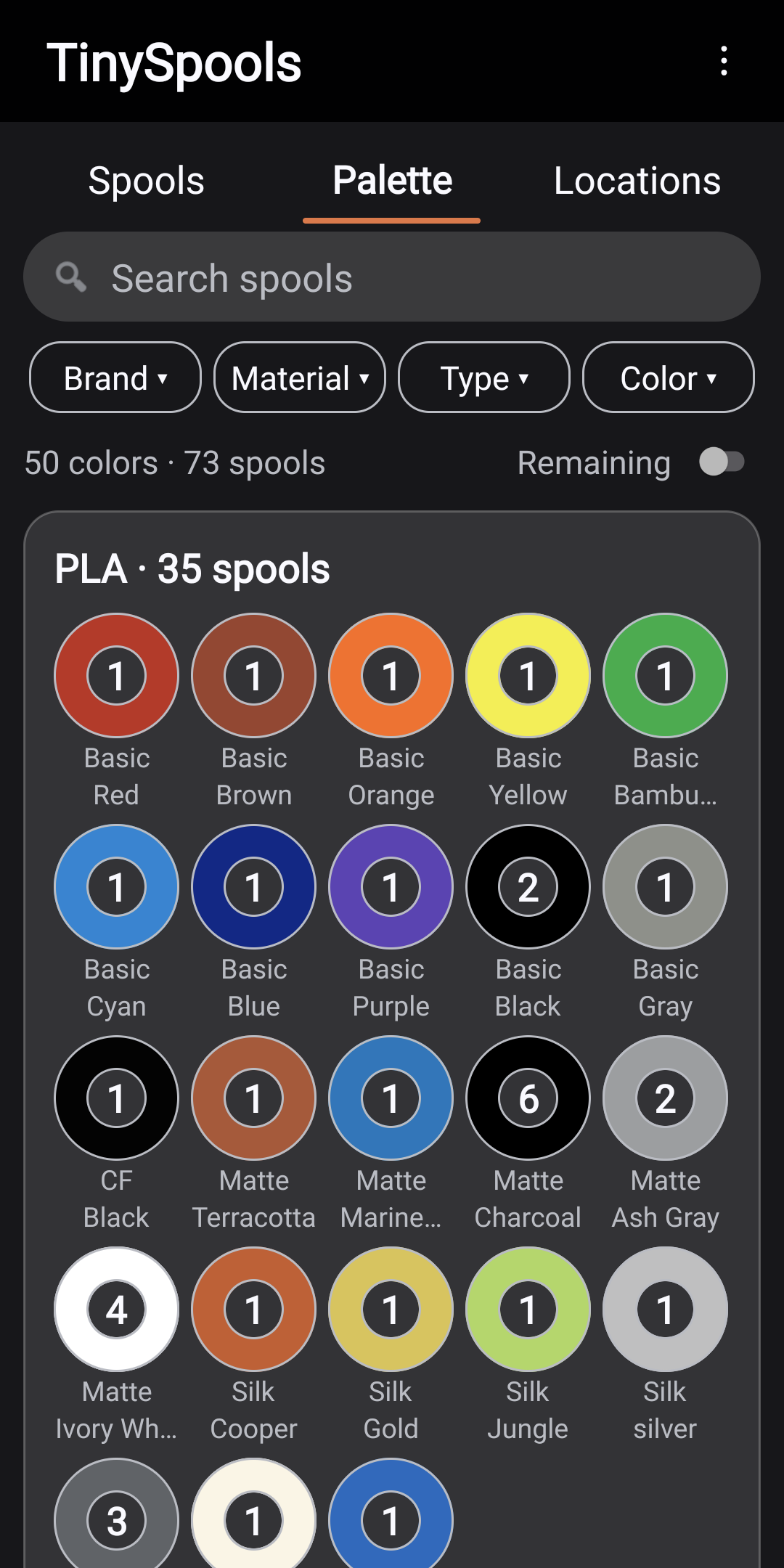
It is for people who just want to know what filament they have, where it is and how much is left: adding a spool takes a few seconds, and the palette shows every color you own at a glance. Free during testing, and testers get the full app for free, for good. No account, no ads.
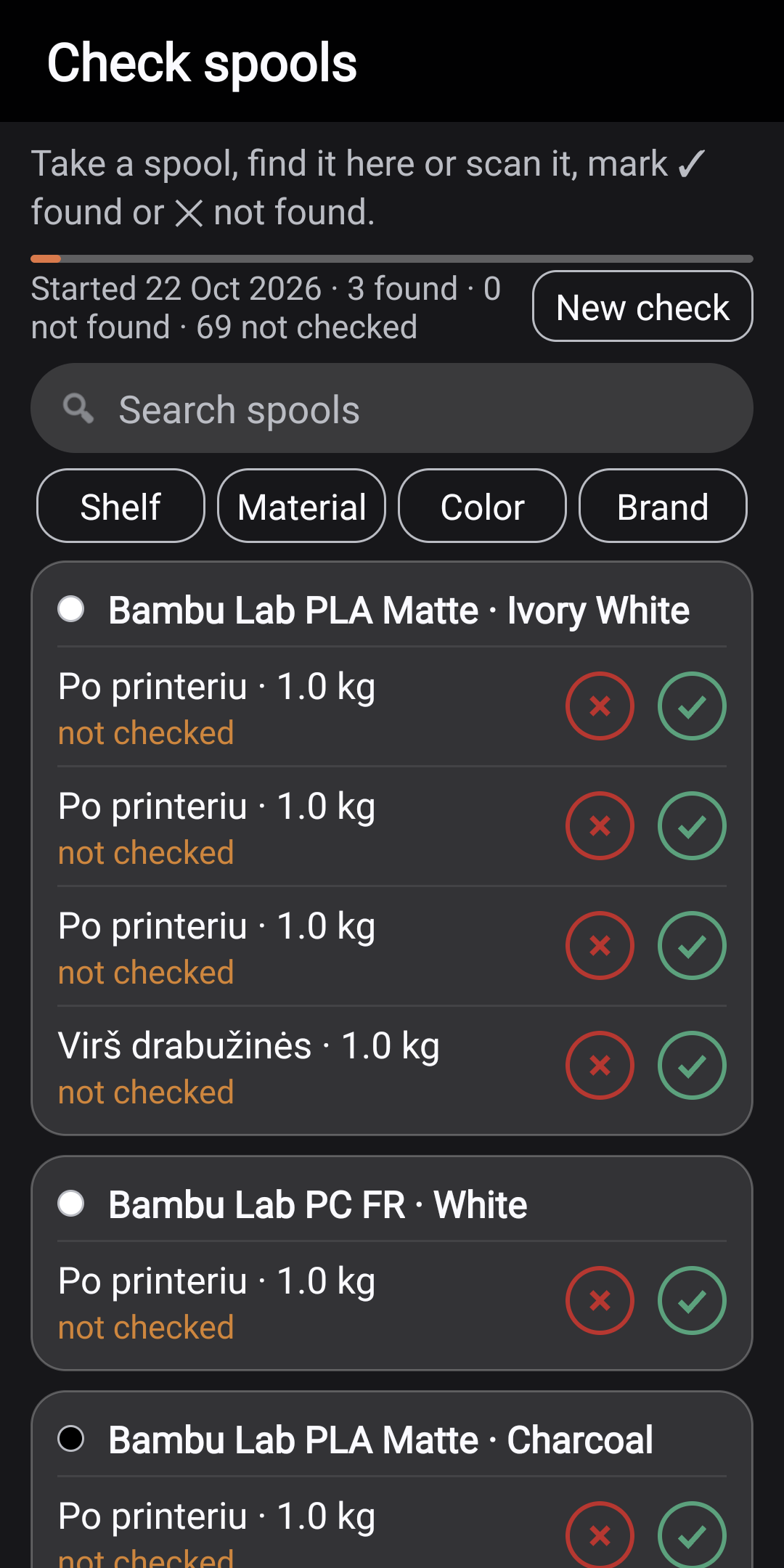
The app recognizes filament from the box barcode (Bambu Lab, Polymaker, Prusament, eSUN, SUNLU and more) and can print a QR label or write an NFC sticker for a spool. It also has a filament check, for when you no longer know where your filament is or whether you still have it: go through your filaments and mark each one found / not found. The ones not found drop into a separate list.
The app is in closed testing on Google Play now - I need people who would keep it installed for 14 days and tell me what is inconvenient.
Send me your Google account email (private message or hello@tinyowllabs.com) - I will add you and send you the Google Play test link.
More: TinySpools - your filament, sorted
Darn, everyone and their dogs sister is making a filament management tool.
Looks well put together.
Ha, fair - there are a lot of them now! I made this one because the others wanted an account, a server or an iPhone, and I just wanted to see what I have on the shelves. Thanks for the kind words - if you try it, tell me what you would change.
I will take a look at it. It’s simple enought 
Looks really good!
I long for the day we get a weighing system in the AMS that can tell you accurately how much material you have left on aftermarket spools.
I would like to be able to add a Bambu Lab spool simply adding the code, like 40100.
I can’t make the app add Bambu Lab spools touching them with the phone. NFC is active and working, of course.
Hi #Slibbinas
Any hint about the problrm with the NFC spool reading?
Hi! Sorry, my earlier reply bounced. Reading Bambu Lab spool tags was added right after your post. Please update TinySpools in Google Play to version 0.1.168 (in the closed test since yesterday).
Then, with TinySpools open on the main screen, touch the spool’s RFID tag (on the side of the spool, near the hub) to the back of the phone. If you already have that filament, it opens. If not, you get “Add” and the form fills in by itself. “+ New spool” reads the tag the same way. If you entered that filament by hand before, the app asks “Is it one of these?” once and then remembers.
If it still does not read, please tell me your phone model and what the app shows when you touch the spool. Some phones cannot read the MIFARE Classic chip that Bambu Lab uses; in that case the app says “This phone cannot read MIFARE Classic tags.”
For those of us - like myself - using a non-google android (and therefore without the play store), how do we install this?
Hi @Slibbinas The app is updated to the last version but it doesn’t read spools.
Phone is a Samsung Galaxy S23 FE
Thanks for the report. Until now TinySpools read Bambu Lab spools only while the app was open on the Spools screen (or in “+ New spool”). If the app was closed or another screen was open, the phone saw the tag but passed it to no app. Your own TinySpools stickers worked anyway, which made this confusing.
Version 0.1.176 fixes this. It is with Google for review now and should reach testers within a day or two:
- Touch a Bambu Lab spool any time the phone is unlocked, even with TinySpools closed. If you have that filament, it opens. If not, the app offers Add with the material, color and weight filled in.
- New setting: Settings → NFC → “Open the app from MIFARE tags (Bambu Lab)”, on by default.
What to know about the setting. Bambu Lab tags are MIFARE Classic, so the app now listens for every MIFARE Classic tag, not only Bambu ones:
- Payment cards and phone payments are not affected; they are a different tag type.
- Door access cards, hotel keys and some transport cards are MIFARE Classic. TinySpools recognizes they are not Bambu tags and stays closed. Your phone may still give its usual NFC beep.
- If your phone case holds such a card, the phone may beep on every unlock. In that case turn the setting off. Bambu spools then work only with the app open, as before.
One more thing, since your S23 FE didn’t read the spool at all: not every phone’s NFC chip can read MIFARE Classic tags. With 0.1.168, could you open TinySpools on the Spools screen, touch the spool and tell me what you see?
- nothing happens;
- “Could not read this tag” with some text;
- or “Not a TinySpools or Bambu Lab tag”.
That tells me whether it is the app or the phone.
Viktoras
Hi! For now TinySpools is available only through Google Play: it is in a closed test there, and the public release will be on Google Play too. I don’t have another way to install it yet. Sorry about that.
Viktoras
This.
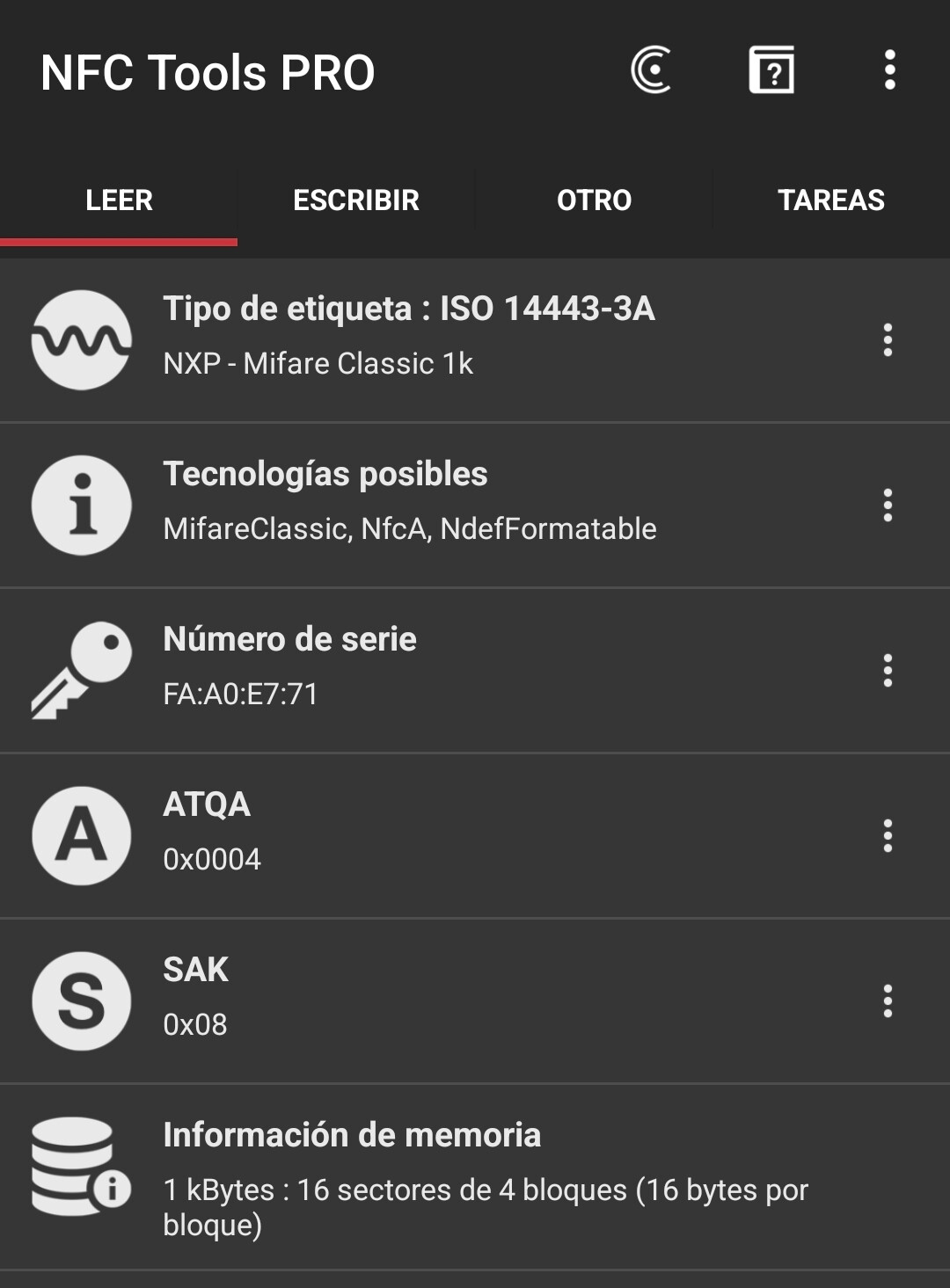
I have just try reading the spools with mu phone and the NFC Tools Pro app and it reads them with no problem.
Thanks, that helps. The app should always show something when it sees a Bambu tag, so “nothing happens” is a bug on my side: some error stopped it before it could show a message. Whether your phone can read these tags at all is still open.
Version 0.1.183 now shows the exact error instead of nothing. It is with Google for review and should reach testers soon (the last one took a few hours). When it arrives, please touch the spool again on the Spools screen and tell me the text on the card that appears.
Meanwhile, could you check one thing in NFC Tools Pro? Read the spool and look at “Technologies available” (and “Tag type”). Does it list MifareClassic, or only NfcA? That tells me whether your phone can open the encrypted sectors of the Bambu tag at all.
Viktoras
Thanks! Your phone lists MifareClassic, so it can read Bambu tags - the problem is in the app.
Version 0.1.185 (with Google for review now) helps to find it:
- the phone gives a very short buzz the moment TinySpools receives the tag, before reading it;
- if reading fails, a card shows the exact error.
When it arrives, please open TinySpools on the Spools screen, touch the spool and tell me which of these you get:
- no buzz at all;
- a buzz and a card - please send the card text (a screenshot is perfect);
- a buzz and nothing else.
Viktoras
Update: you can now try TinySpools in your browser, no install needed: TinySpools - live demo
It runs on my own filament (50 filaments, 73 spools). Browse the palette and the shelves, open a spool, scan a box barcode, make a QR label or run a Check spools round. Nothing leaves the page.
If you like it and have an Android phone, I still need testers for the closed test on Google Play: send me your Google account email (private message or hello@tinyowllabs.com).
@ElektroQuark version 0.1.185 is out now - when you have a minute, touch the spool on the Spools screen and tell me what you get.
Viktoras
Now it worked flawlessly. Spool was detected and I was asked to add it. Thanks.
Great, thanks for testing it and for your patience! Your reports made the Bambu Lab spool reading better for everyone.
Viktoras
TinySpools 0.1.324: Bambu Lab AMS sync
TinySpools now reads your AMS from the Bambu Lab cloud.
- Sign in with your Bambu Lab account in Settings, then long-press a location → Bambu AMS and pick the printer and AMS unit.
- Each slot shows color, material and how much is left.
- Spools in the AMS move to their AMS location, and the remaining weight is taken from the printer. The inventory follows your prints without weighing or typing grams.
- Sync runs when you open Locations (if the last one is older than 15 minutes) or when you pull the list down.
- A spool without a Bambu Lab tag shows as Unknown: tap the slot and pick the spool.
- Bambu Lab spool NFC: touch a spool to the phone to open or add its filament. The tag is only read.
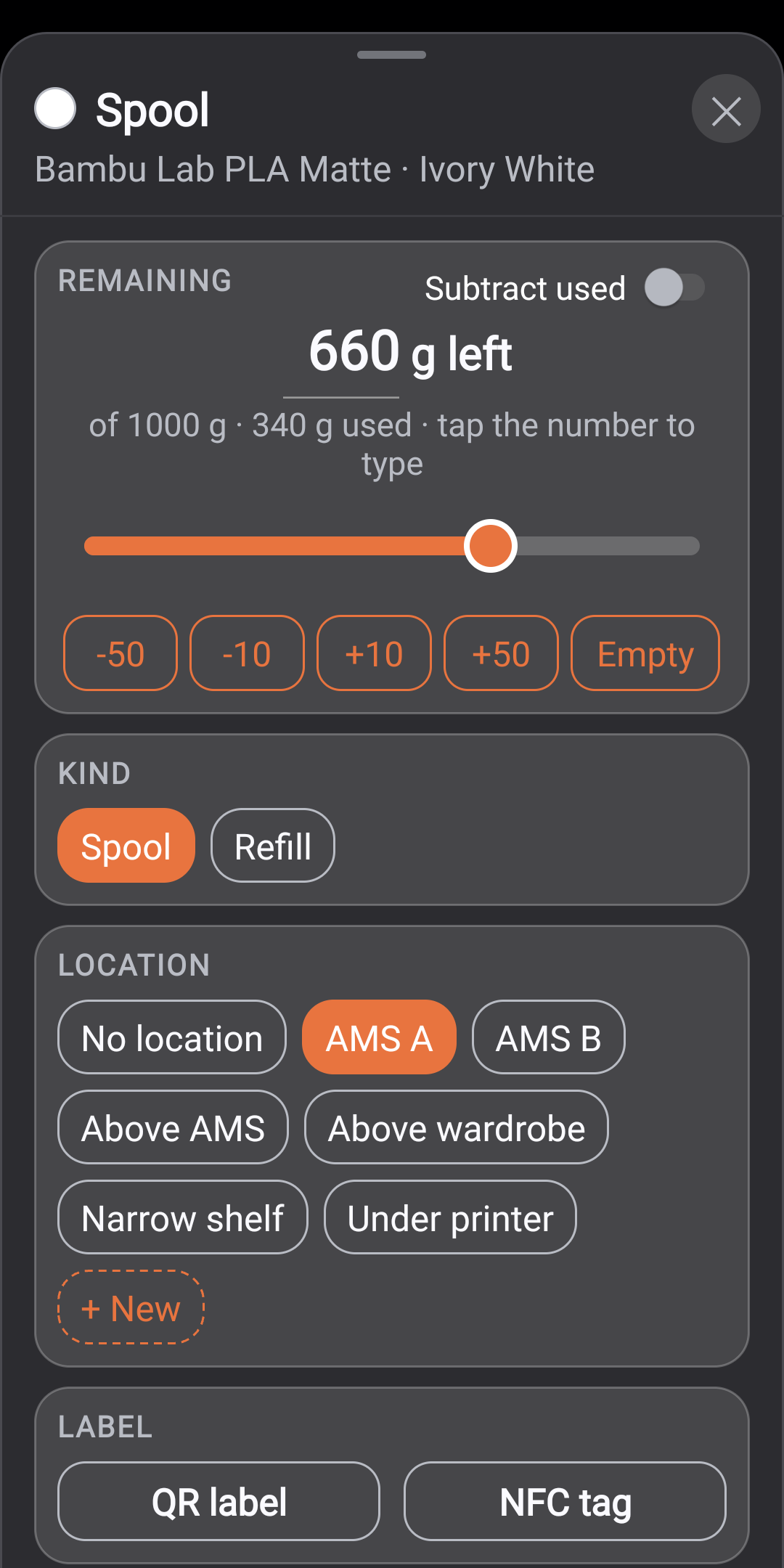
Also new: “Subtract used” (type what a print used), erasing NFC stickers for reuse, a feature tour.
Privacy: no TinySpools account, nothing is sent to me. The Bambu Lab sign-in is kept on the phone, and the app only reads from Bambu Lab’s cloud, never writes to the printer.
The app is in closed testing on Google Play. Google requires 12 testers for 14 days before it can be published. To join, reply here or e-mail hello@tinyowllabs.com with the e-mail of your Google account.
Live demo: TinySpools - live demo
User guide: User guide - TinySpools