With my bambu h2d printer… I now have had 2 failed prints in a row. Yesterday I had a print where somewhere in the midde of the print it it got all stringy and it was a pretty bad failed print. It really looked like an extrusion issue with a clogged nozzlle. So I did a cold pull 3 times on each nozzle to get them really clean. I then tried another print today… oddly enough around the same layer height (probably coinincidence) it failed again in a similar way. Here are pictures of todays print. You can see it got stringy again and after maybe 10 to 15 layers it started working again and the rest was fine. What could this be?
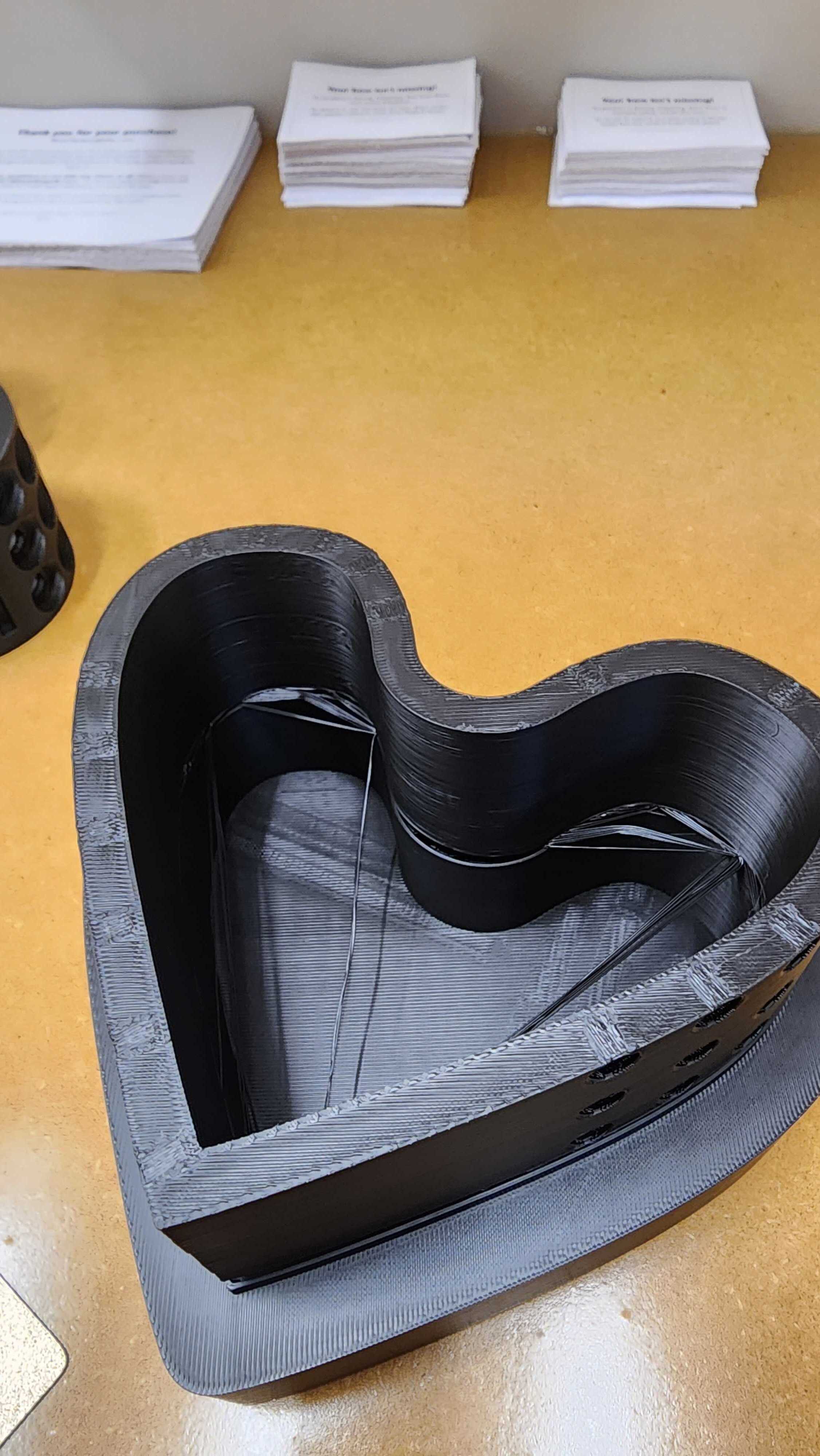
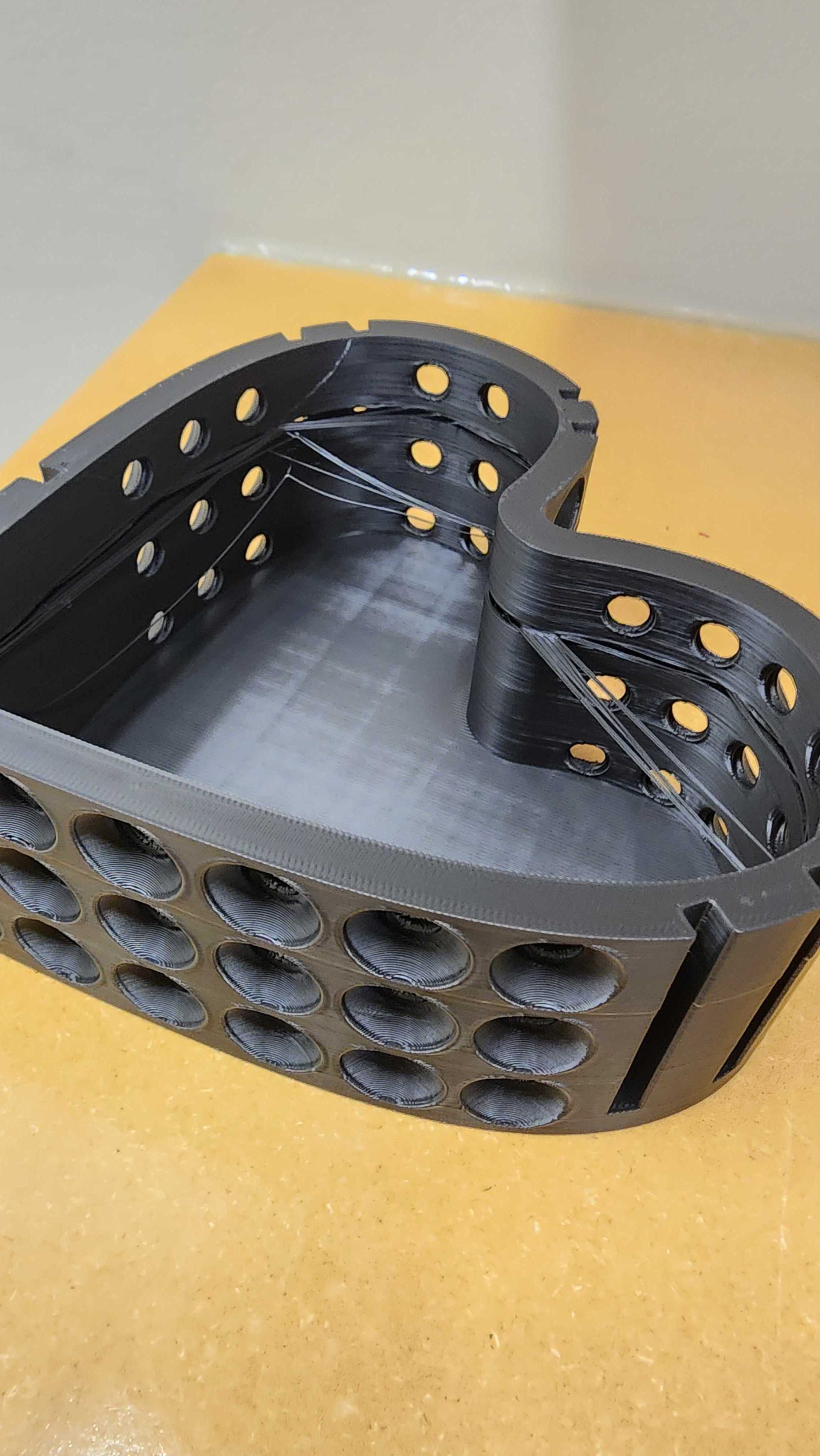
It seems like the Z-motion is not constant.
There could be something blocking the Z-axis around that particular height.
You can try to park your tool head behind the build plate and then move the Z-axis up and down to check if the motion is smooth?
Some stray part of a prime tower or something else might be in the way.
Check the geometry of the model and the slicer output around the point of failure.
Also inside curves like that can be difficult as the filament shrinks as it cools, causing those straight lines. You can review the printing temperatures to see if the filament is hot enough to stick.
Hmm, you might be right. I checked the Z rods (or whatever they are called) and one of them had some small filament peices stuck in the grease. I’m guessing when it got to that part of the rod it would bind or something causing it to not go up and down properly.
Glad you found the cause!
Let’s hope your next print will be normal again.
I’m having the same issue. Did you end up getting your file to successfully print after clearing the Z rods?
When a file misbehaves for me I simply move on, after a couple of simple fix attempts. Hughy Lewis said it best, Sometimes Bad is Bad.