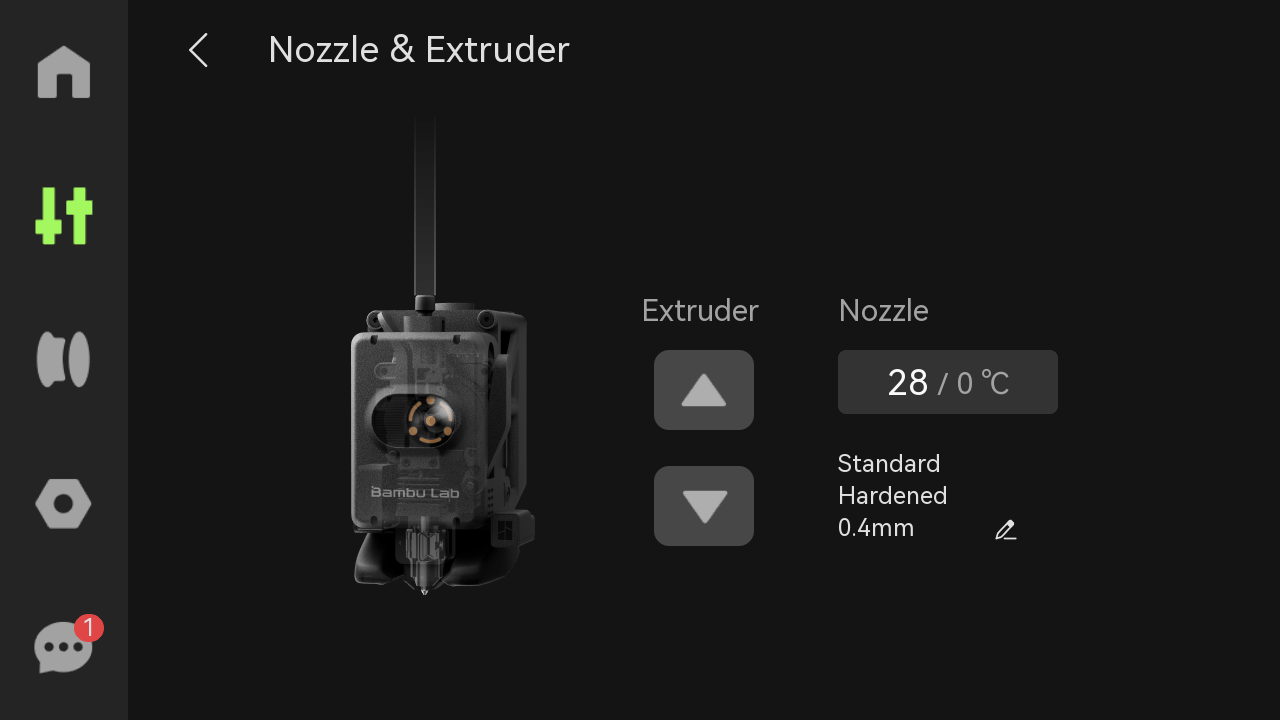
I’m a complete beginner to 3D Printing so apologies if I’m very ignorant/dumb about this. Had my H2S only for a few months and was printing a large bin out of ASA and it failed on the support area due to the top layers peeling off which caused the nozzle to start repeatedly crashing into those layers. This caused a “0700-8003 - failed to pull out the filament from the extruder” error mid-print. I stopped the print and tried to unload (I have the AMS 2 Pro) it successfully did step 1 and step 2 which was to cut the filament, then on step 3 as it tried to retract the same error popped up. AMS Slot 3 was flashing red.
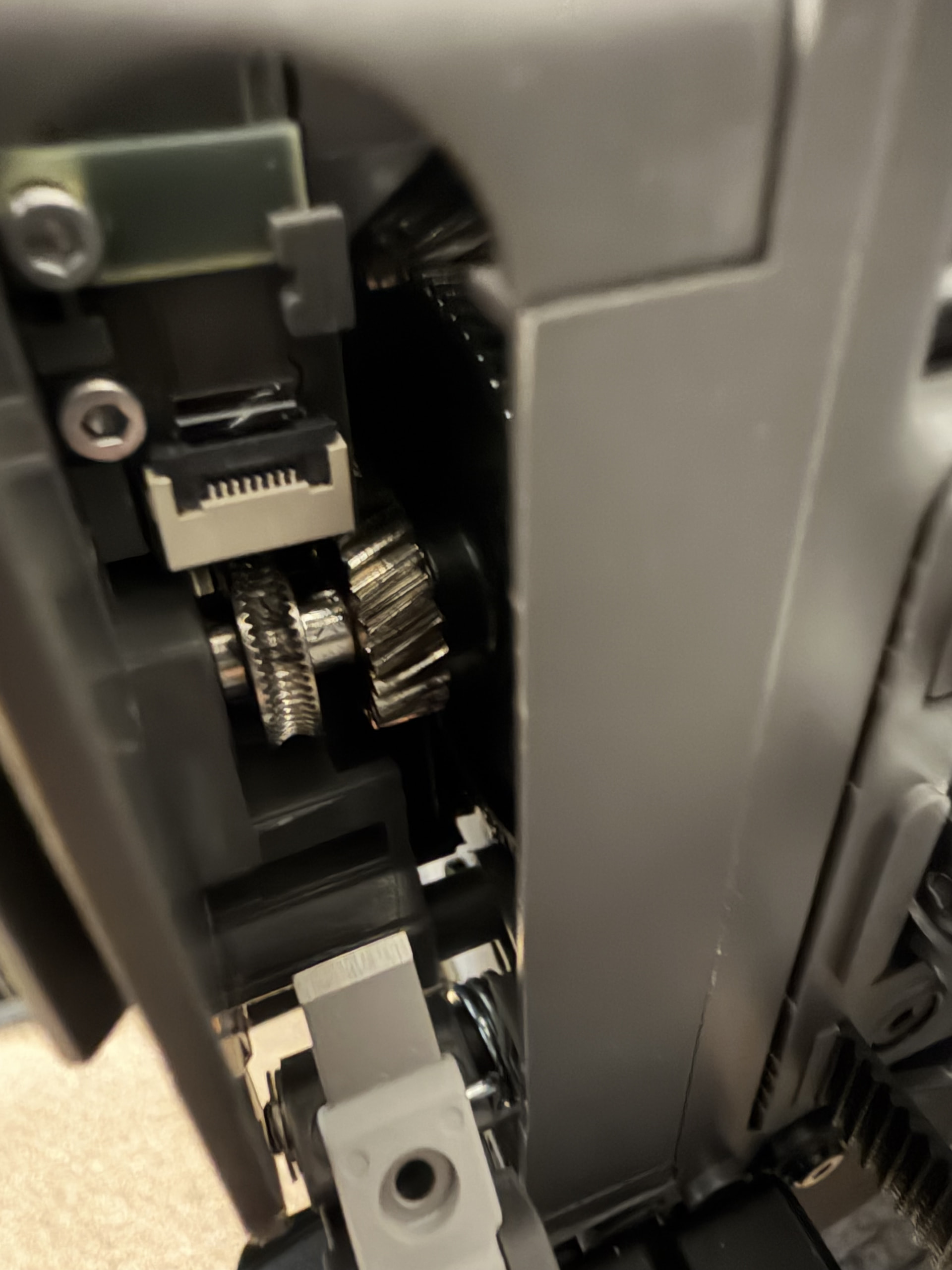
Assuming there must’ve been a clog in the extruder I followed everything up in this video (https://www.youtube.com/watch?v=R7Vteb8Lzw0&) until 1:10. Looking through the side the gears looked completely clear, no crumpled up filament and not even a normal strand of filament passing through them.
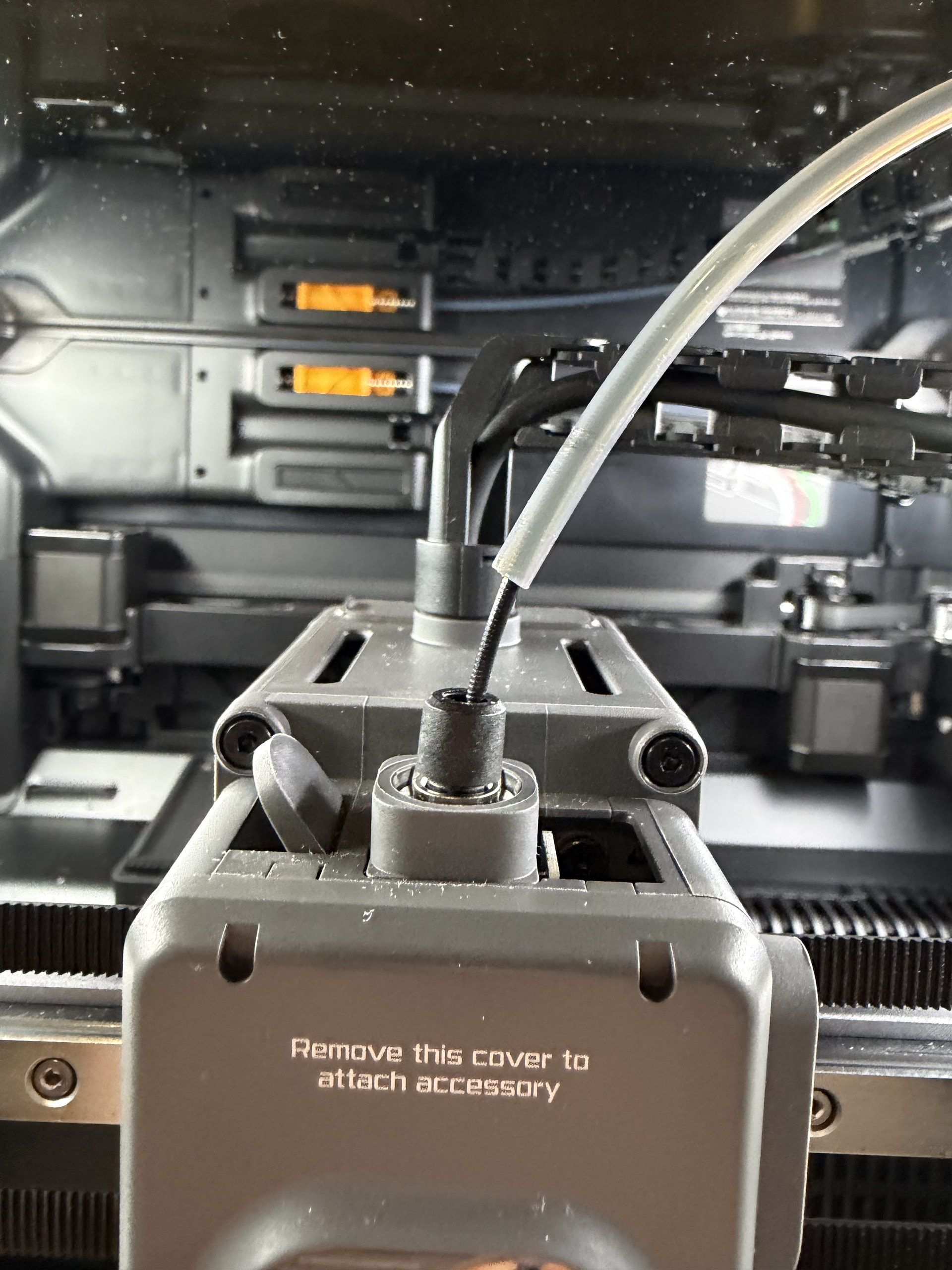
Would this mean it’s stuck in the filament sensor or can there even be a clog there? Really hoping I don’t have to mess with that as apparently the ribbon cable is super sensitive/easy to break and the filament sensor replacement video is overwhelming me just looking at it lol. So far I released the PFTE tube and tried pushing down and pulling up on the bare filament but it only budges about a millimeter, I’m not sure if I’m supposed to pull or push a lot harder on it to free it (have only tried using a few pounds of force) or if it’s supposed to come out gently. Any advice?