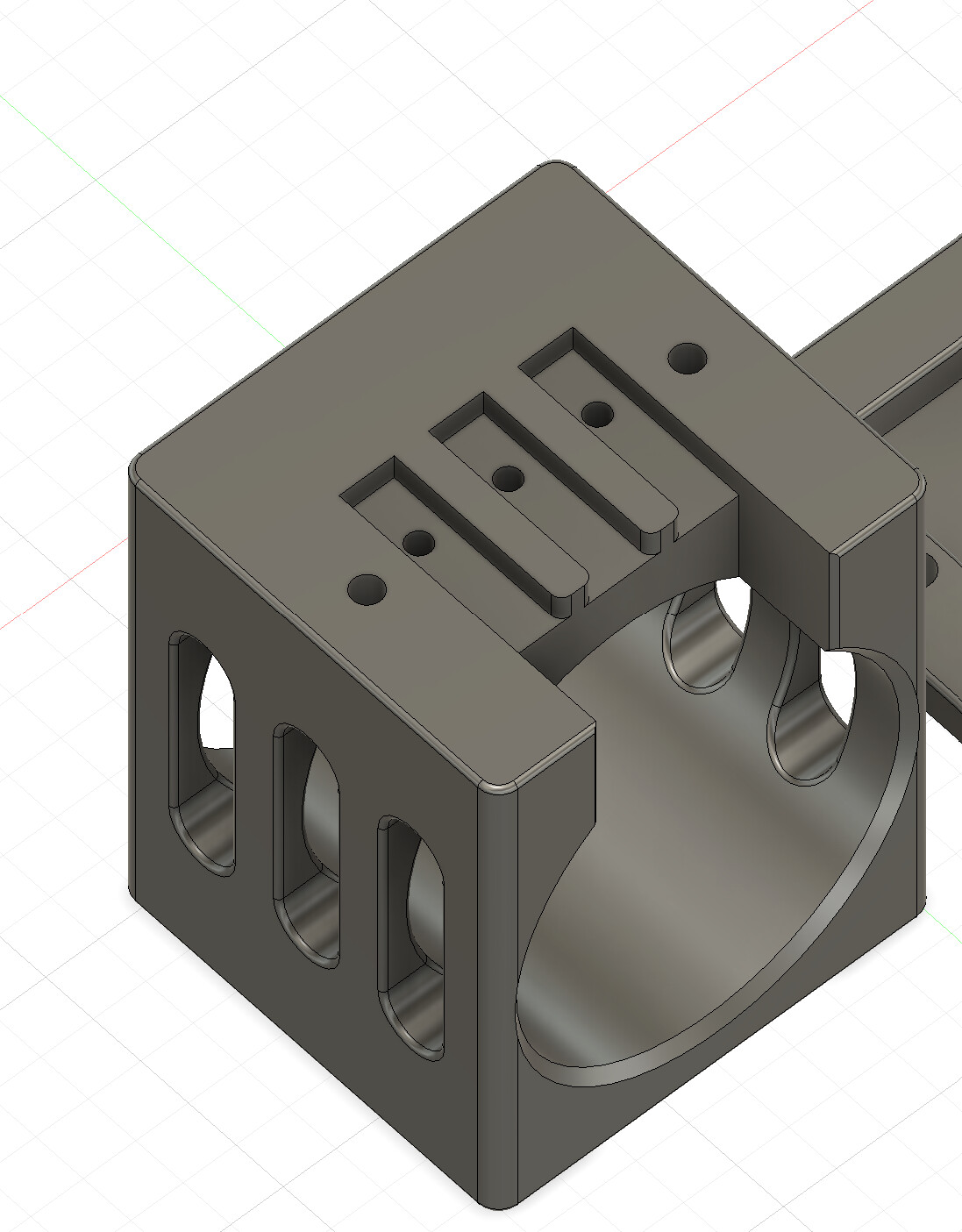
I use 8mm stainless steel dowels in a model I’m printing and printed a calibration model on my P1S to check tolerance. The pin fit snugly in the 8.1mm hole and I could press it into the 8mm hole, though was a very tight fit. The P1S has had 1000’s of hours of prints through it.
Using the same model, filiment and print settings, the printed hole is undersized on my H2D I’m just able to fit the dowel into an 8.4mm hole, though it is tight. It seems my holes are ~0.35mm undersized compared to the P1S. I expected better resolution from this printer.
Any suggestions for improvement? Has anyone else run into this issue with the H2D?
I ordered the H2D the day it was released, so it will be likely one of the first off the production line. It’s had a very easy life so far, likely under 200 hours.
I had this in my first few moments with my H2D. Wether it was the vision encoder, belt tensioning, or proper filament calibration the problem completely disappeared.
I’ve experienced the same thing but I think it is normal in my situation where the holes are sideways. I have a model I reprint often that uses 2mm steel dowels as pins for doors on a chamber that prints laying down it’s like a coffin with double doors. I have to design the holes as 2.4mm so that is a .4mm tolerance. But like I said in this case the hole is printed sideways layer by layer which all my printers are great at doing as long as I give it some tolerance. If printing a hole by the z direction as normal then there isn’t a need for such wide tolerances because that is the easiest way to print holes.
Only time I have issues with holes is when they are printed vertically, they seem to squish a bit, but flat on the bed, they print perfectly. I use an Encoder though, which eliminates skew and adds precision.
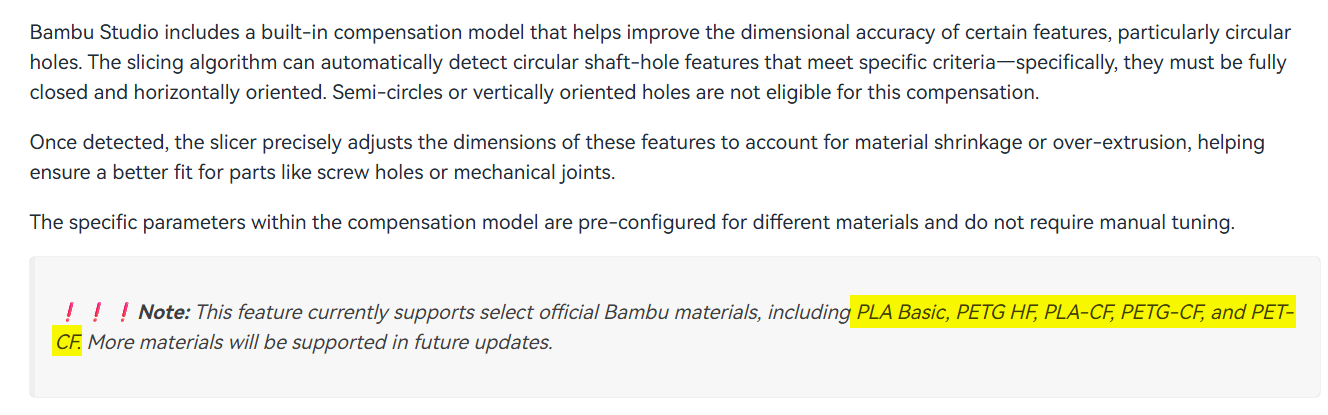
I tried a test print placing the model at each corner, edge and center of the build plate, I turned on the hole compensation for this test. Unfortunately the hole compensation setting does not seem to have made any difference at all to the hole accuracy. Out of the 7 the 3 placed on the right of the bed have even worse tolerance than the rest, being well over 0.4mm undersized on an 8mm hole.
Do you have any other suggestions? Is there a possibility that the hardware needs to be adjusted?
I’m getting far more accurate results from my P1S, so I was expecting at least as accurate prints from a printer that was such a premium product.
I’ll rerun the filiment calibration and try again.
I don’t really think is a hardware problem.
You can simply test that by printing 8mm square blocks at several position on the bed.
If they are too small also, then hardware might be an issue, but that is highly unlikely.
If they are too big, then you might need to adjust your flow rate.
It’s a bit of a bizarre problem. I’ve just printed a load of 10mm cubes. The accuracy is astonishing, the worst was 0.02 out, and most are exactly 10.00 on my calipers. Internally I’m 0.2mm undersized on square holes and 0.4 on circular. The reddit thread has a lot of complaints with the same issue.
Just found this thread… Yes my H2D prints undersized holes, and even not to the right depth. I have a few models that use 2.5mm verticles holes at 5mm deep. On my 3 X1Cs and 2 P1Ss they print correctly (by correctly I mean the holes are oversized by .25mm diameter to begin with as that is what I found to work on those printers). But my H2D is not getting to the correct depth or size. Honestly, this is easy, just change the hole in my cad program, but now I need a model for the H2D, and then one for the rest…
Hole depth is 5mm, layer size is 0.2mm. Hole diameter is 2.25mm. Ends up slightly under 2mm in diameter on my X1Cs and P1Ss. I have a P2S coming that I will test on that as well. Ends up under 1.5mm on the H2C. I screw m2.5x5 screws into these holes.
Like I said, I have been printing a varaition of this model for years, starting on an Ender 3. Hole size and depth have not needed to change until meeting the H2D. And, depth really can’t change, the holes are above a circular cutout and can only be so deep before they would protrude into the cutout region. Which can cause some print defects.
The H2 series is known for struggling more with smaller holes. But I don’t have any experience with the previous printers.
Smaller holes is just a phenomenon that comes with FDM printing. I therefore have the feeling that for the previous generations like the P and X series, they have some compensation built into the slicer.
And that for the H2 series they don’t have this property dialed in yet.
However, you could do a flow calibration to see if that will have some positive effect.
I have accepted this already a long time ago and just compensate it in the model.
The vision encoder is not going to solve this. It increases the accuracy of the motion system, but not the typical FDM behavior on small holes.
I am also having the same issue with my brand new H2C, same simple 7mm hole that prints fine on the P1S with the same filament roll is under-sized by about .5mm on the H2C.
I had to dial in a 0.25mm X-Y hole compensation in the Quality settings to get it to be sized properly.
I would stay away from the xy hole compensation. It can mess up other parts of the print. As an update (since I picked up an H2C and need to fix the issue for it as well), the auto circle contour-hole compensation has been working well in the H2 series. Interesting enough, the P2S prints holes like my X1Cs.
Back to the auto circle contour-hole compensation, that is a mouthful, it corrects quite a bit. Now the hole sizes are even closer to my CAD files, requiring less oversizing in CAD.