I have updated it first to the latest firmware and done afterwards all the calibration.
Now I wanted to print my first benchy and struggle to do so.
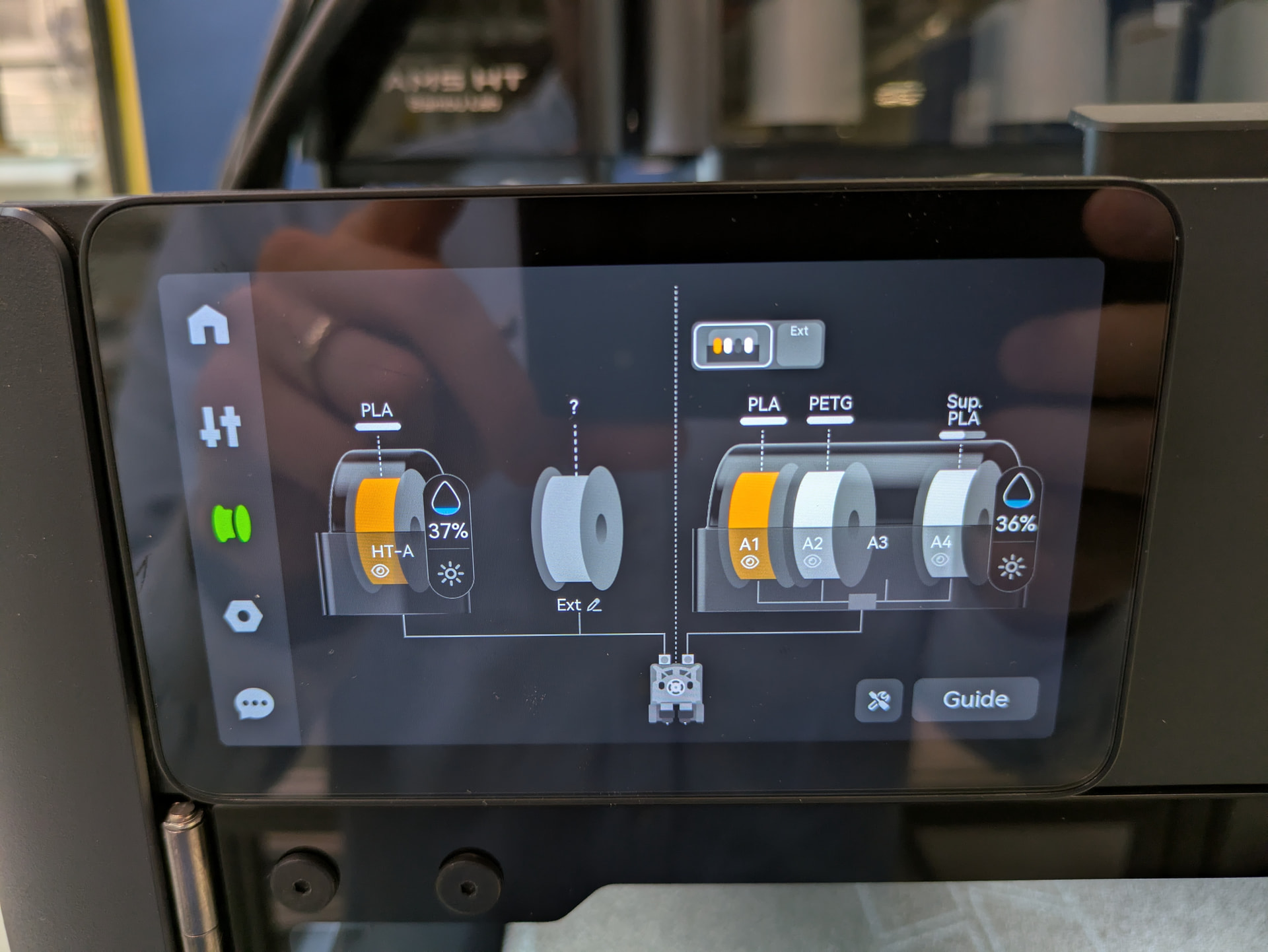
I have an AMS 2 Pro installed which is also setup already and well recognized all the filaments (auto detection).
Im running my printer so far in offline mode.
I sliced the model with BambuStudio using the exact same filament that is also within my AMS Pro 2 (pumpkin-orange basic 1,75mm PLA from Bambu). The loading of the filament into the extruder works using the printers user interface (but somehow the purge is adding up to a big pile until it touches the nozzle itself and is not pushed in the bin, does anyone know how to force the printer to regularyl push the purge into the bin. In my case its getting uncontrolled to such an extent that the purge evens lands on the printbed instead of the bin).
But the bigger issue starts when I want to start the print. The printer does its checkliste and at the point where it come to changing filament, for some reason its unloading the filament although the correct filament is already loaded. After the printer unloaded the filament he is telling me to manually insert some filament through the PTFE tube (error 07ff-8006 000812).
Does anyone what the error could be?
Firmware versions:
Bambu Lab H2D Pro 01.02.00.00
AMS 2 Pro 40.00.21.91
AMS HT 04.00.21.88
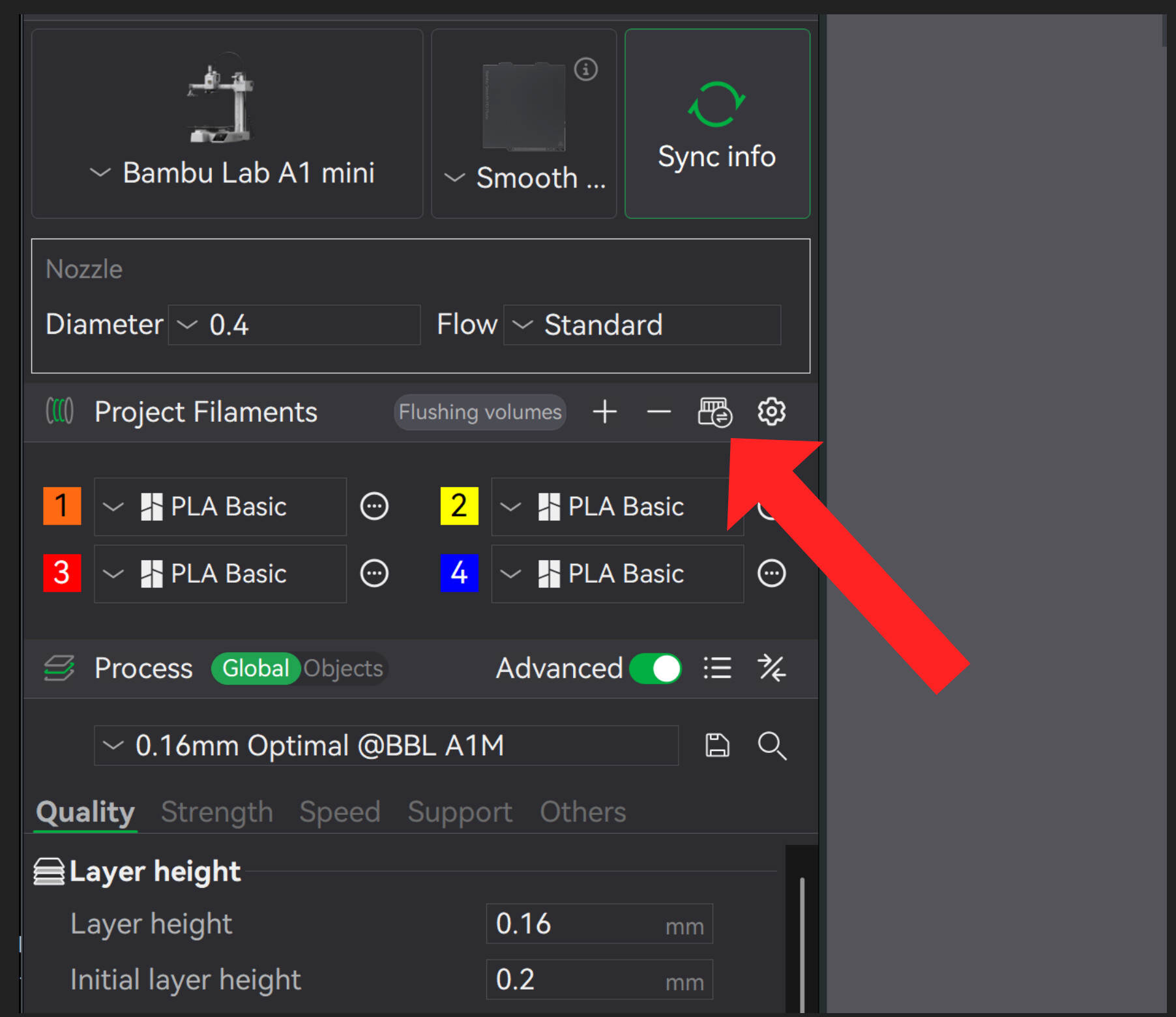
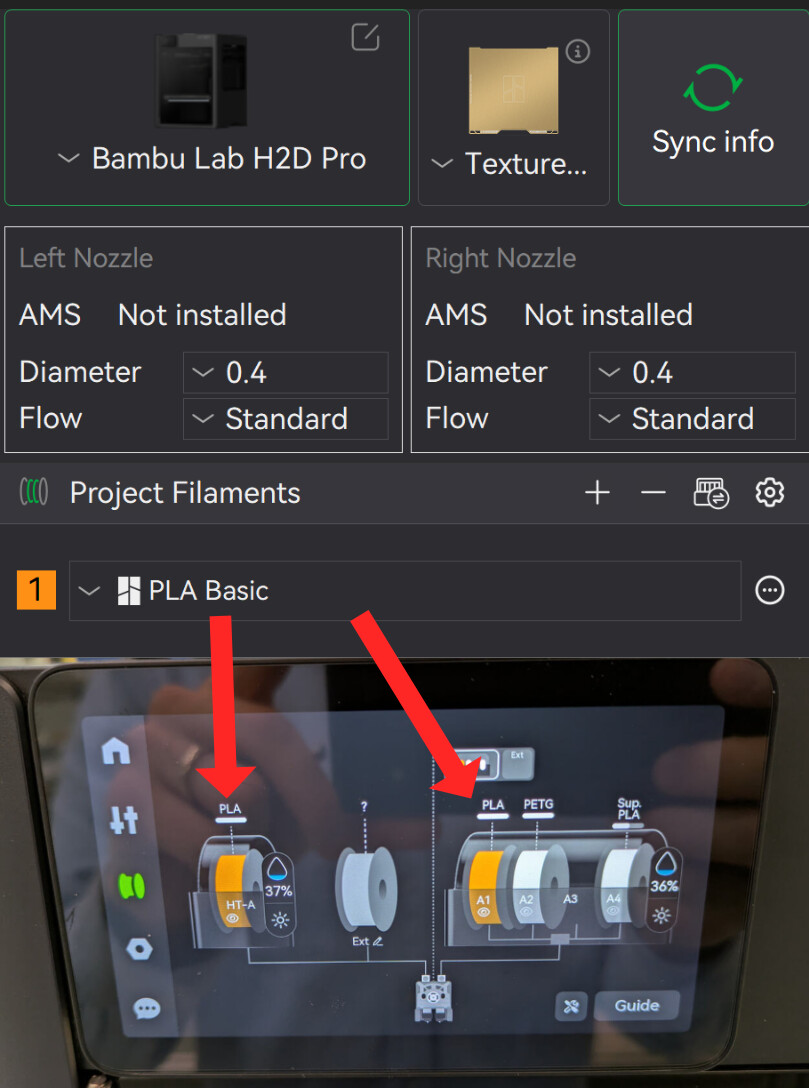
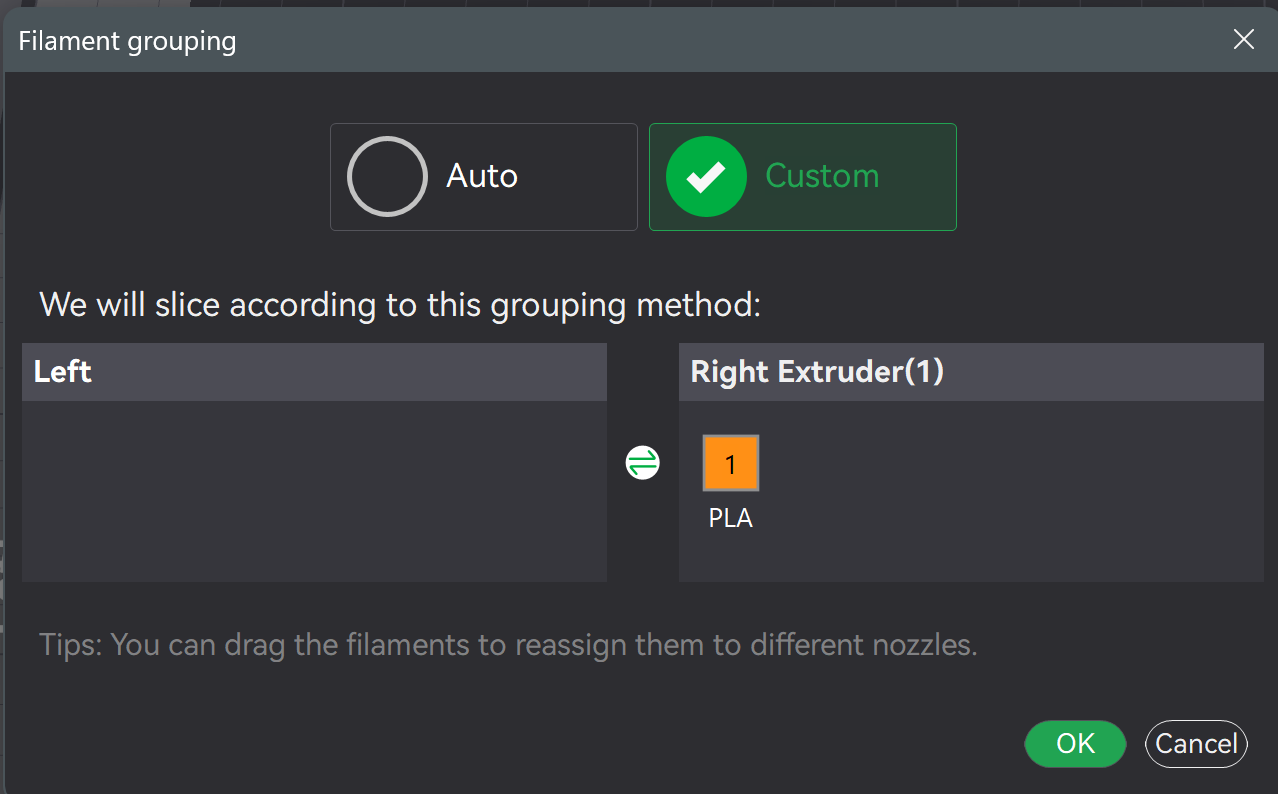
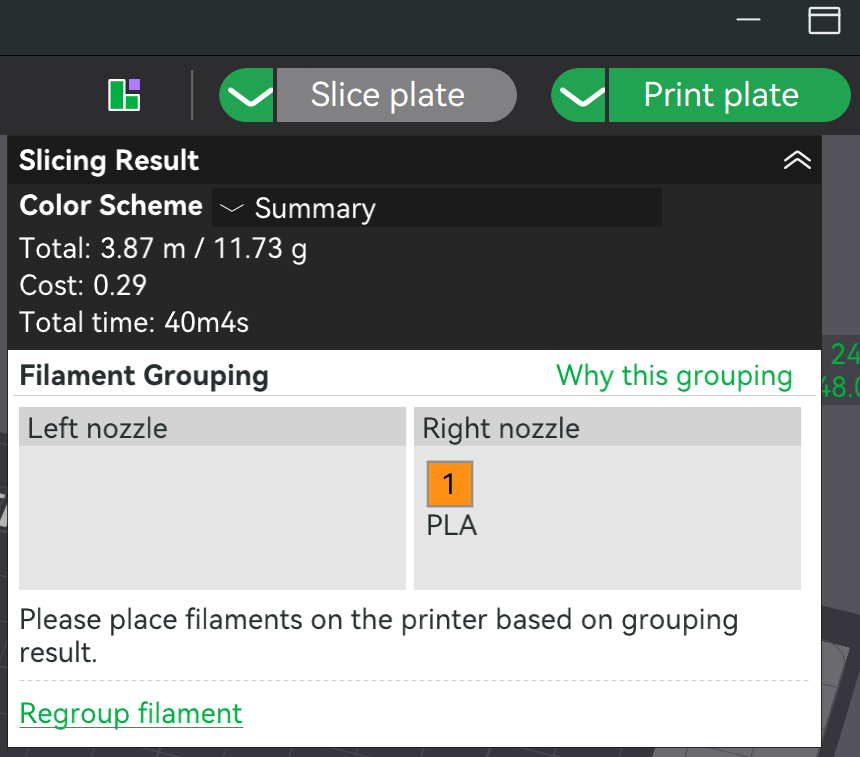
EDIT:When Im printing something from the internal stored models of the printer everything works. So I believe it has to do something with the BambuStudio settings. But what could it be? On the device I have 2 different nozzles installed (0.2 mm left and 0.4 mm right). Everything is well recognized by the printer. On BambuStudio one cant select two different nozzles in the settings. Therefore both nozzles are defined as 0.4mm, because I want to run the print job on the 0.4mm nozzle. During slicing I choose customs slicing and tell the slicer to print from the right nozzle. Other than that I have defined the filament same as it is in reality in the AMS 2 Pro. Also ich told BambuStudio that on the right nozzle there is one AMS with 4 slots and on the left nozzle there is one AMS with 1 slot. Did I miss something that forces the printer to change the filament?
Before starting a in-depth troubleshooting process, could you please confirm that you have already synchronised the project, the filament and the AMS? Just to clarify, the project does not differ from the AMS.
Why are you loading the filament into the extruder using the printer interface before printing? The printer will do that automatically when the time as part of the print as you noticed, it will do that regardless if the correct filament is already loaded. There are reasons for this.
Don’t load the filament into the extruder yourself, let the printer do it when it wants to.
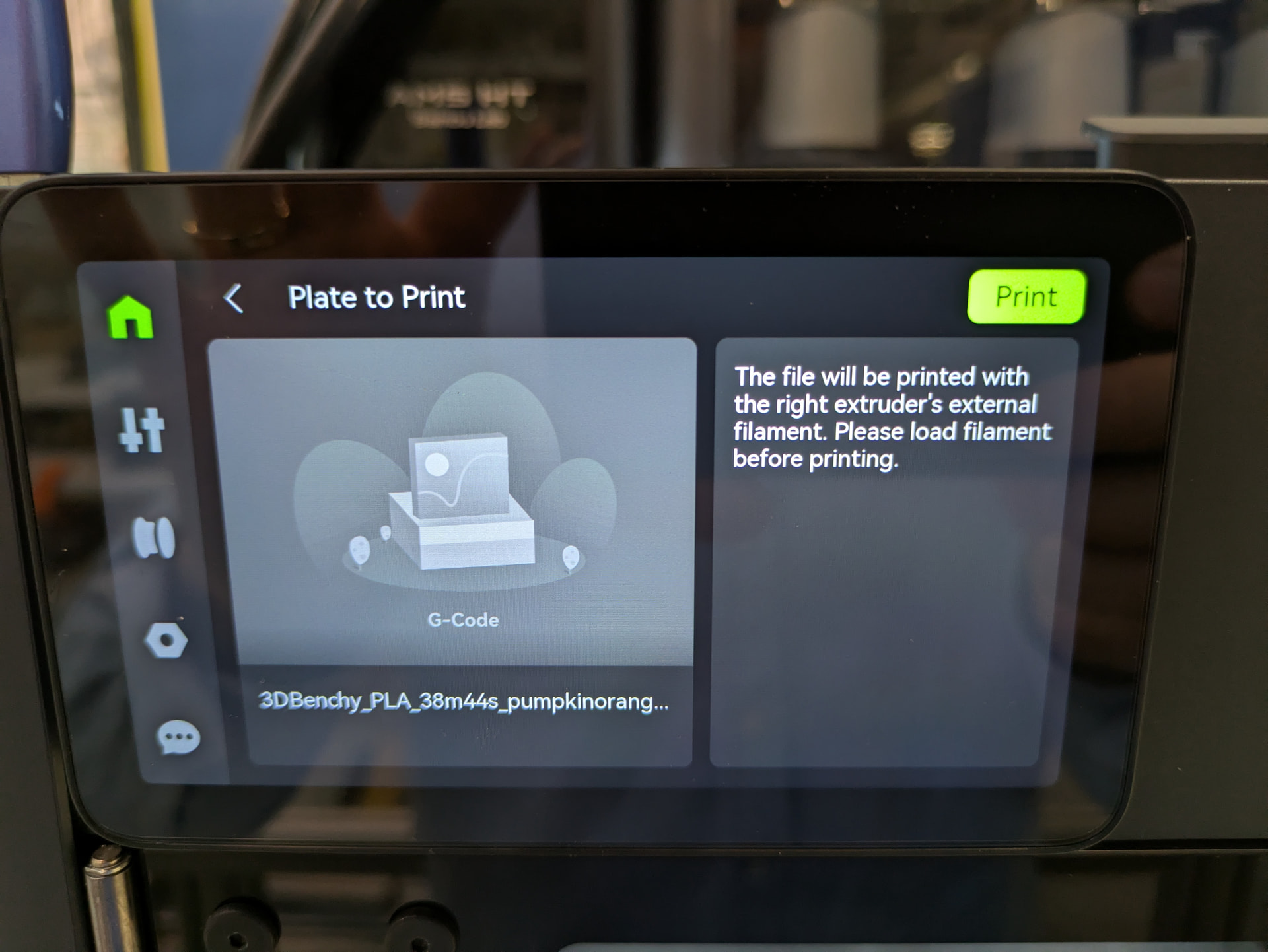
I have done so because before I wanted to start the print there is a information shown that I should load the filament before I would like to print. But I also tried to start the print without preloading the filament but still the same error message appears. I really dont understand it.