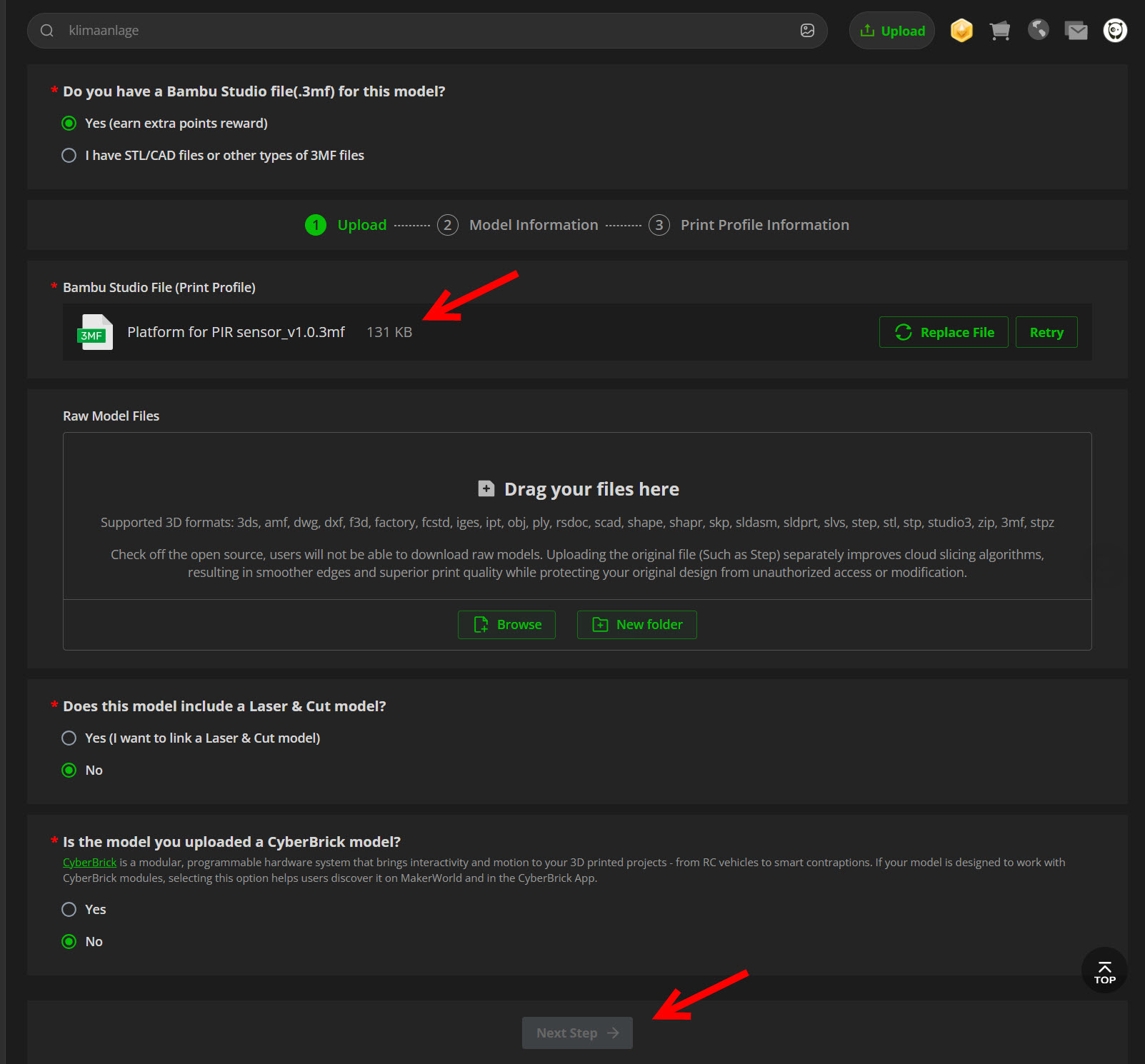
Upload 3mf - button next step not active

Good day everyone!
I have a Bambu Studio file (.3mf) — why is the “Next step” button not active when I load the file?
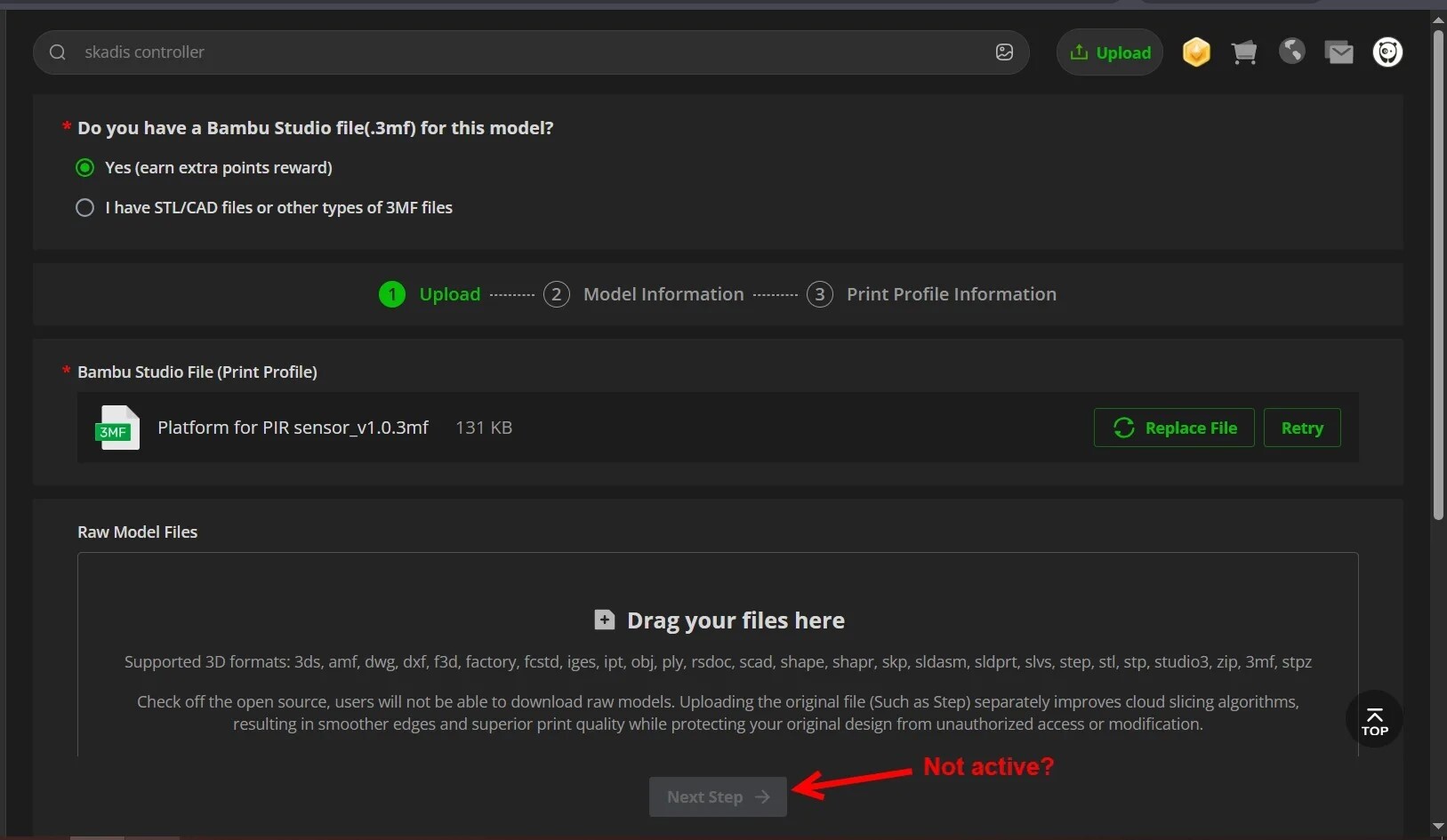
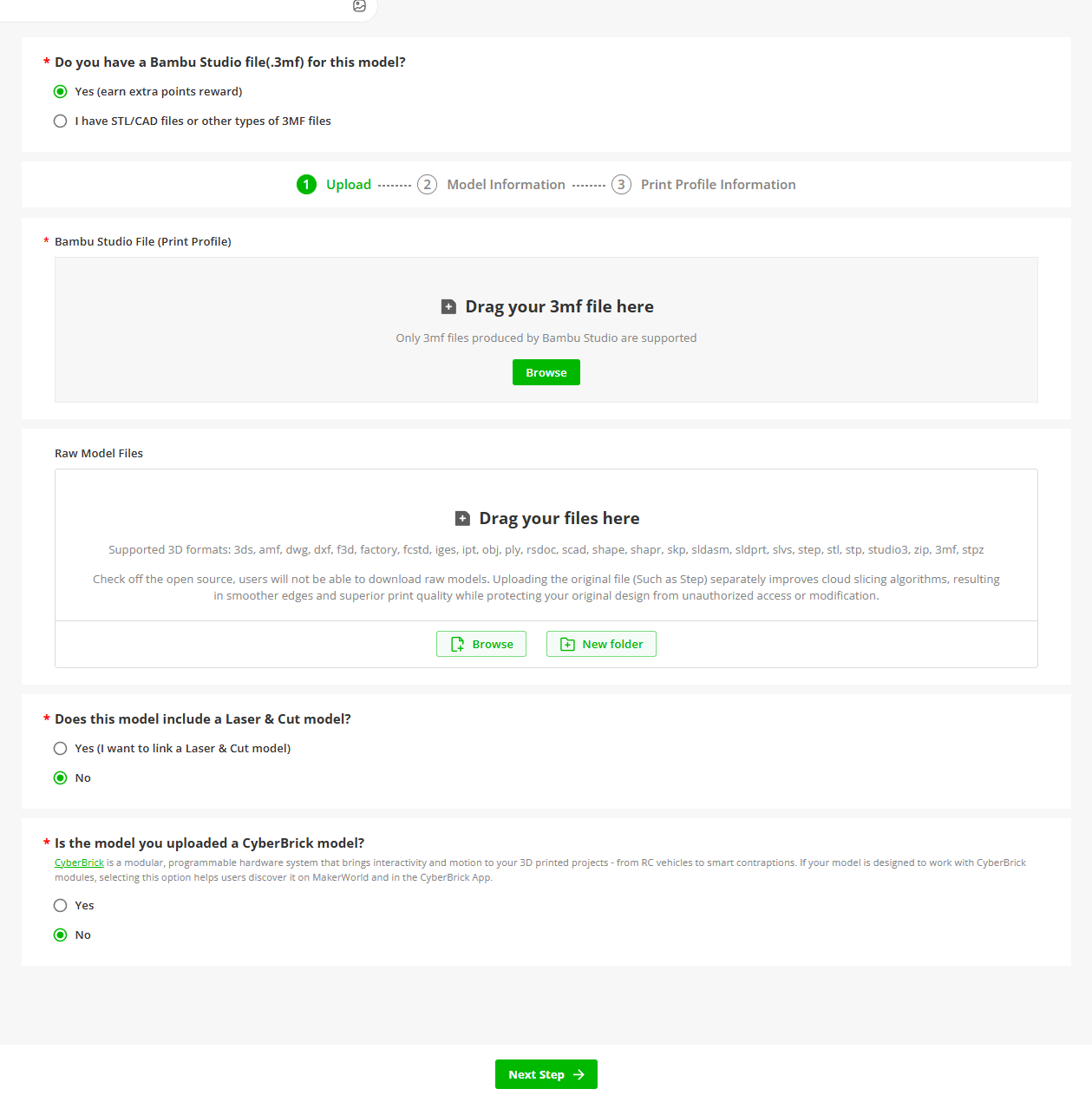
That’s weird. It should look like this:

Your screenshot is missing a bunch more to the page. I’d refresh and start from scratch to see if it shows up correctly. I pulled this screengrab just now so it’s working for me.

Yes, it looks the same at first, but after I attach my file, the “Next step” button is not active.

Very strange. It’s a glitch of some sort. Whether that’s on your end (browser issue) or on Bambu’s end, I don’t know. I haven’t been able to reproduce it myself as it all functions as it should.

What browser/OS are you using? When was the last time you cleared the cache? Do you have third party cookies blocked or a VPN enabled?

Did you check the box for the MW exclusive program? That only allows specific licences. If the licence chosen does not match one of those (I believe there are only 2 different licence options for the exclusive program), you can’t move to the next step.

:four_leaf_clover: & :crossed_fingers:

Hi, could you please tell me where I need to check the option for the exclusive MW program?

Thos describes the rules and contains a screenshot of the toggle.

I have had the issue in the past that when enabled, it would grey out the Next button as it requires an update of the licence choice. It’ll mention which licences need to be selected in this case though.

:four_leaf_clover: & :crossed_fingers:

I realized what the problem was - for some reason, the counter of printed models on MakerWorld was reset to zero, and since the number of printed models is < 100, that’s probably why the “Next step” button is not available to me.