Quite embarrassing really as I am sure I should know this.
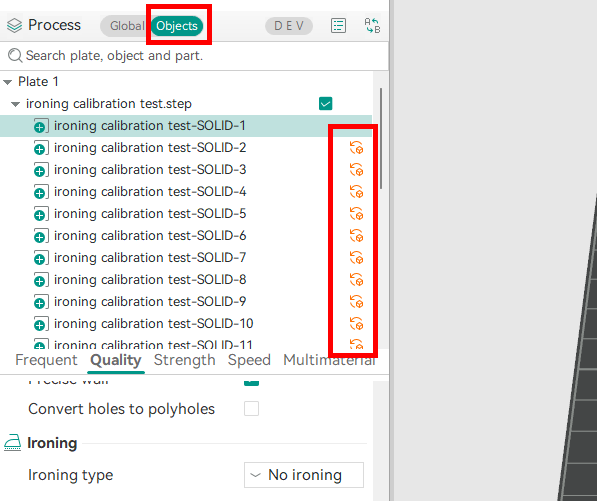
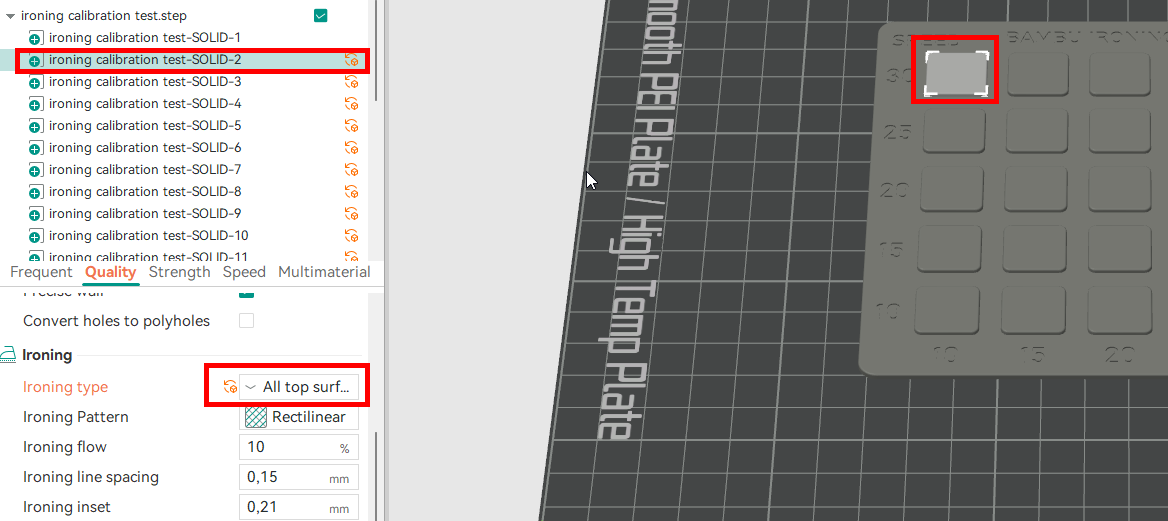
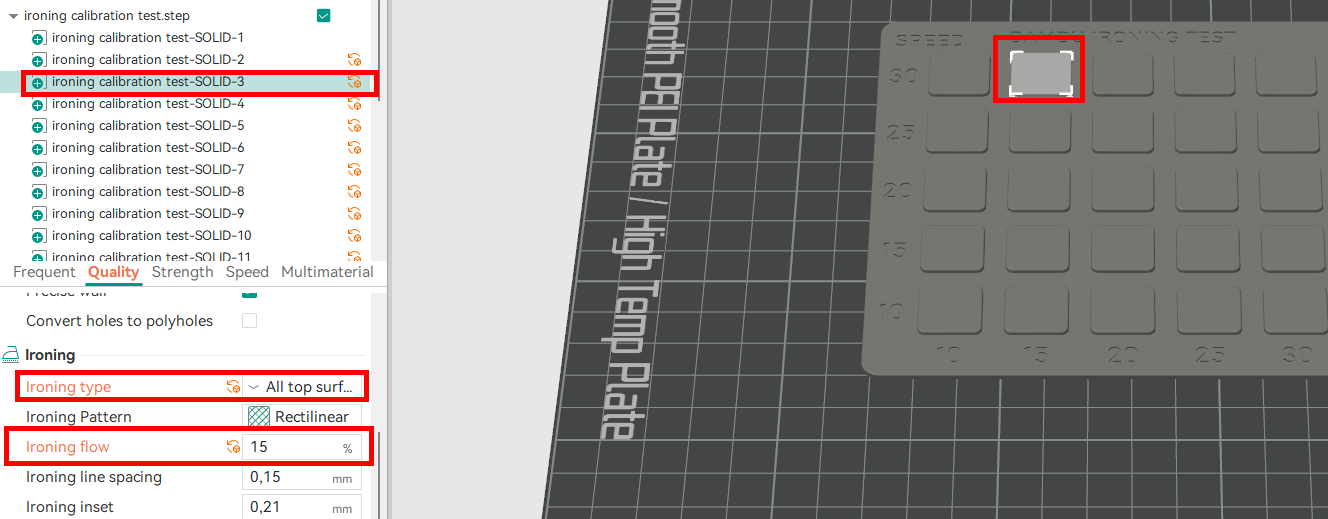
When I import a “test file like this” Bambu Ironing Test - Free 3D Print Model - MakerWorld how am I supposed to set the printer up? I ran the file by opening in lab and it none of the settings change from default settings. The “Ironing” function is set to “no ironing” so I am sure that the print will run with all settings as they were before I imported the file. I have tried with a file that states that all settings are included and even then everything is set as it was as default.
Even if I set this to “Ironing” it will just apply the standard settings across the whole print.
I must be being daft here but I can not seem to find what I am missing.
Thanks in advance for any help