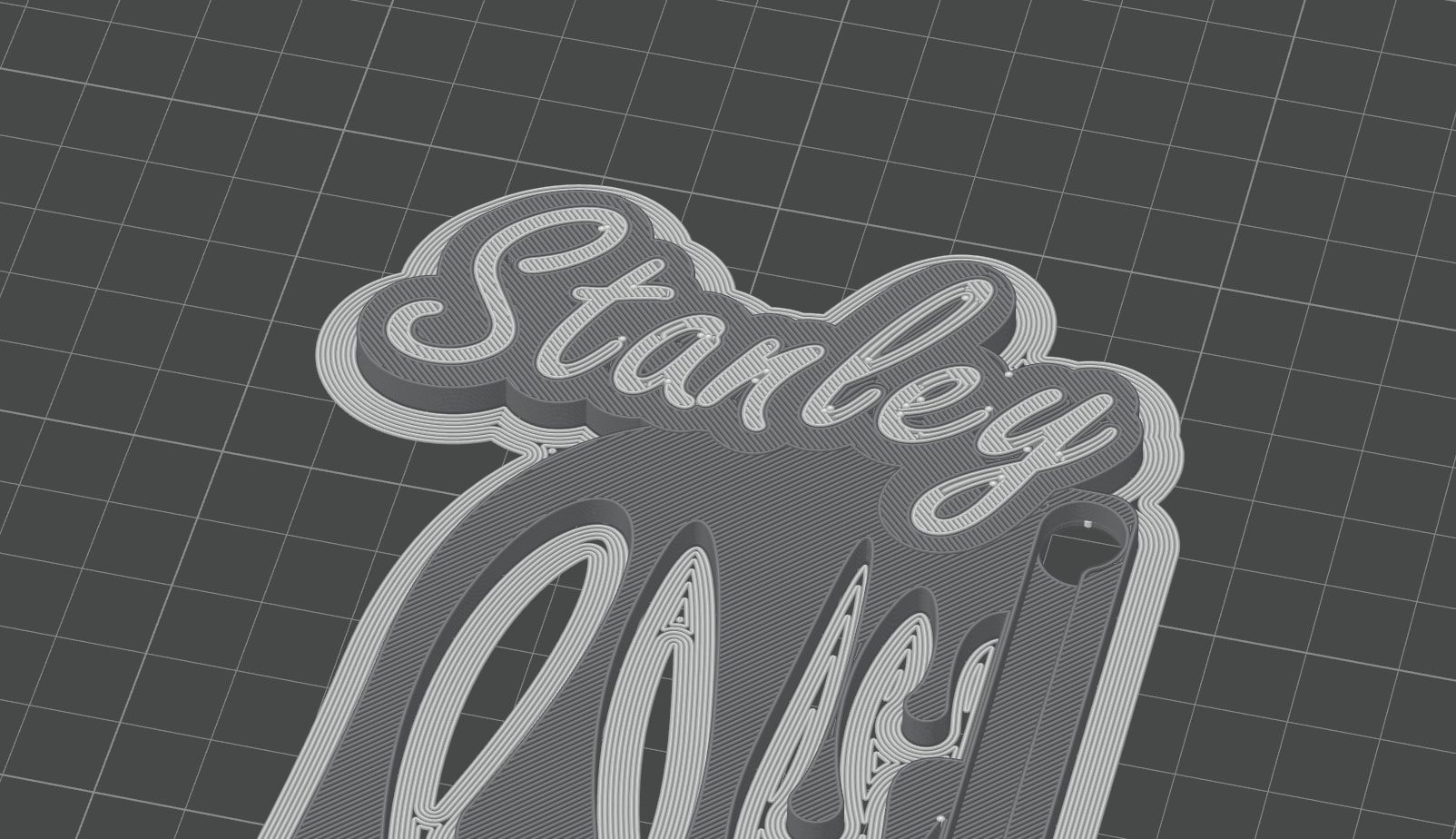
I am making some H2 handle labels for my my printers.
My first two worked fine. Wasted more than two hours on the third, with no solution.
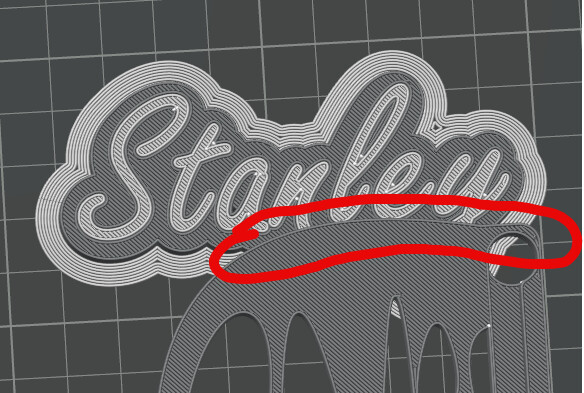
I had a “paint pattern” handle surround that I am combining with my machine name tags. For some reason, the “STANLEY” version isn’t cooperating. First, the paint and the tag plate won’t merge into one. Then, the text is hidden by the lower paint portion.
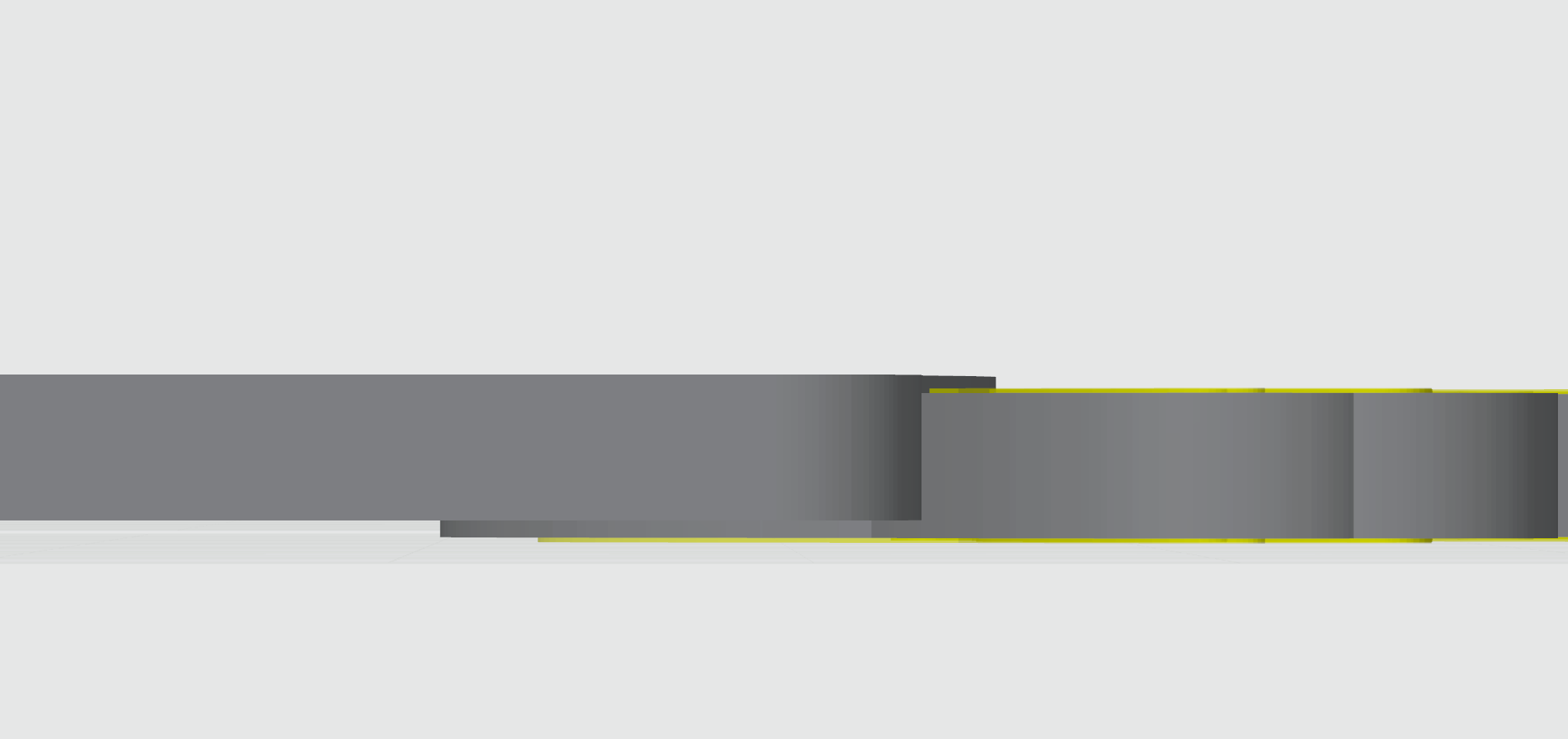
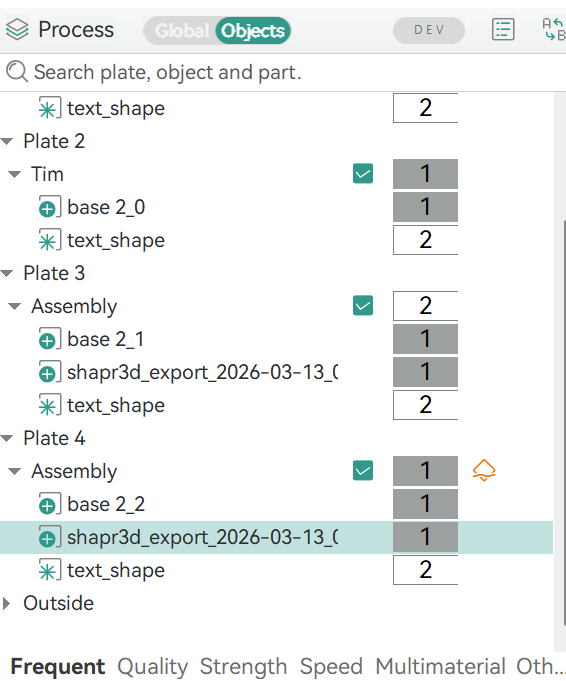
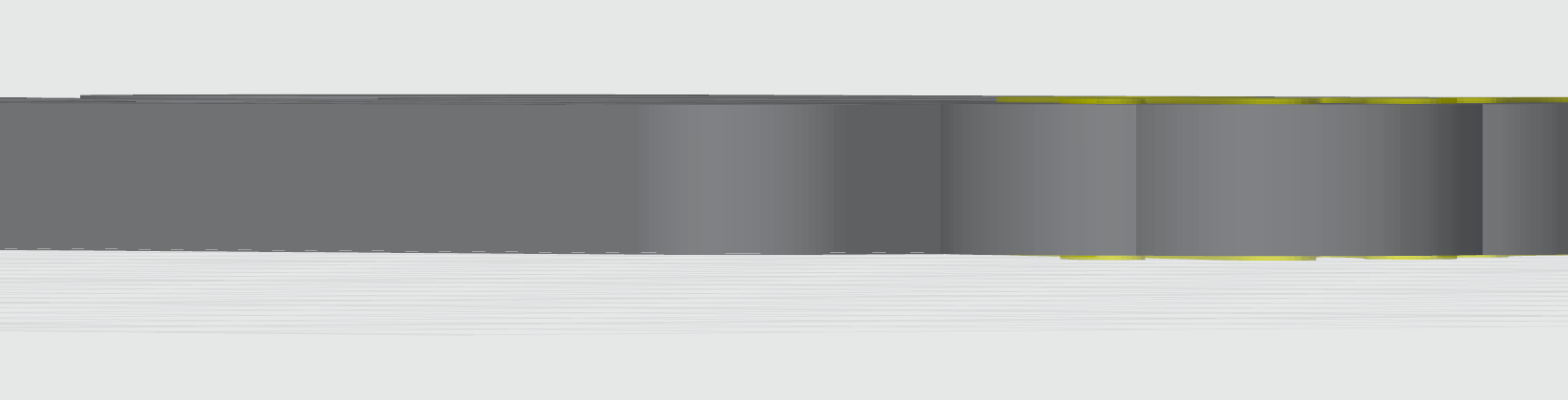
I moved it slightly down. [left side menu, process, objects, selected plate 4’s “shapr3d export”, move tool, move down z=-0.50, you can select the right value for your tastes. it should be on level with the other model, or under by 0.0000001 just so the slicer knows your text should be on top.
Oh, cut it out! I can’t even believe that was the issue! I checked the thickness and positioning 900 times! As soon as I read your response I looked at the Z pos of the “paint” and it was 2.5mm, where it should have been 2 mm. BS moves ■■■■ vertically all the time and I have yet to identify a pattern. THANK YOU!