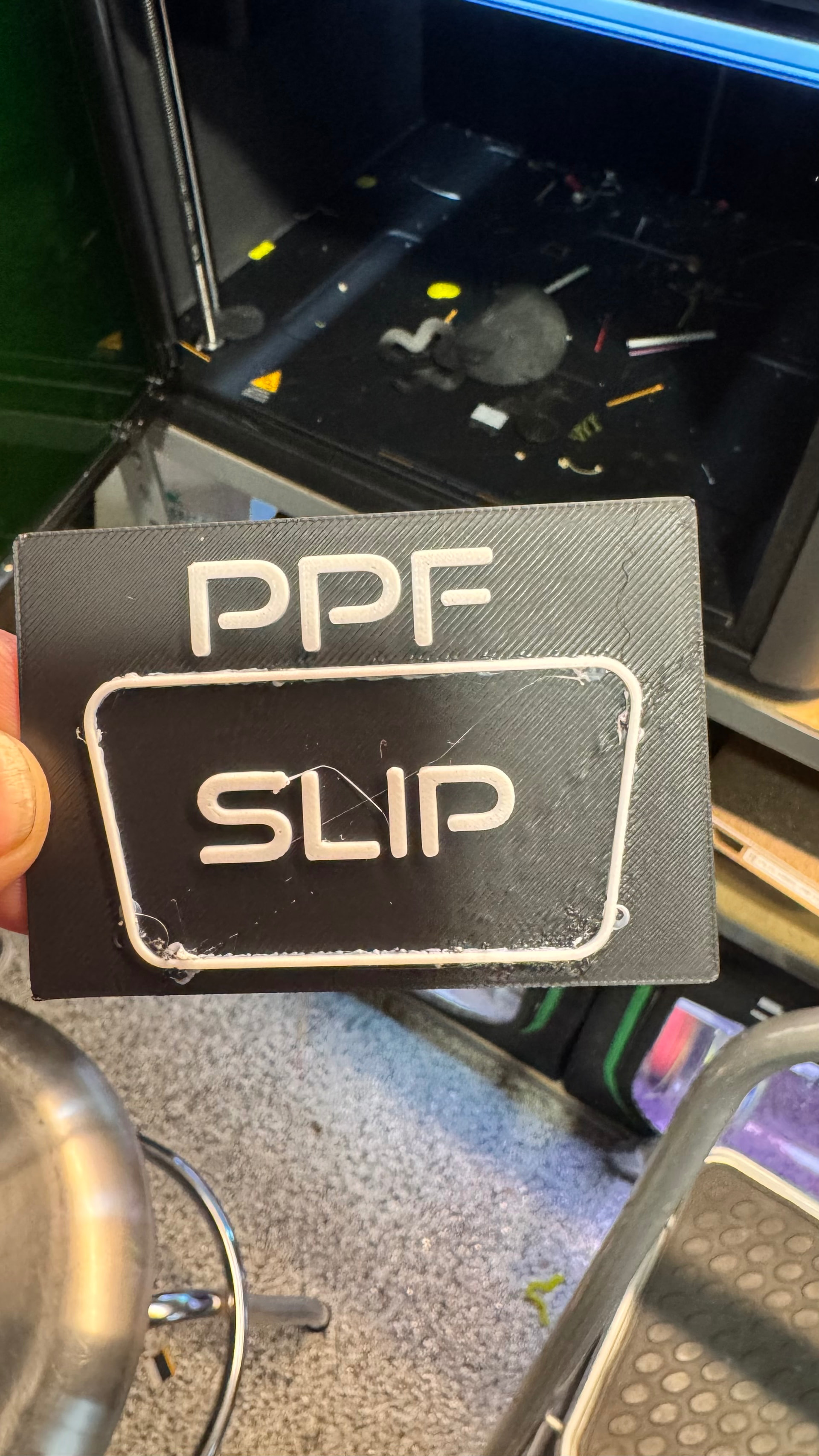
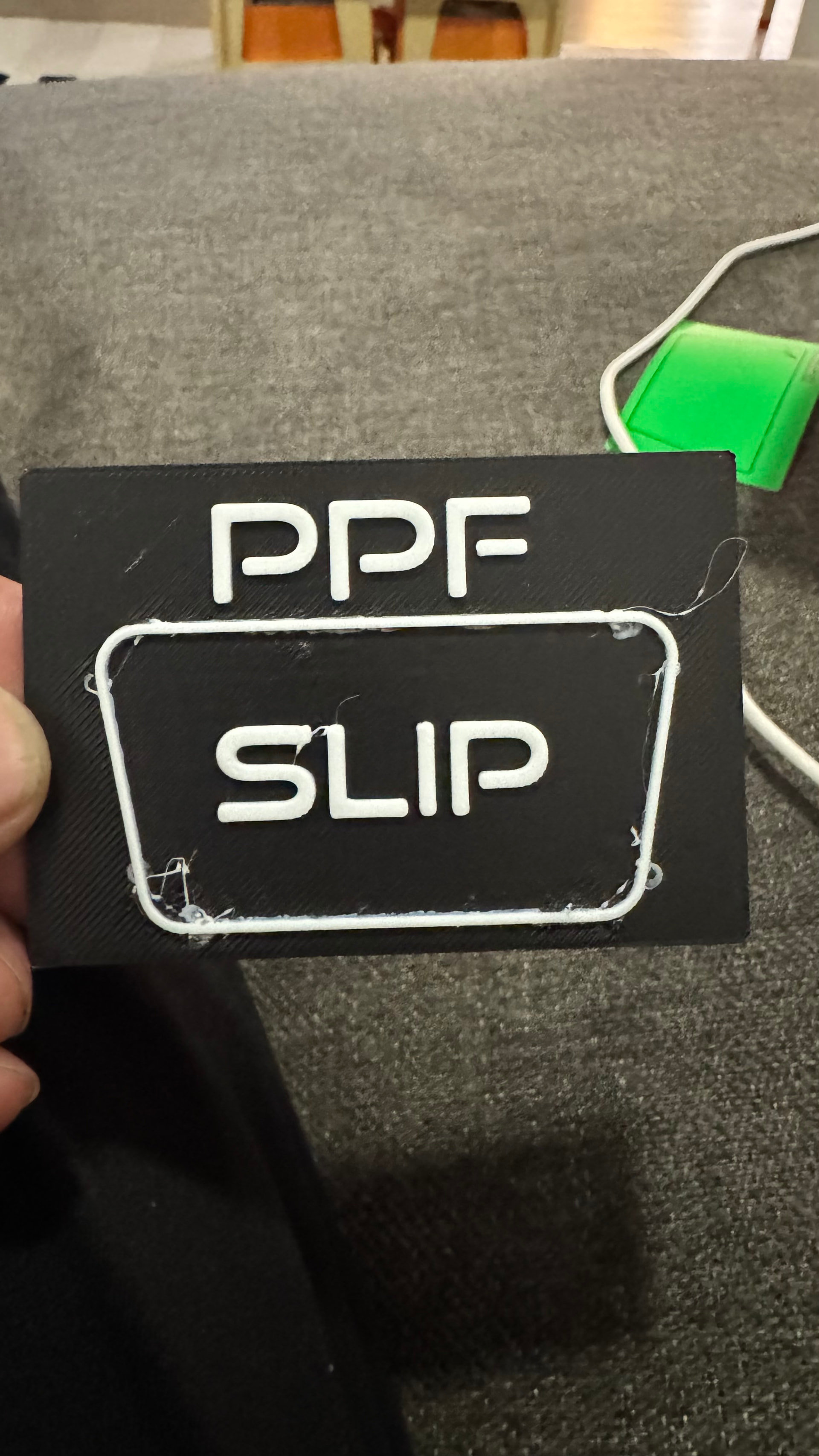
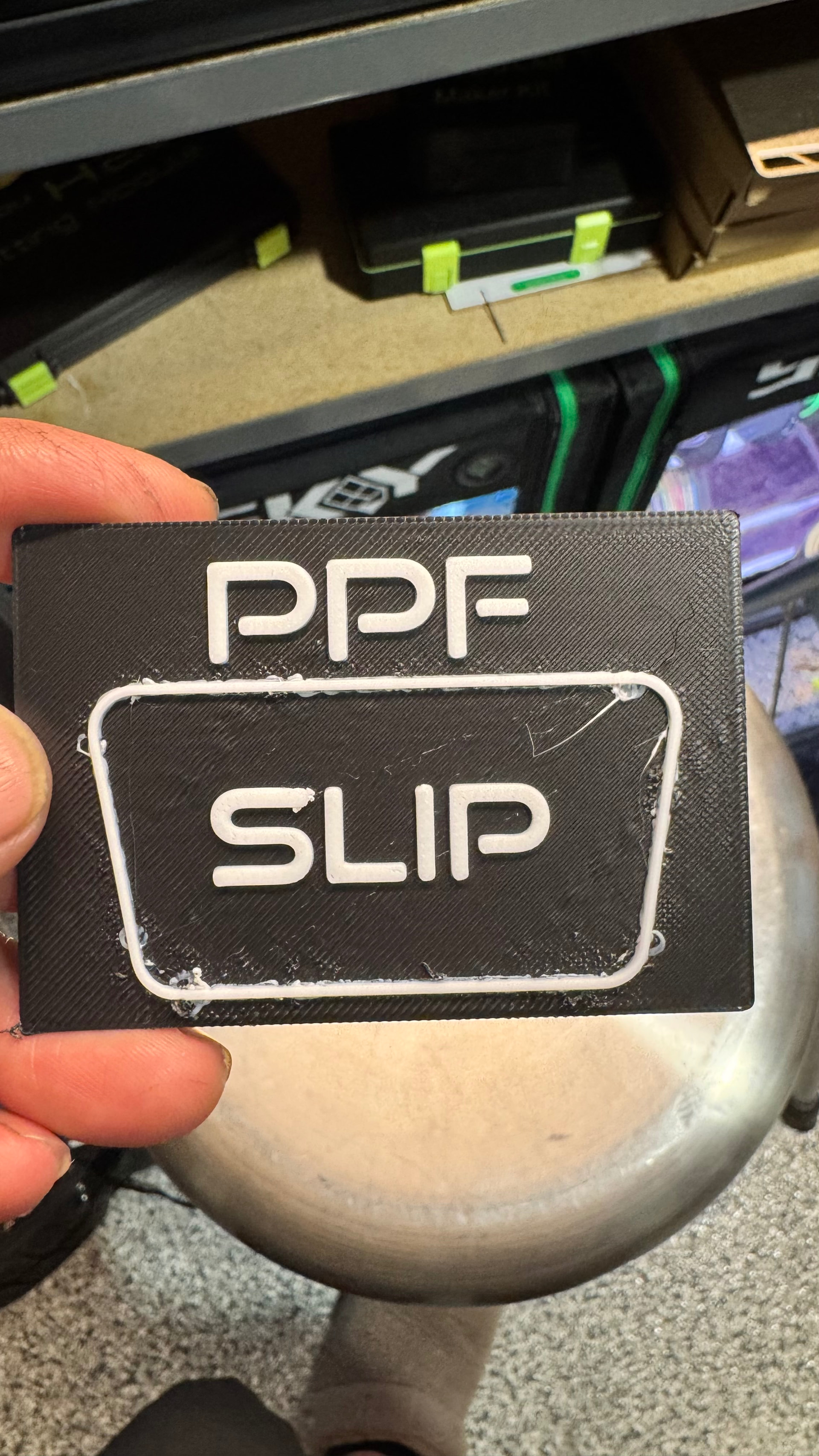
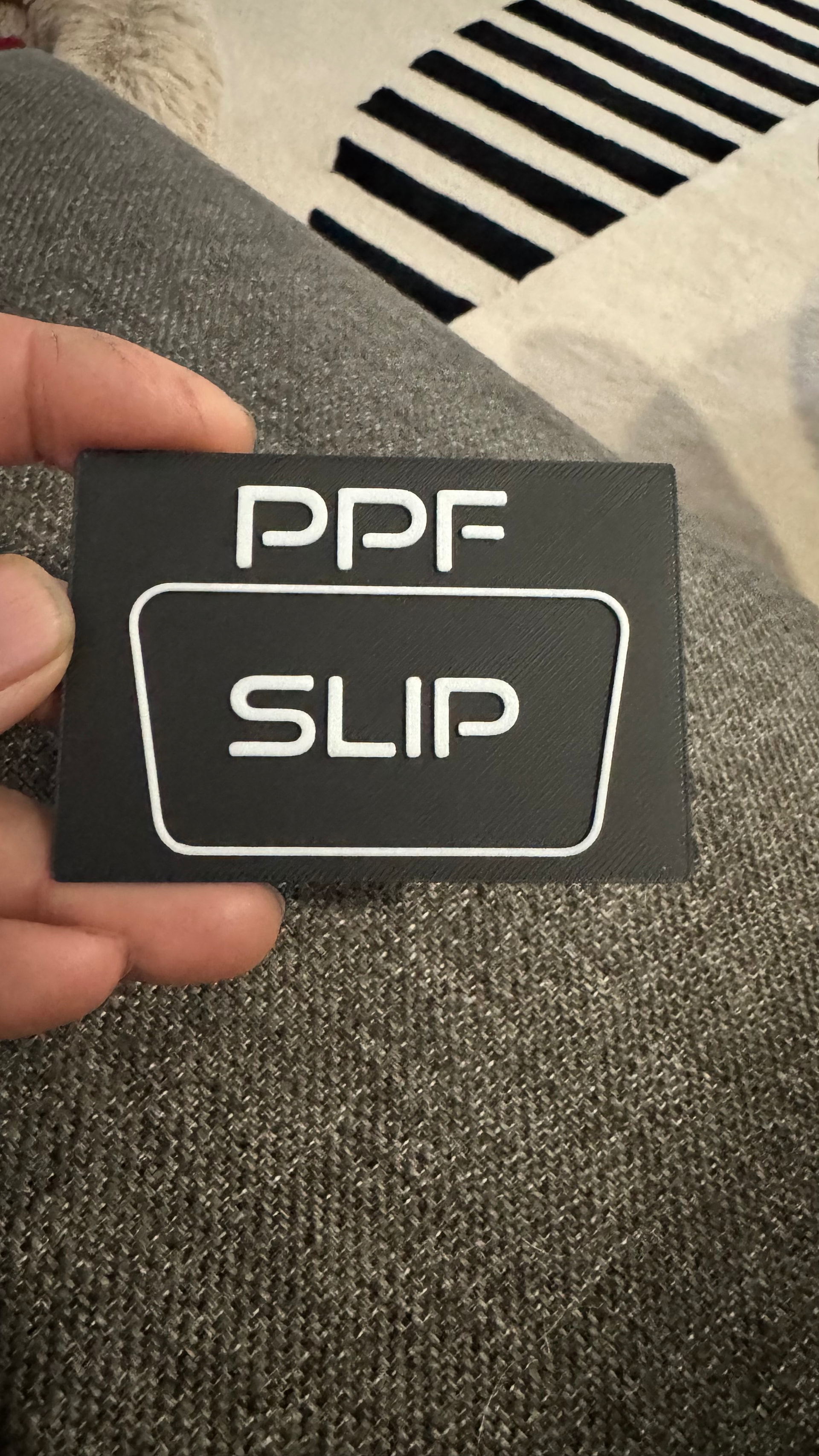
I was really loving my H2C for the first 3 months of use, but now I’m having problems here or there that are making printing not so enjoyable.
Today I tried to print this simple two color print and this is how it came out. Initial thoughts
Mabye check your nozzle or try diffrent filament or speed.
When I had this problem, it was the tip of the extruder was dirty, and had caked filament on it. Cleaned it good and the problem went away. Another issue that can cause this is wet filament or too much heat either on the plate, or in the extruder.
In my experience, every Bambu Lab printer performs very well during the return window. After that, all kinds of problems tend to arise, and you often end up doing the developers’ and support team’s work for free.
In your case, though, I would first check the temperature, clean the nozzle, and rule out the basic causes before looking deeper.
How are you drying your filament? The wisps and boogers are normally an indication of moisture in your filament.
For both the black and white, they are in the AMS and are at 30% currently.
30% is a long ways from dry.
So whats funny is that I have been printing with my other multicolor printers for 15 years. Never had my filament stored in any specific way, just one a rod above my printers, no AMS no desiccant.
When I got this printer I decided to get serious about storage so I got enclosed units with 5lbs of desiccant in them, those units stay at around 20% - 25% and then I recharge. The AMS though, seems to always have black and white in it, and doesnt have as much desiccant, so I forget that those can get more moisture than when stored.
All that being said, never had issues like this before. But now with all these precautions, and this very expensive printer. Im having issues I’ve never dealt with…
Im running a drying cycle in the AMS now and will try again tonight.
People don’t often understand that the faster you print the more the moisture content is a problem.
File for reference. Maybe theres a setting I changed and messed up?
Ikon Bottle Labels.3mf (65.1 KB)
try doing all the calibrations that helps on my printer