I’ve been using my P1S for a year and a half now with a variety of 3rd party filaments. I’ve been spending a lot of time carefully calibrating each one for my printer at various nozzle sizes and I’ve seen that make a noticeable difference in print quality.
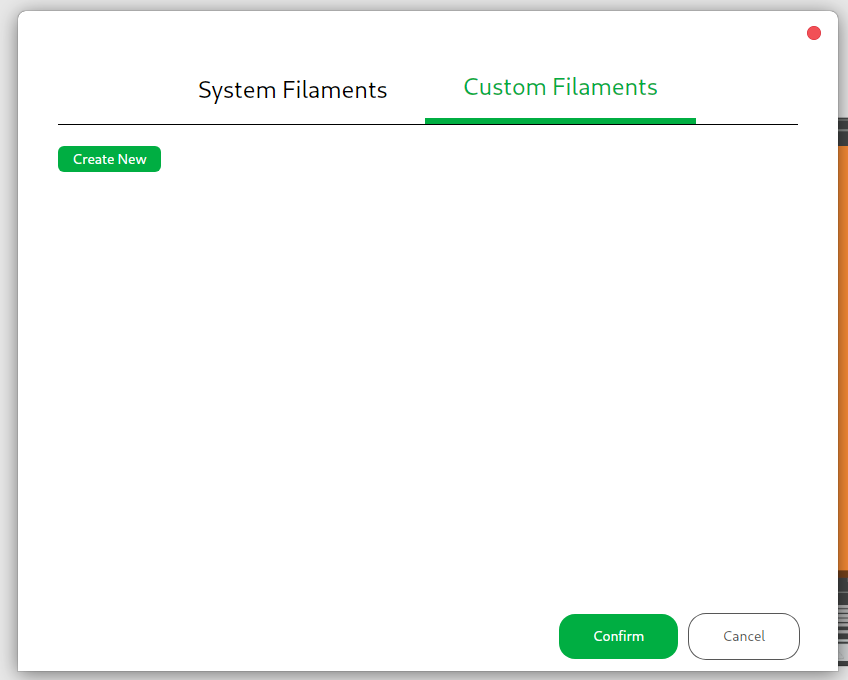
Just now I’ve noticed that my custom filaments disappeared from the dropdown where I chose the AMS filaments and I can also not see them anymore under the “Custom Filaments” tab of the filament settigns dialog.
As far as I can tell this happened right after I clicked “OK” to the dialog asking me to download new profiles for the H2C, which I don’t care at all about (since I don’t own one), but I clicked “OK” so that it would stop bothering me every time I started Bambu Studio.
Did I just get duped by Bambu Lab into taking an action that they hope will make me buy more of their filaments?
I had something similar happen to me except it was my custom (calibrated) profiles for Bambu filaments that were missing. My profiles for other brands were still there.
Bambu needs to step-up the quality control on software/firmware releases.
Your custom filaments were hidden, not deleted, after a profile refresh. This is a known Bambu Studio update side effect. Recheck printer, nozzle selection, or re-import saved profiles.
I had similar problem on my A1 mini when I did the firmware update to 1.07 3 weeks ago. Not only did I lose my custom filaments but I could not get a single file to print properly. Aftter much frustration and lots of wasted filament. I found how to roll back the firmware. I did this. then did s factory reset again, recalibrated and my printrr is once again printing wonderful.
Thank you for your reply. Unfortunately it seems like my profiles were actually deleted, because I can’t find them inside my BambuLab config folder. I also tried logging out and back in again as I saw it being suggested somewhere, but that didn’t work either.
They are indeed very sloppy for a company that ships millions of units every year. But repeatedly losing users’ custom filament profiles smells particularly bad given the commercial incentives…
I just lost all of my custom and calibrated filament settings as well. I have tried adding X1C and selecting it, I have tried essentially all the same things, but my many custom filaments, but more importantly my calibrated filament settings are all now gone. This is a major time disaster because calibrating filament, yes even Bambu Lab filament, takes a lot of time to dial in perfectly. This is a real PoS situation that makes me pretty angry. I am not worried about being in a Bambu Lab walled garden of software and firmware but I expect a bullet proof experience.
One thing that tripped me up was that Studio stores custom profiles in different folders depending on if you’re logged in via Studio (to your BL account) or not.
In any case check your Studio configuration folder, then look in “user” folder and there should be a “default” directory and another with a numeric name (if you’ve ever logged in via Studio). One of those should have your profiles, in “filament” subfolder. If not… do you have backups?
–
I highly, very highly, can’t stress enough how highly, recommend regular backups of… well anything you care about, but especially Studio configs in this case. Especially the .conf files in the root, and that user folder. Daily and rotated so one can go back several days/weeks if needed. Do not trust anything else, like “cloud sync” (fine if it mostly works, just have a real backup). Everything else about your Studio install is dispensable.
My presets appear there for the 0.4mm Nozzle, but vanish now when I select a 0.6mm Nozzle. They used to be there for both. What gives? I use the same filament presets for both diameters. And they used to work.
I was having the same issue. I had my presets in a program that was still pulled up. I went to print off an old file and a bunch of old presets that I deleted were there and my new ones were gone. What I was able to do was hit the edit button on the old preset and in the edit section my new presets were there and then everything populated and now they are all back.