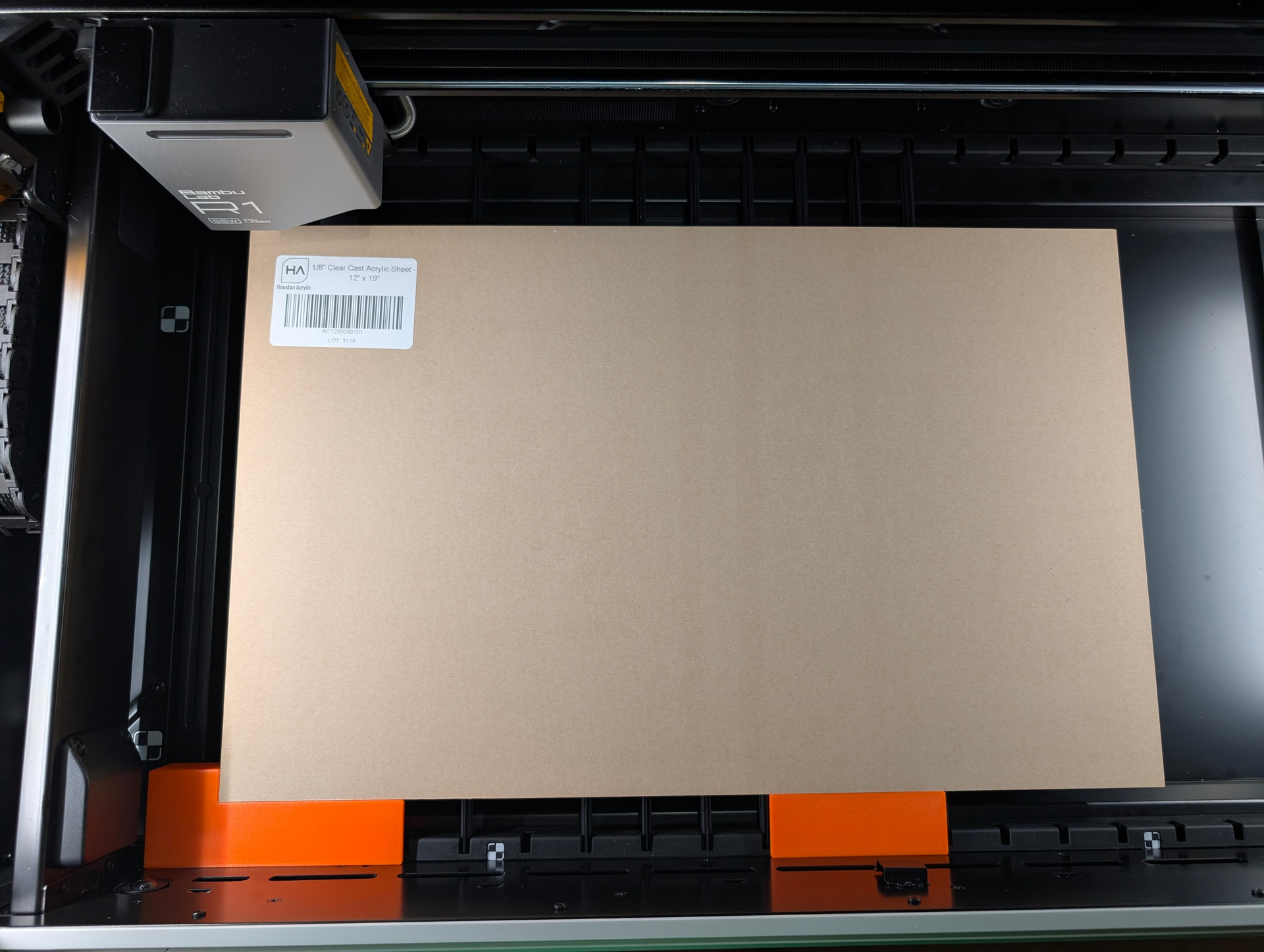
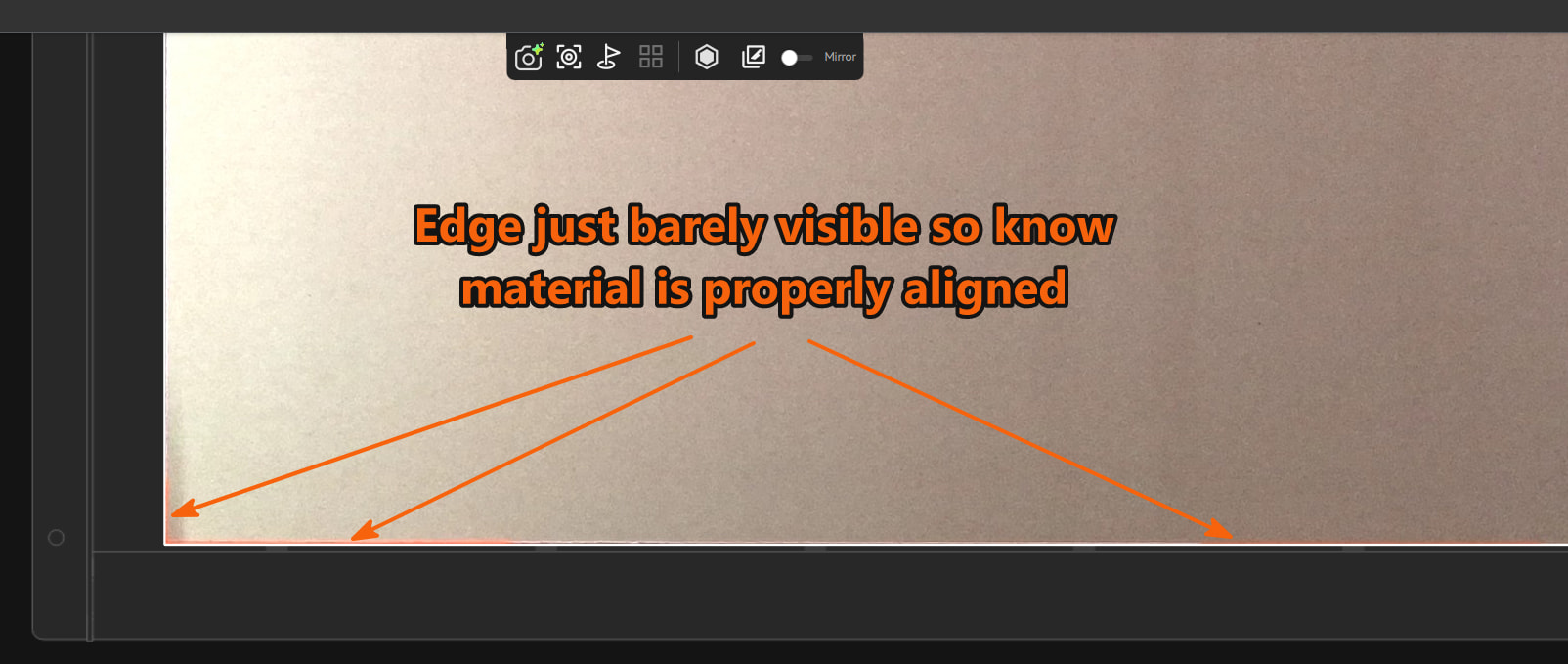
Not sure if I am just not seeing it but is there any indicators on the bed showing where the range of the laser is so you can place your material in the working area? I had a 12x19" or 304x482 mm piece of acrylic I wanted to cut, and I had to keep going back and forth between computer and laser adjusting where my material was after each snapshot until I got it placed in the right position in Y direction. A pain IMO when it would be nice if some marking in machine itself to indicate the usable area.
There’s nothing on the bed/slats. I use a 3D printed guide that attaches to the slats. Others seem to use a honeycomb from Amazon.
Im so tempted at buying one on amazon for the P2 as im impatient to wait for bambu. I hope they come out with one soon. It would be nice to have measurements on it as well
I created 3D model that attaches to the slats and helps get perfect alignment of where material should be placed. Bambu R1 Laser Material Alignment Blocks - Free 3D Print Model - MakerWorld
Hopefully the eventually sell some more slates or the honeycomb though as not enough if you are cutting a full sheet and have many objects.