I think an easier solution would to tint the front glass.
This problem plagues pretty much all printers with a camera.
I think an easier solution would to tint the front glass.
This problem plagues pretty much all printers with a camera.
Remote Control & Monitoring | Bambu Lab Wiki
Its still your local network, not a lan ,example pc , bs, my wifi / router to connect to my printer directly which can then be logged into the cloud for files , most camera usage such as timelapse is all saved locally by your network ,monitoring is a live view that i assume is cached locally
an exception being streaming , which uses a virtual camera, which you can look up here
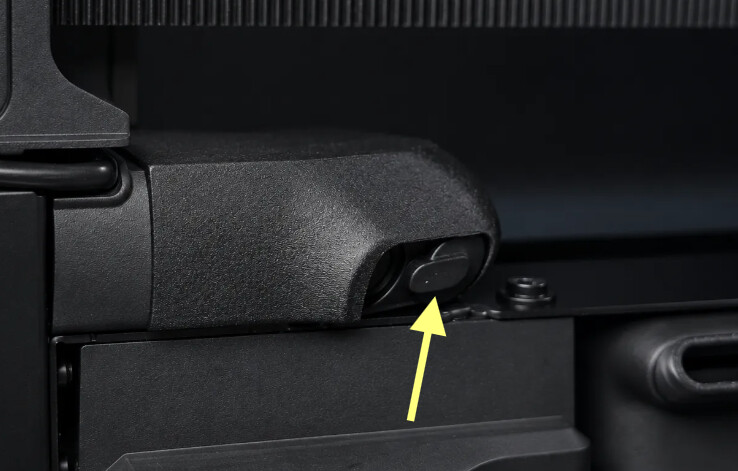
X2D comes with the privacy cover too. It’s already attached to the camera.
Also, I see someone designed a door view blocker for it X2D Camera Privacy Cover - Free 3D Print Model - MakerWorld
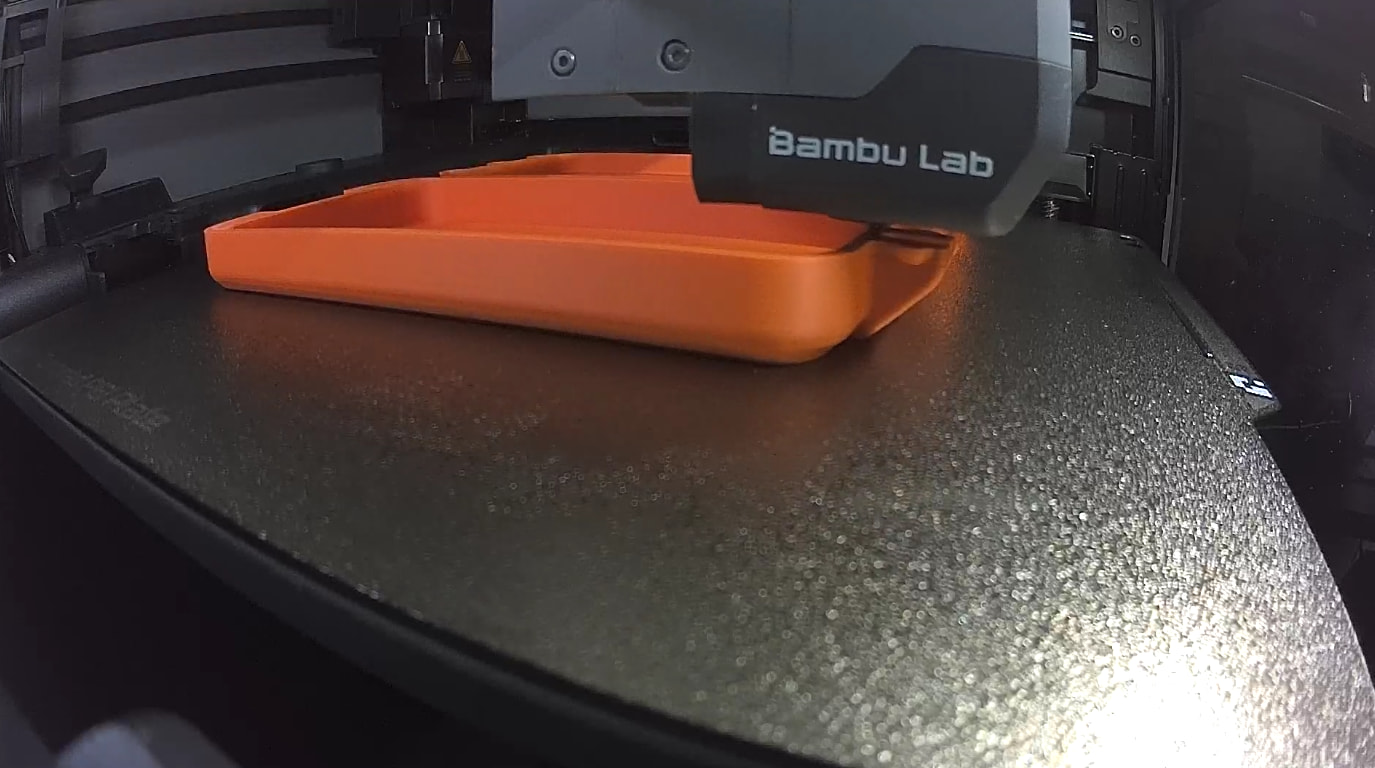
I printed this and, as it says in the description, it blocks the camera from seeing the code on the build plate. But I trimmed a bit off of the bottom corner and it can now see the plate code while still covering up most of the area outside of the printer. Not a perfect solution, but a good 90% solution.
A piece of opaque tape is the only preventative for camera privacy, on all devices.
I am sorry that you are upset; I did not intend this. What exactly did you take objection to?
Yeah, I saw that. There are other models available that block off only top right corner of the “viewfinder”.
Just lay some cardboard over the outside of the printer window and be done with it.
I’ve printed this too and am still experimenting with how much to trim to stop getting QR code read issues while maintains some sense of privacy.
Thats fair, i will concede that point.
Does the printer actually use the camera/video feed to improve the print? Or is it just so you can watch the video later?
I would not say “improve” but the camera is used for spaghetti detection during the print.
The workflow is consistent with the X1 series spaghetti detection:
The live view camera captures an image every T seconds.
The image is sent to the device’s internal NPU (not cloud-based) for AI detection.
Post-processing of detection results. We accumulate results from the most recent 10 frames. If enough spaghetti candidates are identified and they are spatially consistent, spaghetti is confirmed and an error is triggered.
Ensure the live view camera is on, clean, and free from glare.
This message is associated with the other detection features
What if you applied window tint to the exterior of the printer door and windows? This would allow you to see inside but now allow the camera to see outside. Flat surfaces are quite easy to do if you took the glass off the hinges and I imagine you have an exacto knife. There are printable squeegees and a spray bottle is needed. Realistically the front should take care of the reflection you’re getting caught in. Nothing fun of mine is in the same room as my 3d printers that I would mind being seen.
Do you not have a laptop that has a camera that literally looks at you and the entire room? Do you not own a cell phone that has not only a front facing camera but a rear facing one as well? But your mad because your printers camera is doing camera things? Here is a crazy thought so bear with me, move your printer somewhere else, move your chair somewhere else and don’t sit in front of a camera and then be shocked the camera can see you
Thank you for perfectly explaining what “whataboutism” is.
Well, if someone gets access to my camera, and then catches me masturbating, they’re welcome to watch I suppose. I wouldn’t though.
I guess the trust in a phone or computers security is a little more than a Chinese built 3d printer from a relatively small company.
That said, if you are going to get your tin foil hats out, a little bit of electrical tape is your friend.