Will not recognize filaments

Ive owned my P1S for over a yr no pro


blems.
Now the ams will only show pla in slots. If I put bambu petg in slot 1 the device screen shows generic pla. Ive edited the drop down menus in both the device page and the filment page. No matter what I do it reverts to pla.

Have you tried a factory reset and power cycle yet? Often that will fix the oddest of problems.

I had that happen this morning, slots 1-3 filled, only showing 2 & 3 filled yet it let me designate printing from 1.

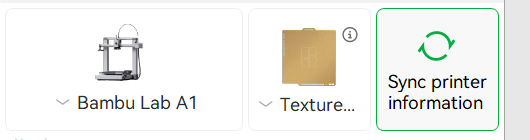
Have you tried to sync printer info ? set filament and colour in the printer (generic)
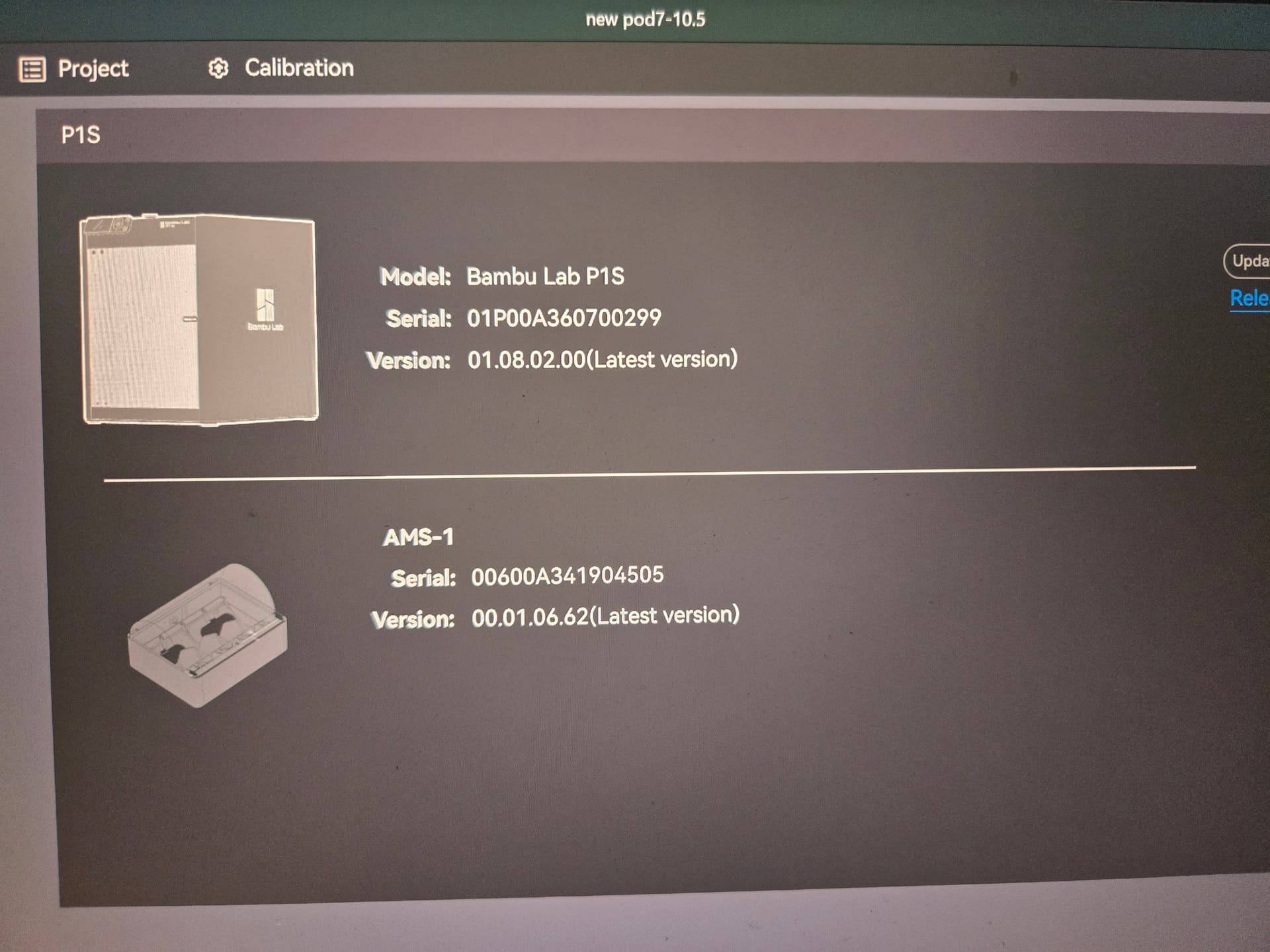

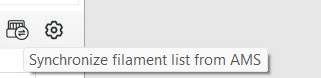
you can also try to sync ams filament by using overwrite
in this tab
image

1 Like

I am having the same issue. In my AMS2 I have PETG in slot 1, ABS in 2, PLA in 3 and 4. I can slice it in PETG but it will not let me select Slot 1 (PETG) when I print and says it was sliced in PLA. Grrrrr. I have dont the synch a dozen times. Next I will unload and rearrange the order and try that.

Nope, rearranging did not change. It shows the filament spools in the correct rearranged spool order when I go to print but will not allow me to select the PETG ???

What solved this for me was the step before slicing. I assumed if I selected the Filament in the prepare step that it would carry through to the Slice. Not so. When I highlight my model for slicing, I had to right click on the model and reselect the PETG filament and then tell it to slice. This caused it to select the right filament in the Print phase. User error for sure :slight_smile: