There’s some confusing and misleading information in this thread.
There’s a difference between printing on the Cool Plate or the Textured PEI plate - the bed temperature. With Cool Plate, the default temperature is set to 35ºC. I have never had a problem with it and I always print with doors and top closed and ambient temperature of 22-24ºC. If you look at the Cool Plate listing in the store, there’s a table with temperatures and whether you need to open the chassis to vent, and this temperature difference is why those instructions differ between PEI and the Cool Plate.
The Textured PEI plate temperature for PLA is 55ºC by default, and you actually get a warning to open the door for the duration of the print. I had a clog while printing at this temperature with fiber-filled filament, but whether it works for you with door closed or not will depend on your filament, speed and retractions. In fact higher speeds will help here, retractions will make it worse. Some filaments melt sooner, some withstand the temperature better, so YMMV.
That said, I previously used Ultimaker 2+ with an enclosure, 65ºC for the glass bed and absolutely no ventilation and I never had a clog because of it. Sounds like BL need to improve their heat break performance, especially because the printer is ridiculously noisy with the door open.
This Tronxy PETG is more runny than a 3 year old with a colds nose, same color too lol
But so far so good
Its nice to see my part cooling fan automatically ramps up from 40%-100% for overhangs
Sent you a message by the way to see if we can sort out your issues without creating a stupid long thread and keep the trolls at bay
If we can sort it out then you can simply plop your solution or solutions down here (makes it easier for others with issues to get to the heart of the solution or problem)
Yeah, we forgot to turn it on one day and only noticed after printing an entire aircraft or 42 hours, so we left it.
I have respiratory problems and even PLA in the air starts to block my air, on exhaust was a bonus.
If your ambient temperature is around 20 deg C you may get away with printing PLA with the door closed and the top on. Where as if your house is warm and you have an ambient temp of 25 and above the out come may be different. Currently my house is at 32 deg on average during the day and around 28 deg C at night. Without a circulation fan blowing I can almost print all materials without an enclosure. I just need to keep the filament dry that I am printing.
Did you mention yet whats your ambient temp on the room those prints fail on air?
Have you tried switching brands? or to PLA+ for the same matter?
I print with door closed BUT the top glass lifted a bit with one of those printable raisers community created.
All fine.
In fact I can’t understand how is heatcreep an issue with these machines when they print so fast, I mean it’s almost as filament has no time to get hot before reaching the nozzle lol
It’s not creeping up in the filament, the heatbreak itself gets hot (>55ºC) which makes the filament plastic so it bulges instead of going through the nozzle. The problem is that when the air in the chamber gets warm, heatbreak no longer cools enough as all it has is chamber air.
I use the Bambu Standard Generic PLA settings using the cool plate with door closed and lid on without ever having issues. The bed only heats up to 35c when using PLA with the cool plate.
I close it. Just got it and don’t have a lot of hours. Seems to like bed at 20C the ambient interior will rise to and stay at 30c. PLA in an inclosed environment does not need the heat necessary with an open environment and constantly changing air movement and environmental temps.
If you’re running the bed at 50-60c with the door close, you might notice the ambient temps pushing 80c+.
Just turn down the bed temps and you should be fine.
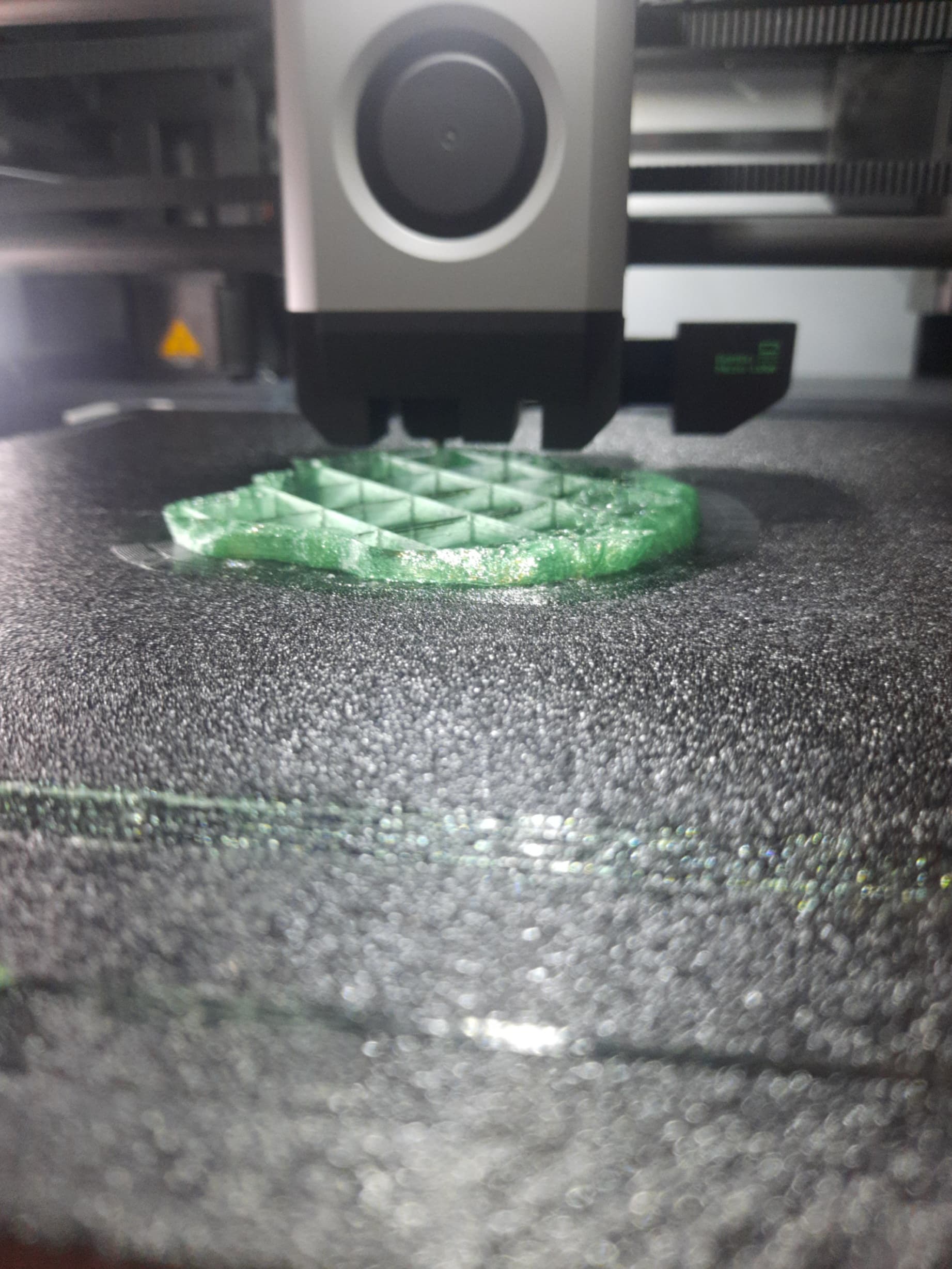
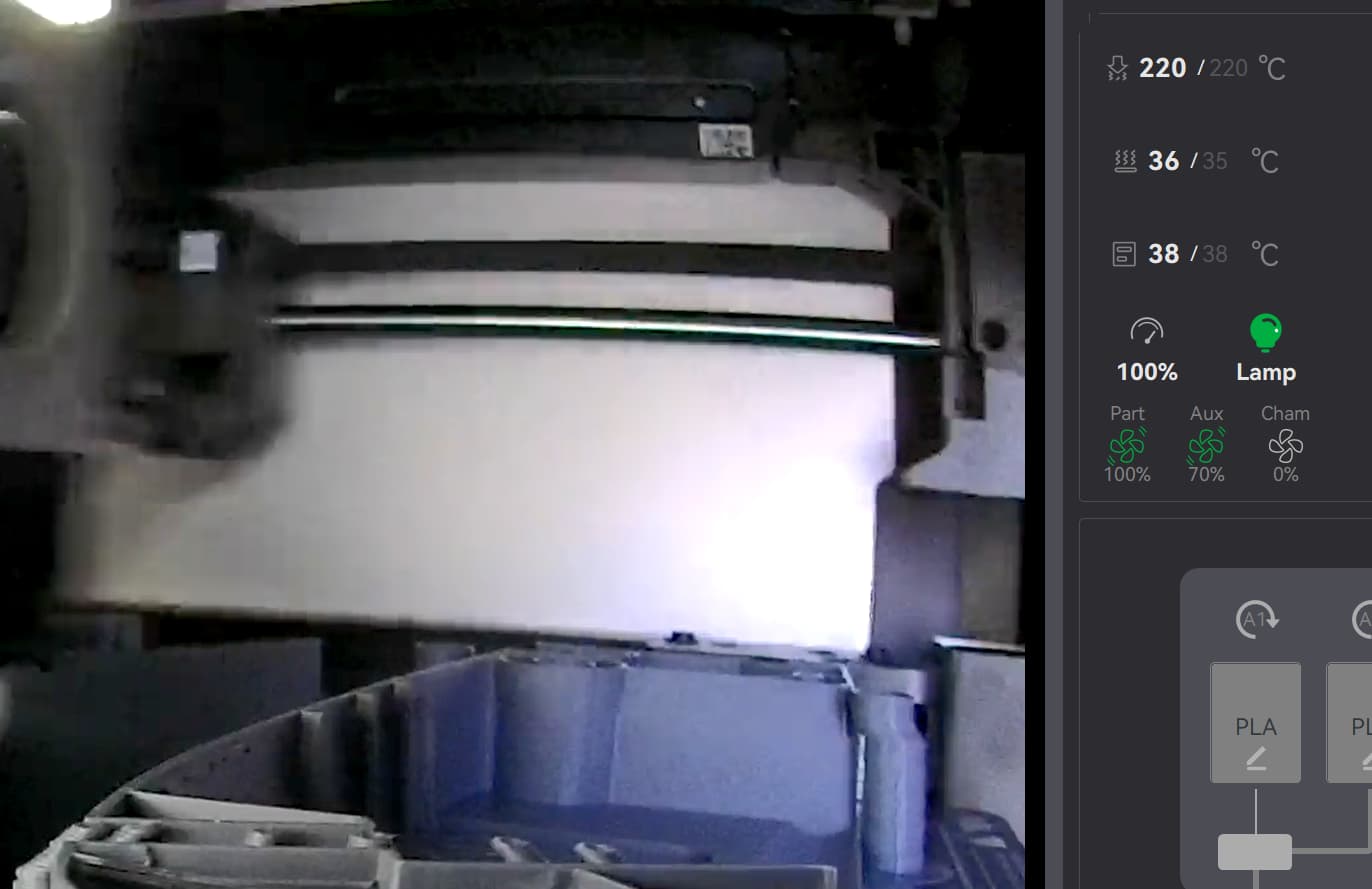
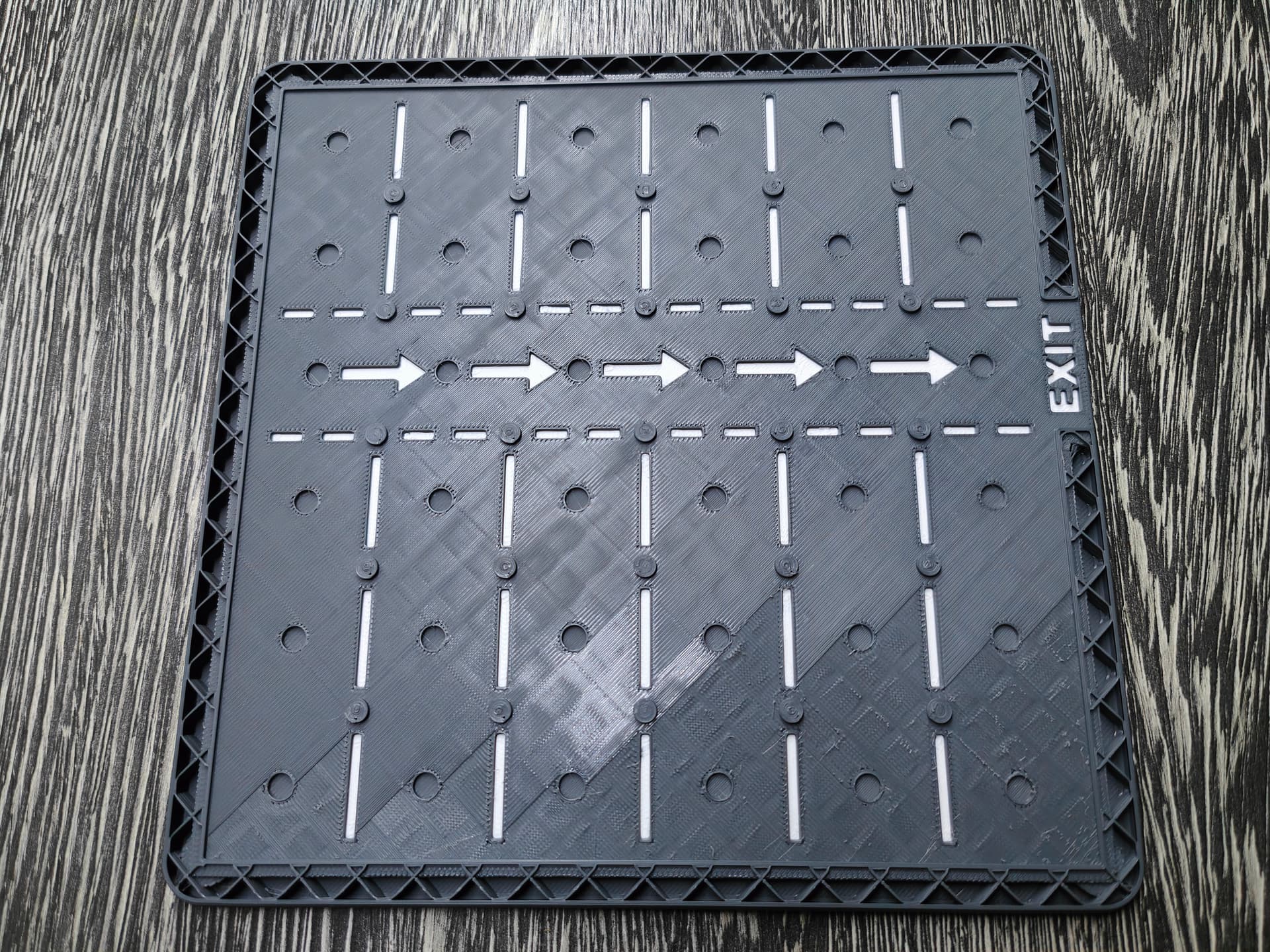
Was printing now for 3,5h a game called rush hour. Printed the plate for the game and everything was fine but than started again to not purge the filament. Enclosure was closed. I stopted the print and load/reload filament and than it printed again. You can see on the pic, where the layers are missing.
I print PLA on the cool plate with the X1C fully closed up without issues. I’m in a room that’s about 20°C. I’ve used CC3d, Sunlu, Hatchbox, but mostly I print Inland (Microcenter house brand). I get good results with all.
I know this doesn’t help you, but it adds data points.
I do print PETG (again Inland, I’m cheap) with the unit open.