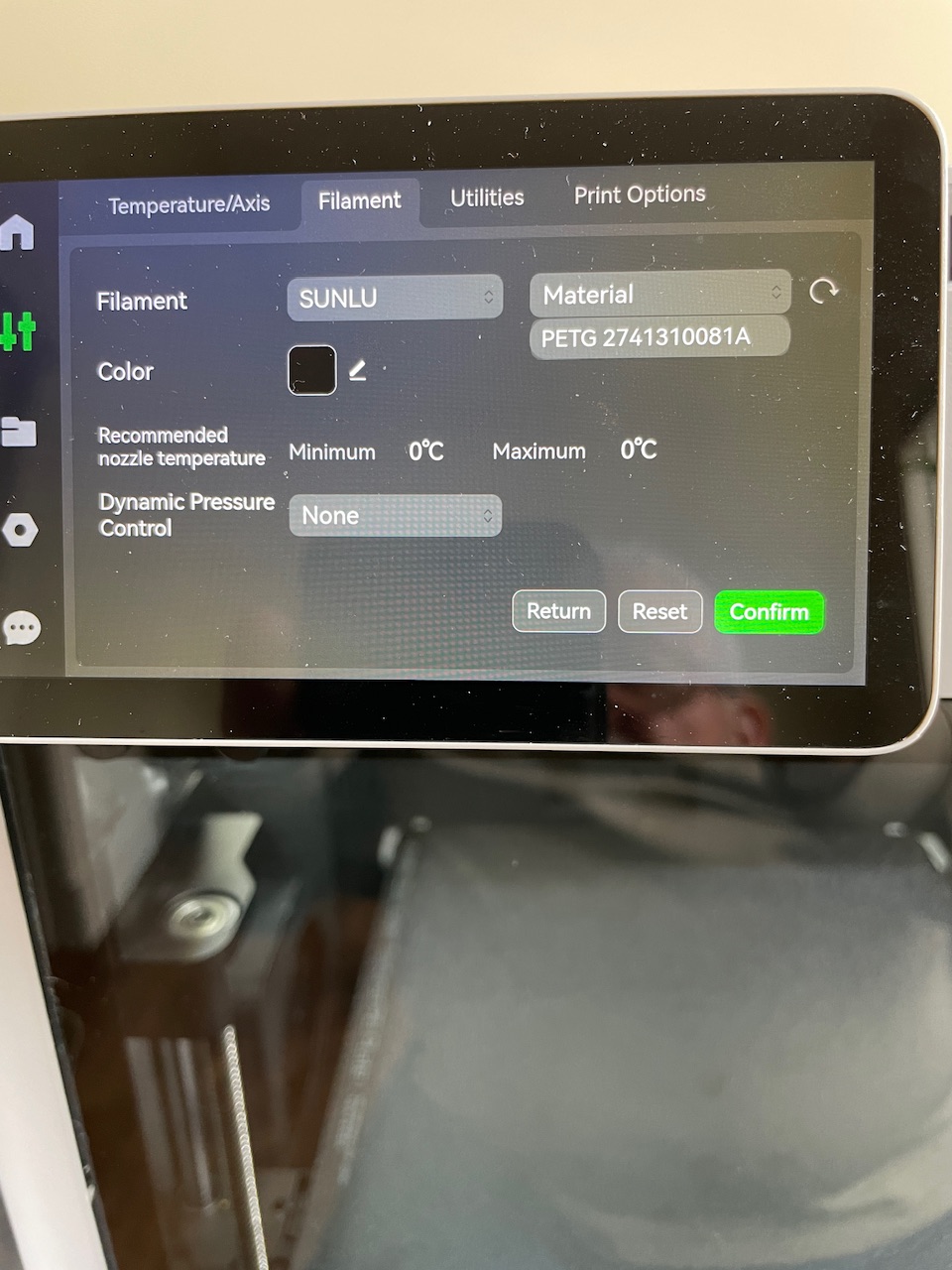
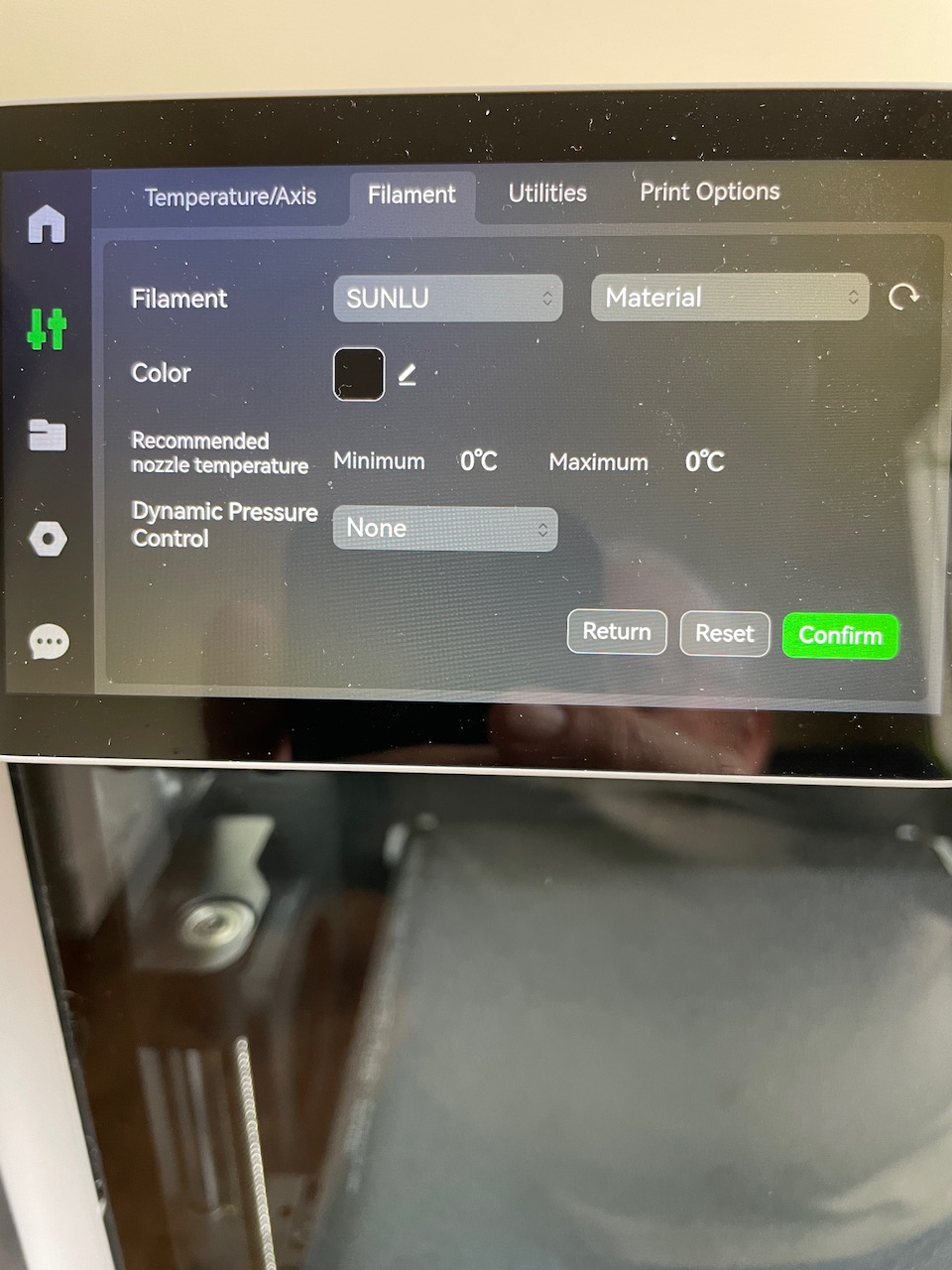
Installed a new roll of Sunlu PLA+ Black today in AMS slot 2 and in the filament settings I selected Sunlu, but when I select the Material drop-down, it only shows my roll of PETG which is in a slot 1. There are no other options under the Material drop-down. I’ve tried restarting the X1C and that did not work. Anyone seen this issue and know how to correct it?
BTW,
X1C firmware is 01.08.00.00
AMS firmware is 00.00.06.40
Have you tried doing this using Bambu Slicer?
Have you enabled Sunlu filament types in Bambu Slicer?
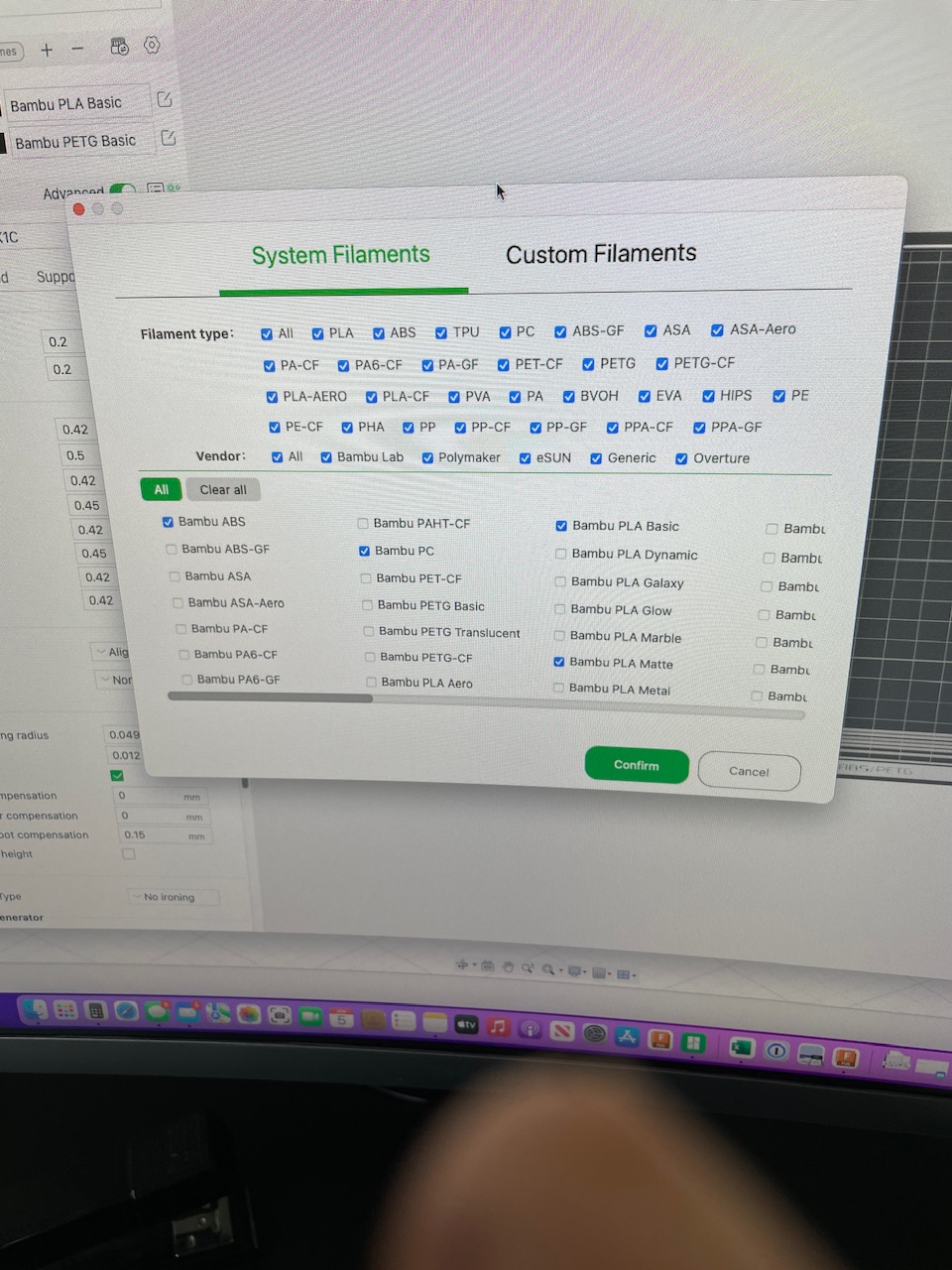
I am also on 1.9.1.67, I do not have any Sunlu filament options on my panel in BS.
Did you add the Sunlu option manually in filament settings?
Yes, I am trying to add the Sunlu PLA + White using the touchscreen on the X1C.
I’ve tried to reset the AMS and that did not do anything. I’m sure this has nothing to do with bamboo studio as studio pick up the information from the.X1C.
Like Mentioned, I added a roll of Sunlu PETG A few weeks back and was able to select the Manufacture as SunLu And the type as PETG just fine. Then today, trying to add a role of.Sunlu PLA+ , I’m able to select manufacture as Sunlu But the type is only coming up with the PETG roll serial number that I added a few weeks back.
As you are trying to do this on the X1C screen, I will have to bow out as I don’t have the X1C.
Hi all, I figured it out. And bamboo studio you must create a custom filament for the Sunlu PLA+. Then I had to say that and restart theX1C For it to pick up the new settings. From there, I was able to change it in the X1C.
You mean this suggestion?

I guess but manually in the X1C is different from manually in Studio. I guess I didn’t understand what you were telling me to do. ■■■■, you sound like my Wife….lol.
Thanks for the info.
Yes dear.
Maybe I should have quoted the first time I asked.
I’m still sounding like your wife I guess.
