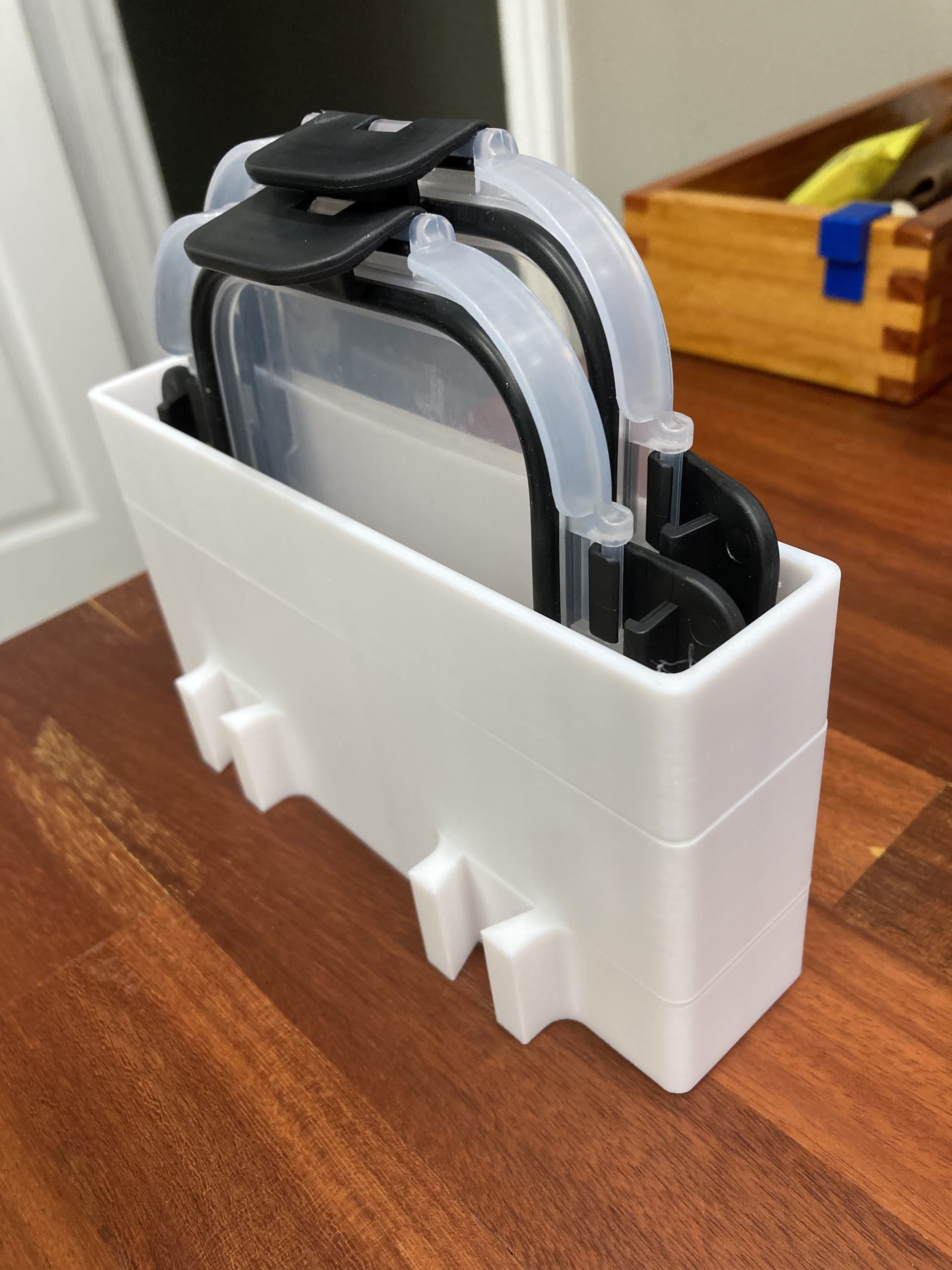
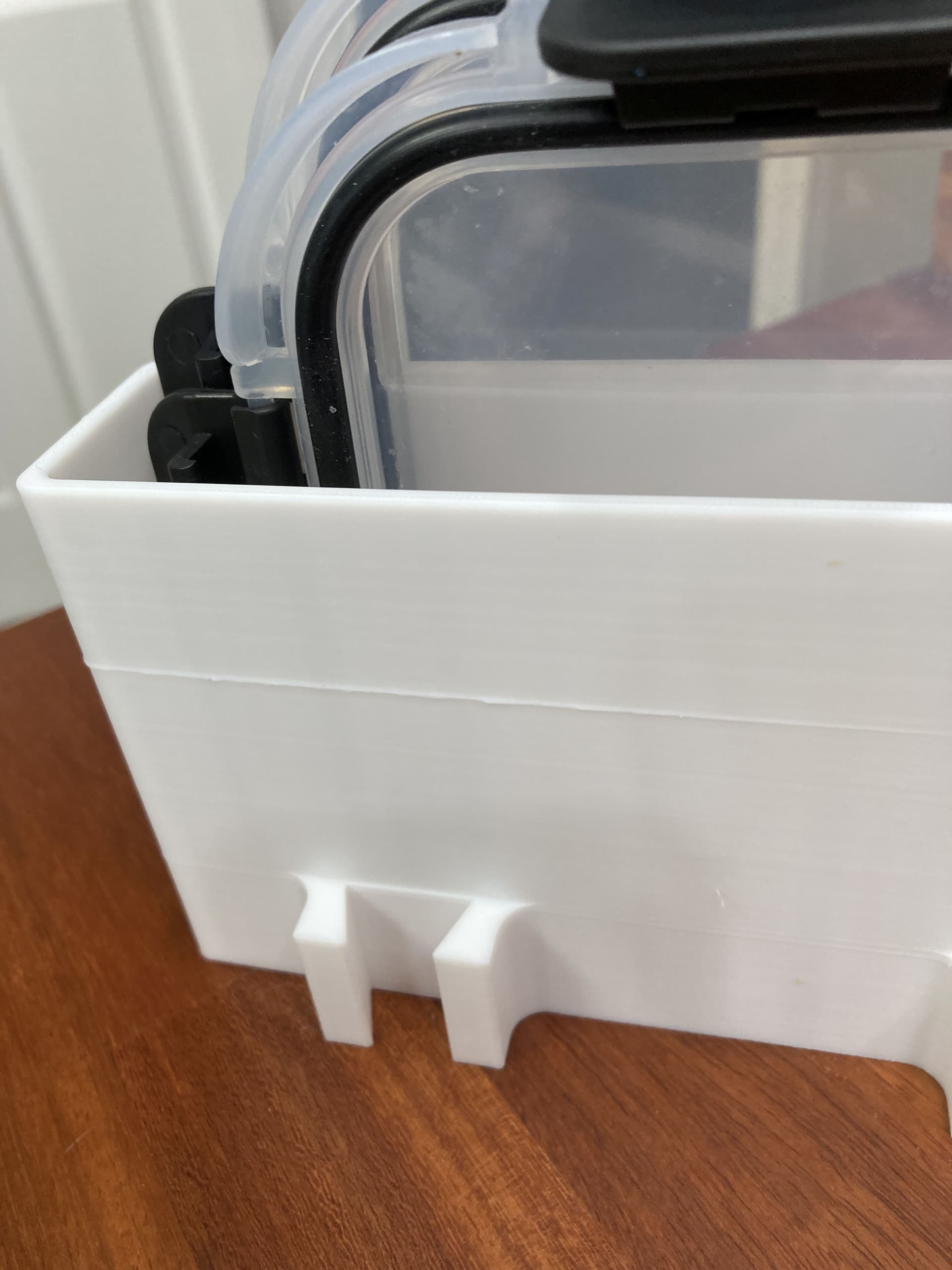
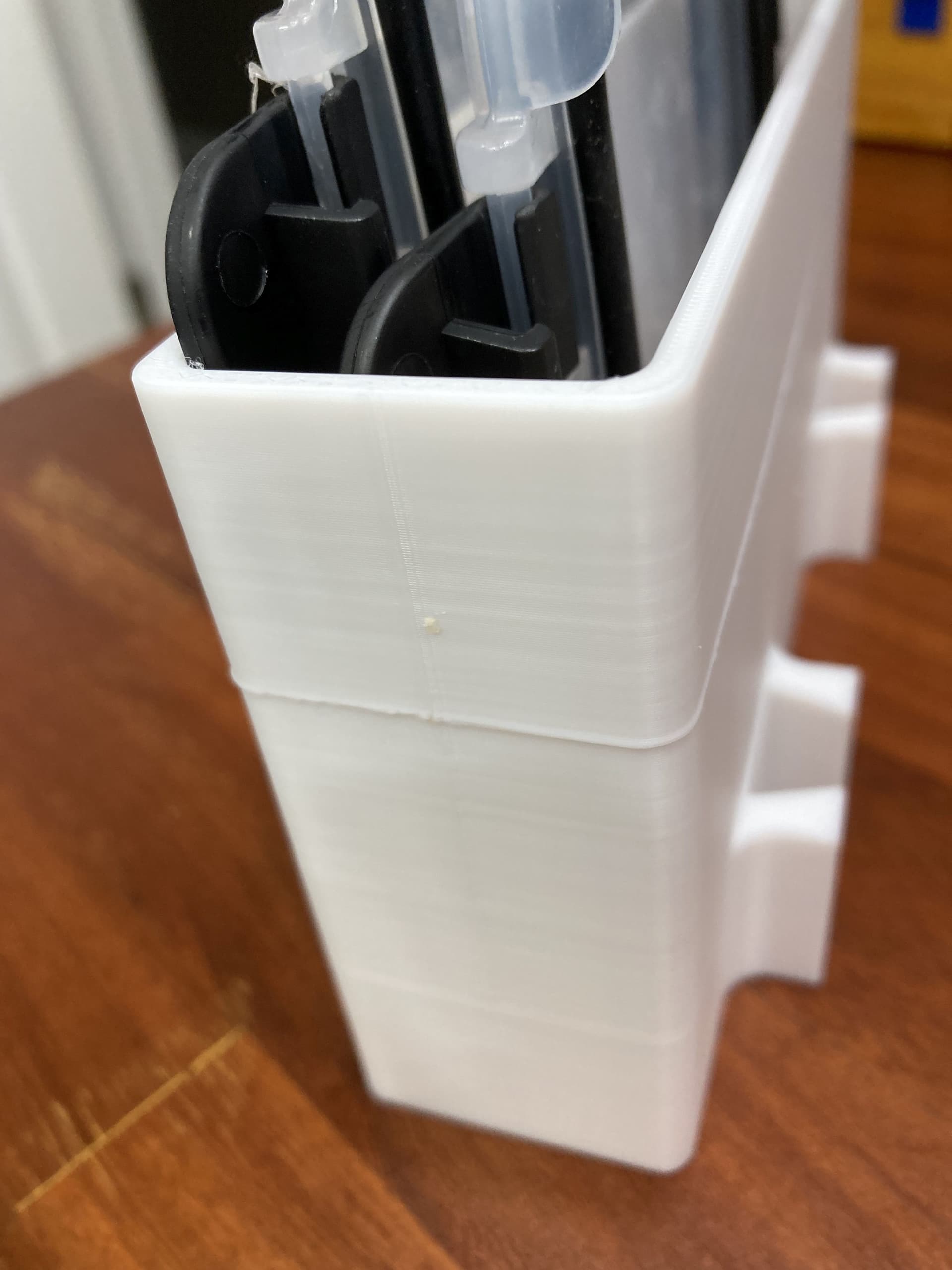
I printed this on my A1 Mini. I think I might know what happened, but I would love to know what you think. I’m talking about the line going around the piece. I appreciate your thoughts.
Is this model on the MakerWorld? If so, please help provide the model’s URL, then we can analysis this issue.
Thanks for reporting it.
I don’t think this is a Makerworld issue. I think it’s been posted incorrectly and once confirmed the post can be moved to the correct part of the forum.
Sorry. I’m new to the forum and I’m having difficulty in navigating to the right sections. This was a print I designed for my wife’s kitchen storage.
- Was the print paused (intended or not) at that layer? For example, if the filament is stuck(AMS?), the spool needs to be replaced, etc.
- External factors to the printer. Either affecting mechanical (e.g. movement, vibrations) or thermal (e.g. gust, draft).
- Design and slicing.
Okay, I think you nailed it with the stuck filament. The roll had stuck several times but I was able to de-snag it quick enough to continue. But then I went to bed. So the bad roll of filament is probably to blame. I was thinking the model shifted a bit on the bed, but the snag sounds more likely. Thanks