Hi everyone,
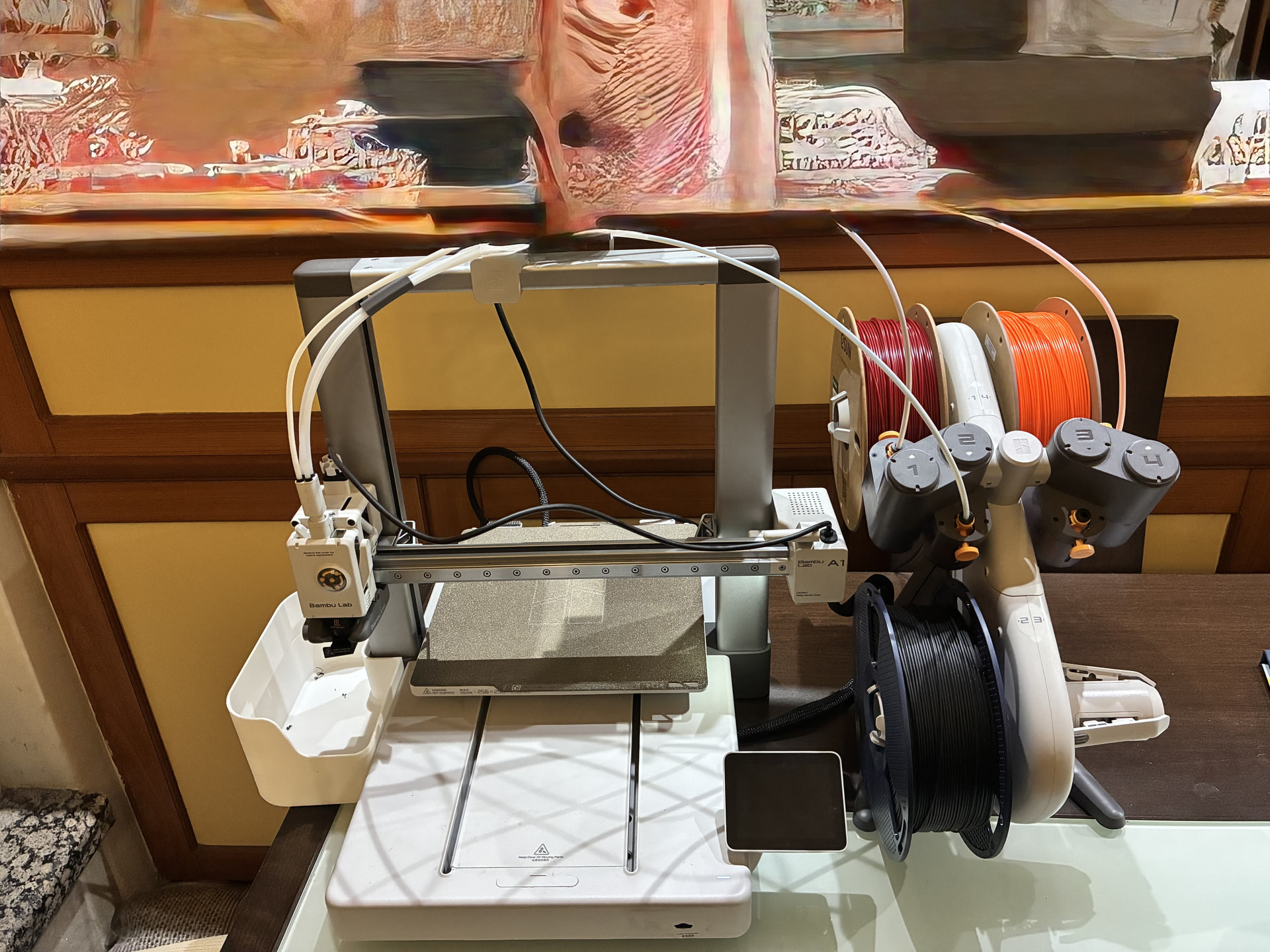
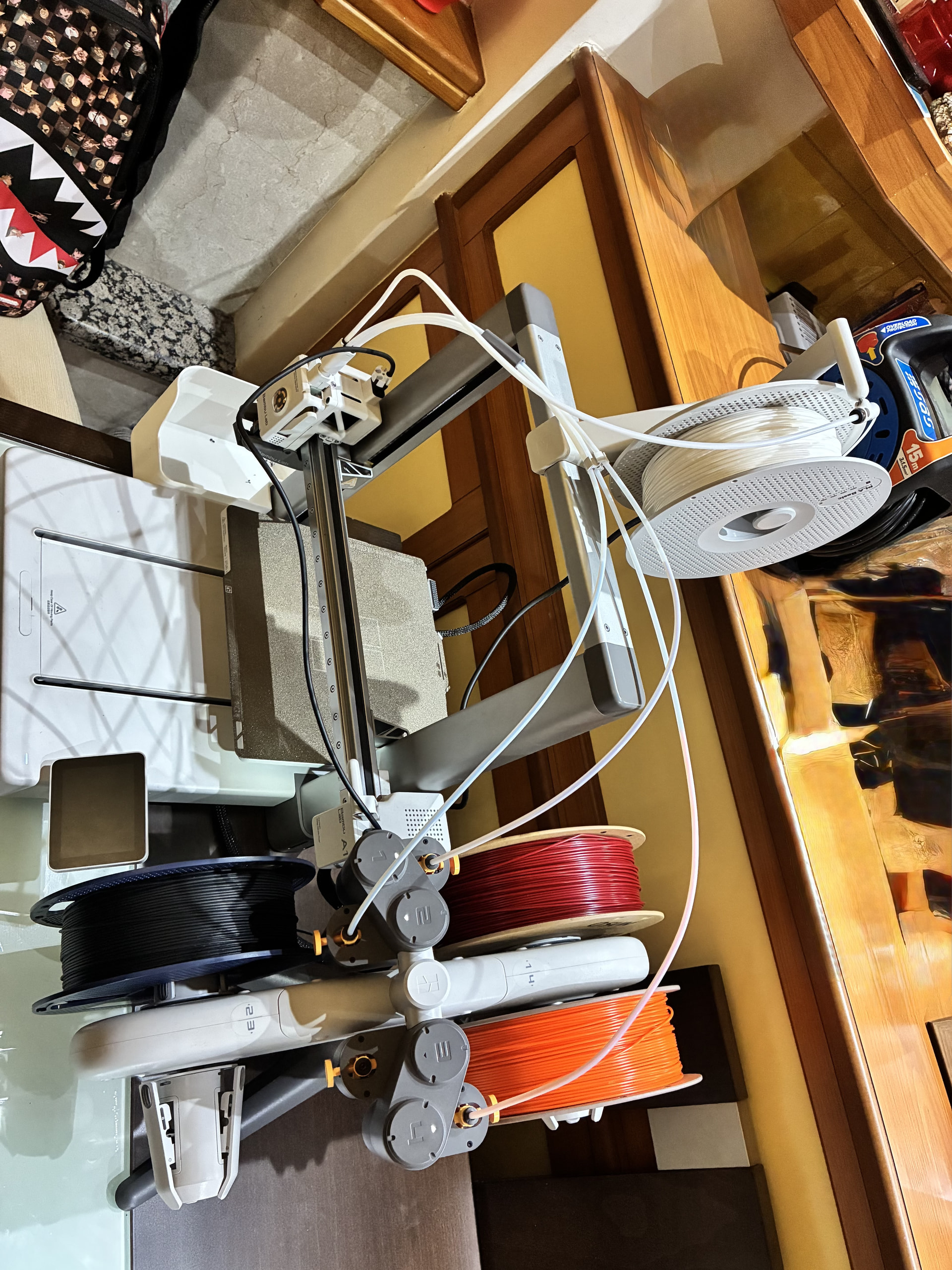
I have a Bambu Lab A1 with AMS Lite. When I first tried to use the AMS Lite, I loaded three spools of filament. It initially pulled the ends of the filament in by itself, as expected.
However, when I started a print, the AMS Lite retracted the filament instead of feeding it forward to the toolhead. I tried cleaning the toolhead and repeating the process, but the same thing happened. I also gently pushed the filament toward the toolhead by hand. The gear was turning, but no filament came out of the nozzle.
I took the printer to a technician. They told me it was working normally, and we successfully printed something there using the AMS Lite. After bringing it home, I followed the steps they showed me, but the same problem returned: the filament retracts instead of reaching the toolhead. If I feed it forward by hand, nothing comes out of the nozzle.
Has anyone experienced this? What should I check to find out why it works at the technician’s shop but not at home?