AMS 2 Pro detection error
Hi, I’ve had my 3D printer Bambu P2S and AMS 2 Pro for a while now, but now the AMS 2 Pro is not detected. I have connected my AMS 2 Pro, but the lights flash red/orange 2x repeatedly. On my P2S printer, my printer detects itself being connected to an external spool but not the AMS 2 Pro. This printer did work originally, I managed to print a test print. Some old filament got stuck in the PTFE tube, however I have cleared all the clogged filament out of the PTFE tube.
Any guidance or help would be appreciated,
thankyou.


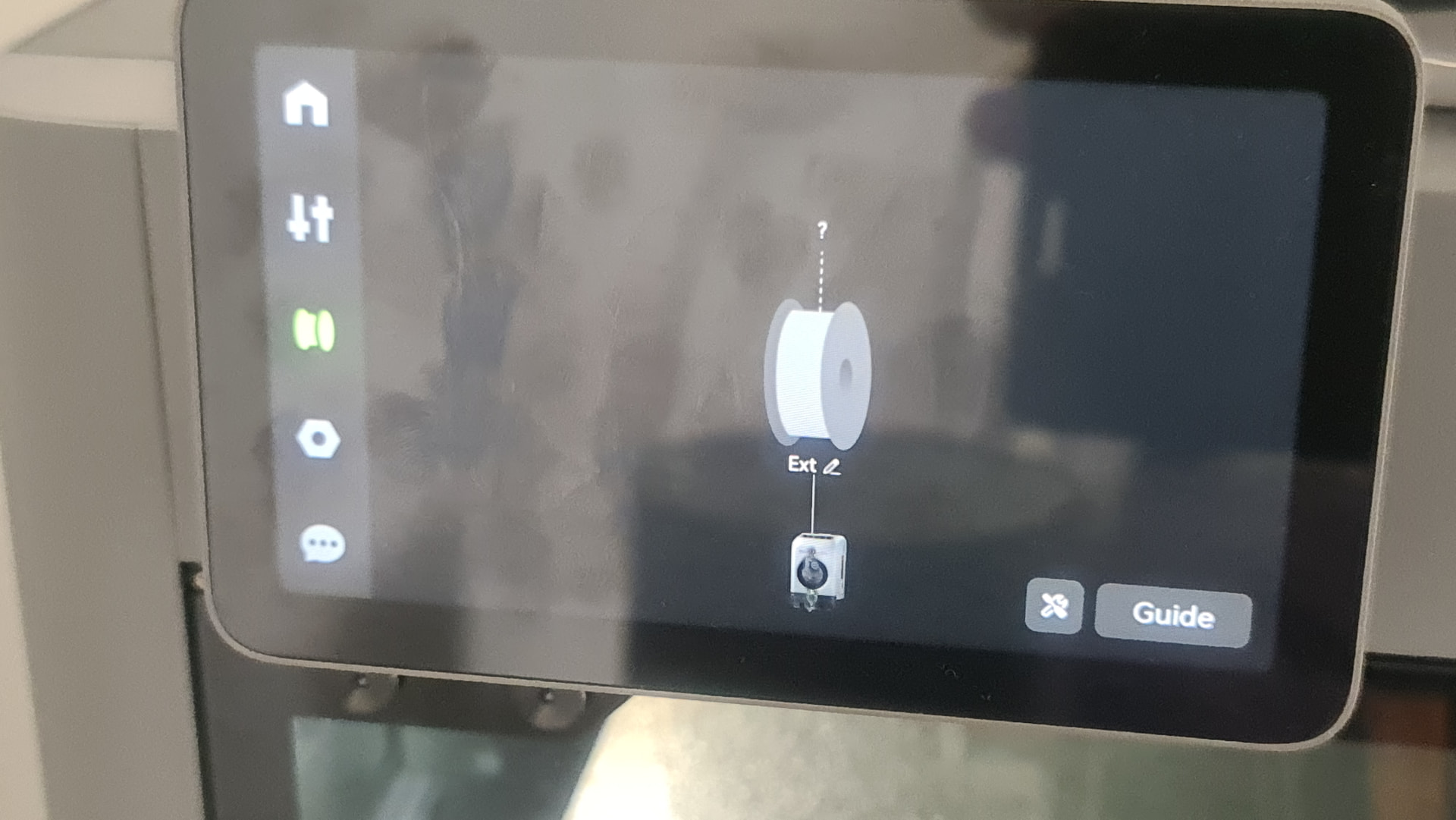
Error status, both the feeder unit and the hub unit detected filament, usually indicates feeding or unloading failure, need further analysis combined with the feeding/unloading process
Sounds like it still detects it. Read the wiki on clearing the filament is where I would start. There could be something still in there, or the sensor thinks it is.
EDIT: My bad, thats all four not just one. I’d go with support if you’re sure the cord is connected good on both ends. Could be a cable unhooked inside still if you did a tear down.
Okay thanks for the help and advice. So the main issue would still be the AMS right and not my printer (P2S). If I got a new AMS 2 Pro would this solve the issue? These orange lights are showing up immediately as soon as the AMS starts, I think a previous error state is still stuck on the AMS (The AMS detects a previous issue and still thinks the issue is there)
That I dont know, I would personally get support involved. The H2S connects the AMS to the buffer which is then connected with cables to another board, and so on and so on. It could simply be a loose connector inside the printer or AMS. Im sure the other printers work similarly.
Dis you solve this in the end? Same thing exactly happened to me the cable is fine
I had this issue just last week. For me it was a firmware issue more than likely. I updated studio to the beta version they released the other week and the network plugin in installed. I didnt like that it took away some stuff of mine and rolled back the update and the old network plugin installed again but probably conflicted with each other and caused the ams to disconect. I would suggest to update studio to the new release they put for the A2L and update handy as since then it hasnt disconnected.
Same issue, P2S with AMS 2 Pro, I was checking the device/Update tab on the PC and noticed that the Printer, AMS 2 Pro and Filament buffer where all showing, but once the AMS disconnected the filament buffet also disappeared, Bambu support is going to send me a replacement filament buffet to test, hopefully that works.