When asking for help, please provide as much information as possible about your inquiry.
Including pictures and detailed information about the printer model, print speeds, filament type and settings used will help get the appropriate solutions.
It is also recommended to include a .3mf file of the model you are trying to print. This ensures the suggestions received will be more accurate.
Writing this up because everything I found pointed at the hub sensor, and in my case it was something much simpler.
Setup: P2S with an AMS 2 Pro, third party filament.
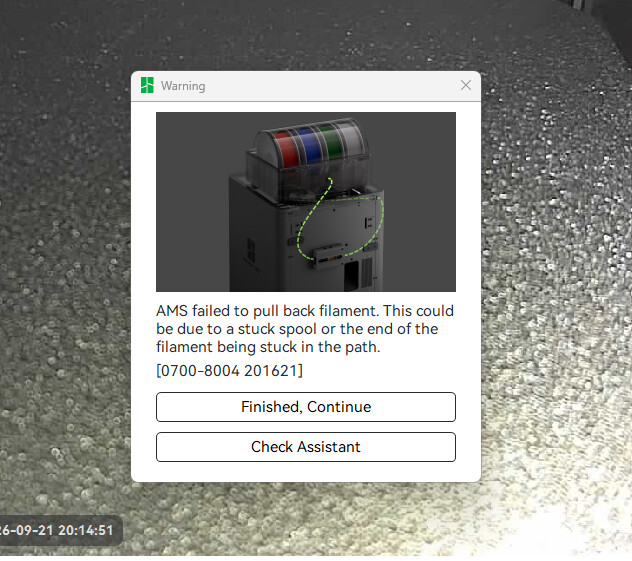
Symptom: slot 3 showed as loaded even though it was empty. It wouldn’t accept new filament, and after a while it started throwing 0700-8004 (failed to pull back filament).
What didn’t help:
Arrange, which only resets the AMS order, not the slot state.
Powering off and reconnecting the 6 pin cable.
Pushing filament through the slot by hand with the Release Button held.
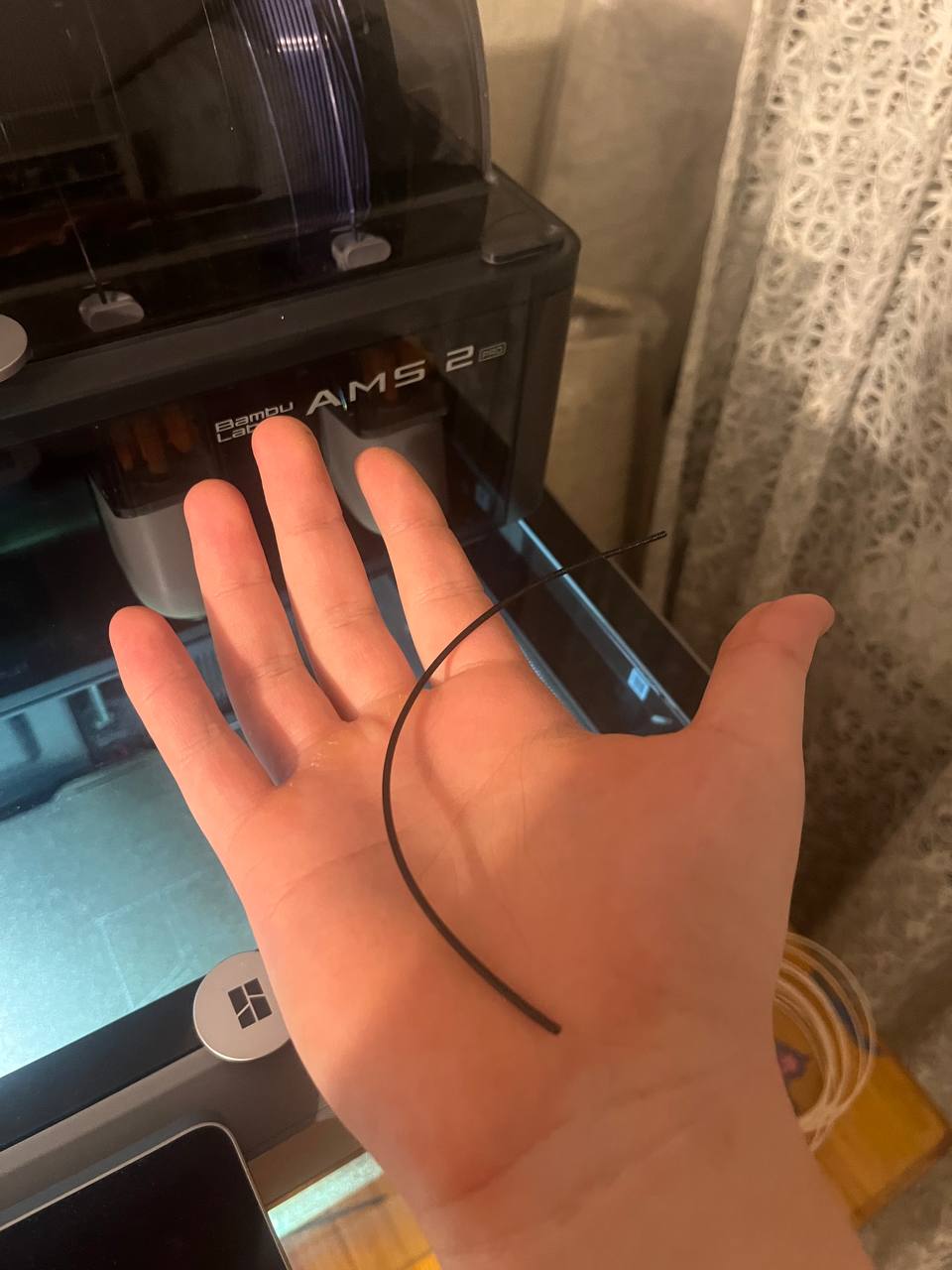
Cause: a small piece of filament stuck in the tube. The sensor kept detecting it, so the slot never registered as empty.
Fix: followed the official guide for this error and got the piece out:
Slot works normally again, no hub disassembly needed.
So if a slot is convinced it’s loaded, check the tubes for a broken off piece before opening the hub. Most of what I found online points straight at opening or replacing the hub, which is worth avoiding if the cause is just debris.
Has anyone else had this turn out to be debris rather than the hub sensor?