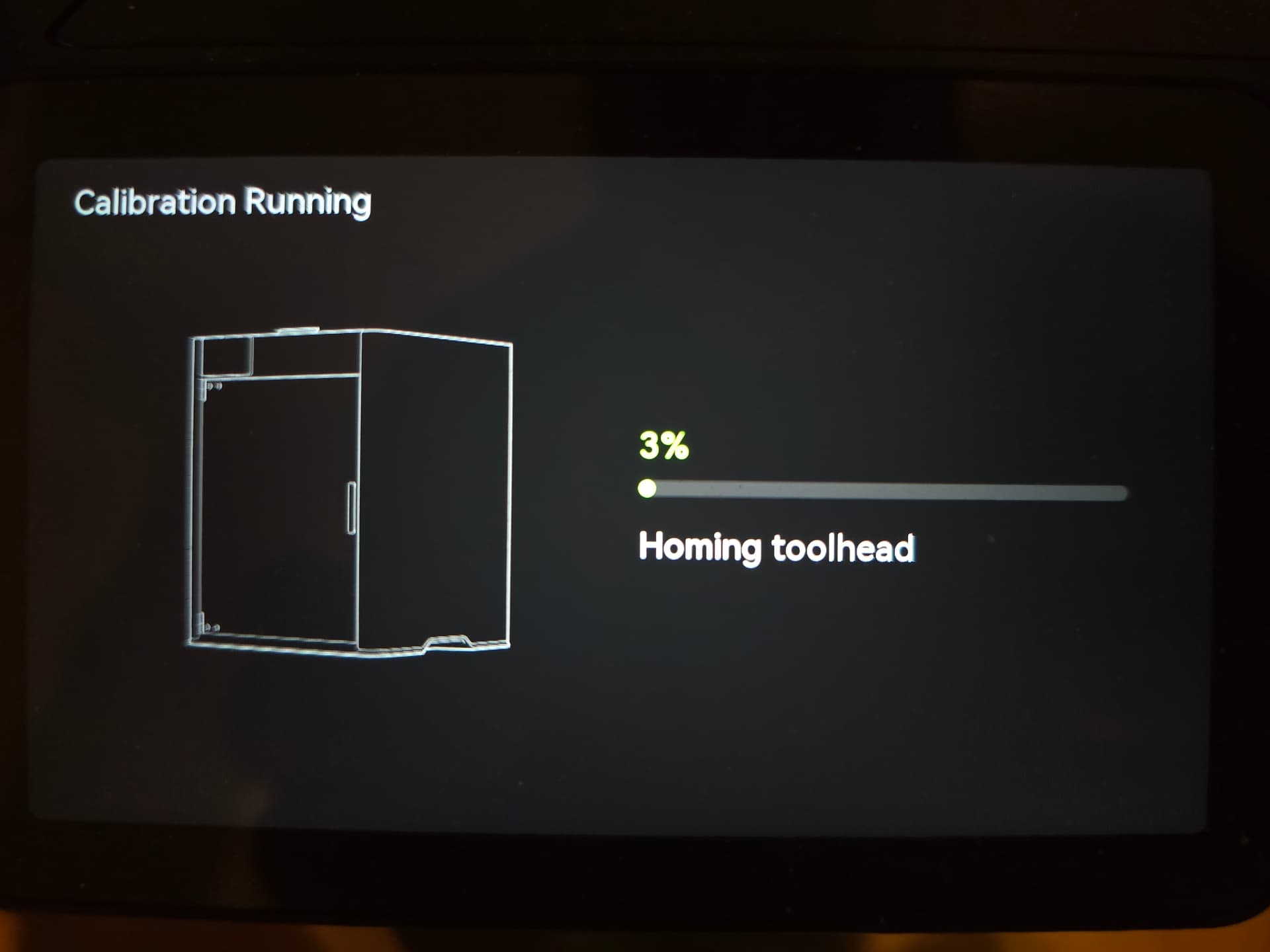
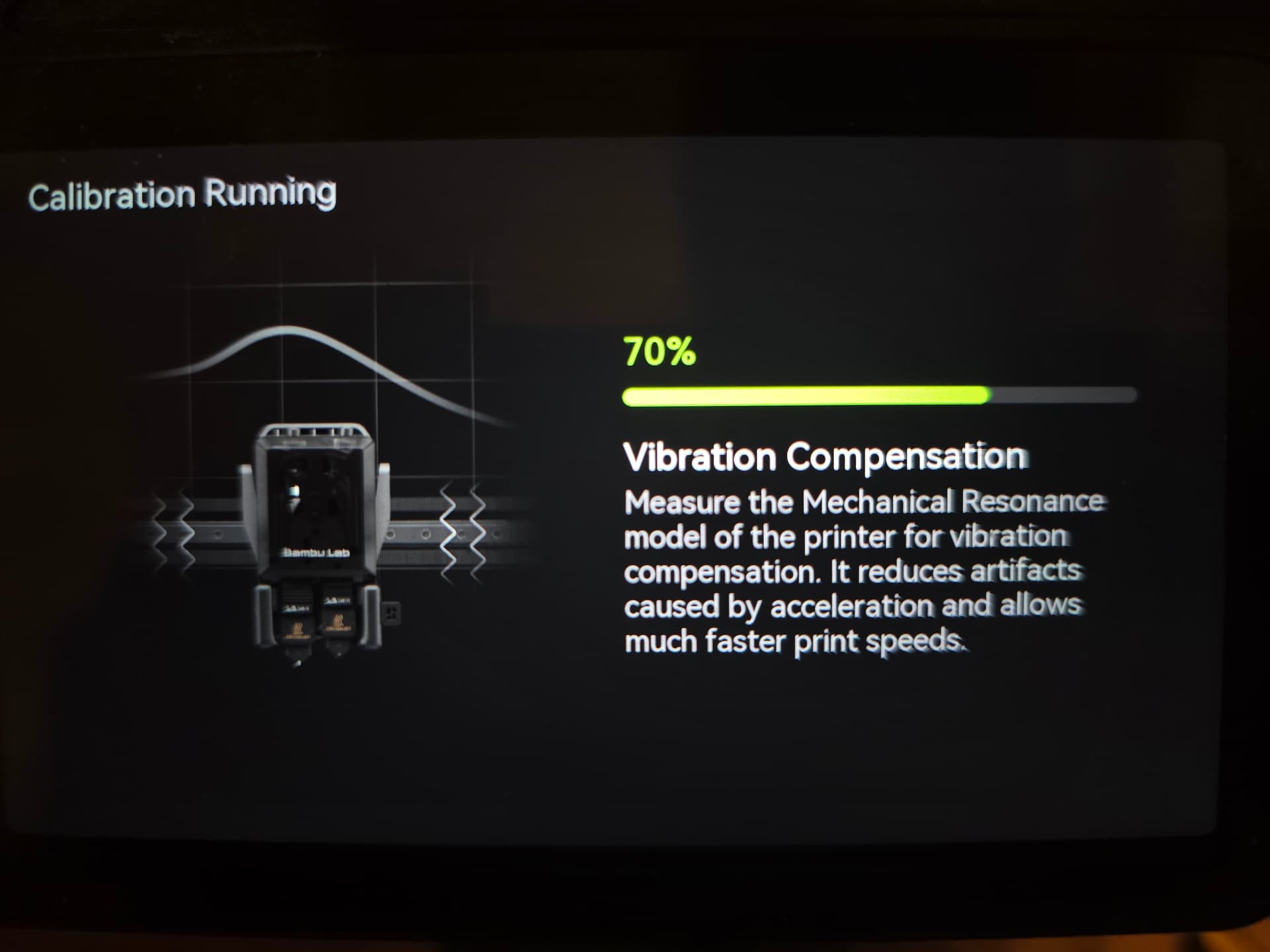
i am really going to start treating this printer like windows,
impossible to resolve any bug…just reinstall everything fix it.
i can’t believe this is the go to method on a 2000+ euros printer, why…just why out of curiosity ? what is the purpose to have a assistant within the program to resolve issue…if it just CAN’T ??
also why give an error code that doesn’t give you a page on the wiki, well my bad, it does get thousands of pages…but none that are useful to resolve an issue
Filament poop piece on the bed or on rails/bearings limiting the plate movement - inspect the bed for loose filament.
Improperly clipped/loose hot end - remove and reseat.
Its a good idea to watch it while it does it and usually you can see why its failing. Doing a factory reset or calibration is usually useless in any of these scenarios.
Honestly one would expect the nozzle wiper/cleaning process to well… maintain the required nozzle cleanliness for the startup procedure, like both the p1-x1 have been doing . But apparently this one is not so “smart” .
In reality, neither the P1 nor the X1 series are smart enough to consistently report the correct root cause of an issue. Instead, they often report symptoms, which can be misleading and confusing for users trying to diagnose the problem. For example, the X1 series may display an error related to bed heating when the actual cause is a dirty nozzle. This approach does not help users accurately understand what’s going wrong.
So what was causing this ultimately? And what was the fix? My H2D just started doing this and it’s not due to any of the 4 reasons that maxim3D posted. It has now ruined 2 build plates as it scrapes across them, but after failing to auto level it clears the message when you click to find out more information.
I truly have no idea what has caused this to start happening, but am deeply appreciative of any troubleshooting insights that you all might have more me to try. Thank you in advance for your help.
im having this problem now with my H2D. Everything is clean even attempted to manual leveling with no luck. It was printing fine, then BOOM error . I sent in a ticket; time to wait