First of all, I’m a 3D printing newbie but have already printed dozens of models that I was happy with. The printer seems to be performing great, though I have nothing to compare against.
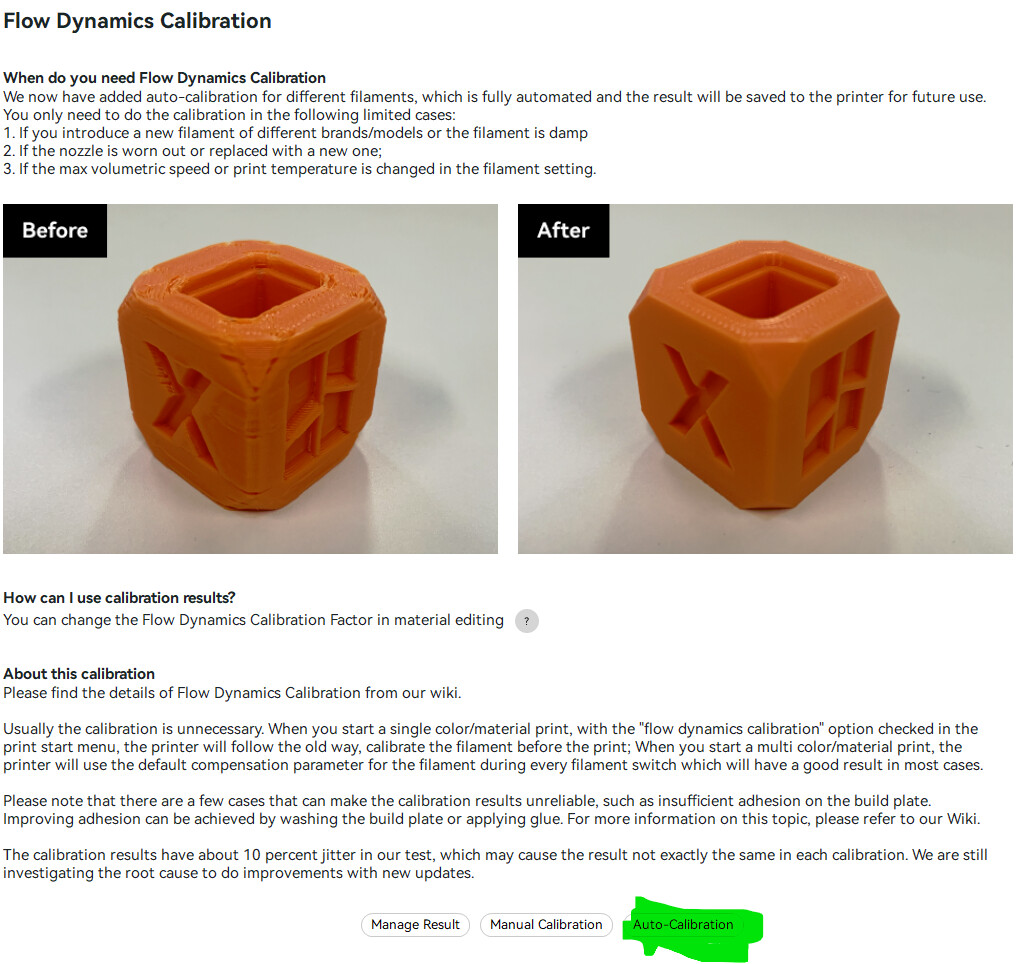
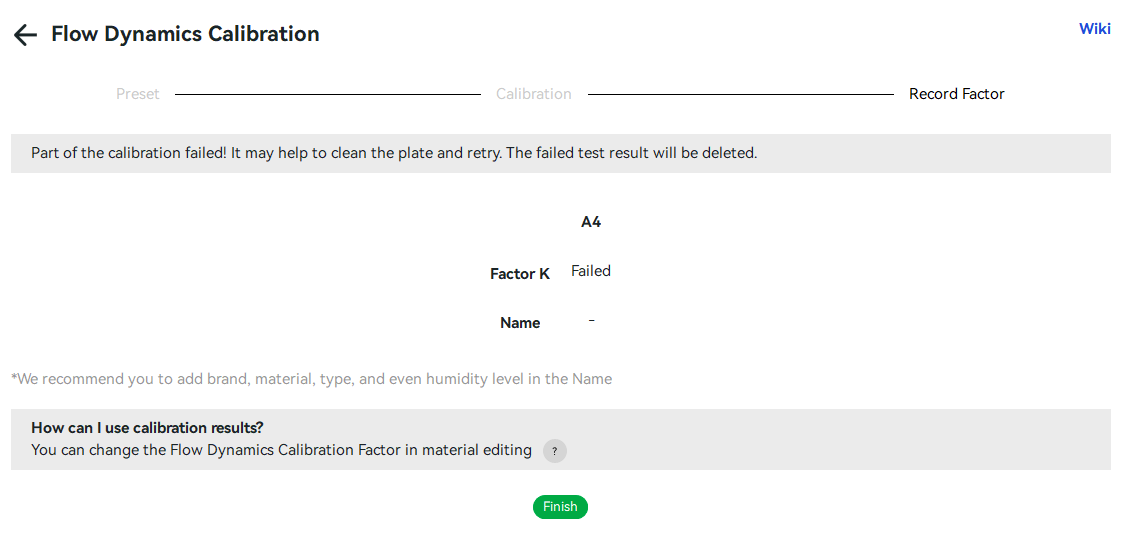
I was playing around in Bambu Studio (v2.4.0.70) and discovered the Flow Dynamics Calibration for my P2S (v 01.01.01.00). I played around with the manual calibration at first, which worked fine, and then tried the Auto-Calibration. I tried several times on some Elegoo Rapid PETG but it failed every time. The printer would do a bunch of seemingly useless movements and would finally print the calibration line at the front of the plate and then a single line in the middle of the build plate. It would then return to the poop chute and the print would end successfully - according to the printer at least. It’s my understanding the P2S uses a hall effect sensor, not LiDAR. I’m wondering if this feature is just broken, isn’t working for some reason with the filament I tested, or maybe my hall effect sensor is broken. Has anyone else tried it?
I will definitely try this again with some Bambu PETG filament and some PLA.