Hi XWU, I’m having the same issue, did anyone from Bambu ever get back to you with a fix? Thanks!

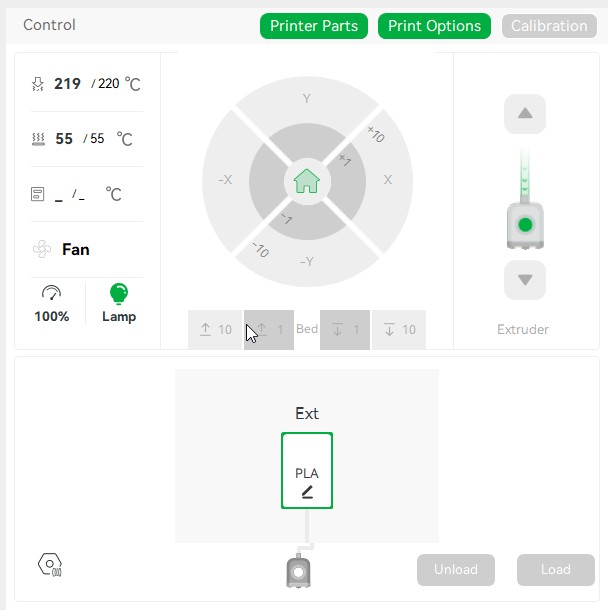
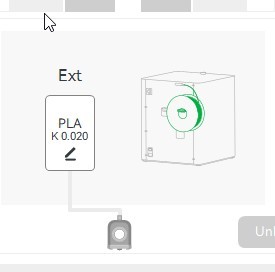
Yesterday afternoon’s update finally proved that people who frequent the forum don’t print daily. Months ago, there was the issue of the model needing a “kiss” to the model before purging on the tower. Now there are problems with filaments and the brand-new “Filament Manager” (released yesterday) that isn’t updating. I can’t believe I’m the only one having this issue; I just can’t believe it.
Problem: Bambu Studio hangs on first open, and when moving back to the Prepare/Preview page. I see CPU spike on the Bambu Studio process, hitting 6-70% and lasting for a minute or two, then it seems to pick up and work fine, until I print a plate and go back to Prepare or Preview, then it hangs again.
Studio Version: 2.7.1.57
Platform: MacOS
Steps to reproduce:
- Open Bambu Studio
- Notice the Delay and CPU spike
Log file: uploaded log file: I tried to do this, but I can’t upload a zip file?
Other information: M4 MacMini - Mac OS 26.6
Problem: Bambu Studio does not show most of the filaments when trying to select a filament for a print. The filaments are selected under the settings menu but only 8 Bambu filaments are available to select.
Studio Version: 2.7.1.57
Platform: Win 10
I once again reverted back to version 2.5.0.66
I’m having the same issue. It is REALLY annoying. And last night I had Bambu Studio crash HARD when moving some items on a plate. I’ve never had that app crash on me before. Thinking seriously about going back to 2.6 until these issues are fixed.
I have a lot of problems in Mac Mini M4. Lot of delay and crashs. Lets wait for someone take a look at this and new update for this problems.
Filament tracker is still a blank page.
Opened this as a bug in GitHub, still not working in released version.
Cleaned cache, deleted, reinstalled still a blank page, still a problem.
Mac OS 26.5.1
Mac Studio M2 Max
64BG Ram
Hello.
If filament dryer in AMS is running during update of Bambu Studio, new version would show incorrect status of AMS on first run. You need to select a filament type to get an actual status.
Not a big deal, but still a bug.
Thanks.
Problem: Color painting tool
Studio Version: 2.7.1.57
Platform: Windows 11 Pro
Steps to reproduce:
-
Open Bambu Studio
-
Open a model or add a primitive such a cube
-
Select the color painting tool then “Fill“ and “edge detection“
-
The smart fill angle is 0.
-
Se the smart fill angle and paint an area
-
Close the tool
-
Reopening the tool the setting of the smart fill angle is lost and, it shows again 0
Moreover, the “connected same color” seems not to work.
Thanks,
Fabio
I run a production business printing TPU exclusively on multiple P1S machines, printing the same filament type multiple times daily. The cold pull prompt that appears before every TPU print is disruptive to my workflow. I would like to request a “Don’t show again” option or a way to disable this warning for users who print TPU regularly. A one-time acknowledgment option would be sufficient. Thank you.
What on earth did you do with version 2.7.1.57? In the past two years, I haven’t had as many crashes on Windows as I have with this version. On Mac, it doesn’t even open properly anymore and crashes immediately.
same here, same issue’s, though when I wait a few minutes, I’m able to move between the tabs until then not.
Im on Mac OS. Same problems, same errors…
My nozzle offset calibration keeps reverting to “off” on every print, it should be kept at Auto as per before.
The hints and tips box keeps popping up when slicing despite me hiding it.
Previous version never used to do this.
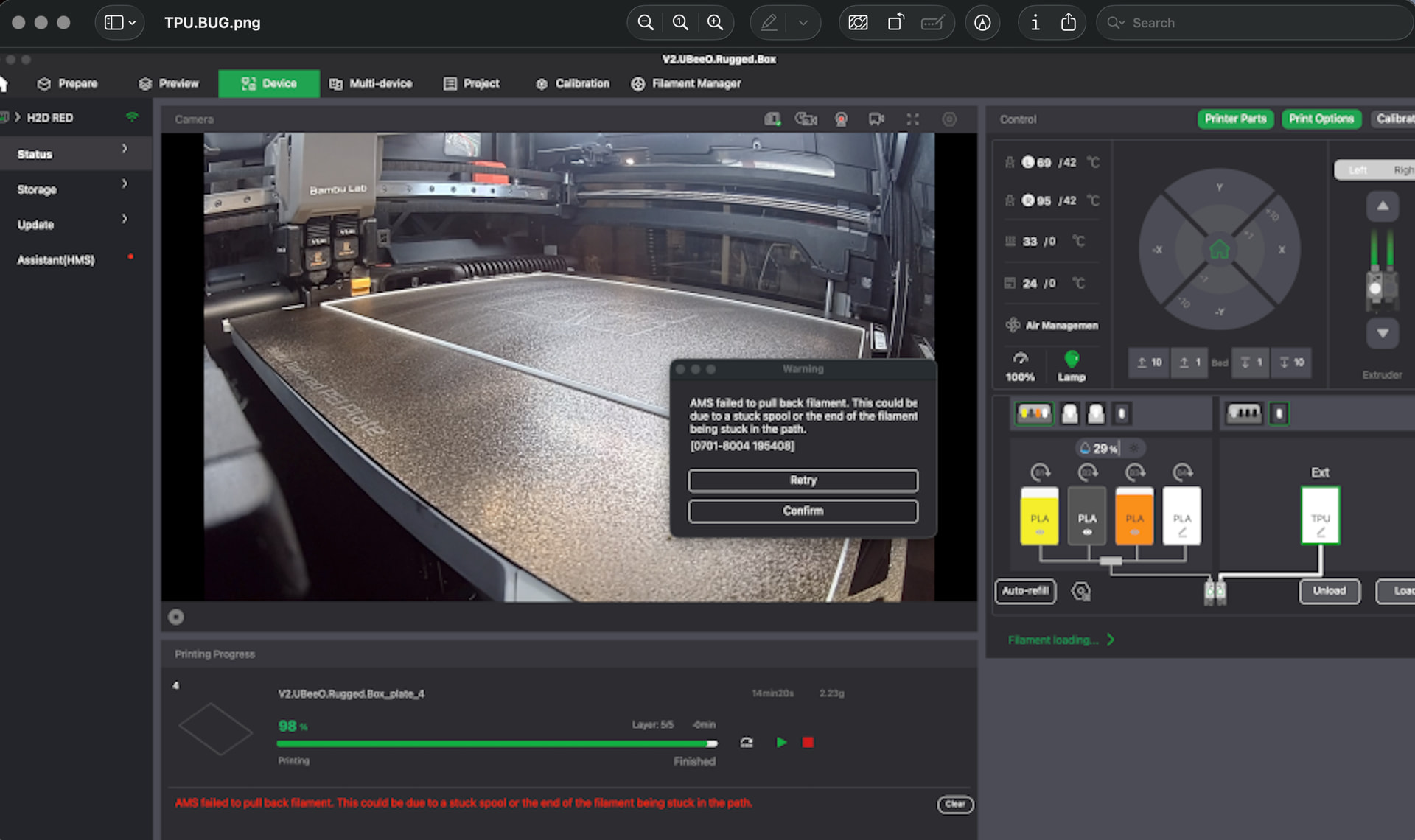
Anyone else having a strange error when printing TPU, at the end of the print job?
It’s happening at the end of the job, every time in a reproducible way.
Bambu studio reports and error “Ams failed to pull back filament” after printing from an external TPU 95 source…which is just fed in, not in the AMS at all.
Yes, same here. The current version is very slow. It needs more than 1 minute before the app responds to any input of me. Sometimes it just crashes.
I’ve the same problem whit new version on Mac M1 … The current version is very slow. It needs more than 1 minute before the app responds to any input of me. And always it just crashes. NEDD A UPLOAD WHIT FIXED BUG!!!
With the new hotfix patch for MacOS I finally see the tracker. Renders incorrectly when you first open, but fixes after about 10s. 