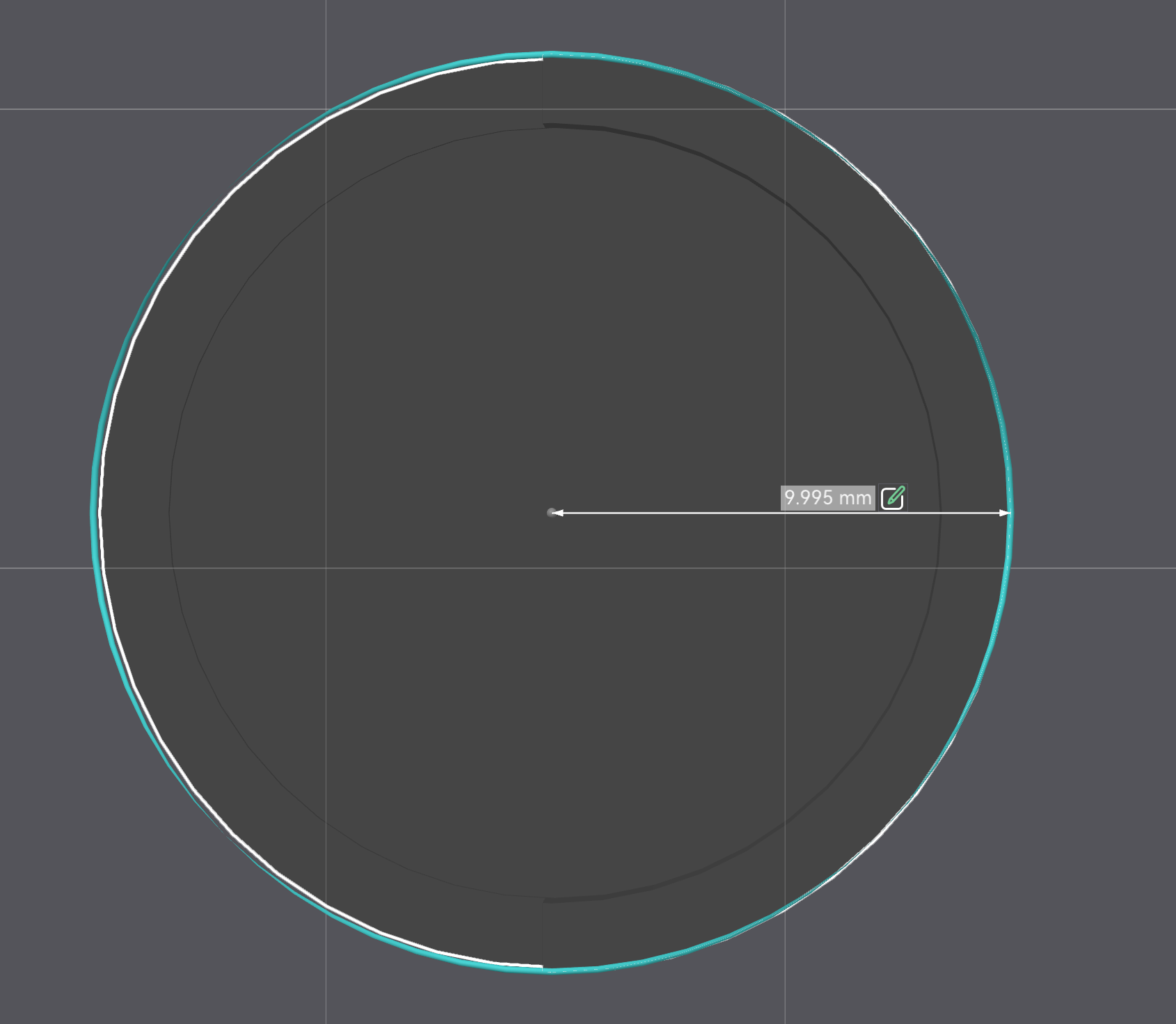
I’ve loaded a part I designed in Tinkercad. This item is 20mm across. When I load it into Bambu Studio, it shows exactly that, 20mm diameter. Then it prints out with a diameter of 25mm. I’ve tried re-saving the stl and reloading into a fresh instance of studio 3 times. It’s always wrong. Any ideas what’s going on? I have the correct printer selected (P2S).
I just tried another object with a 55mm diameter. It came out 60mm. Bambu Studio is adding 5mm to my prints and I can’t figure out why.
The system doesn’t seem to allow it “Sorry, the file you are trying to upload is not authorized (authorized extensions: jpg, jpeg, png, gif, heic, heif, webp, avif, 3mf).”
How are you measuring the print? If you using a caliper, double check that it is zero’d correctly as this has been the root cause for several others that had “part too big” issues.
The caliper is zeroed properly. The item is sized to fit into an object that is 17mm in diameter. The part that prints improperly is designed to slip over it. The problem is that when I print this part, it’s clearly too large. That’s the rubber meeting the road - the part is too big, fo’ sho’
However, I think I know what you mean - that stuff around your print when you press slice? This is the automatic “brim” feature, which is used when you want to print objects that would otherwise easily tip over.
The model and settings seem ok in your .3mf, no big red flags.
Do you have a pic of the print result, ideally with a real-world scale next to it? If you cant post it here, send it to imgur etc and link here. Maybe we can notice something else. Any other well-known tests show up as wierd too? Like if you send a benchy, does it end up bigger, and is it only skewed in x, y, x+y, z, x+y+z, etc…
OK all, Jon was correct. I hereby admit I’m a dufus. The caliper was not zeroed out. It had a 5mm offset. THATS a mistake I will never make again. THANK YOU ALL for your help!!!
You will definitely make that mistake again, but you might discover it sooner.
I became tired of making that mistake and bought calipers that don’t require constant zeroing. They cost more, but the savings in time and material made the expense worthwhile.
Bonus: the 2032 battery lasts much longer. Unlike my old calipers, the OFF button actually stops battery drain. And even though I have accidentally left them ON for weeks at a time, I am still using the original battery after three years.